Nixwood Grid for Elementor
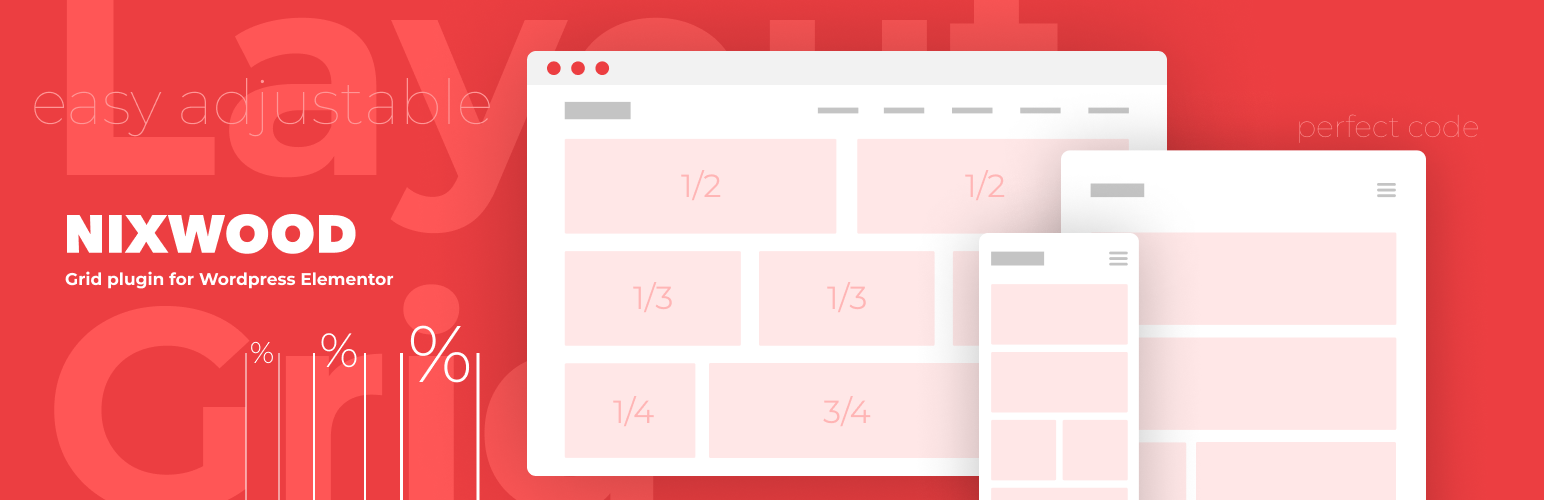
Nixwood Grid for Elementor
Description
Nixwood Grid for Elementor allows you to improve page structure designing experience through the fancy Grid, built with Nixwood inside Elementor default \”Sections\” or \”Inner Sections\” widget.
A grid will have 3% margin between all columns so that margins will be the same for all websites. You don’t need to adjust margins between columns anymore, it doesn’t matter if it’s 2,3,4, or 5 columns – margins will be the same.
Installation
Upload plugin archive, unzip it and run installation.
Installing from repository – click \”Install\”, wait until installation is completed and press \”Activate\” button next to plugin name.
Inside ‘Section’ or ‘Inner Section’ in Layout tab – you will see checkbox in the bottom ‘Space between columns’, check it, choose number of columns and that’s it. If you want to use Different layout structure – check ‘Bootstrap’ and choose structure that you want.
Screenshots

Basic usage

Different layout structure

Columns margins intersect
Faq
Is it removing Elementor capabilities related to sections and columns?
– No. Nixwood Grid functionality lays alongside the default Elementor page structure settings.
Reviews
Отличный плагин
By 
Changelog
Current version is 1.0