nnax Admin

nnax Admin
Description
nnax Admin provides core settings for structured WordPress admin controls.
The plugin provides a robust and fully functional set of core features. Additional advanced functionality is delivered exclusively through a separately distributed add-on and is injected into the interface via standard action and filter hooks. No premium-specific code or logic is bundled with this plugin.
Free features:
* role- and user-scoped menu visibility controls and drag-and-drop menu ordering
* role- and user-scoped dashboard widget visibility controls
* WordPress and WooCommerce email branding with preview and test email
* role-based simplified user profile page with profile redirect
* localized admin UI using the nnax-admin text domain and ready for community translations
Premium features are available only through the separate nnax-admin-premium add-on, for example:
* global admin design, toolbar, footer, and update management
* extended dashboard widgets and dashboard redirects
* export/import and advanced menu/toolbar controls
* business profiles and advanced access control
* white-label / agency mode and audit / rollback
Requirements
- WordPress 5.0 or higher
- PHP 7.4 or higher
Uninstallation
When the plugin is deleted, it removes:
* {$wpdb->prefix}nnaxadmin_links
* {$wpdb->prefix}nnaxadmin_settings
* all WordPress options with prefix nnaxadmin_ (single site and multisite)
Installation
- Upload the
nnax-adminfolder to/wp-content/plugins/. - Activate the plugin through the WordPress Plugins screen.
- Open the
nnax Adminmenu and configure the settings. - Additional functionality is available through a separately distributed add-on that is not included in this plugin.
Screenshots
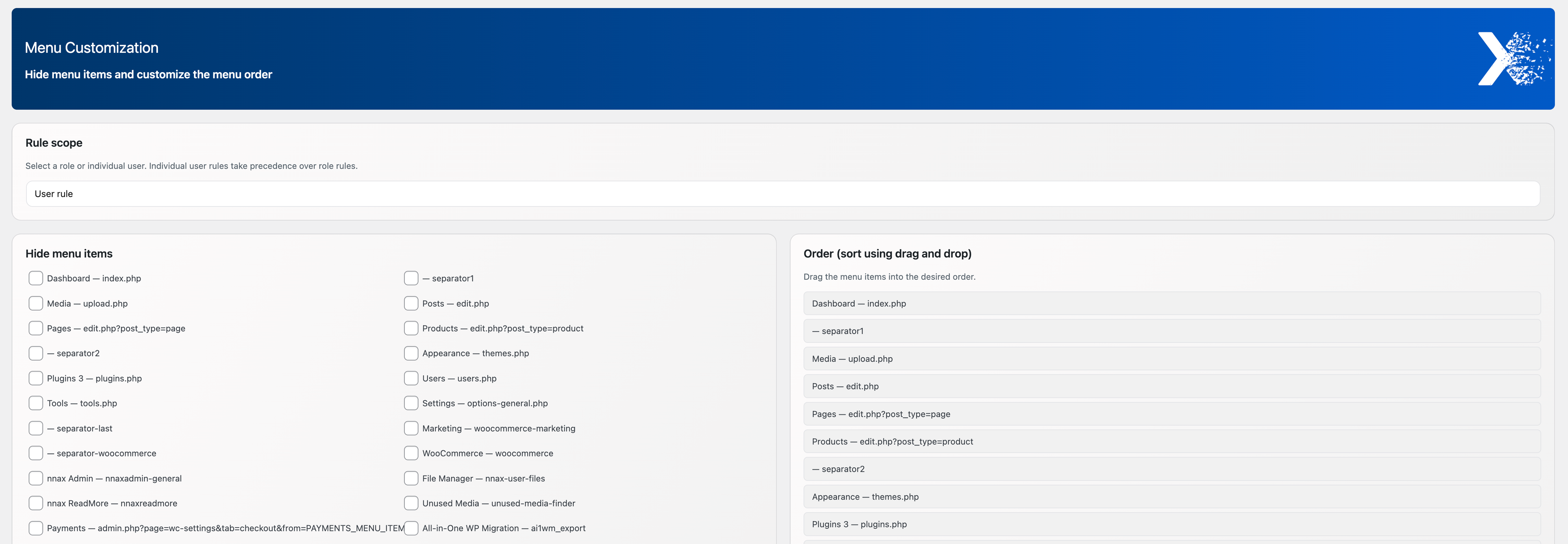
Menu customization: Hide selected WordPress admin menu items and rearrange the complete menu order using drag and drop for roles or individual users.
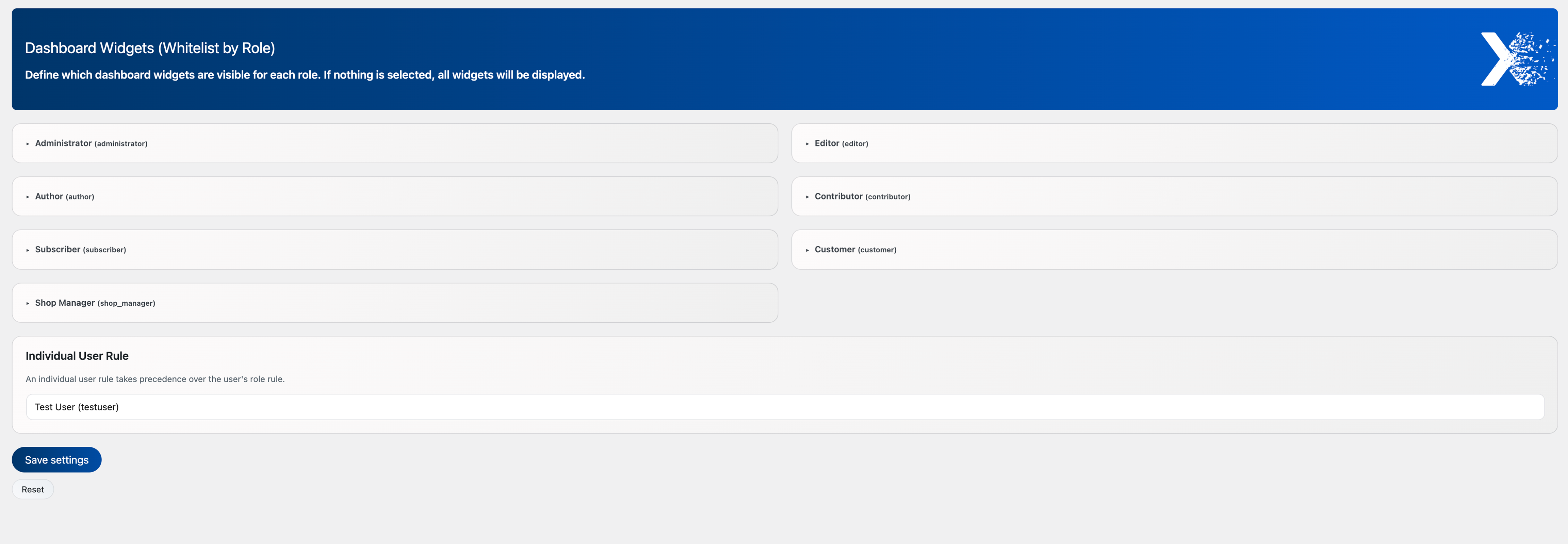
Dashboard widgets: Define which dashboard widgets are visible for each WordPress user role, with optional overrides for individual users.

Email branding: Customize outgoing WordPress emails with a branded HTML template, sender details, adjustable logo, footer content, test emails, and a live preview.
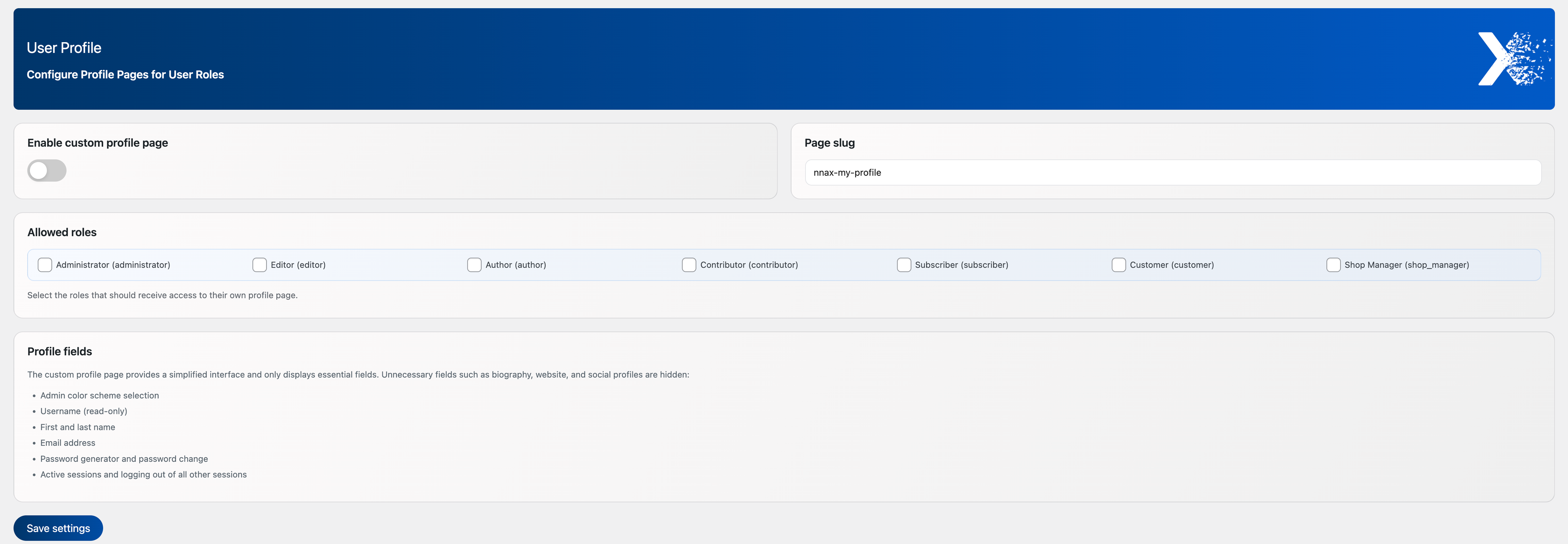
User profile: Create a simplified custom profile page, define its URL slug, and select which WordPress user roles can access it.
Faq
It provides a central settings area for customizing the WordPress admin area. The plugin covers the base customization layer, which can be extended dynamically via hooks when an add-on is active.
Yes. The plugin stores configuration in WordPress options and uses dedicated database tables for plugin-managed links and internal settings data.
Deleting the plugin removes all plugin-specific options and the dedicated database tables listed in the Uninstallation section.
Yes. The plugin is fully internationalized using the nnax-admin text domain and is ready for community translations through translate.wordpress.org.
Reviews
Changelog
1.0.2
- Added support for premium template aliases (
logo,toolbar,updates) in template render handling. - Improved translation strings and settings page compatibility.
1.0.1
- Improved callback compatibility for settings pages provided by separately distributed add-ons.
- Improved compatibility between the free host plugin and extension-provided settings pages.
1.0.0
- Added role- and user-scoped menu visibility and ordering.
- Added role- and user-scoped dashboard widget visibility.
- Added WordPress and WooCommerce email branding with preview and test email.
- Added the simplified user profile page and Premium compatibility hooks.
- Added the shared rule resolver and non-destructive options schema migration.