nnax ReadMore
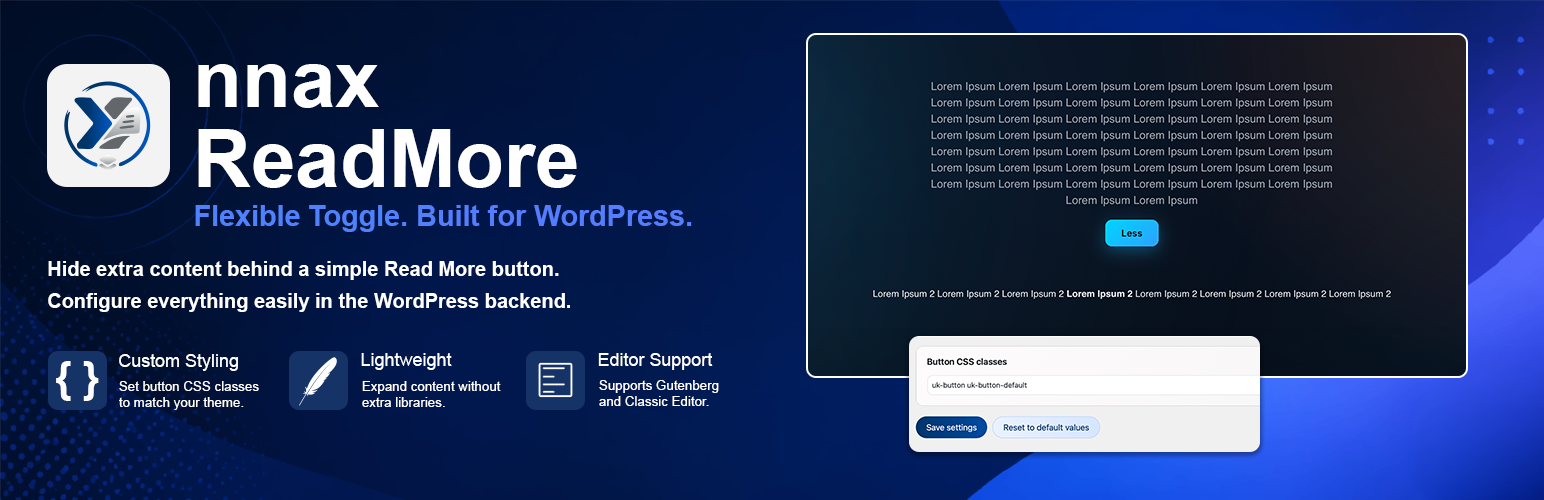
nnax ReadMore
Description
nnax ReadMore helps editors keep posts and pages compact while still making additional content available on demand.
Use the shortcode [nnax_readmore]...[/nnax_readmore] to hide longer sections behind a toggle button. Visitors can expand and collapse the content without requiring a bundled frontend framework.
Main features
- Namespaced shortcode
[nnax_readmore]for expandable content blocks - Dedicated ReadMore block for Gutenberg and a button above the editor in the Classic Editor
- Toggle button text between “Mehr anzeigen” and “Weniger anzeigen”
- Configurable button CSS classes in plugin settings
- Role-based visibility and editing permissions for the plugin admin area
- Toggle behavior works without any bundled frontend library
- Clean uninstall behavior for plugin options
Requirements
- WordPress 6.0 or higher
- PHP 7.4 or higher
Usage
Use this shortcode in content:
[nnax_readmore]Your hidden content[/nnax_readmore]
In Gutenberg, a dedicated ReadMore block is available in the block inserter. In the Classic Editor, the button is available above the editor. In both cases, a dialog opens for entering the hidden content.
Uninstallation
When the plugin is deleted, uninstall.php removes the options nnaxreadmore_button_classes, nnaxreadmore_general_settings, and nnaxreadmore_role_access.
In multisite, cleanup runs per site and also removes a possible network option.
Known Limitations
- The plugin focuses on the shortcode toggle behavior only.
- Runtime compatibility with the minimum supported WordPress version, multisite setups, and broader theme sets must be validated in the target project environment.
Installation
- Upload the plugin folder
nnax-readmoreto/wp-content/plugins/. - Activate the plugin through the
Pluginsscreen in WordPress. - Open the
nnax ReadMoremenu and configure button classes if needed.
Screenshots

Display settings: Customize the CSS classes used for the ReadMore button.

Guide page: View quick usage instructions and copy the shortcode example instantly.

Role settings: Control which user roles can access the plugin settings.

Frontend view: Visitors can expand and collapse hidden content with one click.
Faq
No. The plugin works independently and does not require UIkit from the theme.
No personal profile data is stored by default. The plugin stores technical settings options for button classes and role-based access configuration.
Reviews
Changelog
1.0.2
- Added standard block.json configuration for full WordPress 7.0 iframe-editor compatibility.
- Replaced deprecated jQuery Thickbox modal in Classic Editor with high-performance native HTML5 API.
- Enforced precise select font sizing (12px) to override WordPress Core layout adjustments.
- Raised minimum required WordPress version to 6.0 and validated tested support up to 7.0.
1.0.0
- Initial release.
- ReadMore shortcode and toggle behavior.
- Dedicated Gutenberg ReadMore block and Classic Editor insert button.
- Toggle integration and settings page.
- Uninstall cleanup for plugin options.