NNFP – Passwordless Email OTP Login

NNFP – Passwordless Email OTP Login
Description
No Need For Password – WordPress OTP Login Plugin
No Need For Password is a WordPress authentication plugin that enables users to log in and register using a one-time password (OTP) sent to their email address. Traditional passwords are not required.
The plugin is developed by Ramesh Kumar , a web developer and technical lead with over a decade of experience building WordPress plugins, custom systems, and scalable web solutions. His background includes hands-on development and leading engineering teams on complex projects.
This plugin is designed for WordPress websites that prioritize usability, simplified authentication flows, and reduced dependency on password-based systems—often required in modern custom website development projects.
Perfect for:
– Blogs
– Membership sites
– WooCommerce stores
– SaaS-style WordPress websites
No external services. No third-party APIs. Everything runs inside WordPress.
🔐 Key Features
Here are list of features that you enjoy by getting hands on password-free authentication plugin:
- Passwordless login via email OTP
- Automatic user registration for new emails
- Secure OTP with expiry time
- Login popup with clean UI
- Logout link for logged-in users
- Gutenberg & Full Site Editing (FSE) compatible
- Works with block themes like Twenty Twenty-Three
- ACF support for user registration fields
- AJAX-based (no page reloads)
- Lightweight & fast
- Developer-friendly and extensible
- Compatible with modern block themes
These OTP-based WordPress login plugin features are great choice for modern websites.
🚀 How It Works
Below are 5 easy step to working process of secure email OTP login for WordPress plugin
- User clicks Login
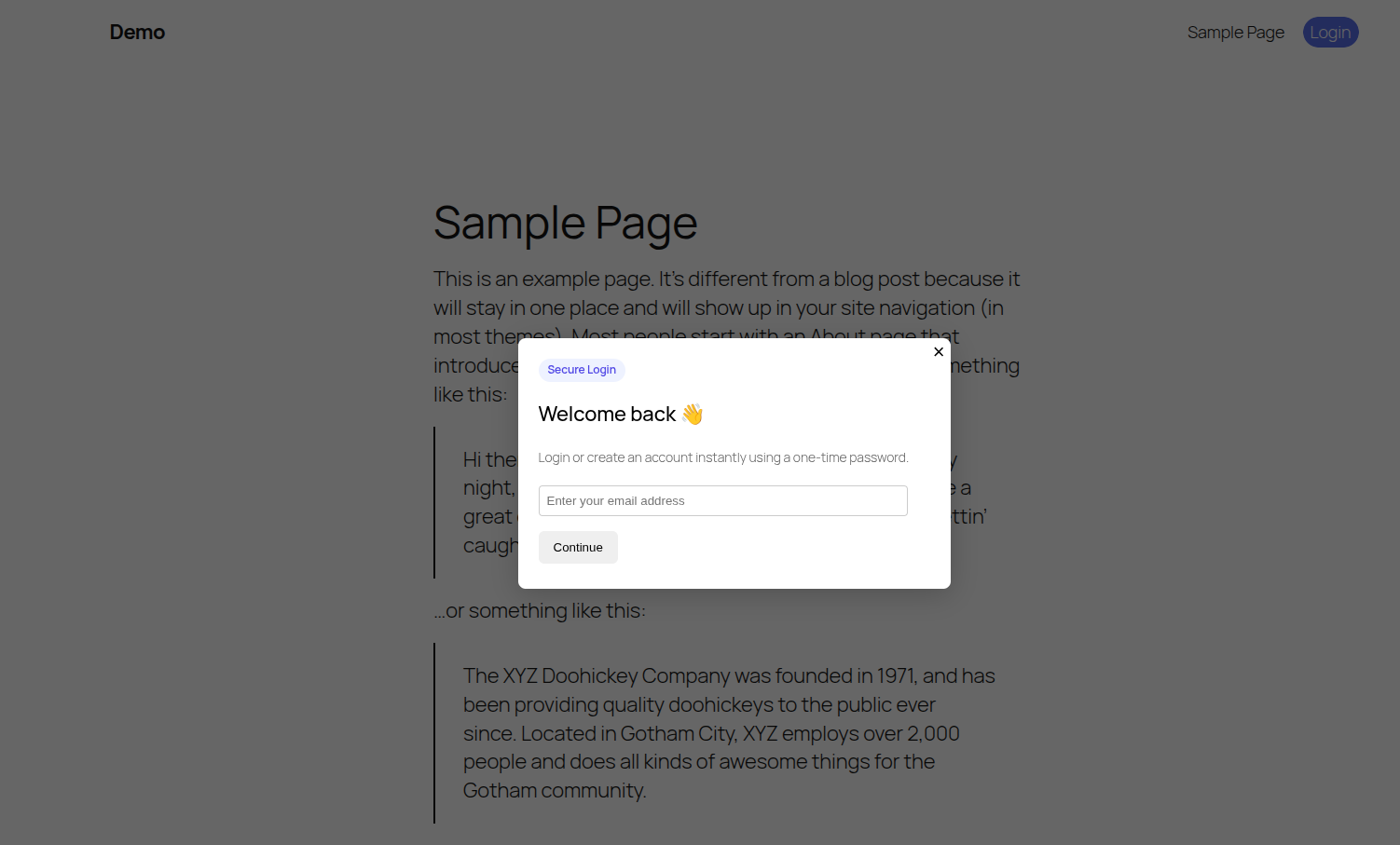
- Enters email address
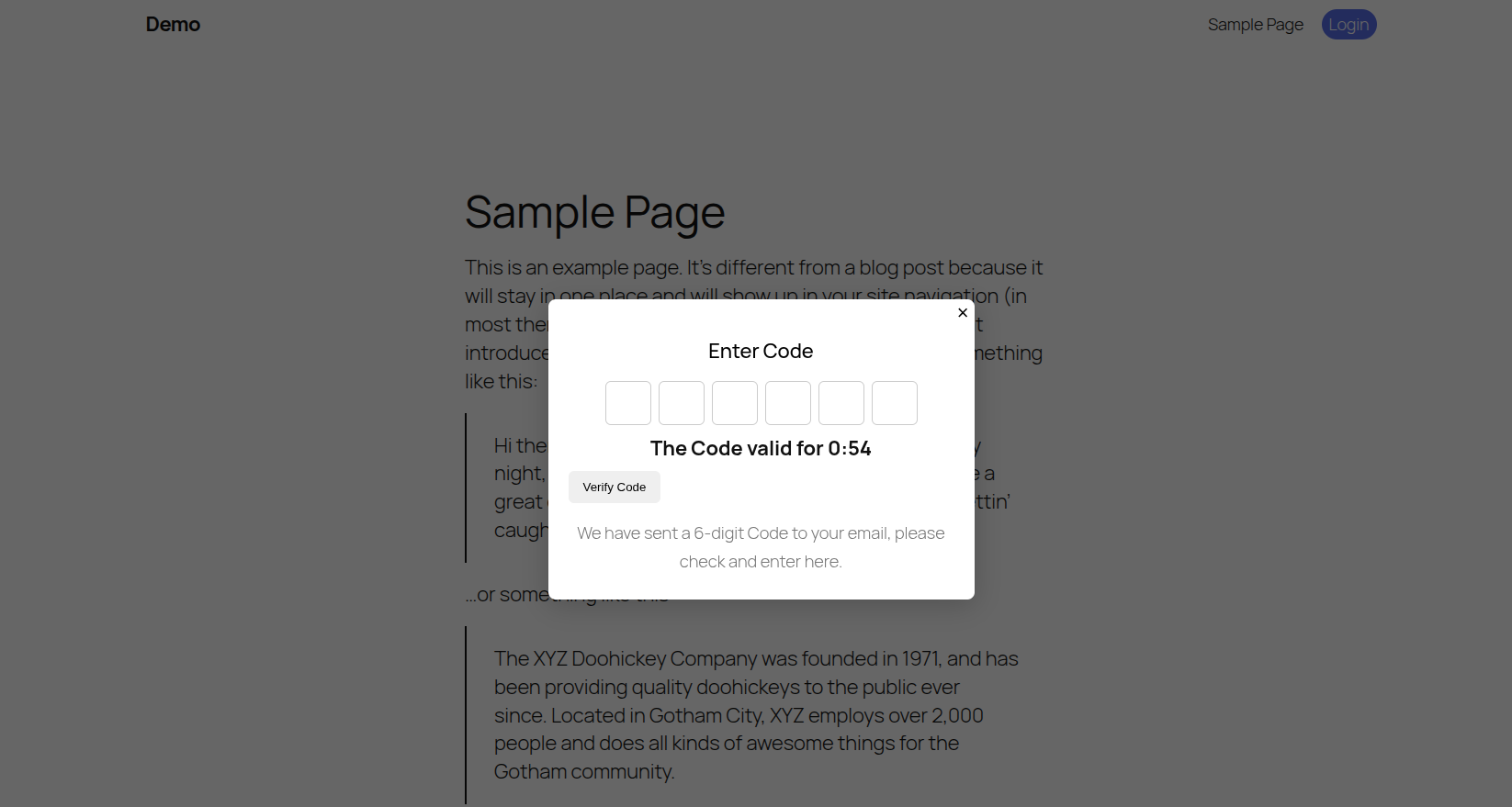
- Receives a 6-digit OTP by email
- Enters OTP
- Logged in instantly
No passwords. No reset links. No friction.
👨💻 Who Is It For?
Here are top cases where this No Need For Password by Ramesh is ideal choice:
- Membership websites
- WooCommerce stores
- Blogs and communities
- SaaS-style WordPress apps
- Anyone who wants password-free authentication
🧱 Shortcodes
Use these shortcodes anywhere on your site:
Login button
[nnfp_login_button]
Login page container
[nnfp_login_form]
Registration popup button
[nnfp_register_popup_button]
Registration form
[nnfp_registration_form]
🎨 Theme Compatibility
This plugin works with:
– Classic themes
– Block themes (Full Site Editing)
– Twenty Twenty-Three
– Twenty Twenty-Four
– Most modern WordPress themes
No theme files need to be edited.
🔌 ACF Integration (Optional)
If Advanced Custom Fields (ACF) is installed:
– User registration fields are automatically detected
– ACF values are saved to the user profile after OTP verification
ACF is optional — the plugin works perfectly without it.
🔒 Security
- OTP is time-limited
- Nonce protection on all AJAX requests
- Sanitized and validated user input
- Uses WordPress authentication APIs
- No passwords stored or transmitted
👨💻 Developer Friendly
Hooks and filters can be added easily.
Clean class-based architecture.
No hard dependencies.
Support
For support, feature requests, or bug reports:
https://github.com/developer-ramesh
Installation
- Upload the plugin folder to
/wp-content/plugins/ - Activate No Need For Password from the Plugins page
- Add
[nnfp_login_button]where you want the login button (This will also render in the top header automatically) - Done 🎉
Screenshots
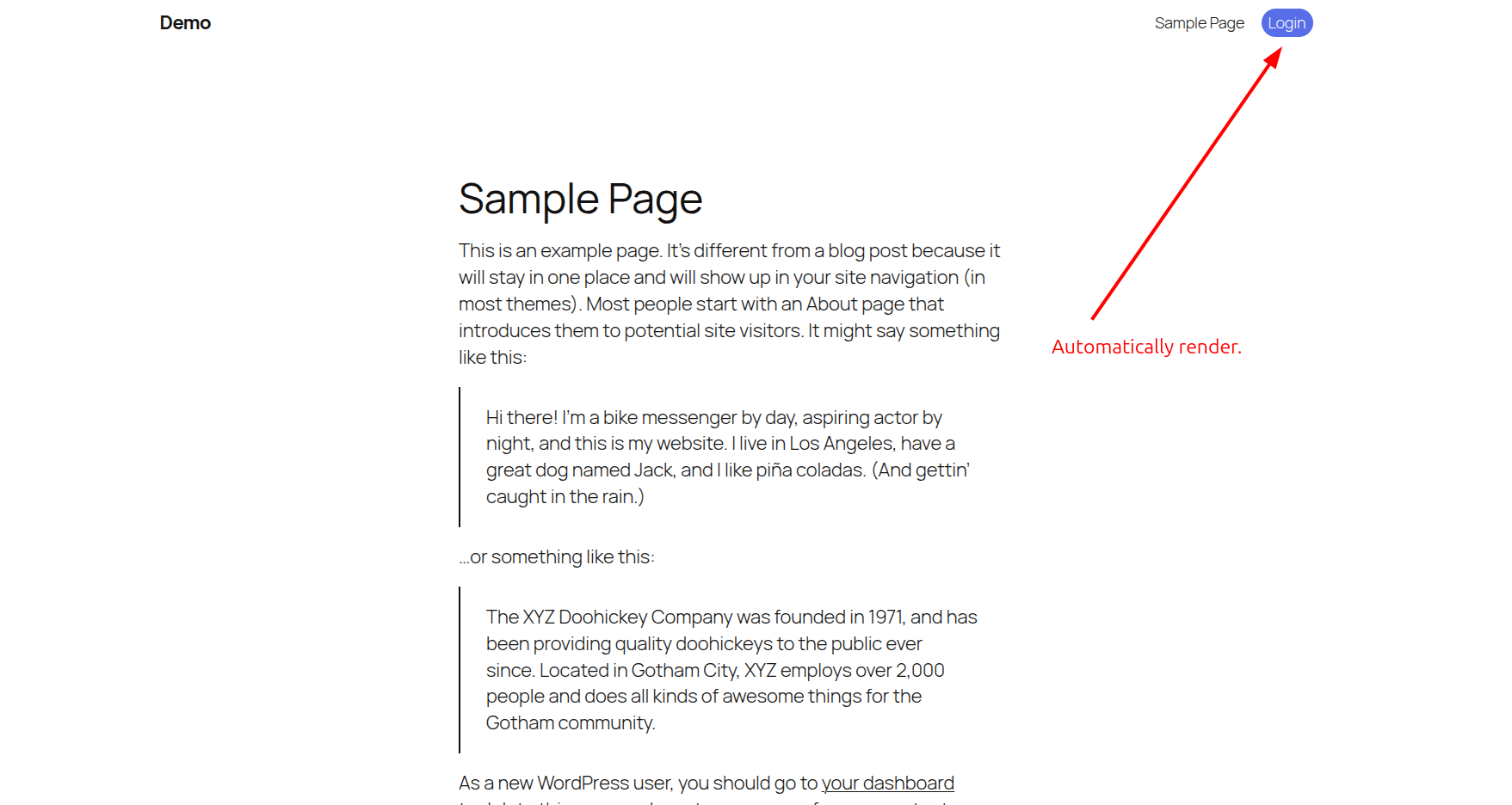
Login popup with email OTP
OTP verification screen
Logged-in user state
Faq
No. The default /wp-login.php still works unless you disable it separately.
Yes. Logged-in users behave exactly like normal WordPress users.
Yes. Email is used as the login identifier.
No. This plugin is completely passwordless.
Yes. You can override styles via CSS.
Yes. No third-party services or tracking is used.
Reviews
Changelog
1.0.0
- Initial release
- Passwordless login via email OTP
- Registration support
- ACF integration
- Gutenberg & FSE compatibility