NotWiz Ruby Text
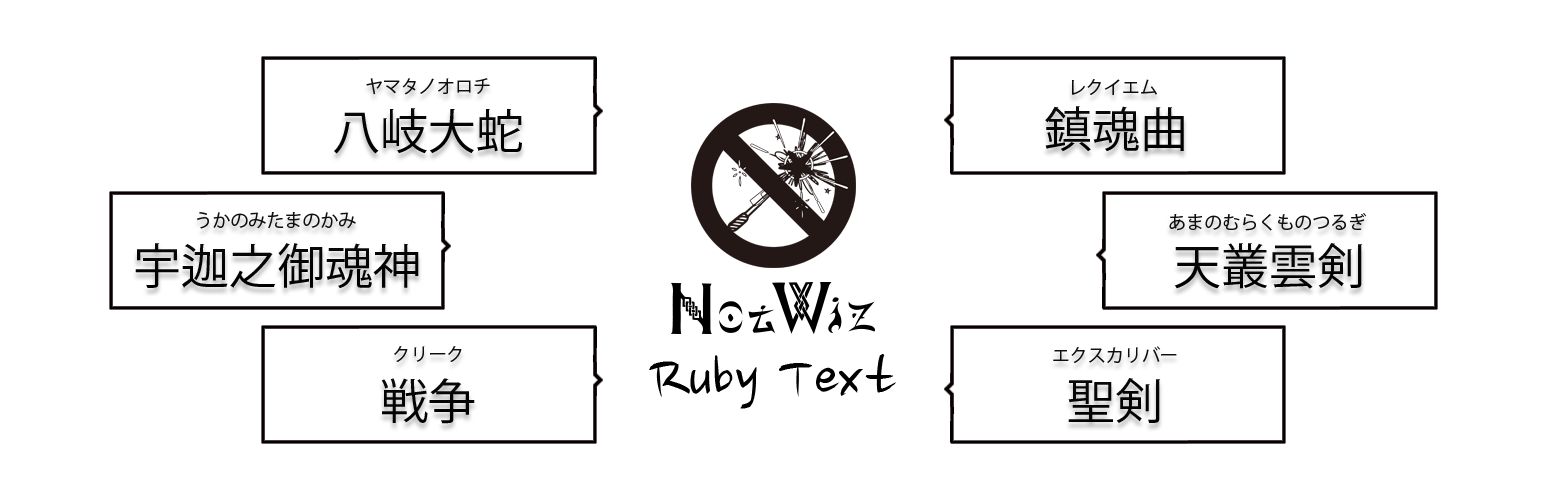
NotWiz Ruby Text
Description
Easier, Web design fun.
“NotWiz Ruby Text” was made for the purpose of decoration a Ruby Text without coding.
Installation
- From the WP admin panel, click “Plugins” -> “Add new”.
- In the browser input box, type “NotWiz Ruby Text”.
- Select the “NotWiz Calendar Block” plugin and click “Install”.
- Activate the plugin.
OR
- Download the plugin from this page.
- Save the .zip file to a location on your computer.
- Open the WP admin panel, and click “Plugins” -> “Add new”.
- Click “upload”.. then browse to the .zip file downloaded from this page.
- Click “Install”.. and then “Activate plugin”.
Screenshots

Input Text.
Faq
Nothing in particular.
Reviews
Changelog
1.1.0
- Bug fix.
0.1.1
- Initial release.