Obvious Post States
Obvious Post States
Description
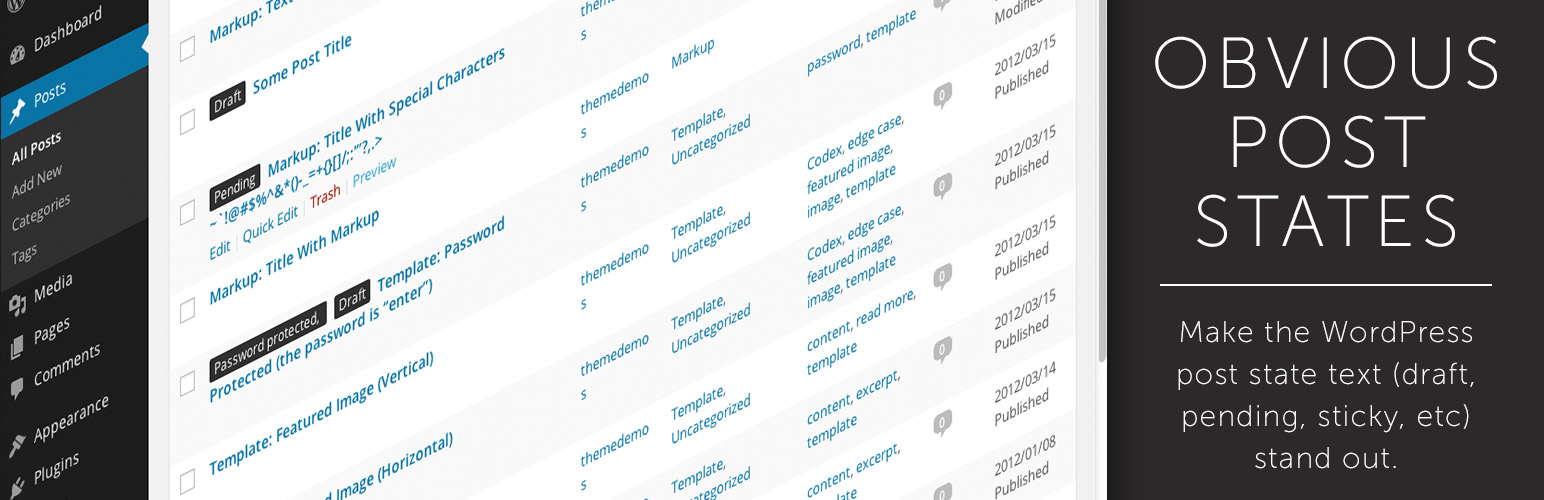
Obvious Post States does what its name implies: makes the post states of your Posts and Pages stand out.
Post states like Draft, Pending, Sticky, Password Protected, etc. will be more prominent and obvious.
Takes into account the built-in WordPress Admin Color Schemes so everything matches.
Check out the screenshot to see an example.
Installation
- Unzip
obvious-post-states.zip - Upload the
obvious-post-states' folder to the/wp-content/plugins/` directory - Activate the plugin through the ‘Plugins’ menu in WordPress
Screenshots

Obvious Post States Example
Faq
How do I know it’s working?
The post state text (draft, pending, etc) will be moved to the beginning of the column and have a background color. Check out the screenshot.
Reviews
Works and is Helpful
By 
Works and is Helpful
Changelog
1.0.3
- Compatibility update for WordPress 4.3.
1.0.2
- Fixed a bug regarding hidden post titles for Subscriber roles.
1.0.1
- Added compatibility with the Slate admin theme plugin.
1.0.0
- Initial release.