AI for Home Services

AI for Home Services
Description
Quickly add AI powered chat, search, scheduling to your home service business website. Get started for right now for free, be up and running in less than 5 minutes.
Setup
You can find the integration settings page in your WordPress admin dashboard, under Tools -> XAPP AI Integration Settings.
Enter the keys for any widget you want to enable. If valid, your widgets will load as expected on the frontend.
Don’t have a XAPP AI account? Just sign-up for free here
Chat Widget
The chat widget is displayed as an overlay with an activate button defaulting to the bottom right hand corner. You can configure the buttons location as well as all styles from within OC Studio.
Intelligent Search
Requires Paid Tier
The intelligent search widget overlay can be triggered on element or block by adding the xapp-search-button class.
If you’re using the Block Editor, you can also click the magnifying glass icon on any core/button block to automatically add the class.
Scheduling Widget
Requires Paid Tier
The scheduling widget will integrate with your field service management software to provide scheduling on your website. The scheduler will appear on your website as a static button either on the left or right side and is completely configurable within OC Studio.
Integrations
Requires Paid Tier
Send potential leads and schedule jobs to:
- Jobber
- Housecall Pro
- ServiceTitan
- Less Annoying CRM
With many more on the way! Read more about our integrations here.
Installation
Manual Installation
- Upload entire folder to the
/wp-content/plugins/directory - Activate the plugin through the ‘Plugins’ menu in WordPress
Screenshots
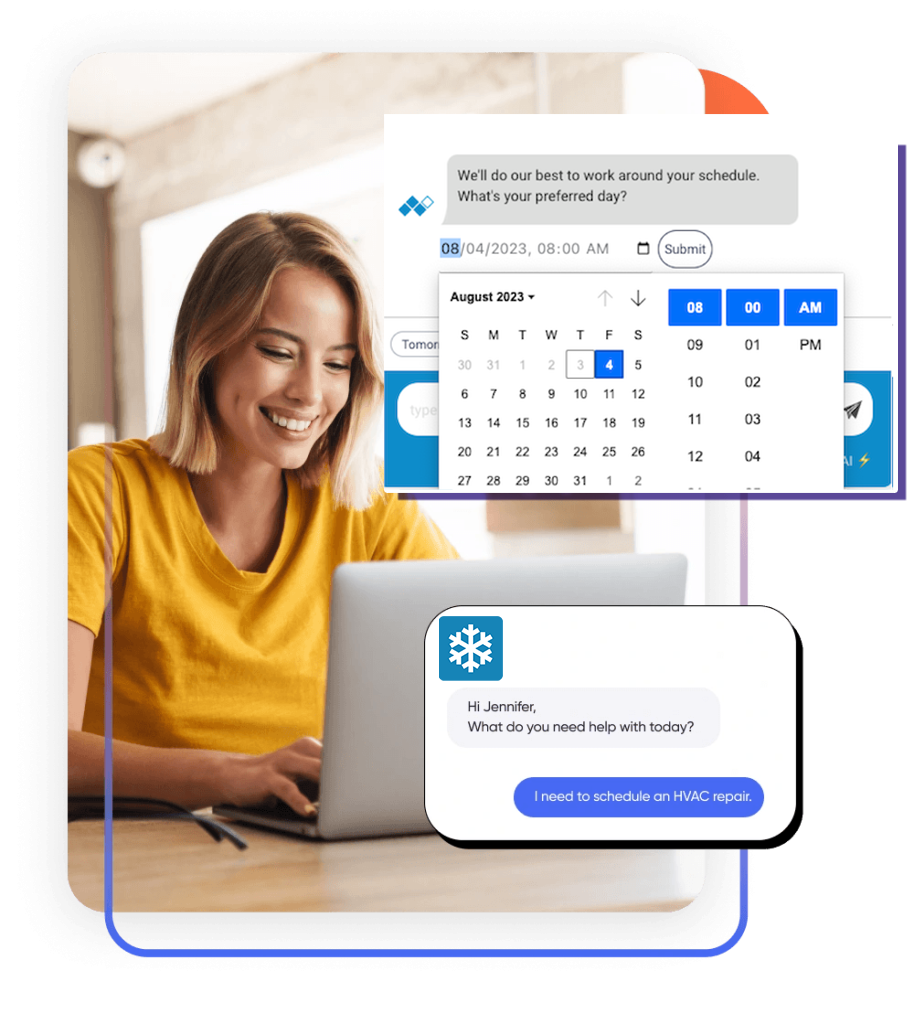
Talk to your website visitors in real-time. Add live chat to your WordPress website in less than 5 minutes.
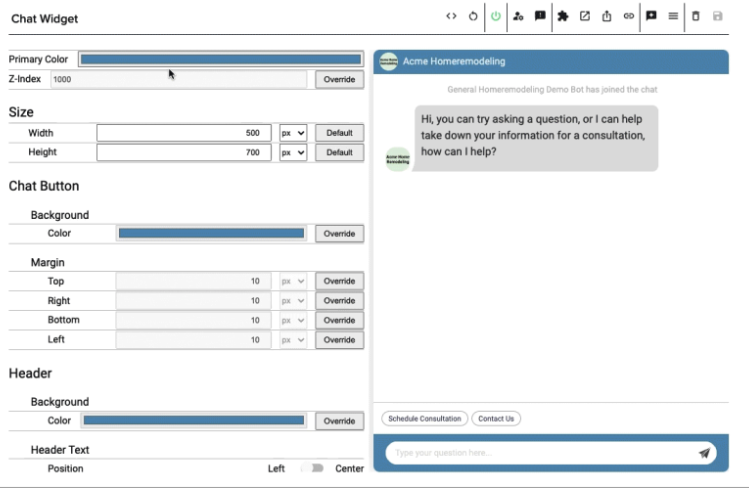
Customize the widget to match your brand identity.

Get instant notifications when visitors are asking 'buying' questions, upgrade from our free tier to capture leads and send them directly to you
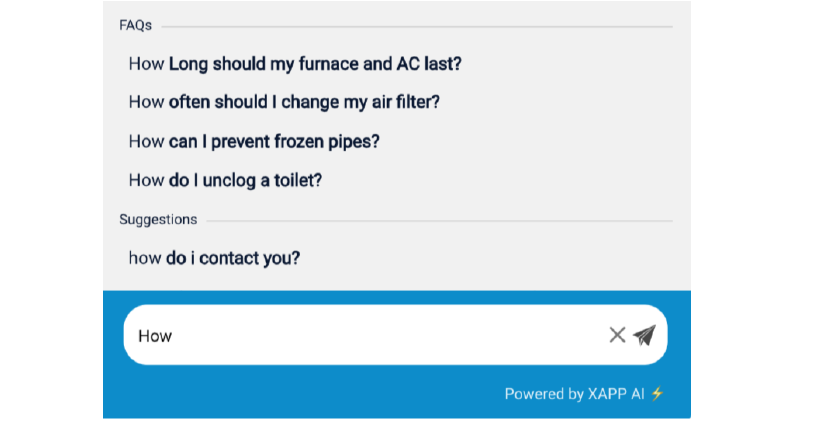
Increase engagement with helpful auto-completion that's pre-trained with knowledge about your industry

Add search to your site, and let visitors get answers to their questions
Faq
Try XAPP’s FREE tier to let users ask questions. No expiration, no credit card required. We have paid plans for additional features including live chat, and integrations into popular platforms like Jobber, Service Titan, and more.
Create a XAPP account here, and get your key to copy and paste
That’s easy, read our documentation, or watch our Youtube training series.
Reviews
Perfect for a Growing Company
By 
As a small business owner, I don't have the time, resources, or skills to implement any "complicated" technology. Xapp chat was not only easy to install but elevates our company in the eyes of our customers, having an interactive chat option on our web site. And once it's running, it's on auto pilot. So cool to see when a potential customer is asking questions about our solutions! Highly recommend. John - CEO of DataMoose
Quick and easy
By 
Plugin worked great and was easy to install. Our bot booked a job almost immediately and the team loves it!
Great plugin!
By 
We were looking for a chat plugin that could answer questions for visitors to our website. It's easy to install, and we were up in running in a few minutes. We started on the free tier, then upgraded our plan so we could add live chat, and integrations into our CRM. Would recommend this product.
Changelog
1.0.0
- Initial release
1.0.1
- Fixes bug where both chat and search keys were required
1.1.0
- Adding Scheduling/Form Widget support
- Updates to naming, and styling
1.1.1
- Fixing version numbers
- Updating readme.txt