OffCanvas / Drawer – Responsive Slide-In Drawer & Popup System

OffCanvas / Drawer – Responsive Slide-In Drawer & Popup System
Description
OffCanvas is a flexible and intuitive WordPress Gutenberg block that lets you create slide-in drawers and popup-style panels that open from the left, right, top, or bottom of the screen. Perfect for building mobile menus, WooCommerce cart drawers, promotional popups, newsletter panels, announcements, and custom sidebar content — all without writing any code.
This plugin includes complete styling controls, smart trigger options, InnerBlocks support, shortcode generation, and smooth animations. It works with any WordPress theme and is fully responsive.
Perfect for:
– Mobile off-canvas menus
– Sliding promotional bars
– Cart and checkout drawers
– Contact forms and lead-gen panels
– Help & support sidebars
– Newsletter signup panels
– App-style bottom sheets
– Custom reusable popup content
– Slide-in announcements and alerts
Lightweight, SEO-friendly, and designed for both beginners and professionals.
—
Free Features
OffCanvas Drawer Settings
– Offcanvas Position: Left, Right, Top, Bottom
– Built-in Trigger Button
– Clipboard Copy for Shortcode
– Prevent body scroll when opened
– Backdrop overlay support
Trigger Button Customization
– Alignment
– Typography
– Text & Icon
– Colors
– Margin
– Shadows
Close Button Customization
– Colors
– Size
– Shadows
Popup Customization
– Background: Solid, Gradient, Image
– Header: Title typography, colors, close icon styling
Content Support
– Full InnerBlocks — add any Gutenberg block inside
– Works anywhere via shortcode
—
Pro Features
Smart Triggers & User Behavior
– Custom Trigger Selector (open using any external element)
– Show/Hide built-in trigger button
– Toggle Mode (same button opens & closes)
– Close on outside click
– Trigger frequency control
– Delay Trigger — open after X seconds
– Scroll Depth Trigger — open at X% scroll
– Scroll Into View Trigger — open when an element enters viewport
– Inactivity Trigger — open after no user activity
– Exit Intent for desktop
Advanced Design Controls
– Backdrop color & opacity
– Animation Types: Slide, Push, Reveal, Fade
– Slide Direction: Left, Right, Top, Bottom
– Custom width & height
– Button border, radius, padding, hover colors
– Icon size, color, hover color, and position
—
How to Use
- Install and activate the OffCanvas Block plugin.
- Open the Gutenberg editor.
- Add the OffCanvas Block from the “Widgets” category.
- Customize the trigger button, popup area, background, typography, and interactions.
- Add any content using InnerBlocks.
- Save and publish!
You can also use the generated shortcode to display the OffCanvas anywhere on your site.
—
Installation
From WordPress Admin:
- Go to Plugins Add New
- Search for OffCanvas Block
- Install and activate
Manual Upload:
- Download the plugin ZIP
- Upload to
/wp-content/plugins/ - Activate from Plugins menu
From Gutenberg Editor:
- Open any page/post
- Search “OffCanvas Block”
- Insert and customize
—
Screenshots
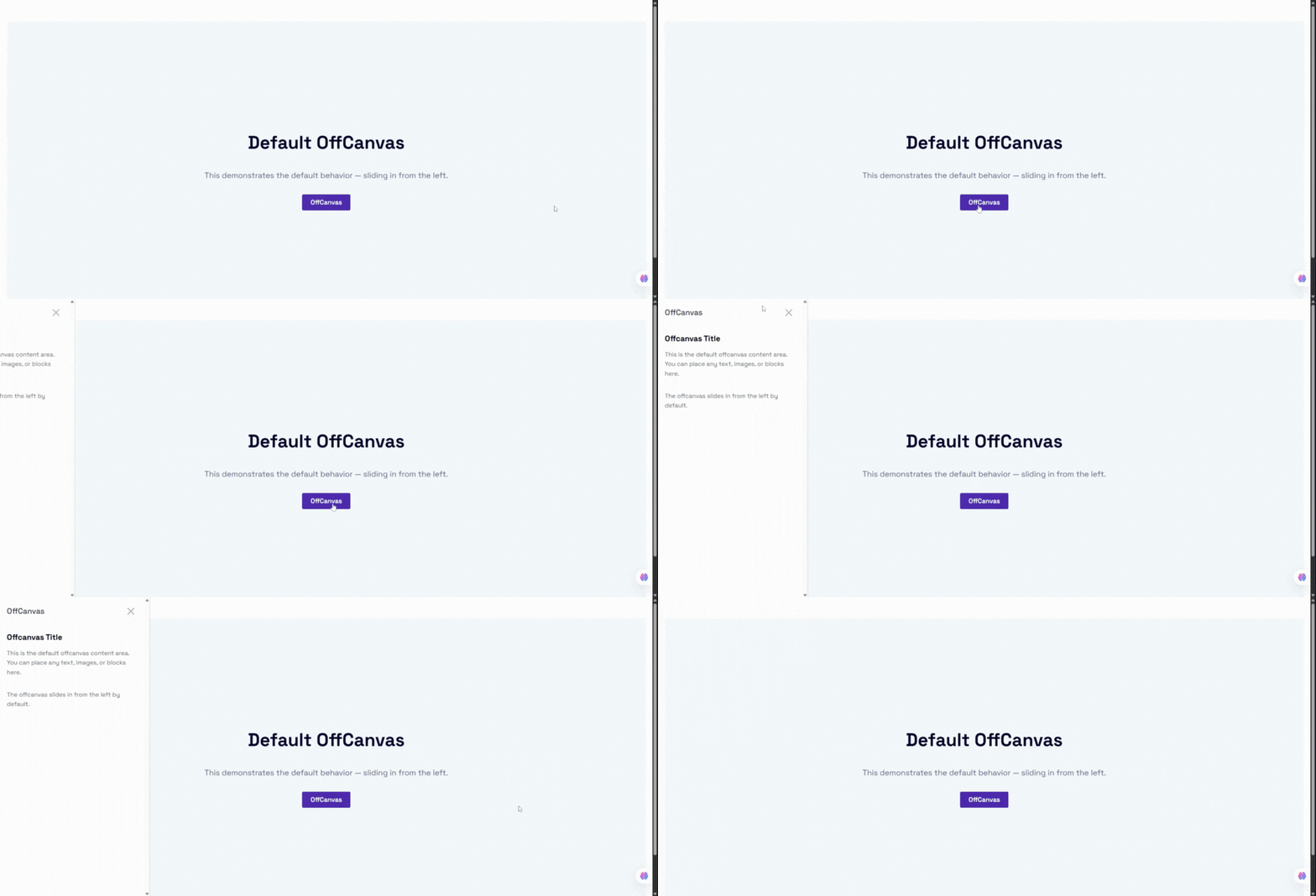
Default OffCanvas drawer
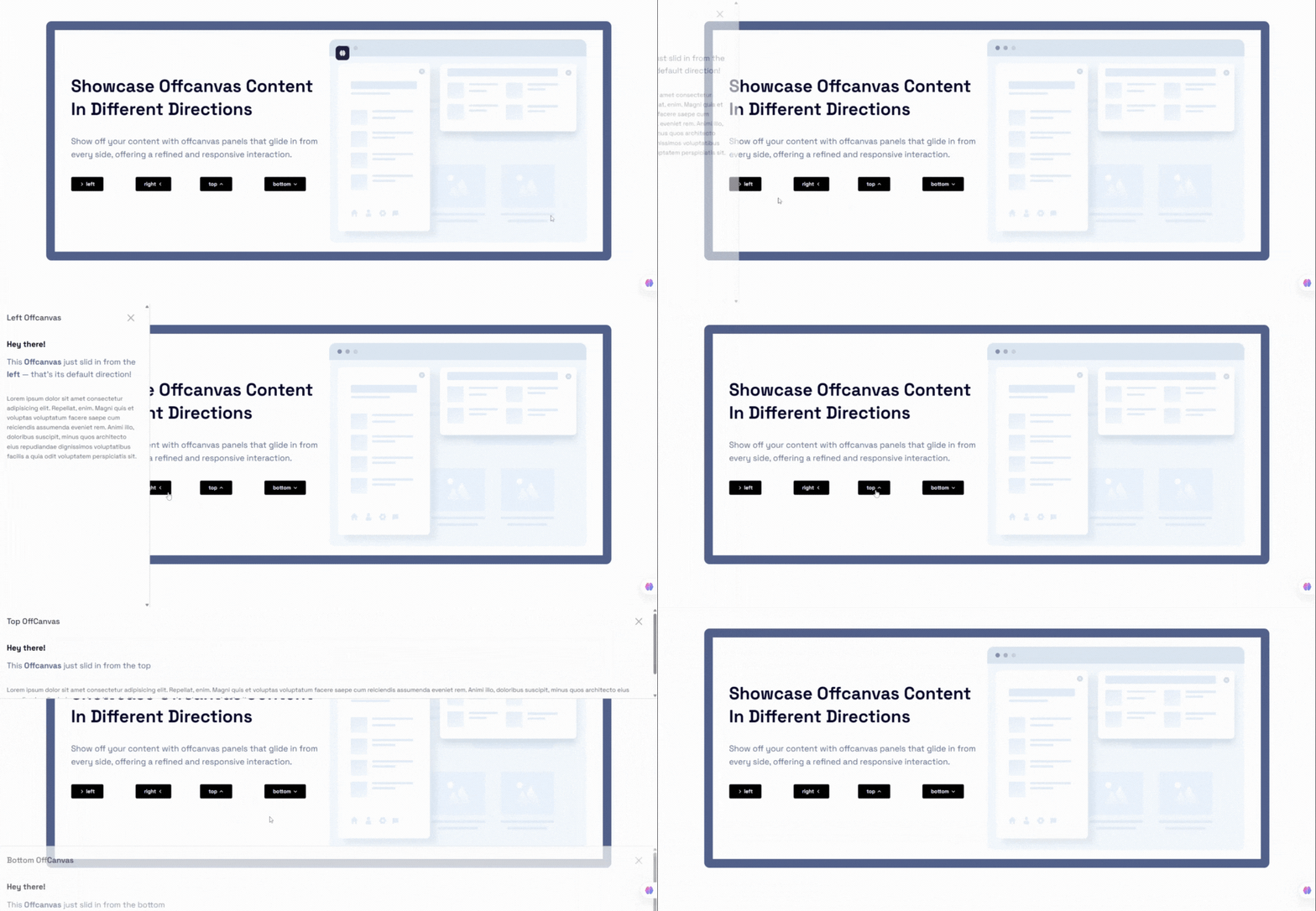
Position options (Left, Right, Top, Bottom)
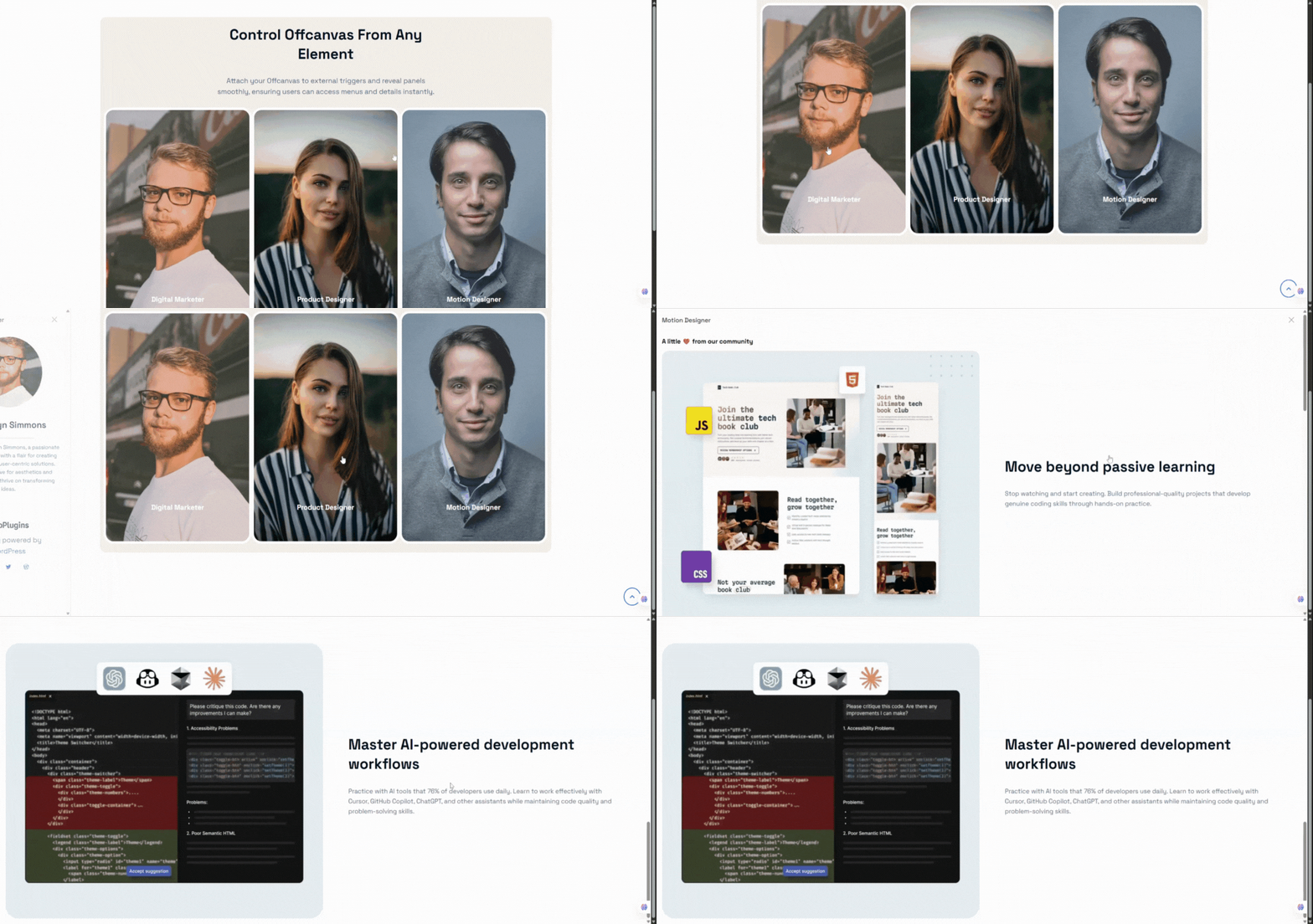
Custom Trigger Selector
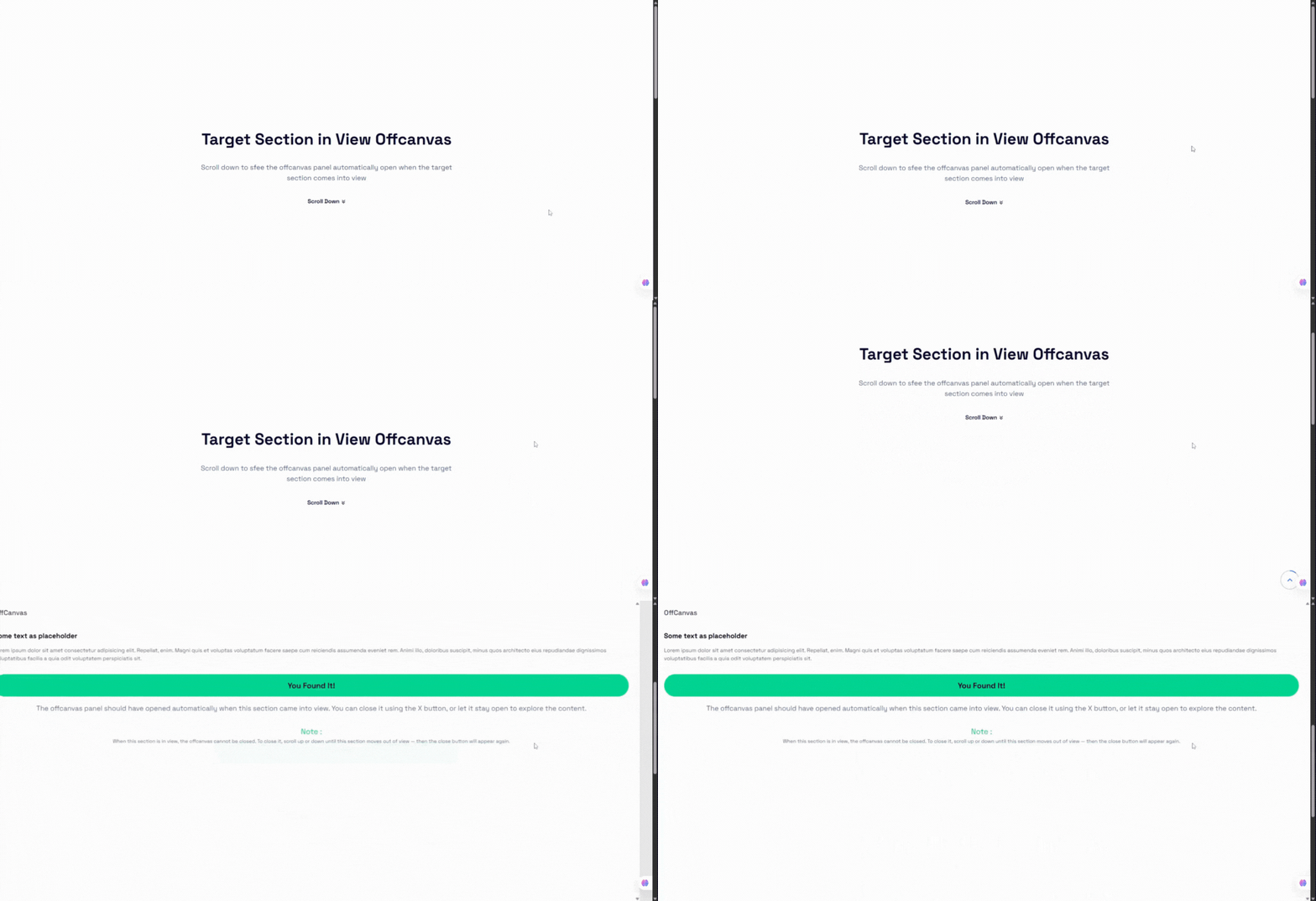
Scroll Into View Trigger
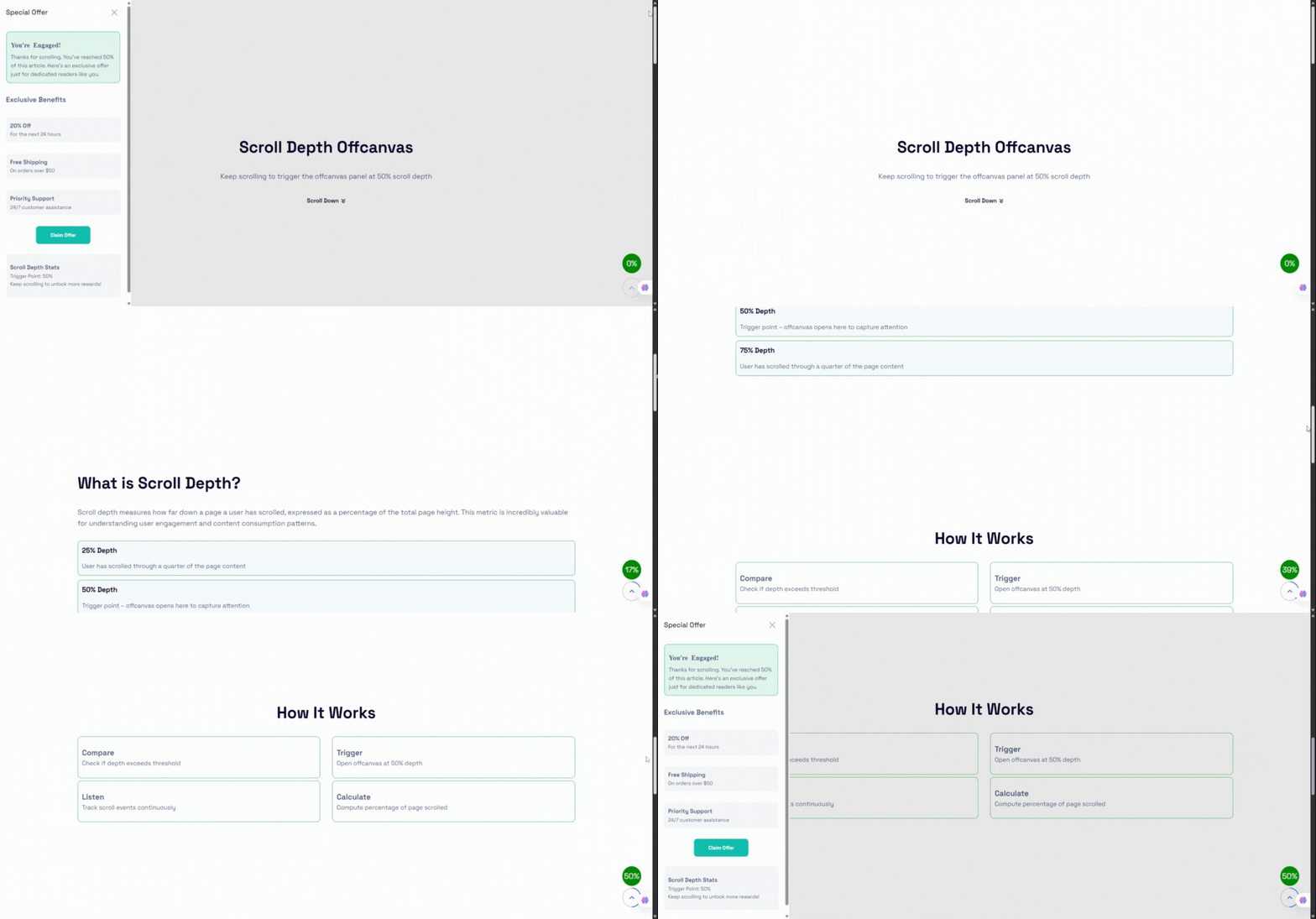
Scroll Depth Trigger
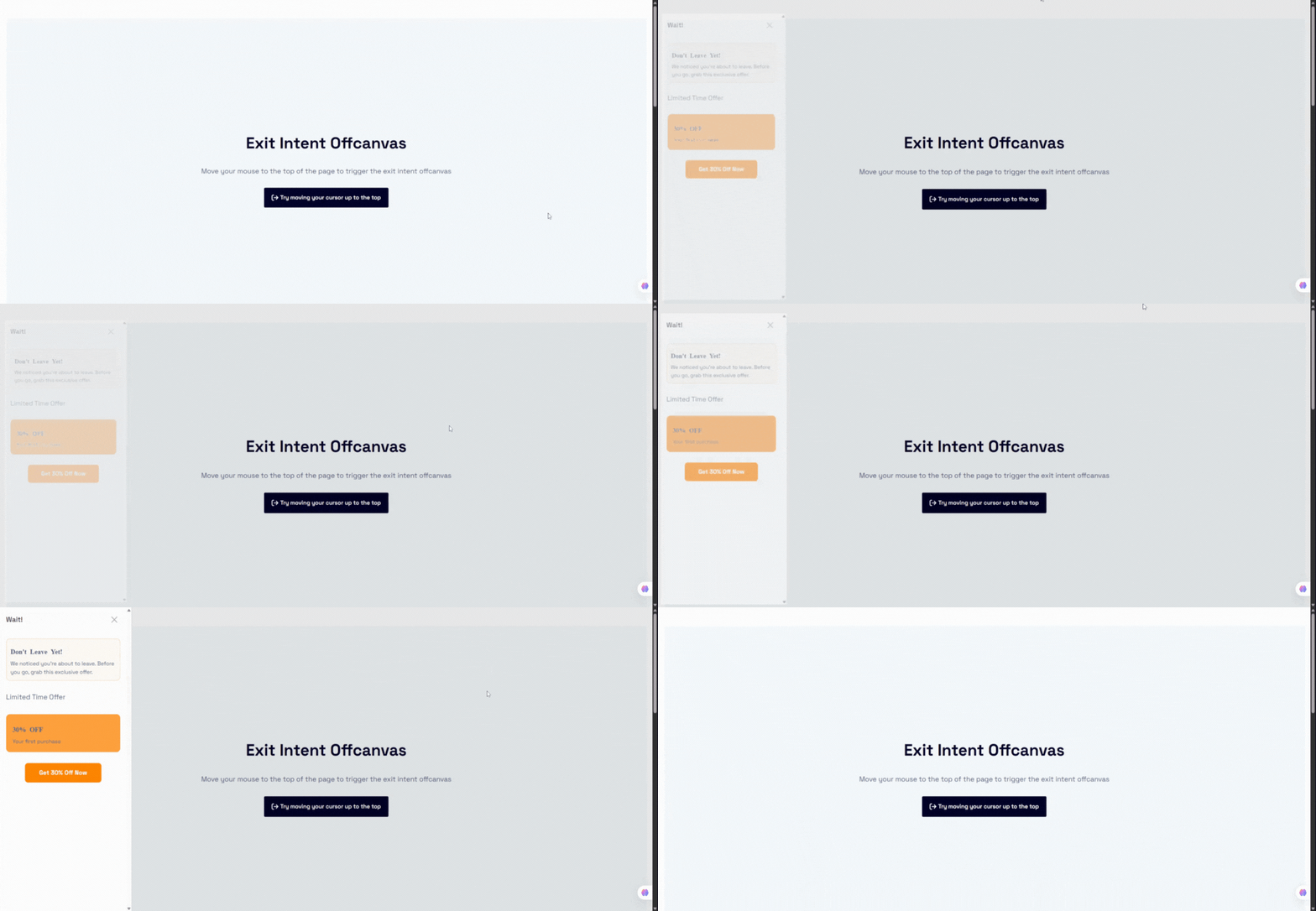
Exit Intent Trigger
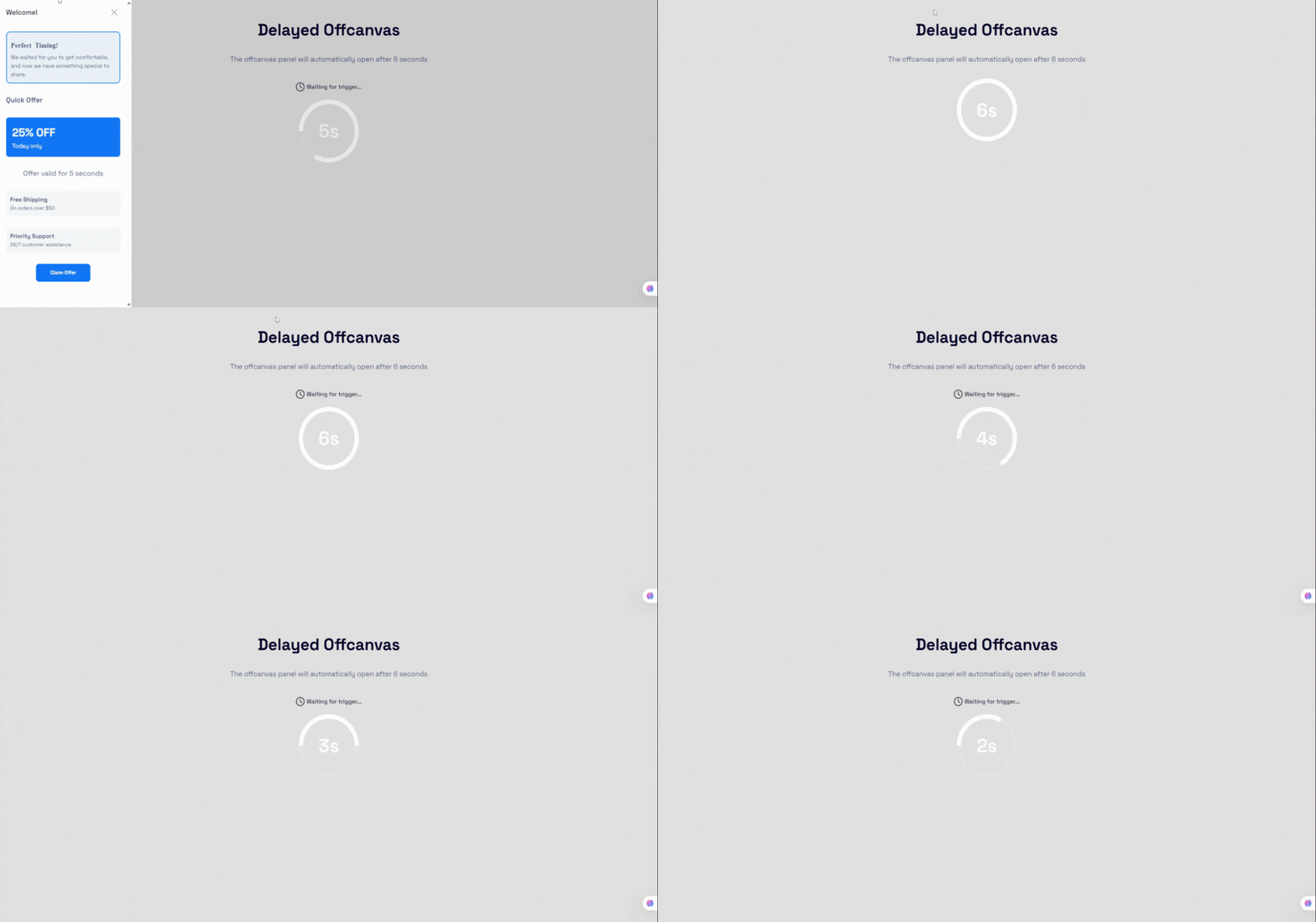
Delay Trigger
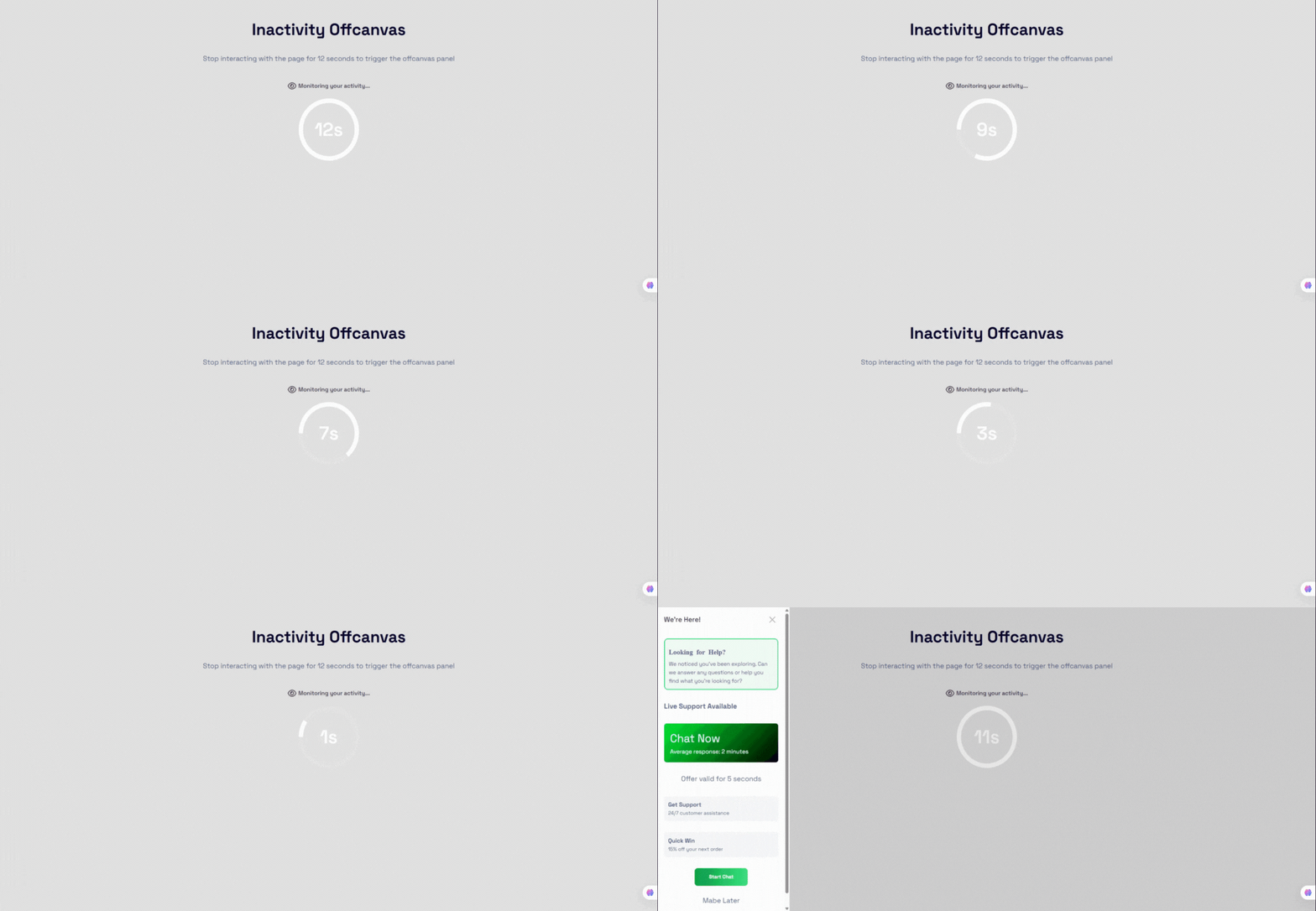
Inactivity Trigger
Faq
Yes, the core version is 100% free.
Yes, it works with all standard WordPress themes and builders.
Absolutely — background, button, typography, overlay, animations, and more.
Yes, you can create unlimited OffCanvas drawers.
You can post your questions on the plugin’s support forum.
—
Reviews
Great as expected!
By 
This plugin works great, exactly as expected! It's easy to use, optimized, and lightweight.
Changelog
2.0.0 – 26 Nov 2025
- Major Upgrade: New interaction system, smart triggers, design controls, and improved UI/UX.
1.0.1 – 30 Sep 2024
- Fix: Close button icon visibility.
1.0.0
- Initial Release.