Offload Media – Cloud Storage
Offload Media – Cloud Storage
Description
Offload- Media Cloud Storage is an innovative plugin for WordPress. It will dramatically transform how you interact with media in WordPress and increase the website’s performance. Media Cloud Storage is a way to transfer your files, media, and images from a WordPress server to online cloud storage, such as Amazon S3, DigitalOcean Spaces, Cloudflare R2, and Google Cloud Storage Services. And it rewrites the URL to serve files from the same storage provider or another CDN provider.
HOW TO MANAGE SETTINGS?
To manage settings in the Offload Media Cloud Storage, download and activate the WordPress plugin.
Go to the Offload media menu in the left menu bar of WordPress, where you can manage the settings. The settings include configure and Settings.
Configure settings allow you to set up the basic plugin settings, while Settings help for the customization of the media upload and serving strategies.
Basic Features
It improves your website speed. Your website will load more efficiently if the cloud media is being transferred to cloud servers. It can make your website faster because it reduces server requests.
The plugin you have installed no longer needs to serve the media contents like images, videos, pdfs, ZIPs, PDFs as well as other files that you uploaded to the server.
Here are the features of the Offload Media – Cloud Storage:
🔹 Sync your media to Amazon s3, Google Cloud Storage, Cloudflare R2 or Digital Ocean Spaces.
🔹 Delete files from the server once it is uploaded to the server.
🔹 Customizable base path of server storage.
🔹 Customizable URL structure.
🔹 Object versioning can be created for avoiding invalidations of media.
🔹 Custom CDN can be used for media URLs.
🔹 Pre-signed URLs can be created.
🔹 Woocommerce Support
🔹 Advanced Custom Fields Support
🔹 RTL Support
🔹 Fully compatible with all Acowebs plugins
🔹 WPML string Translations support
Offload Media – Cloud Storage Pro Features
Upgrade to the Pro version of Offload Media – Cloud Storage to unlock advanced automation, storage providers, bulk actions, and deep media optimizations:
🔹 Expanded Cloud Provider Support:
* Native integration for Wasabi and MinIO.
* Support for custom S3-compatible cloud storage services.
* Support for Google Cloud Storage Uniform Bucket-Level Access.
🔹 Media Library Status & Manual Actions:
* Offload Status Column: View offload statuses (Stored on Server, Offloaded, Deleted from Server) directly in your Media Library list with sorting support.
* Inline Actions: Manual actions on the attachment details panel to Sync to Cloud, Remove from Cloud, Delete from Server, or Download back to Server.
🔹 Automated Bulk Operations:
* Bulk offload all existing WordPress media to your cloud bucket.
* Bulk delete local copies of offloaded media files to instantly reclaim server disk space.
* Bulk download media assets from the cloud back to your web server.
🔹 Image & WebP Optimization:
* Image Compression: Compress images (lossy or lossless).
* WebP Generation & Compression: Automatically generate WebP versions of images, compress them, and offload them to the cloud.
* WebP Cloud Sync: Rewrite URLs to serve WebP files automatically when supported.
* Original Backup Management: Back up original images during compression, with bulk offloading, deletion, and recovery actions.
🔹 Advanced Integrations:
* WooCommerce Support: Seamless handling and offloading of WooCommerce product files and digital downloads.
* Advanced Custom Fields (ACF): Offloads media referenced within ACF custom fields.
* WPML Translation Support: Full compatibility with multilingual WordPress setups and translation workflows.
🔹 Maintenance & Troubleshooting:
* Import Previous Data: Easily migrate settings and media metadata from older versions.
* Cache Management: Clear plugin cache and transients related to cloud assets.
* Data Cleanup: Complete option to reset and purge stored data, cached paths, database records, and offloaded media metadata.
Why Acowebs?
Acowebs has established the foundation by providing the experience and expertise to activate WooCommerce stores using compact and highly-performing WooCommerce plugins as well as Shopify applications. We develop top-quality themes and WordPress in the cloud to provide comprehensive solutions that are brimming with unparalleled UX features. Being an award-winning software company, and a part of Acodez, the globally recognized and multiple-award-winning digital agency, our team and support features assure you the best.
Check out our other WordPress plugins here.
OTHER USEFUL LINKS
🔹 Upgrade to Pro
🔹 Documentation
🔹 Find Our Other Plugins
🔹 Support Ticket
🔹 Facebook
🔹 Twitter
🔹 YouTube
Installation
Installation of “Offload Media – Cloud Storage” can be done either by searching for “Offload Media – Cloud Storage” via the “Plugins > Add New” screen in your WordPress dashboard, or by using the following steps:
- Download the plugin via WordPress.org
- Upload the ZIP file through the ‘Plugins > Add New > Upload’ screen in your WordPress dashboard
- Activate the plugin through the ‘Plugins’ menu in WordPress
Screenshots
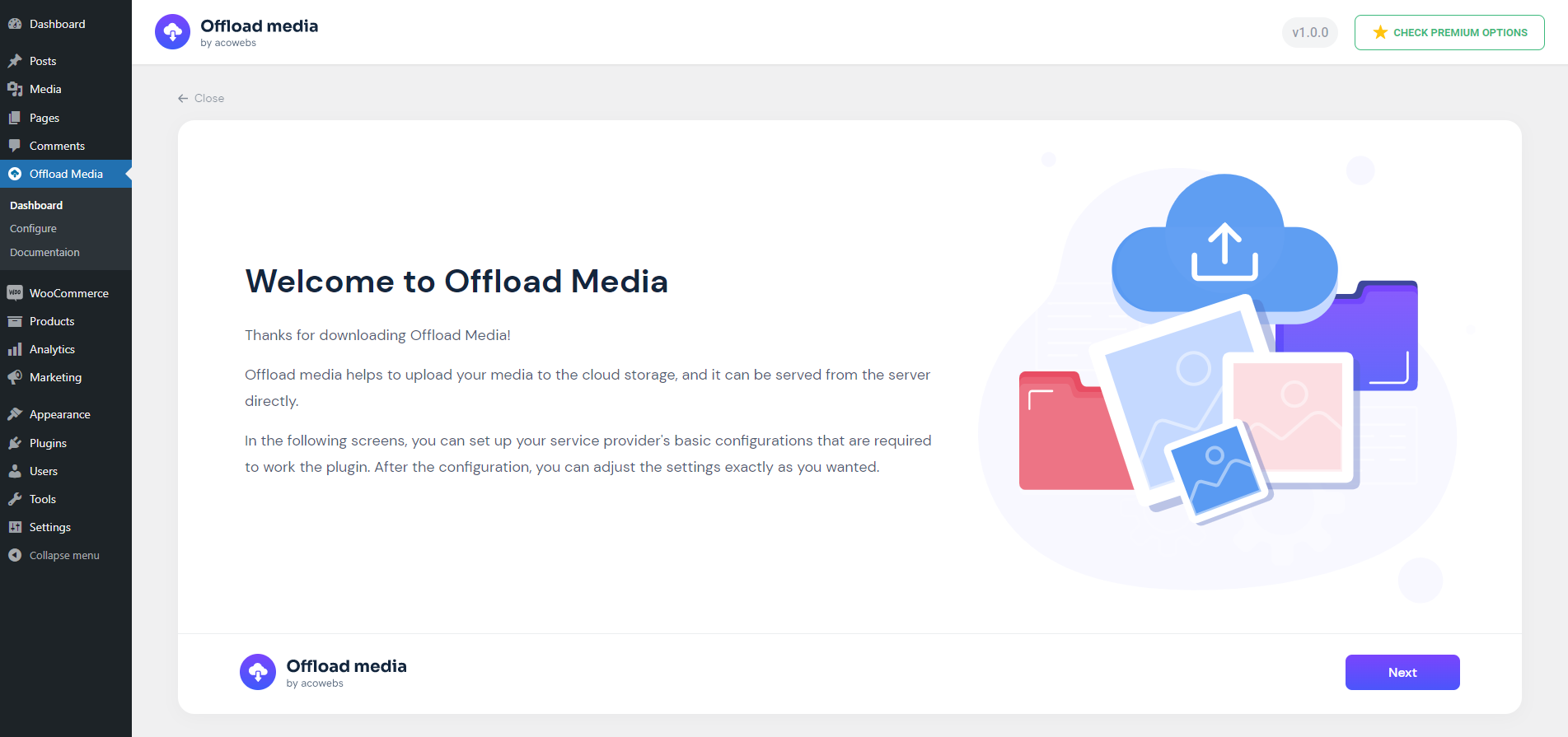
Welcome to offload media
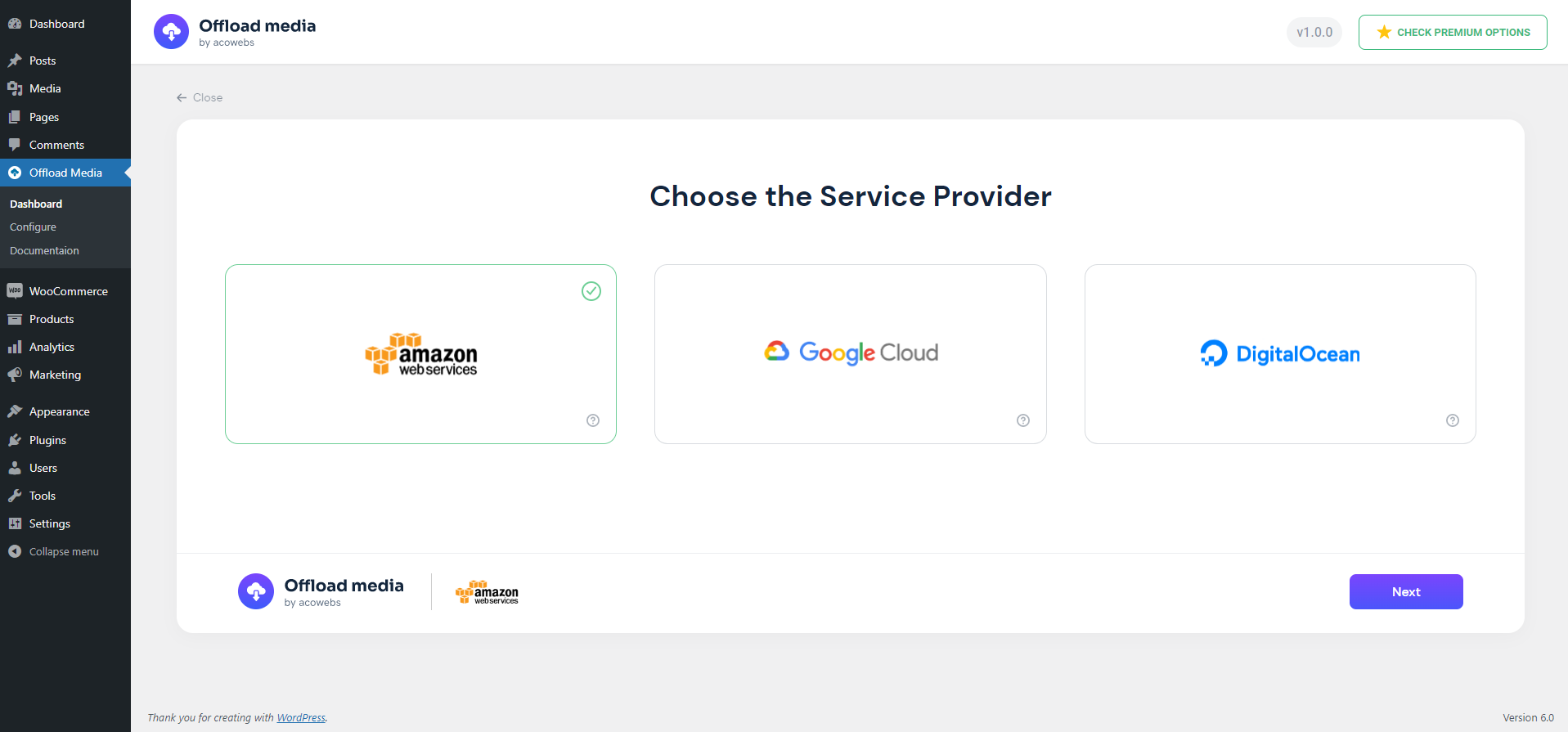
Choose Cloud Service
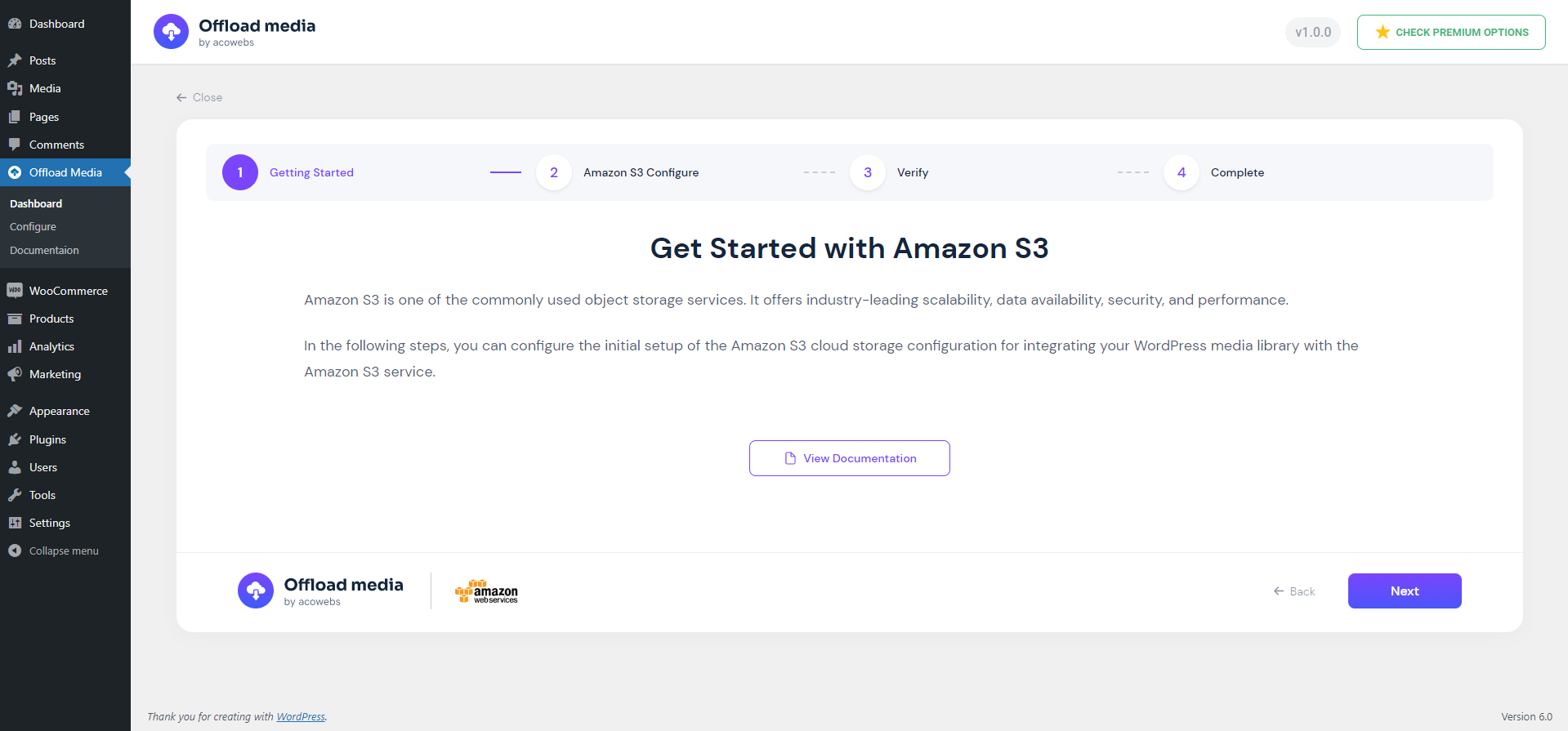
Service Welcome Page
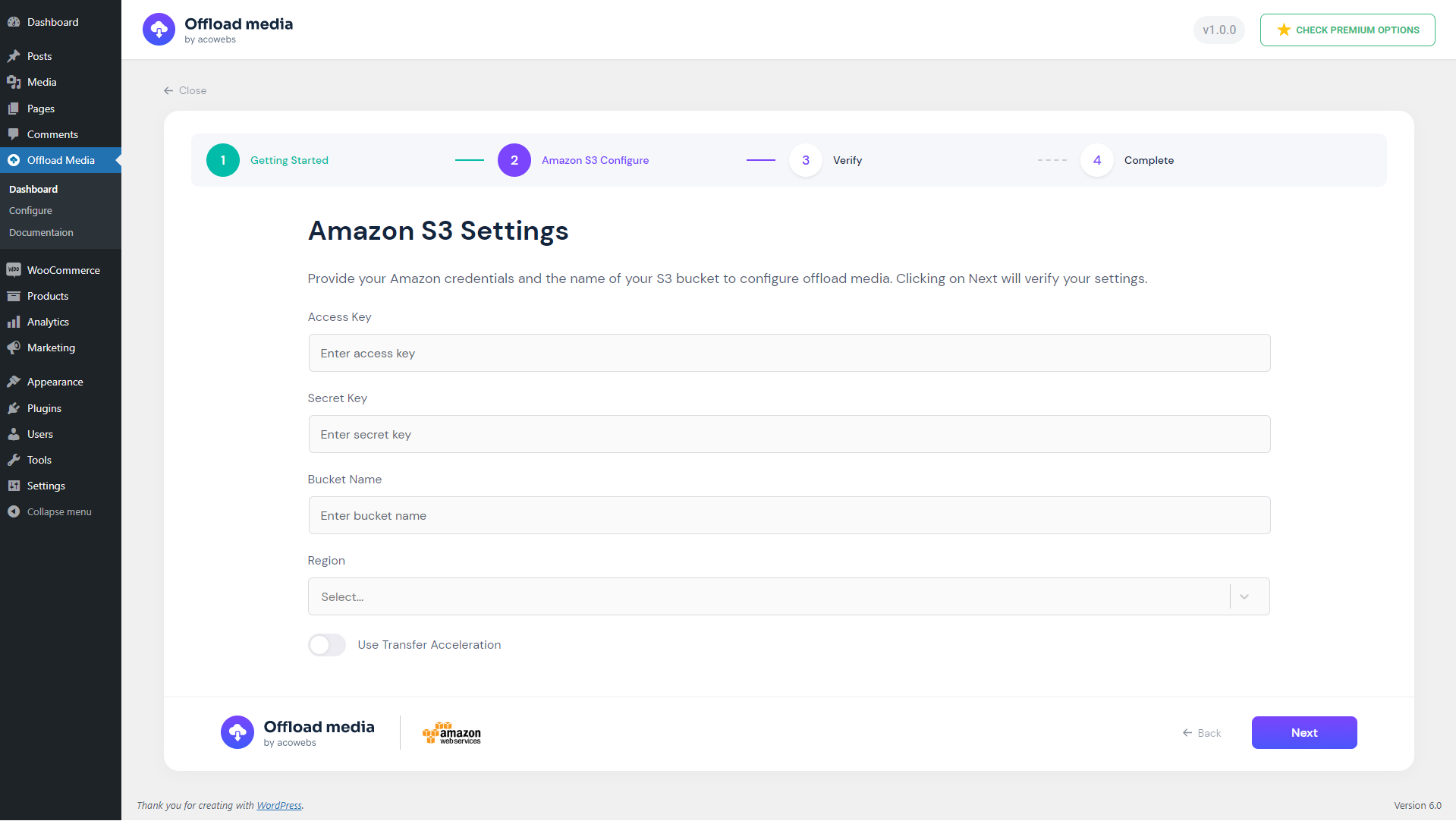
Configure Service Credentials
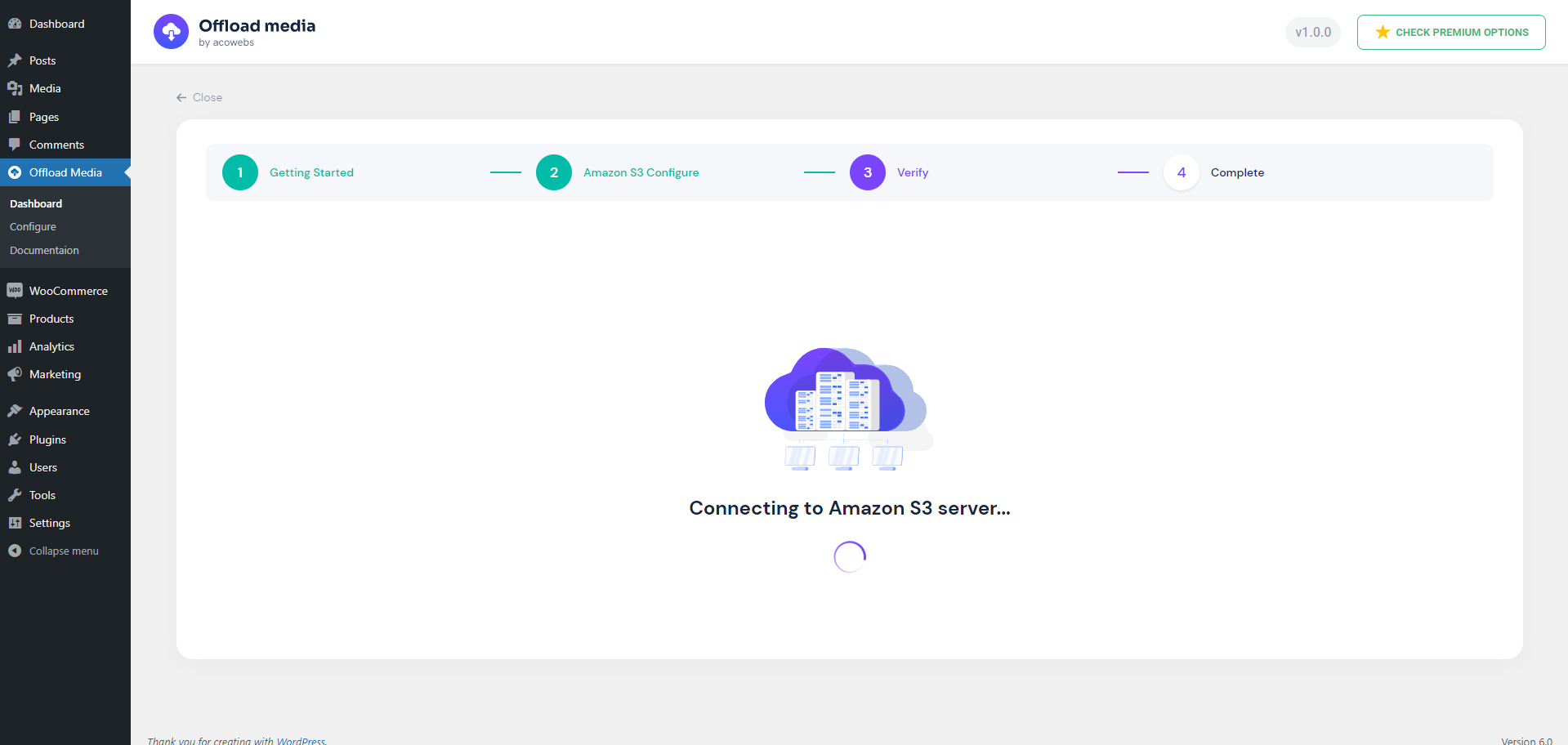
Verifying Service Credentials
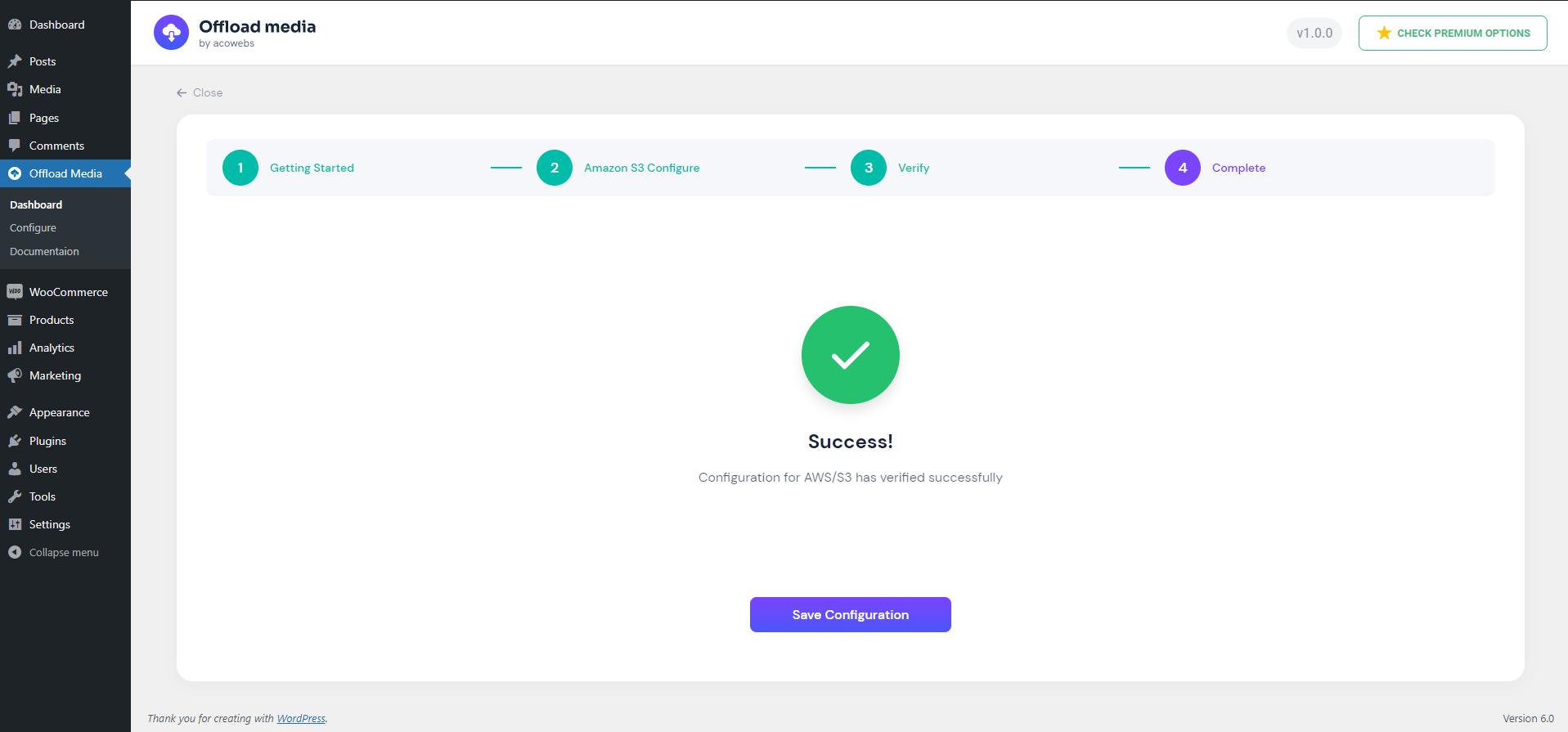
Save configuration after successful verification
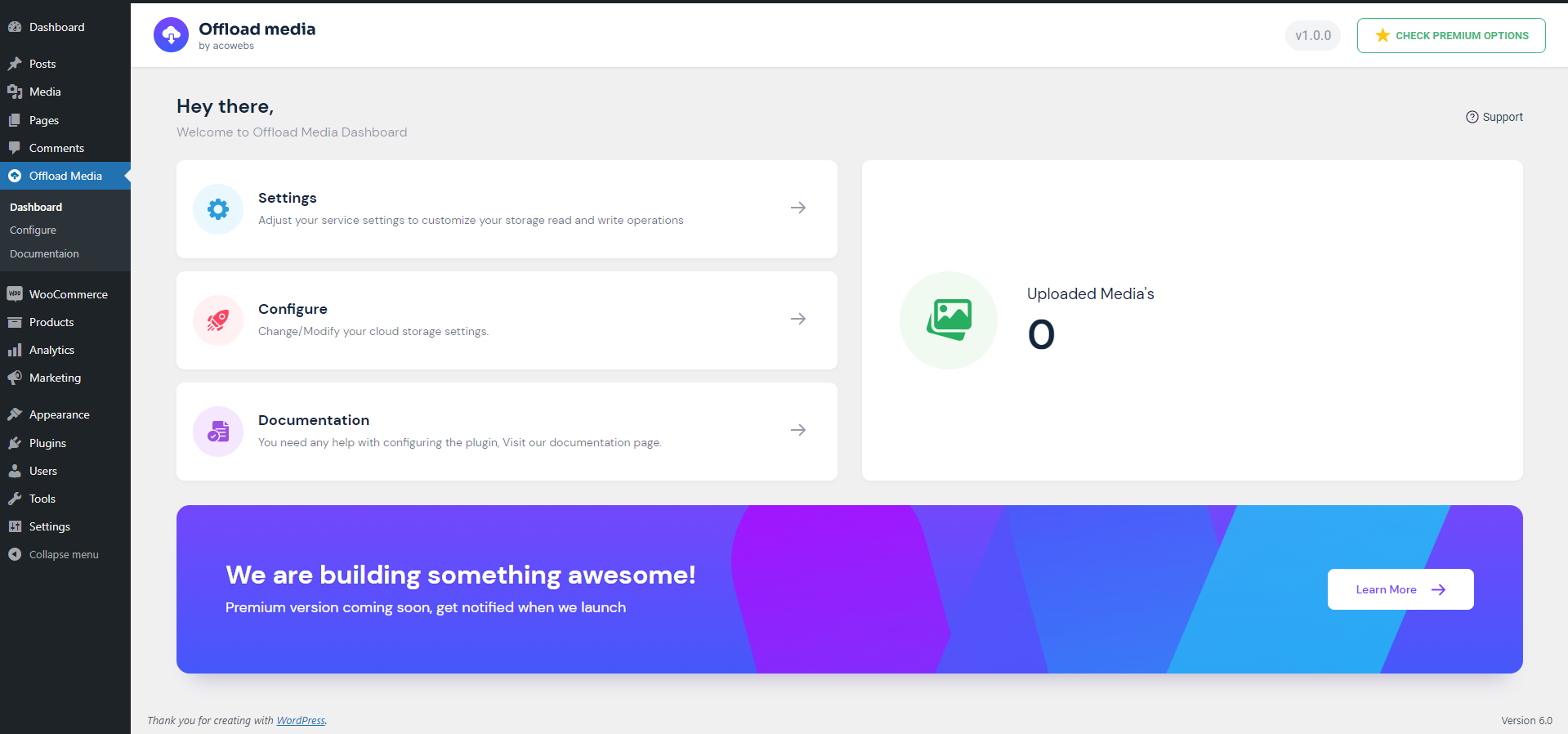
Dashboard

Settings Page
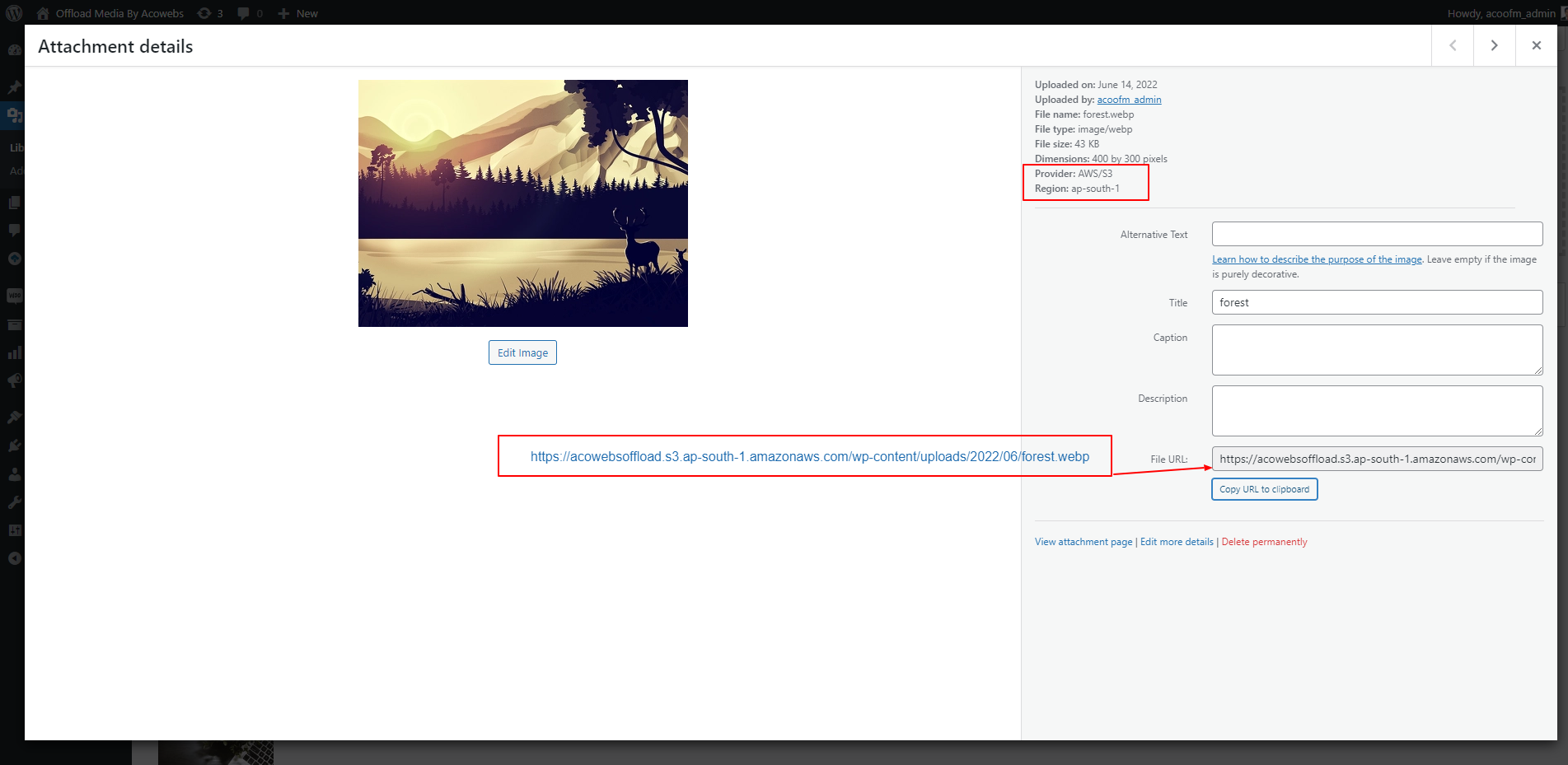
Uploaded Attachment Details
Faq
WordPress media offloading is the process of automatically copying your media files (images, PDFs, videos, and audio) to a secure cloud storage provider and rewriting their URLs so they are served directly from the cloud or a Content Delivery Network (CDN).
Offloading media dramatically reduces the load on your web server, speeds up page loading times, and saves server disk space. Since Google uses page speed as a ranking factor, faster loading times directly translate to improved search engine optimization (SEO) and a better user experience.
The free version of Offload Media – Cloud Storage natively supports:
* Amazon S3 (AWS)
* Google Cloud Storage (GCS)
* Cloudflare R2
* DigitalOcean Spaces
If you need support for Wasabi, MinIO, or custom S3-compatible storage services, you can upgrade to the Pro version.
Yes! Both the free and Pro versions allow you to configure a Custom CDN / Custom Endpoint URL (such as Cloudflare, Amazon CloudFront, KeyCDN, or Bunny CDN) to serve your offloaded media. This ensures that your assets are delivered from the edge server closest to your site visitors, resulting in lightning-fast response times.
Yes, you can enable the “Remove files from server” option in the settings. Once enabled, the plugin will automatically delete the local copy of an image or file from your WordPress server after it has been successfully offloaded to your cloud storage bucket. This is an excellent way to host large media libraries on affordable, small-storage web servers.
Yes! You can enable the “Enable Pre-signed URL” feature. This generates secure, temporary, and expiring URLs for private files or digital assets, protecting your content from unauthorized sharing. You can customize the URL expiration time (in minutes) directly in the settings dashboard.
Yes! Offload Media is built to be fully compatible with WooCommerce, Advanced Custom Fields (ACF), and WPML. It handles rewriting URLs for WooCommerce product pages and ACF custom image/file fields, ensuring that translation workflows and e-commerce transactions run smoothly.
The Pro version unlocks advanced optimization and automation capabilities for growing websites:
* Additional Providers: Support for Wasabi, MinIO, and custom S3-compatible endpoints.
* Bulk Tools: Bulk sync all historical media items, bulk download assets back to the server, and bulk delete local files via a safe background worker.
* Advanced Media Library UI: Adds an “Offload Status” column with sorting, plus manual sync, download, and delete actions in the attachment details panel.
* Image Optimization & WebP: Compress images, automatically generate and compress WebP versions, sync them to the cloud, and dynamically rewrite URLs to serve WebP files.
* Google Cloud Uniform Bucket Access: Dedicated support for uniform access permissions.
Reviews
Exceptional customer support – patient, professional, and truly helpful
By 
The team was kind, patient, and professional throughout the whole process. They solved my issue and made me feel well taken care of. Thank you so much!
OCI media offload
By 
NIce, but I still prefer the OCI media offload from articla for dedicated offloading to Oracle coud infrastructure.
Powerful, user-friendly plugin with excellent support
By 
I recently upgraded to the Pro version of Offload Media – Cloud Storage by Acowebs, and I couldn’t be happier with the experience. The plugin is incredibly user-friendly while still offering powerful features that make media management a breeze.
I had a few minor hiccups while transitioning from the free version, but their support team was fantastic, responsive, helpful, and got everything running smoothly in no time. The plugin effortlessly offloaded over 33,000 media assets to my cloud storage without a hitch.
A huge thank you to the team for developing such a great tool and backing it up with excellent support. Highly recommended!
Brilliantly Crafted!
By 
I've tested all the major media offloaders and this one is the best! Images upload swiftly, media management behaves as one would expect, and setup was a breeze on the plugin end. Support is swift, coming in with a custom solution to a feature I had wanted - image resize on upload. This allows uploads to be better sized to save storage space and bandwidth. I'm very thankful this solution exists!
Offload Media Cloud Storage comes highly recommended! 😊
Very good customer service
By 
excellent support thank you!
I also wanted to express my appreciation for the excellent customer service.
By 
Hello, Thank you so much for the helpful information! I'll check out the information about the paid version. I also wanted to express my sincere appreciation for the excellent customer service for the free version of the 'Offload Plugin' you've provided. It's truly refreshing to encounter a company that not only promises great support, but actually delivers on it.
These days, it's all too common for companies to fall short, so your responsiveness and helpfulness are very much valued.
Regards,
Uwe
Suer sh....
By 
Don't install. I installed it, turned it off right away and I can't turn it off or remove it, some kind of virus. I was only able to remove it on the server, and the site went down. Don't even think about installing it!
Great plugin!
By 
I'm just switching from MediaCloud plugin to Acowebs Offload-Media-Cloud-Storage plugin. The inicial setup is easy and quick and the plugin works absolutely smooth. Media files are perfectly stored on S3, served via CDN custom url (optional) and also deleted on local server (optional). The only problem I have now is how to change the base slug from the previously uploaded images as they are being served by default WordPress url and not with custom CDN.
Sorry for this, but it adds a lot of Page Loading Time issues
By 
First of all I would like to say sorry for writing this, being a dev myself I know how much effort does it take to write a plugin.
I made the decision of choosing this plugin to offload the media to google cloud bucket, once I moved all of the media, I noticed that there was delay of 8-10 seconds on almost each page ( which have had no media ) . Firstly i thought it might be CDN but nothing made the load time go-away.
Then while debugging I turned this plugin off, and everything came back to life, so I had to go through a pain full process of migrating from this plugin to the WP Offload Media plugin.
All I am saying is, if somehow the person responsible for maintaining this plugin can look into this as to why does it take so much time to load, I am sure, not the only who faced this issue.
Great plugin
By 
This is great plugin! Works like a charm! Thanks for your effort to develop such a great plugin!
There are several options to configure medias well 2 features I like it very much:
- Rewrite is great, when I enabled cdn option in the plugin and input my cdn domain, all of relevant images' url are changed automatically.
- Remove files from server is great, when I delete a product, relevant images are deleted from my aws bucket.
The below is just some information for reference:
Unfortunately, it's not compatible with the plugin "Plus WebP", images uploaded were converted to webp format, now the original images will be uploaded. Well it's not mandatory for conversion now when I use aws, the loading speed of images looks good even if each image is about 2-3mb.
Changelog
1.8.3
- Fix PHP fatal when rewriting image URLs in the block editor REST API
1.8.2
- Fix Cloudflare R2 undefined account ID warning during setup
- Improve Cloudflare R2 credential error messages
- Remove unsupported object ACL usage for Cloudflare R2 uploads
- Improve configure wizard credential verification error display
1.8.1
- WordPress 7.0 compatibility
- Improvements and bug fixes
1.7.0
- WordPress 6.9 compatibility
- Improvements and bug fixes
1.6.0
- WordPress 6.8 compatibility
- Improvements and bug fixes
1.5.1
- WordPress 6.8 compatibility
- Improvements and bug fixes
1.5.0
- WordPress 6.8 compatibility
- Improvements and bug fixes
1.4.1
- WordPress 6.8 compatibility
- Improvements and bug fixes
1.4.0
- New configuration UI
- Option to create bucket
- Bug fixes
1.3.0
- WordPress 6.7 compatibility
- Added Cloudflare R2 Support
1.2.0
- WordPress 6.7 compatibility
- Bug fixes
- Updated Amazon S3 and Google Cloud PHP SDKs
1.1.11
- WP 6.5 support
- Bug Fixes
1.1.10
- WP 6.4 support
1.1.9
- Compatibility: Modified/Created some functions for supporting pro version.
1.1.8
- Compatibility: Modified/Created some functions for supporting pro version.
1.1.7
- Bug Fix: Offloading count wrong.
- Bug Fix: Digital Ocean Upload Permission Issue.
- Bug Fix: Minor function changes.
1.1.6
- Tweek: Make sure pro plugin loads last.
1.1.5
- Tweek: Delete sizes and original file only if uploaded.
- Tweek: Updated method of counting medias.
- Tweek: Minor tweeks to make free version as base plugin.
1.1.4
- Bug Fix: Multipart upload URL is encoded made decoded and saved to db.
- Bug Fix: Issue in getting error code digital ocean, Amazon s3.
1.1.3
- Bug Fix: Issue in getting error code digital ocean, Amazon s3
- Bug Fix: Wrong offloaded count
1.1.2
- Bug Fix: Removed frontend extension checking
- Bug Fix: Issue on deleting attachment
1.1.1
- Bug Fix: Uploading error for non-image types
- Bug Fix: Uploading issue for original image
1.1.0
- Tweaks: Performance improvement
- Tweaks: More convinient and performance enhanced cache implementation
- Tweaks: Removed extension check of js and css from frontend
- Bug Fix: Multiple query executing from frontend
- Bug Fix: Undefined descriptor, value warning
- Bug Fix: Base path empty exception issue
- Bug Fix: Digital Ocean Zip file upload issue
- Compatibility: WordPress 6.1.x Support
1.0.7
- Bug FIx: Front end page media subsize URL issue
1.0.6
- Bug FIx: Minor
1.0.5
- Bug FIx: Critical Error in post page
- Bug FIx: Critical Error in product page woocommerce
1.0.4
- Bug FIx: open_basedir is not within the allowed path(s)
- Bug FIx: Remove from server unique filename issue
- Bug FIx: Sizes not uploading to Cloud Services
1.0.3
- Minor Bug Fixes
1.0.2
- Tweaks : Readme file updated
- Bug Fixes : Redirecting to configure page on activation of plugin.
1.0.1
- Bug Fixes : File not rewriting URL’s
1.0.0
- Initial release