Ojasvi Custom Login Styler
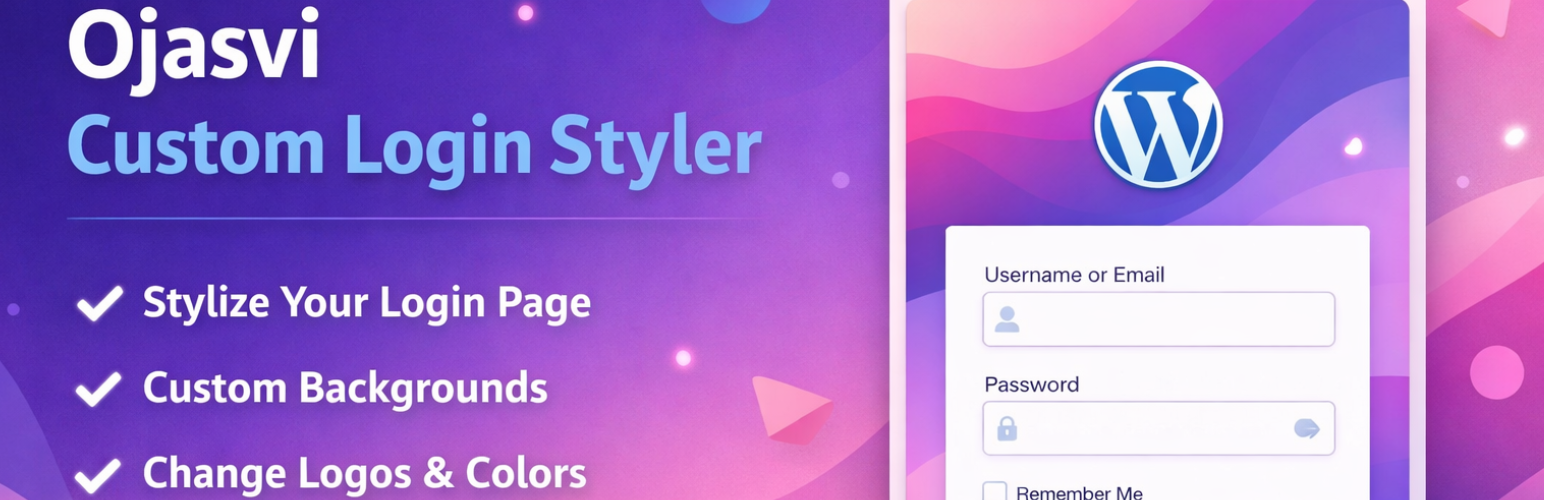
Ojasvi Custom Login Styler
Description
Ojasvi Custom Login Styler lets you customize the WordPress login page without coding.
You can change:
* Login logo
* Background color or background image
* Overlay color on background image
* Login button color and hover color
All settings are available under:
Settings Ojasvi Login Styler
Installation
- Upload the plugin folder to /wp-content/plugins/
- Activate the plugin through the ‘Plugins’ menu in WordPress
- Go to Settings Ojasvi Login Styler and configure your login design
Faq
No. Everything can be managed from the WordPress dashboard.
No. It only applies changes to the WordPress login page.
Reviews
Changelog
1.3
- Security escaping improvements
- Admin JS moved to file (no inline JS)
- WordPress.org compatibility improvements