OlalaWeb – WooCommerce Category Prices

OlalaWeb – WooCommerce Category Prices
Description
This plugin allows you to display your products’ prices on WooCommerce Category Archive pages. Works with Regular price, Sale prices and lowest to highest price. Also includes Schema.org formated micro data.
Prices are saved as metas in WooCommerce term_meta custom table.
Installation
Plugin installation
- Download this plugin and add it to ‘/wp-content/plugins/’
- Activate it from WordPress » Plugins admin screen
Plugin usage
- Create products and give them categories
- Go to WooCommerce Settings » Products
- Select ‘show subcategory’ instead of ‘show all products’
- Have a look at you shop 😉
Screenshots
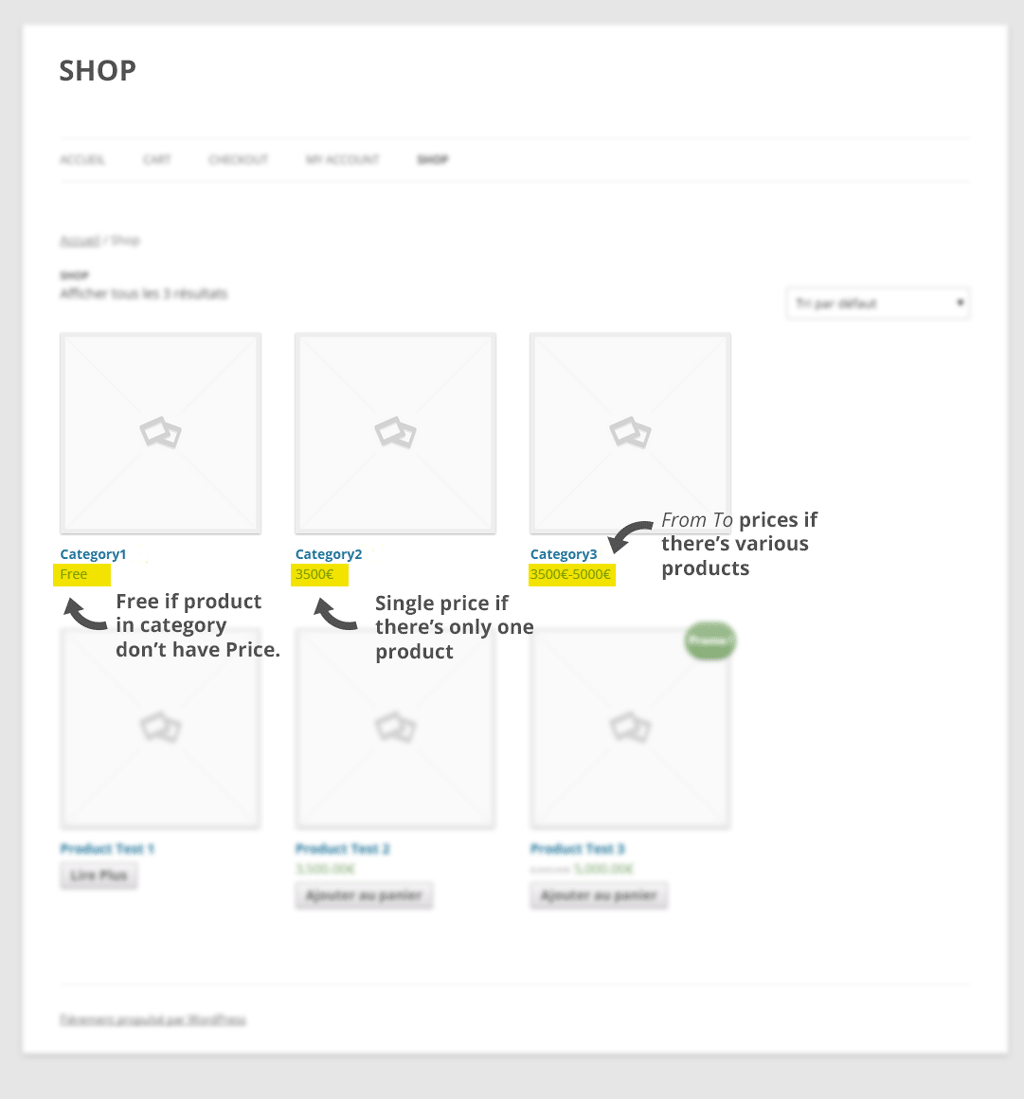
This screenshot shows how the plugin works. Prices are displayed either as 'Free' (if products have no prices), 'Single price' (if there's only one product or one price) or as 'From To' (if there various products with different prices).

This screenshot shows how to show Categories on WooCommerce Shop main page.
Faq
How to use this plugin
- Create products and give them categories
- Go to WooCommerce Settings » Products
- Select ‘show subcategory’ instead of ‘show all products’
- Have a look at you shop 😉
How to format the output prices
We are currently working on this functionnality. Thank you for your patience.
How can I contribute to this plugin
Please visit our Github.
I need something this plugin doesn’t do (yet)
Please, feel free to contact us anytime OlalaWeb, Twitter, Facebook or GooglePlus.
Reviews
Changelog
0.1.0
- First version ever