OMI Live Talk
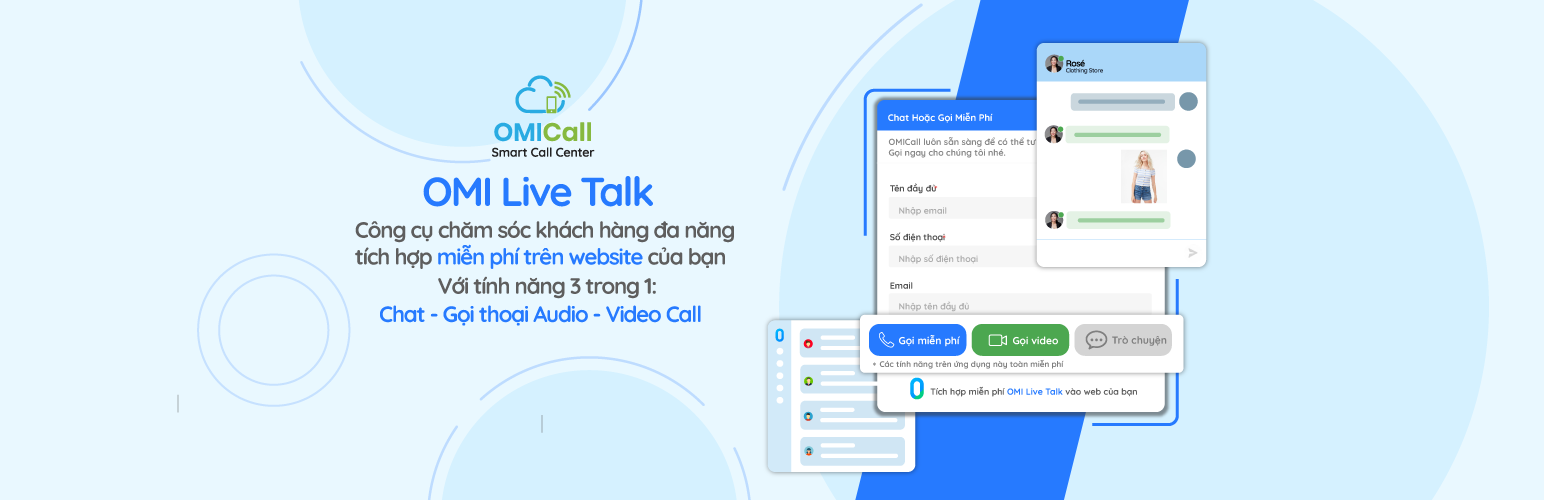
OMI Live Talk
Description
Live Talk system provides website owners with a comprehensive set of tools for customer care that no tools have yet.
OMI Live Talk is available for free for business owners for a lifetime, now
Installation
- From your WordPress Dashboard go to \’Plugins\’ > \’Add new\’ and search for \’OMI Live Talk\’.
- Click \’Install Now\’ under the title of the OMI Live Talk plugin
- Click activate
- Go to \’Menu Dashboard\’ > \’OMI Live Talk\’ and check the box to activate the domain name your OMI Live Talk System.
- Click \’Save\’ and you\’re done!
Or:
- Upload the
omi-live-talk-folder to the/wp-content/plugins/directory - Activate the plugin through the \’Plugins\’ menu in WordPress
- Go to \’Settings\’ > \’OMI Live Talk\’ and check the box to activate the domain name your OMI Live Talk System.
- Click \’Save Change\’ and OMI Live Talk is live!
Reviews
I see your Idea
By 
Hello my friend. My name's DuCanGio, I see your website and I really like. You have Great Idea. So good. I hope you develop more website. Thank you and Have nice day!
Your Idea So Good
By 
Hi. My name is Du, I see your website and I really like that. You so amazing. Goodluck and have nice day!
So Good
By 
Plugin này khá xịn xò đấy. Test thử gọi audio, video mượt chắng kém gì skype, đang cần cả chat nữa, quá tiện. Vote 5 sao. Thank bro!
Changelog
1.0
- Ra mắt plugin OMI Live Talk