Open AI Search Bar
Open AI Search Bar
Description
The AI Search Bar plugin allows you to embed a ChatGPT-like search box into your website using a simple shortcode. When users type a prompt into the search bar, it communicates directly with OpenAI’s API to generate a response—just like ChatGPT.
⚠️ Important: This plugin does not search or display your website’s internal content. It is strictly used to allow ChatGPT-style prompt-based interaction via OpenAI’s service.
We use trusted third-party services to generate responses:
🔗 https://api.openai.com/v1/chat/completions
Key Features
- Embed a ChatGPT-style search bar using
[ai_search_bar] - Uses OpenAI’s GPT model to answer prompts
- Works like ChatGPT—answers based on user input, not website content
- Easy to set up with no coding required
- Clean, lightweight, and fast
Install via WordPress Dashboard
- Log in to your WordPress admin area.
- Navigate to Plugins Add New.
- Search for “OpenAI : AI Search Bar“.
- Click Install Now, then Activate the plugin.
Install via FTP
- Download the
openai-search-bar.zipfile. - Extract the ZIP file on your computer.
- Upload the extracted folder to
/wp-content/plugins/using FTP. - Go to Plugins in your WordPress dashboard and click Activate.
How to Use
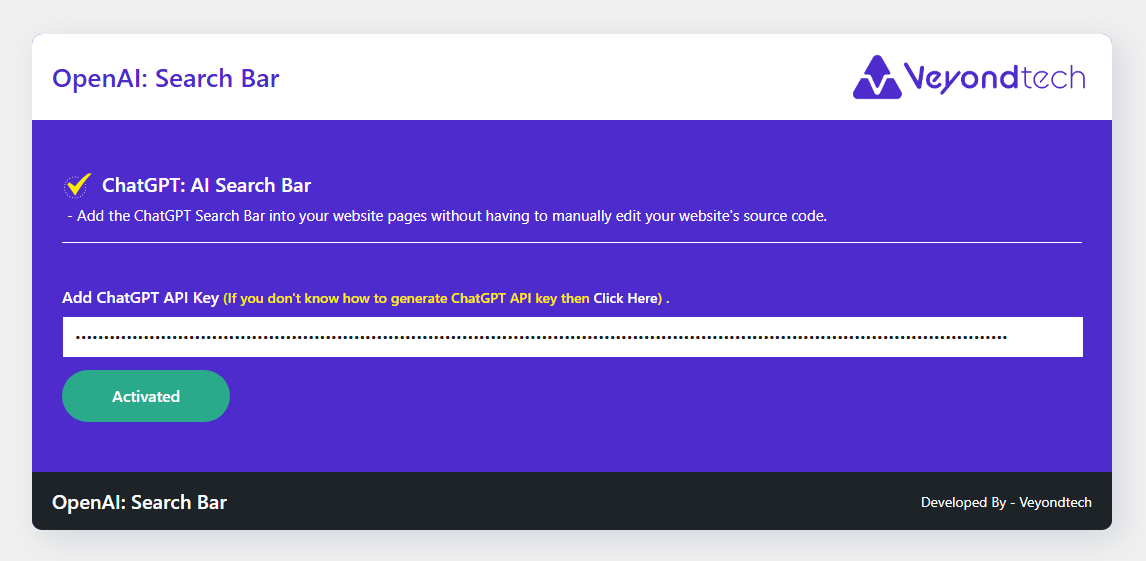
- Go to the plugin settings page from the WordPress admin menu.
- Enter your OpenAI API key.
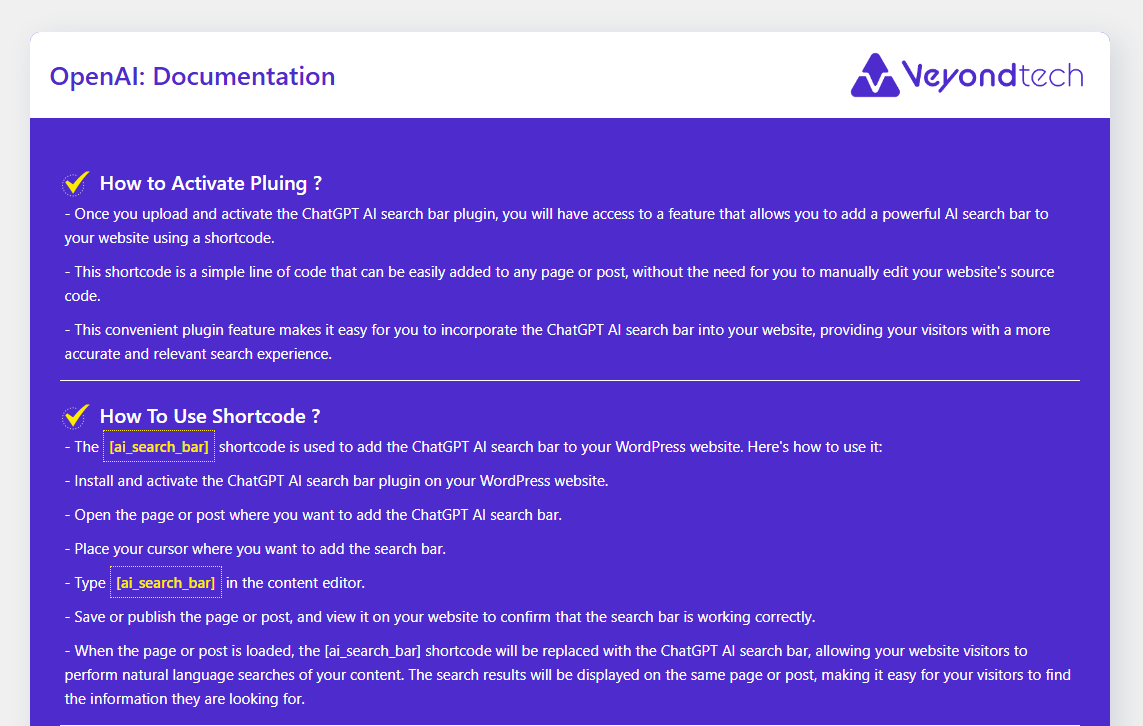
- Use the shortcode
[ai_search_bar]in any post, page, or widget to display the search bar.
Support
If you require assistance, contact us at: kavavimal@gmail.com
Screenshots

Faq
No. The AI Search Bar plugin does not search or display your website’s internal content. It interacts with OpenAI’s API to generate answers based on the user’s prompt—similar to ChatGPT.
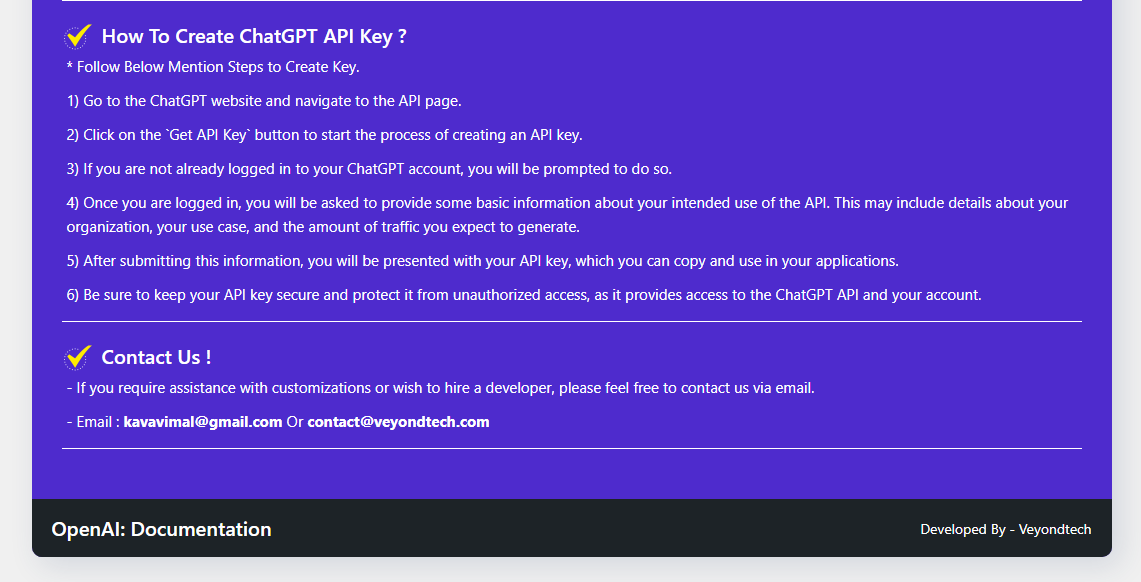
Yes. You must enter your OpenAI API key in the plugin settings for the search bar to function correctly. You can get your API key from https://platform.openai.com/account/api-keys
Use the shortcode [ai_search_bar] in any post, page, or widget where shortcodes are supported.
Yes. The plugin comes with default styling, but you can customize it using custom CSS or by overriding the plugin’s CSS in your theme.
No. The plugin is lightweight and does not load any large libraries. Responses are fetched asynchronously from OpenAI, so your site speed remains unaffected.
Yes, the plugin is designed to be compatible with all modern WordPress themes. If you encounter any styling issues, you can adjust the appearance with custom CSS.
The plugin itself is free, but usage of OpenAI’s API is paid and subject to their pricing at https://openai.com/pricing
Reviews
NOT a site search
By 
First, you can only use this if you have free credits, or purchase credits, with OpenAI. Just an FYI for anyone looking for a free solution - this won't be it.
Second, it absolutely is not a site search. It just inserts a text box that allows you to chat with OpenAI. I'm sure there's a place for this, but if you're looking for a site search, you'll be just as disappointed as me.
I'm leaving one more star than it probably deserves because hey, at least y'all made a shortcode that inserts an OpenAI chatbot. It just doesn't do what you said it would do.
Conversational agent
By 
Very good job, that's exactly what I want
This is not an AI Search Bar
By 
This is not an AI Search Bar. It is simply an OpenAI prompt on the website that has nothing to do with your own website. Do not use it at all with this plugin.
Try Again Please
By 
Useful for searching OpenAI only. Not intended as a site search for your own website. Works great to search OpenAI.
Changelog
Version 2.2
- Improved: Enhanced response formatting for better readability.
- Updated: Refined prompt handling to provide more accurate ChatGPT-like replies.
- Updated: Compatible with the latest version of WordPress.
- Fixed: Minor styling issues on some WordPress themes.
Version 2.1
- Improved: Enhanced response formatting for better readability.
- Updated: Refined prompt handling to provide more accurate ChatGPT-like replies.
- Fixed: Minor styling issues on some WordPress themes.
Version 1.3
- Updated: Compatible with the latest version of WordPress.
Version 1.2
- Fixed: Improved search prompt behavior.
Version 1.1
- Fixed: Page refresh issue resolved.
Version 1.0
- Initial release.