Orange Addons for Elementor

Orange Addons for Elementor
Description
Take your Elementor-powered websites to the next level with Orange Addons for Elementor, a powerful and flexible plugin that expands Elementor’s default widget library with a suite of 19+ advanced, creative, and highly customizable widgets. Now enhanced with a Theme Builder for seamless customization of your site’s header and footer, this plugin is designed for developers, designers, and site builders. It helps you create modern, engaging, and unique layouts — without writing a single line of code.
Whether you’re building landing pages, product reviews, service showcases, blog layouts, or complete site structures with custom headers and footers, Orange Addons delivers the tools you need to stand out. Every widget is built with performance, responsiveness, and design flexibility in mind, giving you full creative control over typography, spacing, colors, animations, and more. The integrated Theme Builder allows you to design and manage global elements like headers and footers directly within Elementor, ensuring consistent branding across your site.
✨ What’s Included?
- Theme Builder – Customize and manage your site’s header and footer with drag-and-drop ease, including support for dynamic elements and responsive designs.
Advanced Widgets:
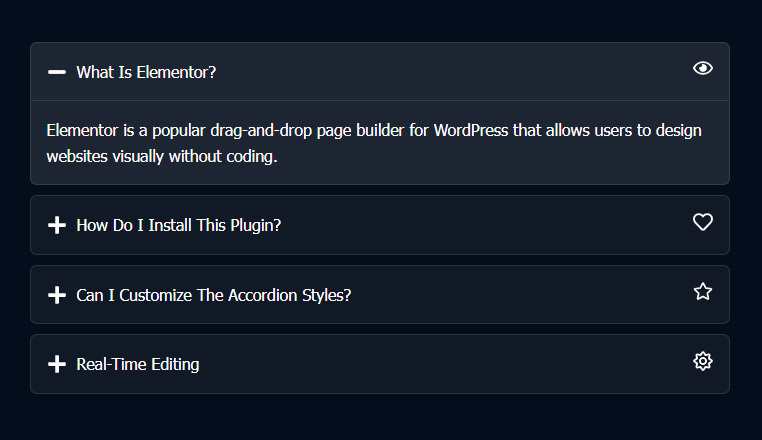
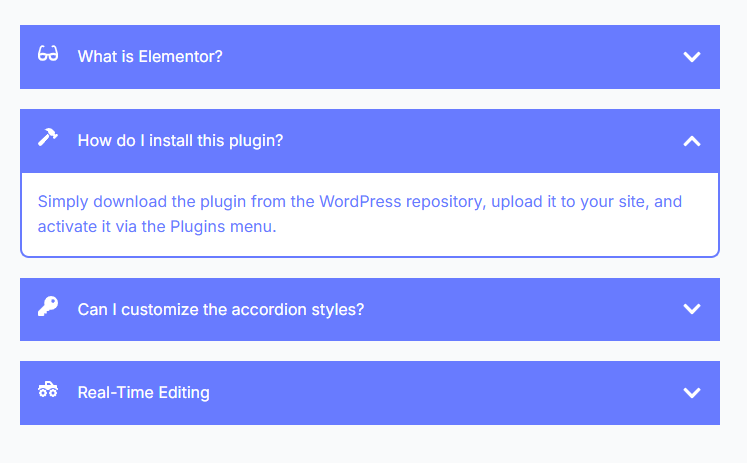
– Accordion – Organize content with smooth, accessible toggle panels.
– Image Accordion – Showcase visuals in a dynamic horizontal or vertical accordion layout.
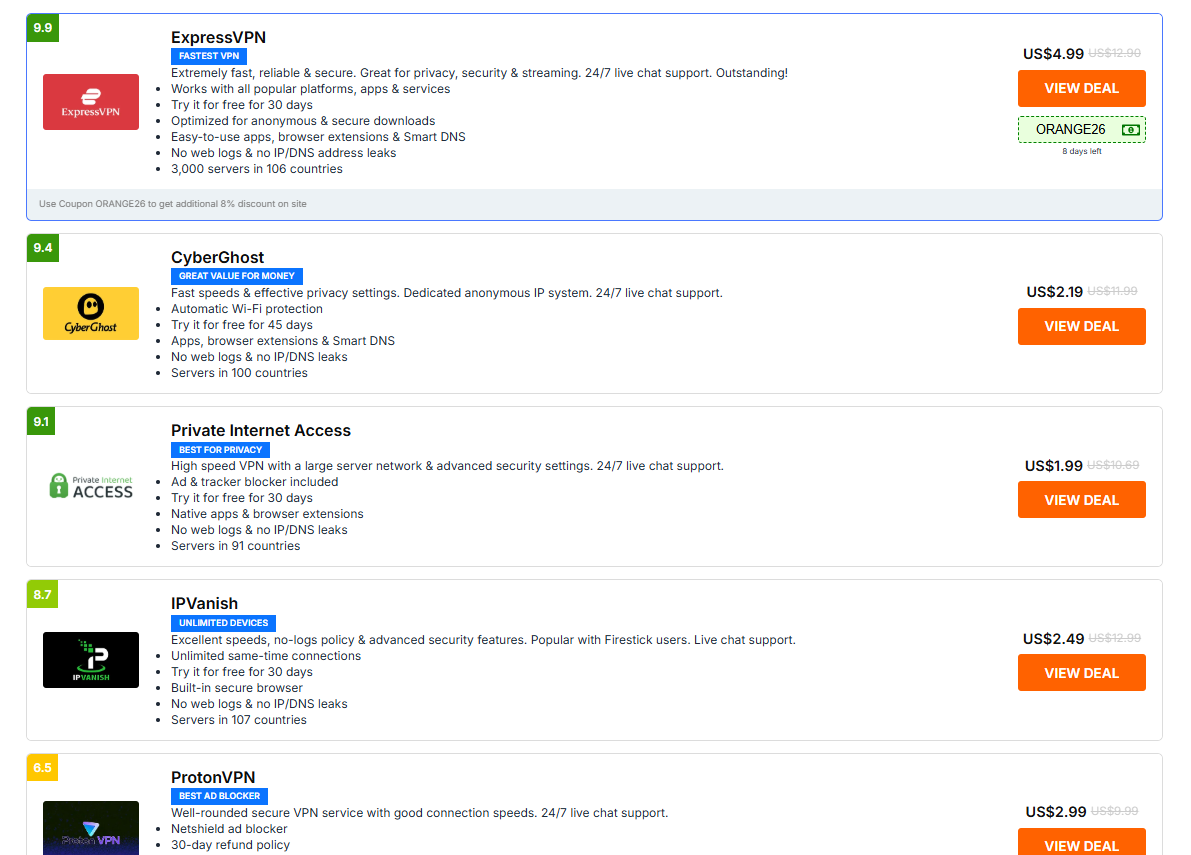
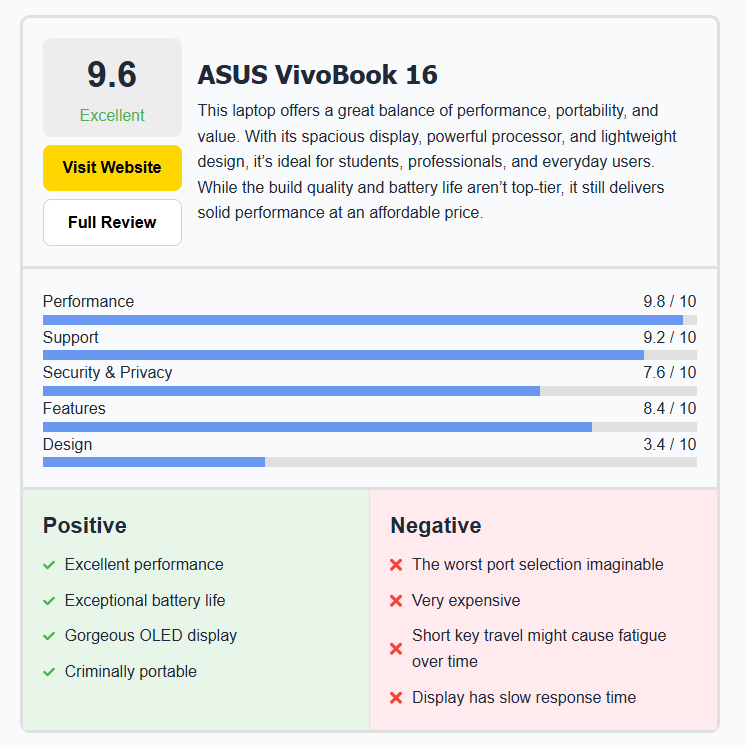
– Offer Listing – Perfect for affiliate marketing or product comparisons with ratings and CTAs.
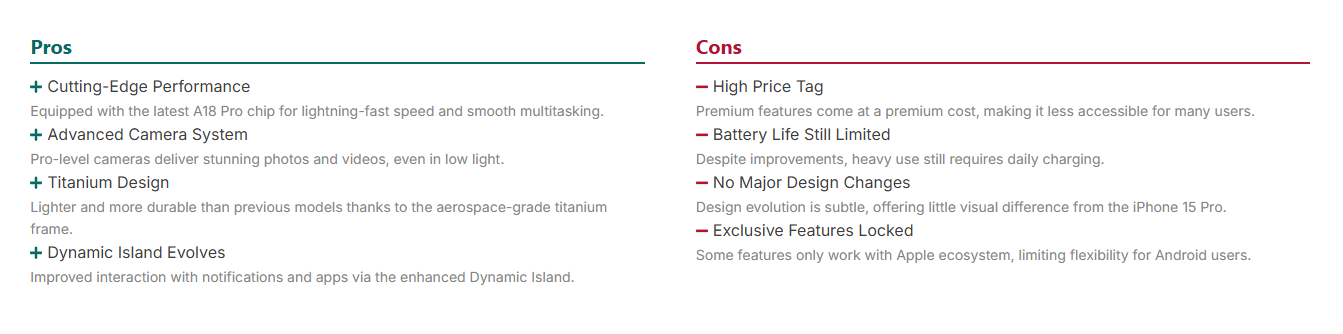
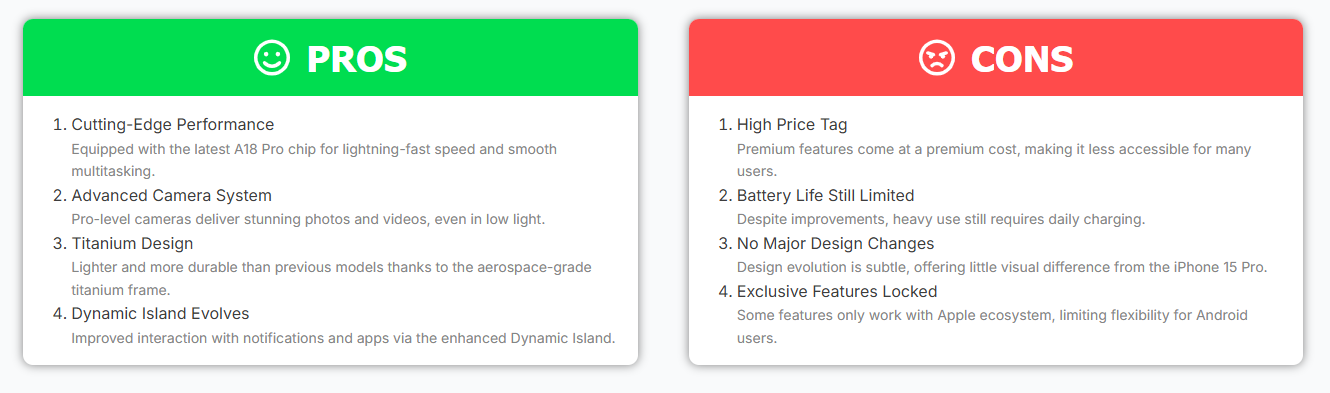
– Pros & Cons – Highlight the strengths and weaknesses of products or services clearly.
– Verdict – Deliver a final recommendation with style and clarity.
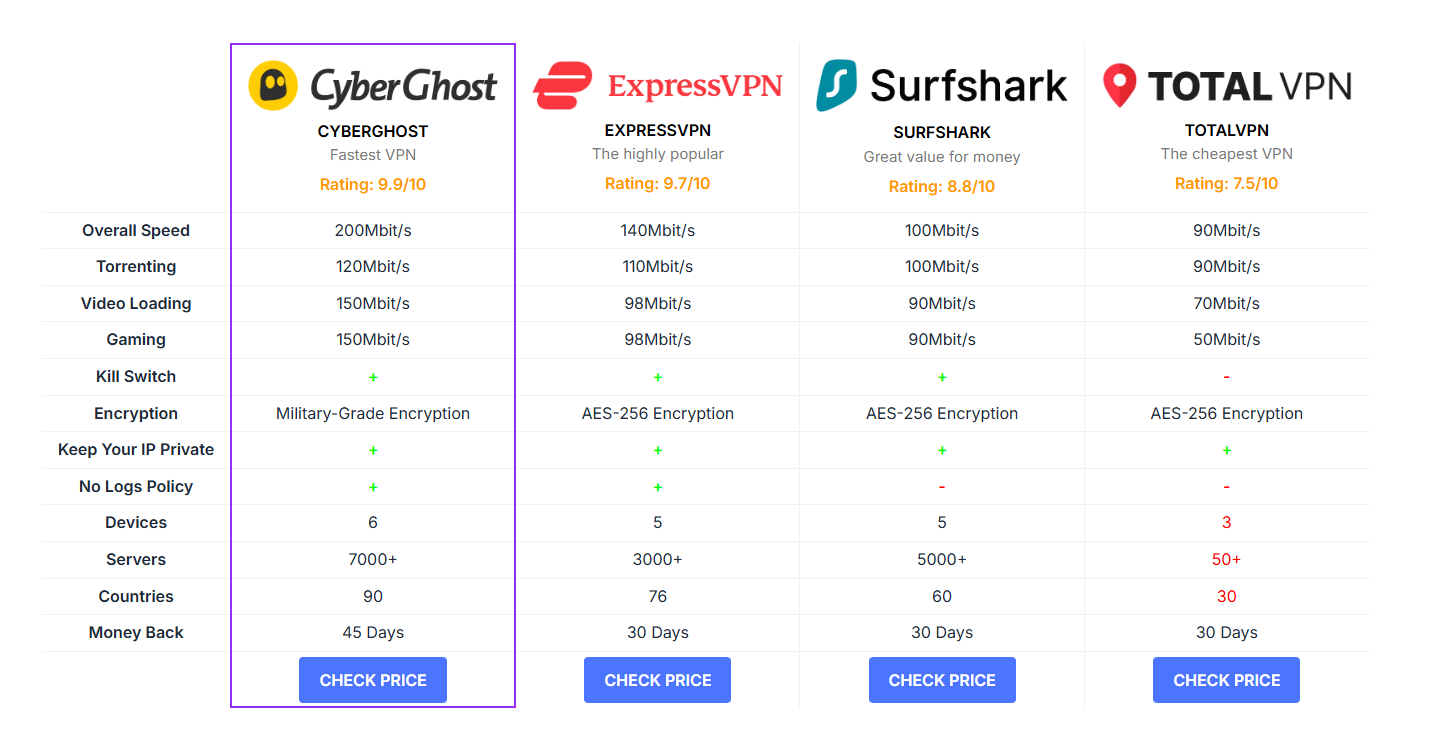
– Comparison Table – Create elegant side-by-side product or plan comparisons.
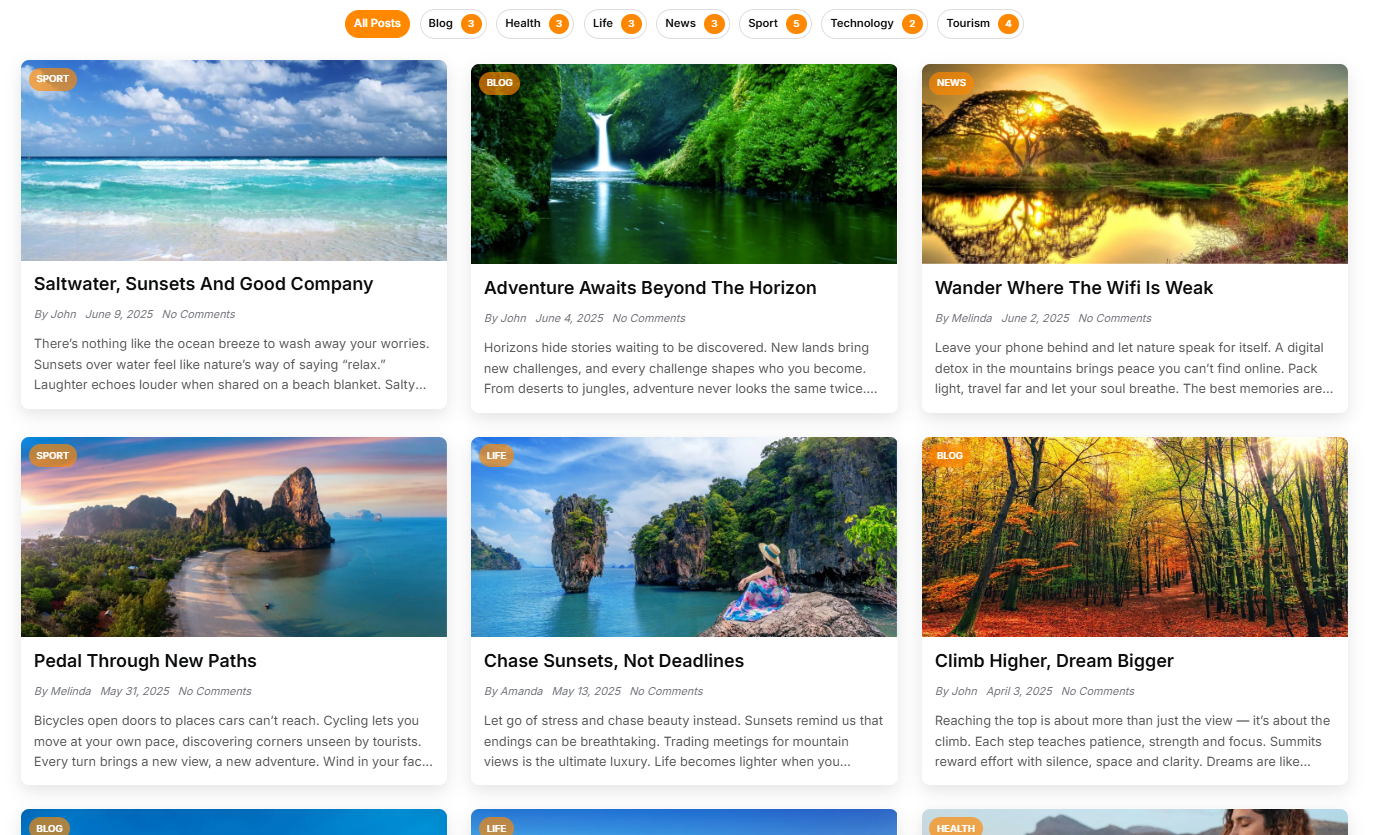
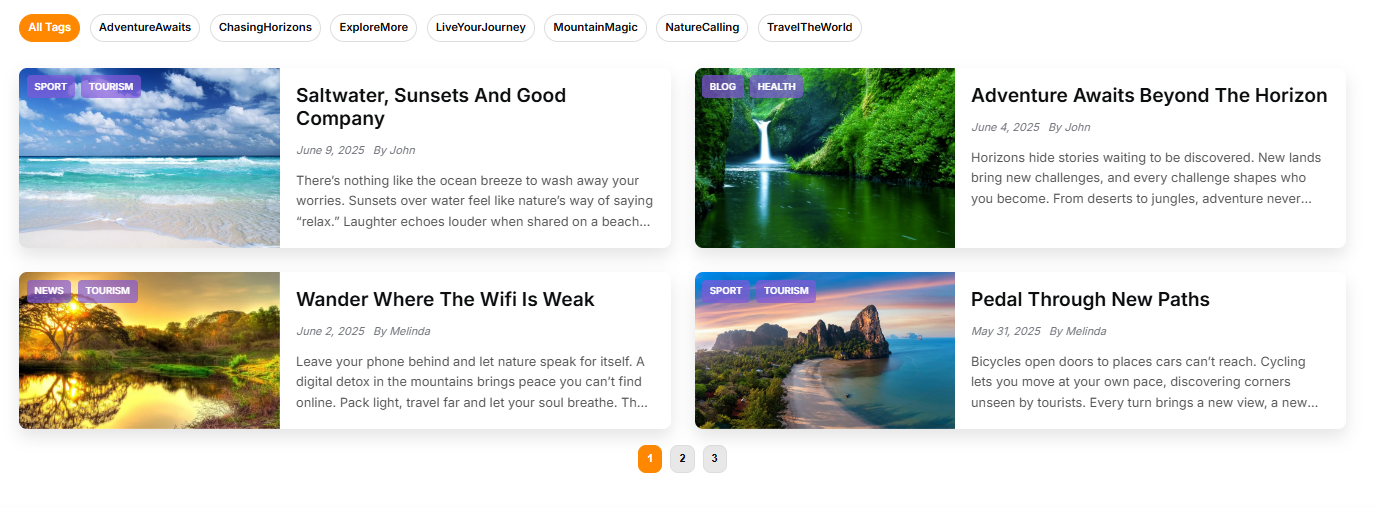
– Posts Grid – Display blog posts or articles in responsive, filterable grids with custom layouts.
– Button – Advanced button styling with icons, hover effects, and multiple sizes.
– Advanced Heading – Create dynamic headings with background text, dividers, and animations.
– Testimonials – Showcase customer feedback in sleek sliders or grid layouts.
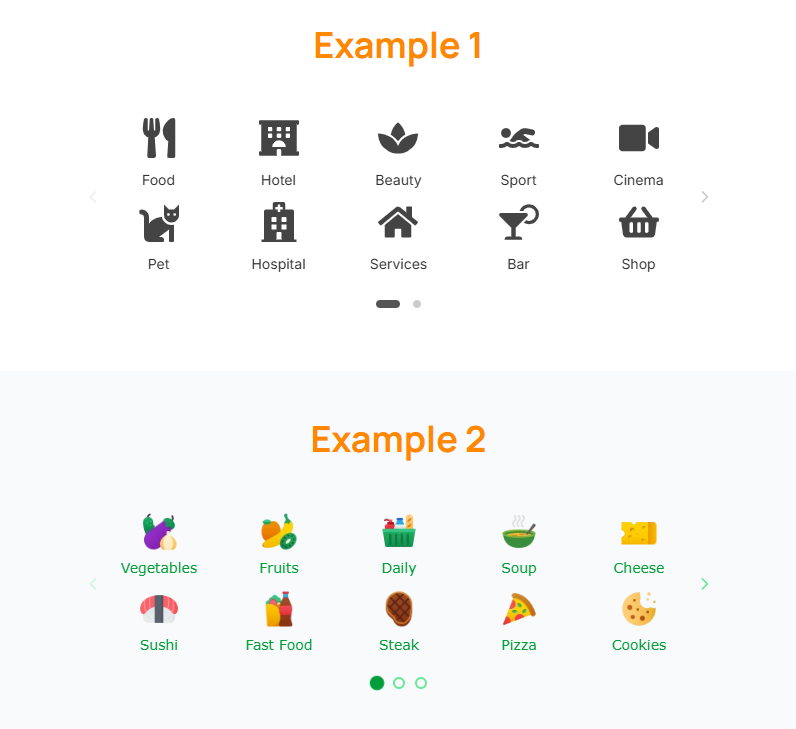
– Benefits – Highlight key features with icons, numbers, or progress indicators.
– Iconbox – Present services or features with icons, titles, and rich content.
– Pricing Plans – Design beautiful, responsive pricing tables with feature lists and CTAs.
– Hero Block – Build high-impact hero sections with headlines, text, buttons, and background effects.
– Site Logo – Easily add and style your site’s logo with alignment, sizing, and link options.
– Nav Menu – Create customizable navigation menus with dropdowns, icons, and hover effects.
– Search – Integrate a search bar widget with styling options for seamless site navigation.
– Vertical Menu – Design vertical navigation menus ideal for sidebars or mobile layouts.
– Copyright – Add a customizable copyright notice with dynamic year updates and links.
Each widget is packed with deep customization options, including:
– Full color control
– Typography settings (via Elementor’s theme or custom fonts)
– Spacing, padding, and margins
– Animation effects on scroll
– Responsive visibility controls
– Custom CSS classes and IDs
💡 Why Choose Orange Addons for Elementor?
✅ Lightweight & Fast – Optimized code ensures no bloat or performance loss.
✅ Seamless Elementor Integration – Widgets appear directly in the Elementor panel — drag, drop, and customize.
✅ Mobile-First Design – Every widget is fully responsive and looks great on all devices.
✅ Freemium Ready – Free version includes core functionality; Pro unlocks advanced features, templates, and priority support.
✅ Developer Friendly – Clean, well-documented code. Easy to extend or customize.
✅ Regular Updates – Actively maintained for compatibility with the latest versions of WordPress and Elementor.
🔐 License & Open Source Commitment
Orange Addons is released under the GNU General Public License v3.0 or later, ensuring your freedom to use, modify, and distribute the software. This means it’s 100% compatible with WordPress.org guidelines and built on the principles of open-source collaboration.
🌐 License URI: https://www.gnu.org/licenses/gpl-3.0.html
🚀 Perfect For:
- Marketing and landing pages
- Product review sites
- Service-based business websites
- Blogs and magazines
- SaaS and startup websites
- Affiliate marketers
- Web agencies and freelancers
🛠️ Getting Started
- Install and activate Orange Addons for Elementor.
- Open any page or post with Elementor.
- Scroll through the widgets panel to find new Orange-powered widgets.
- Drag, drop, and customize to build stunning layouts in minutes.
Upgrade to Pro for access to:
– Exclusive widgets
– Advanced animations and parallax effects
– Dedicated support and automatic updates
Installation
- Upload the
orange-elementor-addonsfolder to the/wp-content/plugins/directory. - Activate the plugin through the ‘Plugins’ menu in WordPress.
- Edit any page or post using Elementor.
- Find the new widgets in the Elementor panel and start building!
Screenshots

Faq
Yes! We actively maintain compatibility with the latest versions of Elementor and WordPress.
Yes. Orange Addons works with any WordPress theme that follows standard coding practices. For best results, use with Elementor-compatible themes.
Yes, the core version is 100% free and includes all 14 widgets. A Pro version is available with advanced features and premium support.
Absolutely. All widgets are fully responsive and optimized for desktop, tablet, and mobile devices.
Visit orange-addons.com to learn more about the Pro version, pricing, and how to upgrade.
Check out our live demo: https://orange-addons.com/#widgets
Yes! Free users can use the WordPress support forums. Pro users get priority email support.
Yes! All widgets come with intuitive controls in the Elementor editor — no code required.
Reviews
Changelog
1.1.0 – March 12, 2026
Added new widgets:
Site Logo
Nav Menu
Search
Vertical Menu
Copyright
Introduced Theme Builder for creating custom Headers and Footers
1.0.0 – April 5, 2025
- Initial public release
- Added 14 fully customizable widgets:
- Accordion
- Image Accordion
- Offer Listing
- Pros & Cons
- Verdict
- Comparison Table
- Posts Grid
- Button
- Advanced Heading
- Testimonials
- Benefits
- Iconbox
- Pricing Plans
- Hero Block
- Full compatibility with Elementor and WordPress 5.0+
- Lightweight, responsive, and optimized for performance