Order Test For Woocommerce
Order Test For Woocommerce
Description
Use Order Test For Woocommerce to ensure that your checkout process is functioning correctly. This will allow you to perform a complete and authentic checkout on your website.
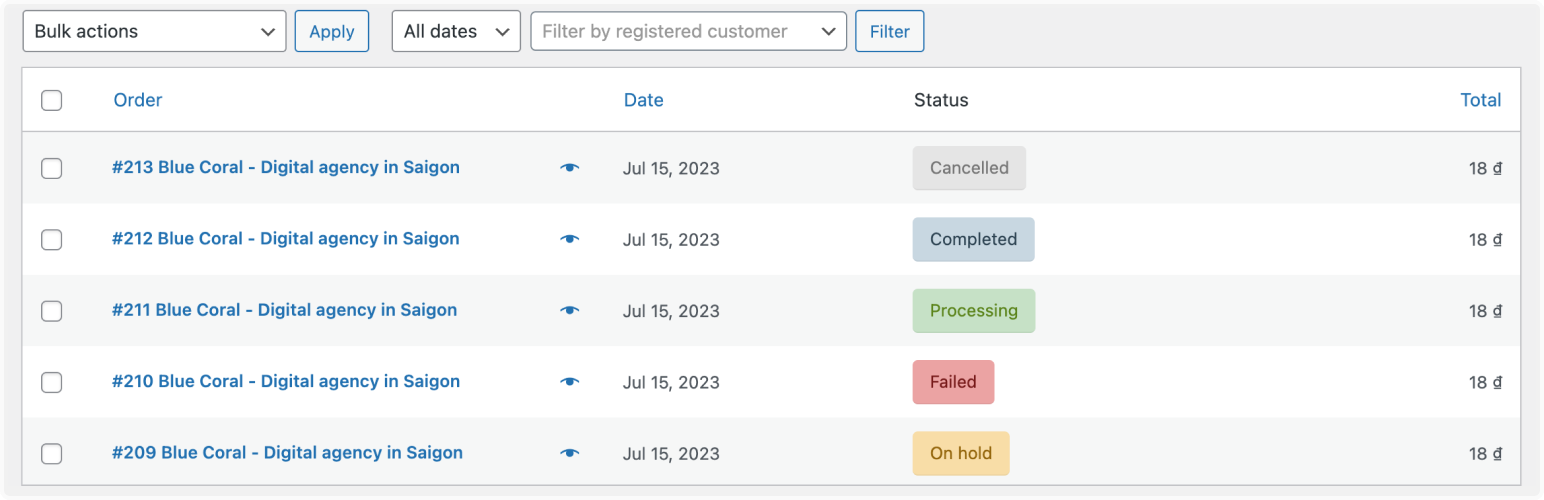
Set the resulting order status (processing, completed, on-hold, cancelled, failed, or refunded) directly at checkout, pre-fill billing details, and open the checkout page with a default test product through a ready-made link.
Installation
- Upload the
order-test-for-woocommercedirectory to the/wp-content/plugins/directory via FTP - Alternatively, upload the
order-test-for-woocommerce.zipfile to the ‘Plugins->Add New’ page in your WordPress admin
area - Activate the plugin through the ‘Plugins’ menu in WordPress
- Enable Order Test For Woocommerce in WooCommerce Payments
You’re done!
Screenshots

Payment Settings

Plugins Configs

Checkout
Faq
Yes, it is. This creates a testing payment gateway exclusively for WooCommerce.
The order status selector is rendered by the classic (shortcode) checkout. Use the shortcode checkout page when placing test orders.
Reviews
Changelog
1.1
- Declared High-Performance Order Storage (HPOS) compatibility.
- Updated WordPress.org compatibility metadata (WordPress 7.1, WooCommerce 11.0).
- Hardened nonce and order-status handling for PHP 8 and modern WooCommerce.
- Removed outdated cross-promotion section from the description.
1.0
- Initial Release.