PageNamed Menu Classes

PageNamed Menu Classes
Description
Installation
Go to the Plugins section of your Dashboard, click “Add New”, make sure you are looking at the “Search” section (tab-less links above). There enter “PageNamed Menu Classes” in the search field, and click “Install Now”. (you are probably there now) After installed, Activate it, and you’re set.
If you got this by email, upload the zip to your site through the “upload” tab-less link in the “Add New” section of your “Plugins” control panel in your WP Dashboard. Then Activate.
Screenshots
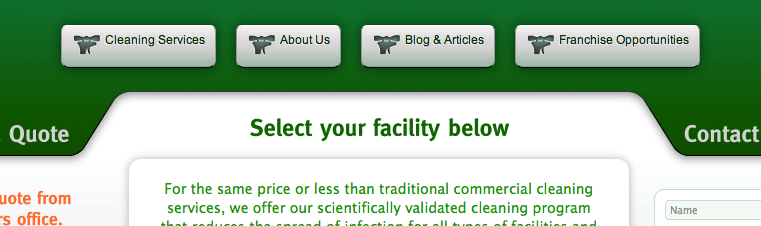
Before the menu items are selectively styled.

After the menu items get different icons as this plugin makes possible (without manually adding a class name in the menu's panel).
Reviews
Changelog
1.0.0
PageNamed Menu Clases Release.