ParcelPace Delivery Estimates for WooCommerce

ParcelPace Delivery Estimates for WooCommerce
Description
ParcelPace Delivery Estimates for WooCommerce shows simple delivery and dispatch estimates on WooCommerce product pages. Estimates are calculated locally from your store settings using processing days, transit days, and working days.
WooCommerce is required. Estimates are calculated locally from your store settings. No external APIs are used, and no license key is required.
ParcelPace Delivery Estimates for WooCommerce is an independent plugin by WPRuby and is not affiliated with, endorsed by, or sponsored by WooCommerce, Automattic, or WordPress.
Example messages:
- Order today and get it between July 15 – July 18.
- Usually ships in 2–4 business days.
Features:
- Product page delivery estimate
- Processing and transit day settings
- Working days (Monday–Sunday)
- Optional cutoff time
- Optional excluded dates (holidays and closures)
- Customizable message template with placeholders
- Plain or highlighted display style
- Placement options on the product page
Message template placeholders:
{earliest_date}— earliest delivery date{latest_date}— latest delivery date{processing_days}— configured processing days{min_transit_days}/{max_transit_days}— transit day range
Source code: The Vue admin UI source is included under assets/admin/vue/.
Installation
- Upload the plugin files to
/wp-content/plugins/parcelpace-delivery-estimates-for-woocommerce, or install through the WordPress plugins screen. - Activate the plugin through the Plugins screen.
- Ensure WooCommerce is installed and active.
- Go to WooCommerce ParcelPace Estimates to configure settings.
- Enable estimated delivery dates and set your processing days, transit days, and working days.
- View an in-stock product page to see the estimate.
Screenshots
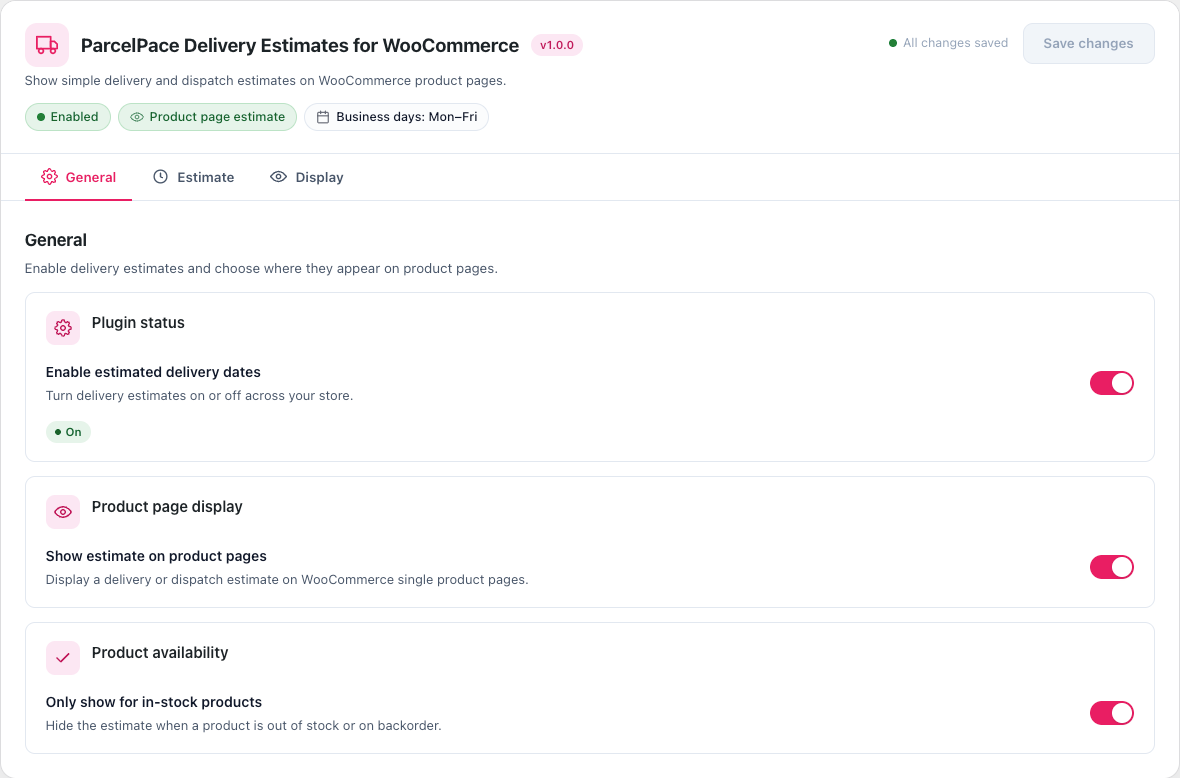
Admin settings — General tab
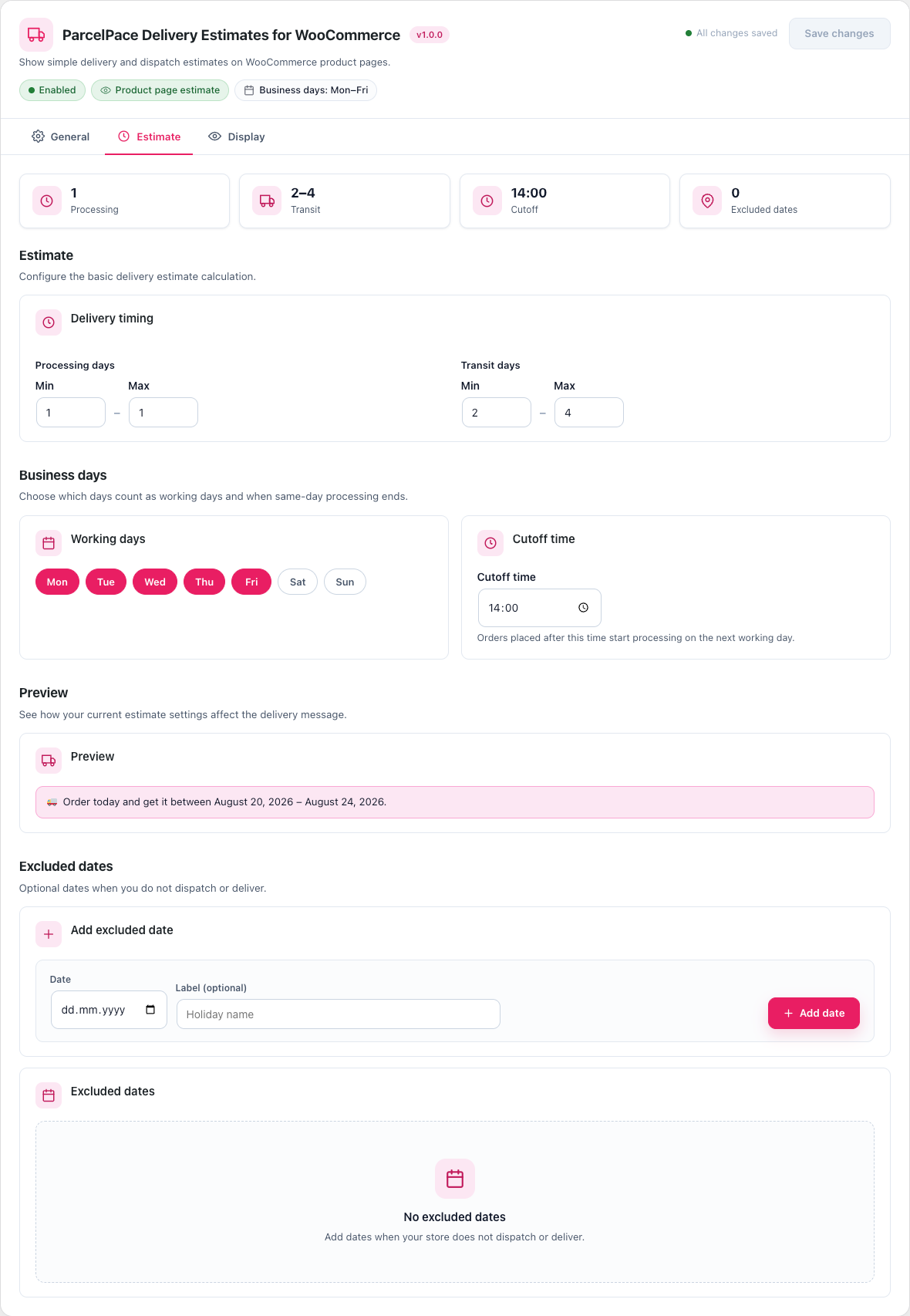
Admin settings — Estimate tab
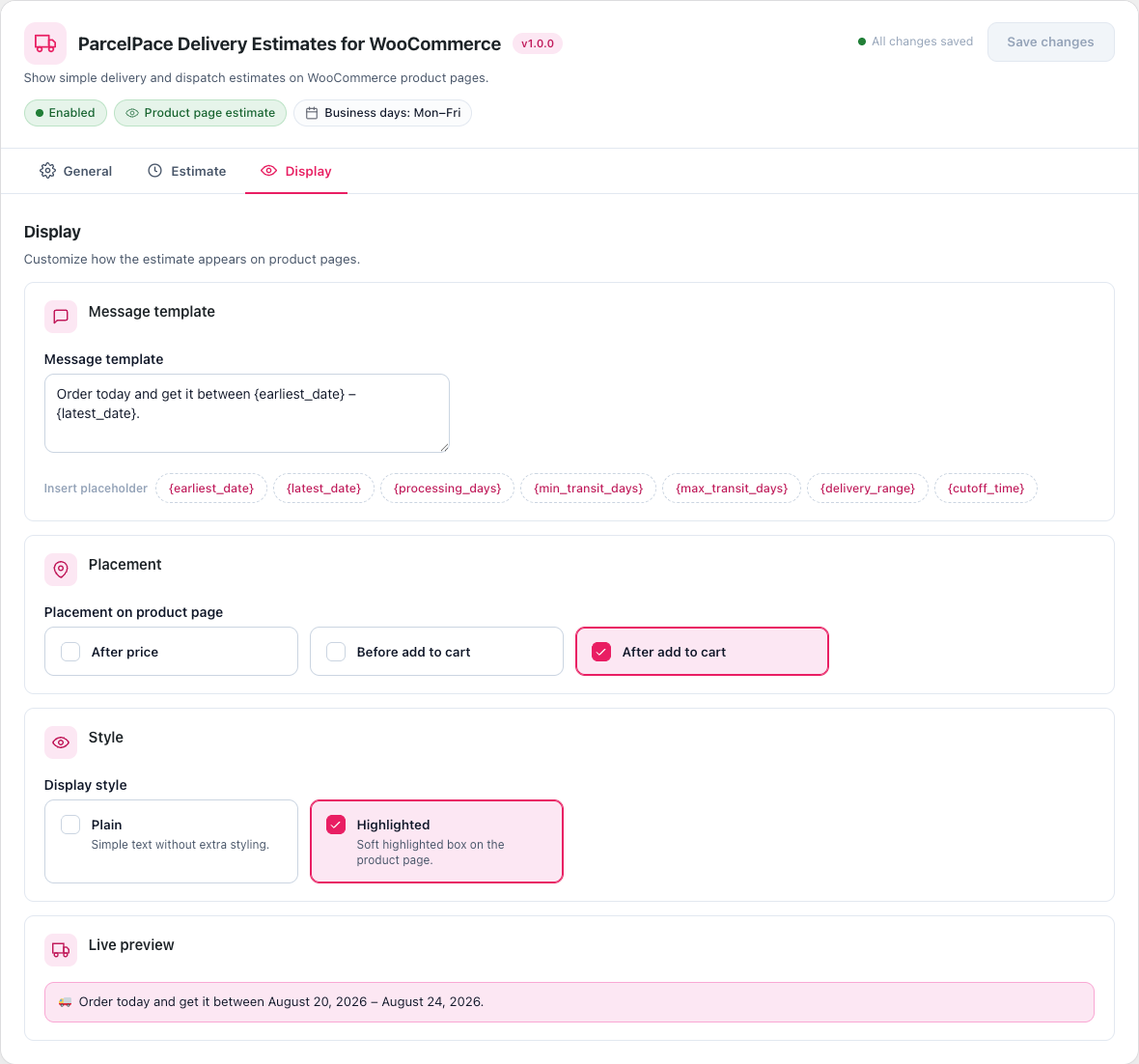
Admin settings — Display tab with preview
Faq
Yes. The plugin displays a simple delivery or dispatch estimate on WooCommerce product pages.
Yes. Delivery estimates are calculated locally from your configured processing days, transit days, and working days.
No. Estimates are calculated locally. No external APIs are used.
No. WooCommerce must be installed and active.
No. You can set an optional cutoff time that affects same-day dispatch calculations, but there is no countdown timer UI.
Reviews
Changelog
1.0.0
- Initial release for WordPress.org
- Product page delivery estimates with processing days, transit days, and working days
- Simple admin UI with General, Estimate, and Display tabs