Passwordless Login

Passwordless Login
Description
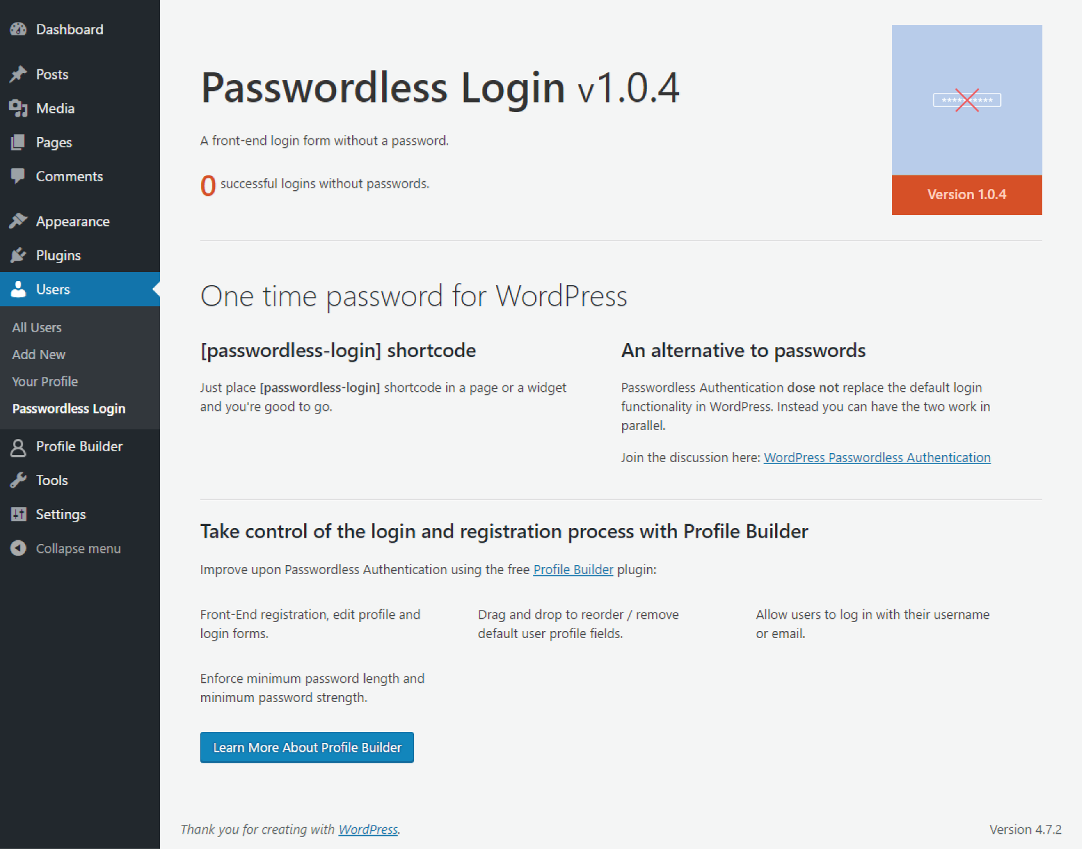
Passwordless Login is a modern way of loggin into your WordPress site without the use of a password.
Join the discussion here: https://www.cozmoslabs.com/31550-wordpress-passwordless-login/
This is how it works:
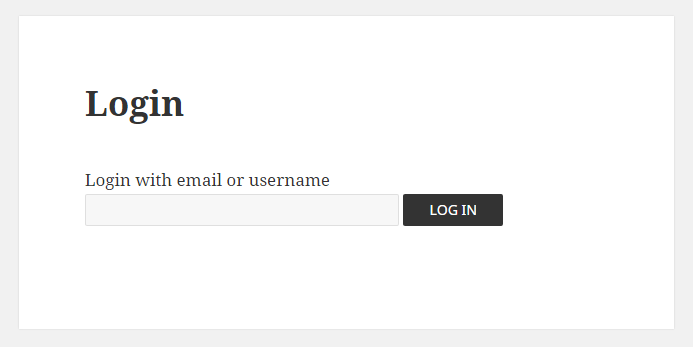
- Instead of asking users for a password when they try to log in to your website, we simply ask them for their username or email
- The plugin creates a temporary authorization token and saves it in a WordPress transient that expires after 10 minutes
- Then we send the user an email with a link and the token
- The user clicks the link and sends the authorization code to your server
- The plugin then checks if the code is valid and creates the log in WordPress cookie, successfully authenticating the user.
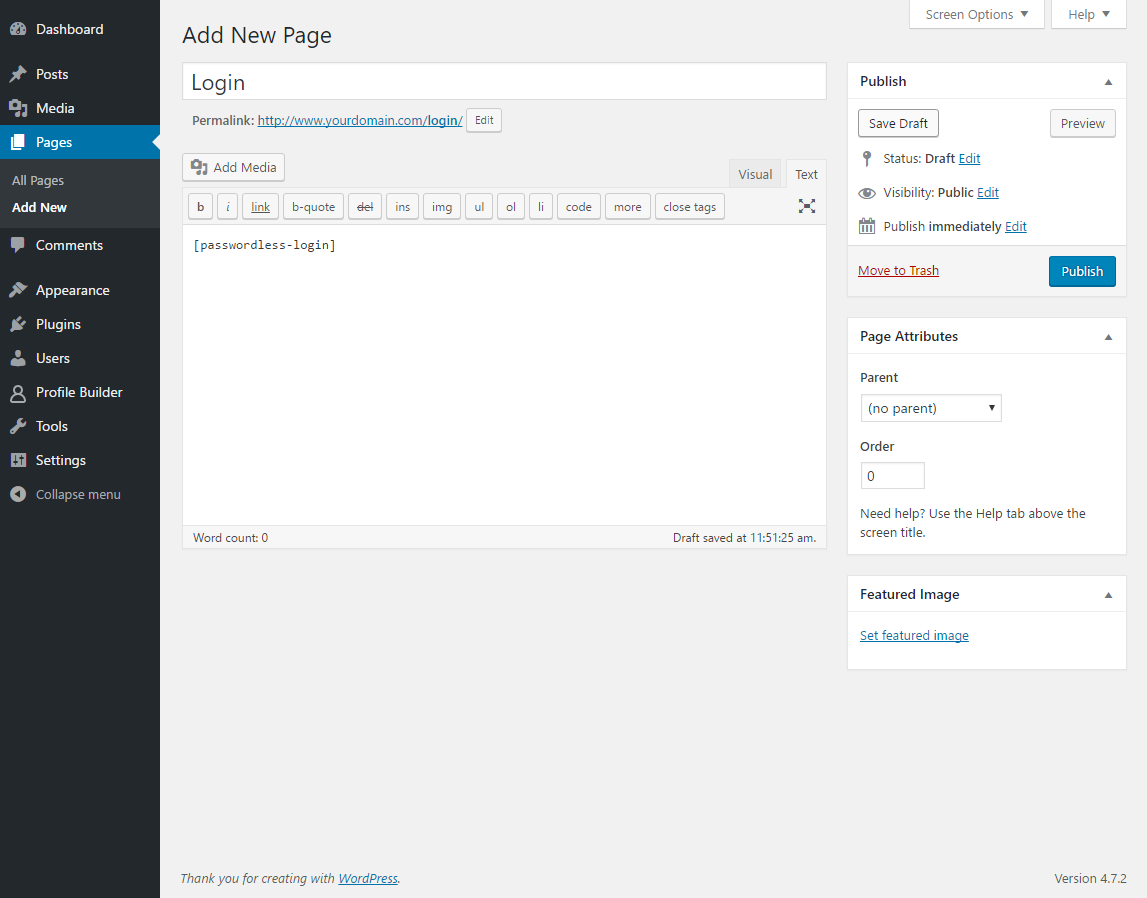
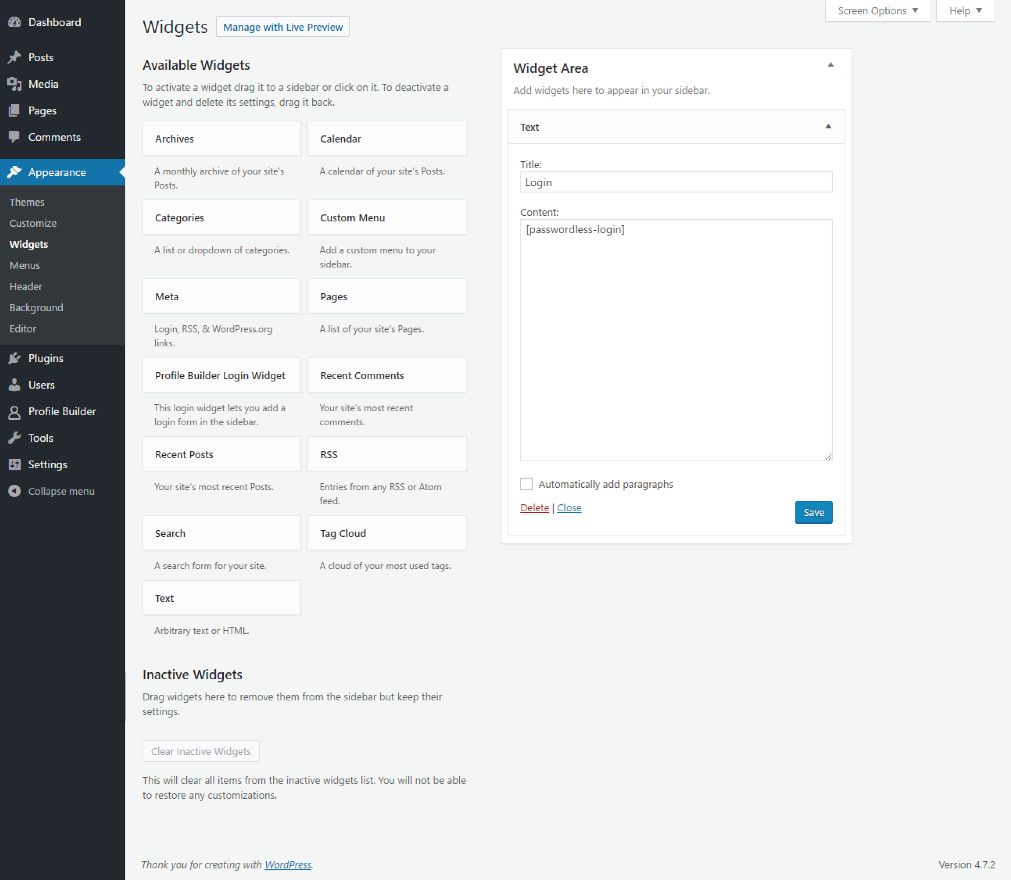
You can use the shortcode [passwordless-login] in a page or widget.
If you’re looking to create front-end user registration and profile forms we recommend Profile Builder.
NOTE:
Passwordless Authentication dose not replace the default login functionality in WordPress.
Installation
- Upload the passwordless-login folder to the ‘/wp-content/plugins/’ directory
- Activate the plugin through the ‘Plugins’ menu in WordPress
- Create a new page and use the shortcode available
Screenshots
Scr1
Scr2
Scr3
Scr4
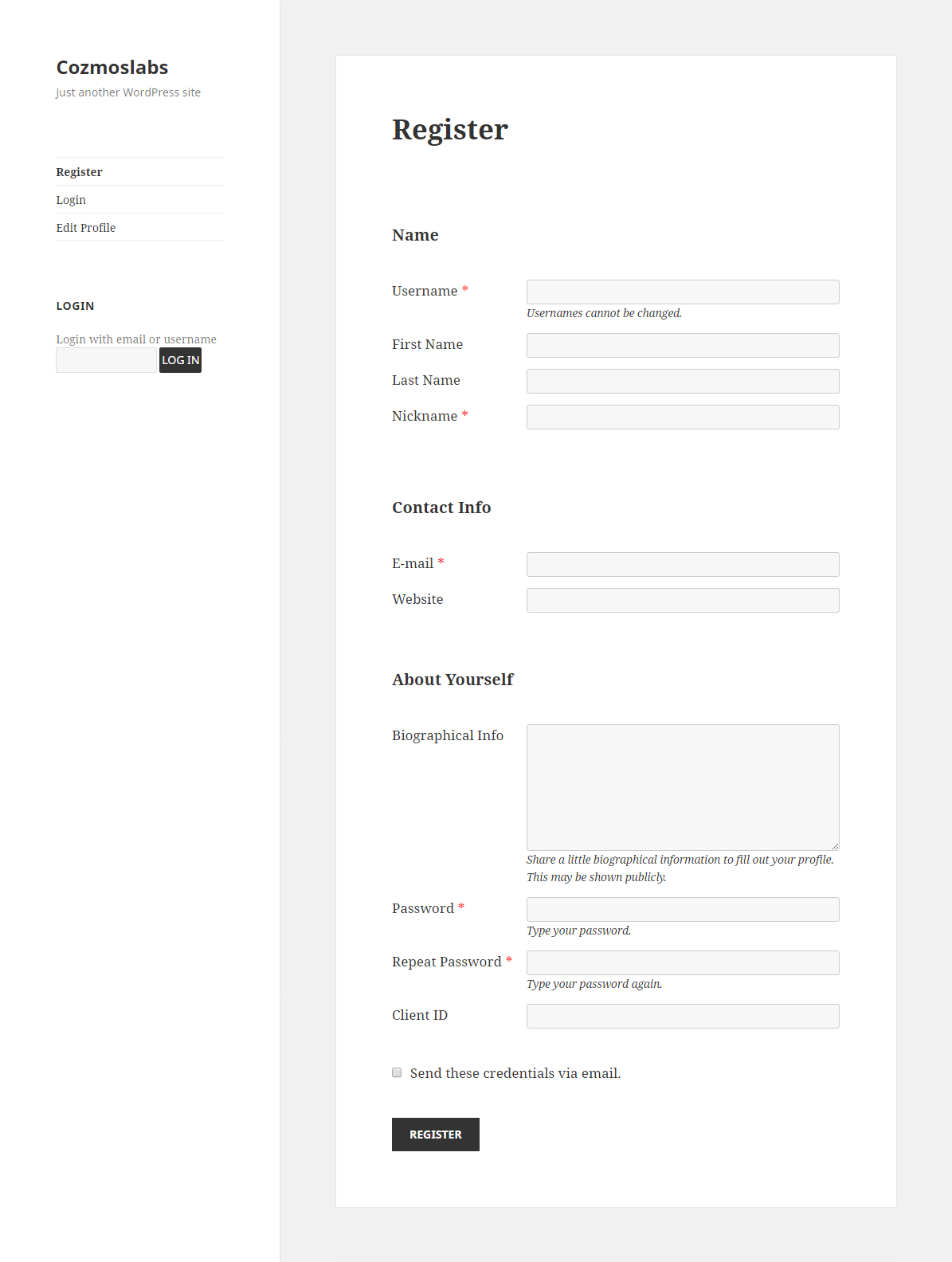
Scr5
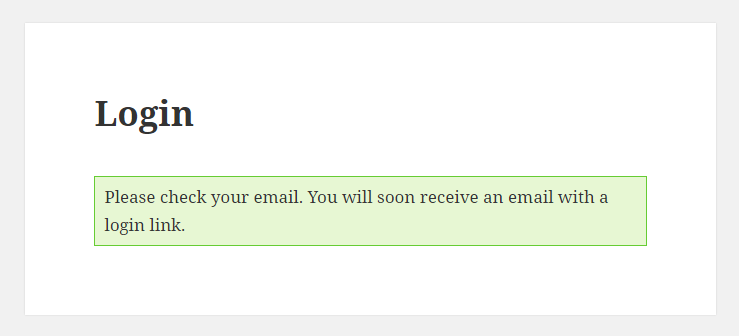
Scr6
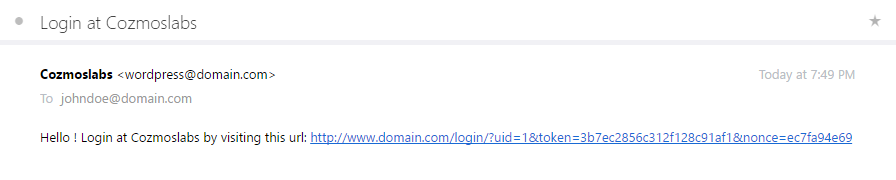
Scr7

Scr8
Faq
Yes. The token is created using wp_hash and it’s based on the user id, the current time and the salt in wp-config.php
The token expires after 10 minutes and can only be used once. If people have access to that link it’s supposed they have access to your email, in which case it’s as safe as the default login, since they could reset their passwords.
Weak passwords are used every day by users. There are also people who use the same password across various services and websites. By using the Passwordless Login plugin your users will have one less password to worry about.
You can extend the auth cookie expiration to something like 1 month or 3 months (this can be changed by using the wpa_change_link_expiration filter). Also, you can offer Passwordless Login as an alternative login system and enforce stronger passwords on registration using Profile Builder plugin.
For more information please visit http://www.cozmoslabs.com or via the support tab.
Reviews
It's a favorite
By 
Found and installed this plugin today hoping to make logging in easier.
It works perfectly. My members are also very satisfied. And it has now also been tested with my theme, Mantra.
Definitely worth 5 stars. Thank you.
Use to create "subscriber" login
By 
Voluntary fork plugin is available
By 
Brilliant solution for password-free login
By 
A simple and nice tool
By 
It Simply works
By 
Awesome
By 
This plugin is fantastic
By 
Works fine!
By 
Was a requirement for a project - and this plugin solved it beautifully.
Even got support by the guys for a modification - perfect!
Changelog
1.1.4
- Fix: Allow 2 forms on the same page to process correctly
- Fix: A compatibility bug with the Allow Users To Login With option from Profile Builder
- Fix: Switched from using ids to style the form to using classes
- Fix: Add translation support for the Login form submit button
- Misc: Added a filter to disable the automatic redirect to homepage for HEAD requests
1.1.3
- Fix: XSS issue with the already logged in message. Thanks to Mat Rollings
- Fix: Added nonce check for the admin notice dismiss action
- Fix: Sanitize additional output
- Fix: A compatibility bug with Profile Builder when an after login redirect returned an empty string
1.1.2
- Fix: issues with form being processed multiple times
- Fix: an issue regarding AV Link Protection
- Misc: added a filter over the headers of the email that is sent: wpa_email_headers
- Misc: added a filter to allow adding of extra email verification logic: wpa_email_verify_login
1.1.1
- Redirect after login based on Profile Builder Pro custom redirects.
1.1.0
- Fix create_function to anonymous function so it works with PHP 7.2
- Localize certain strings
- Add wpa_after_login_redirect filter so you can redirect users after login
- Change logo and banner
1.0.9
- Fixed a problem with admin approval error message
1.0.8
- Added compatibility with Admin Approval from Profile Builder
1.0.7
- Fix: Properly localize plugin again. Changed the text domain to be the same with the slug.
1.0.6
- Fix: Properly localize plugin.
1.0.5
- Fix: Fixed an issue with the Email Content Type. Now we are using the wp_mail_content_type filter to set this.
- Plugin security improvements.
1.0.4
- Fix: Remove email ‘from’ filter. Should use wp_mail_from filter.
- Added support for HTML inside the e-mail that gets sent.
- Added the wpa_change_link_expiration filter to be able to change the lifespan of the token.
- Added the wpa_change_form_label to be able to change the label for the login form. The label also changes automatically now based on the value of the Allow Users to * Login With option set in Profile Builder -> Manage Fields.
- Fix: Generating the url using add_query_args() function.
1.0.3
Fix: Minor readme change
1.0.2
Fix: Added require_once for the PasswordHash class
1.0.1
- Security fix: tokens are now hashed in the database.
- Security fix: sanitized the input fields data.
- Fix: no longer using transients. Now using user_meta with an expiration meta since transients are not to be trusted.
- Change: removed a br tag.
1.0
Initial version. Added a passwordless login form as a shortcode.