Payment Gateway Groups for WooCommerce
Payment Gateway Groups for WooCommerce
Description
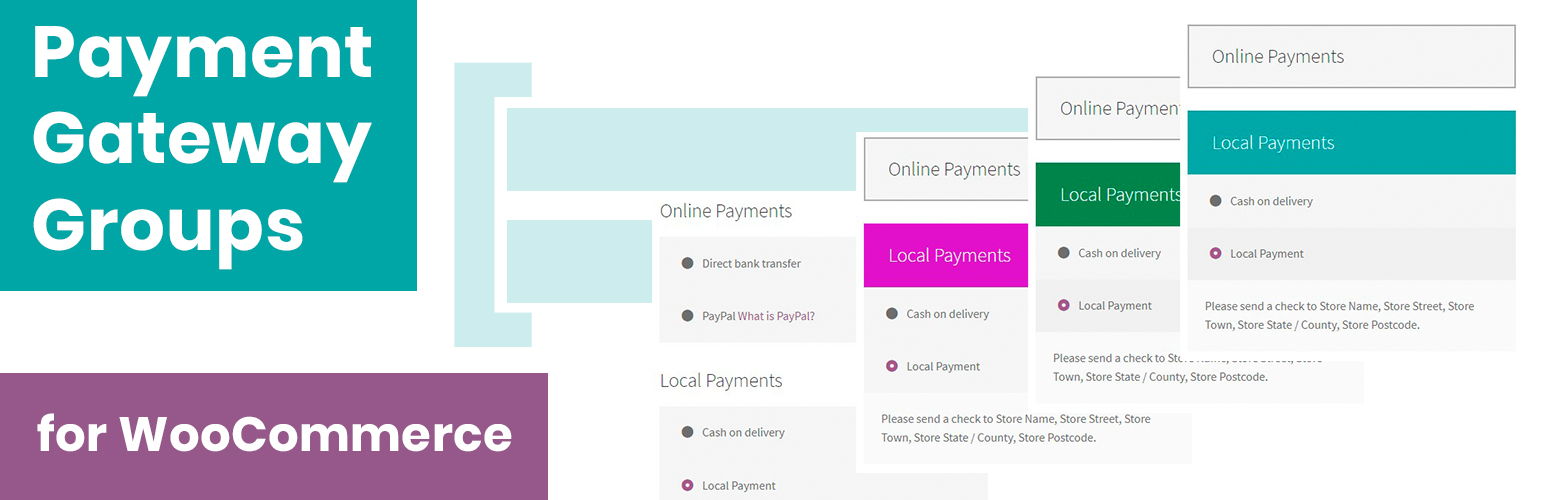
Payment Gateway Groups for WooCommerce allows you to create groups from your list of available payment gateways. Tested with popular themes. There is a normal mod and toggle. You can also change the active color.
Useful if you have a large number of payment gateways.
Pro Version
* Drag and Drop
* Infinite Groups
* Subgroups
* Image titles
!Warning Plugin uses WooCommerce page templates (“checkout/payment.php” and “checkout/payment-method.php”). If there are similar files in your “theme-name/woocommerce” folder, then they will not work.
Installation
Minimum Requirements
- WooCommerce 3.5.3 or greater
- Upload the entire plugin folder to the /wp-content/plugins/ directory.
- Activate the plugin through the “Plugins” menu in WordPress.
- Go to “WooCoommerce” -> “Settings” -> “Payment Gateway Groups”.
Screenshots

Settings - Groups and Gateways

Settings - Advanced

Checkout Page - Toggle Mode

Checkout Page - Simple Mode
Faq
Just leave empty the field blank.
Reviews
Simple and easy to use
By 
Simple interface and the features work well
Changelog
1.1.3 – 2022-04-16
- Tweak: Tested with WordPress 5.9
- Tweak: Updated Freemius to version 2.4.3
1.1.2 – 2020-12-31
- Tweak: Tested with WordPress 5.6
1.1.1 – 2019-09-12
- Tweak: Added new display mode – toggle (manual collapse/expand).
- Fix: The starting active group tab was minimized and expanded when you first click on it.
- Fix: Allowed to select all gateways, instead of only enabled ones.
1.1.0 – 2019-09-06
- New: Freemius integration.
- Tweak: Changed file structure.
1.0.1 – 2019-09-03
- Fix: The last group is not displayed.
1.0.0 – 2019-07-13
- Release.