Paytalk Lipa Na Mpesa
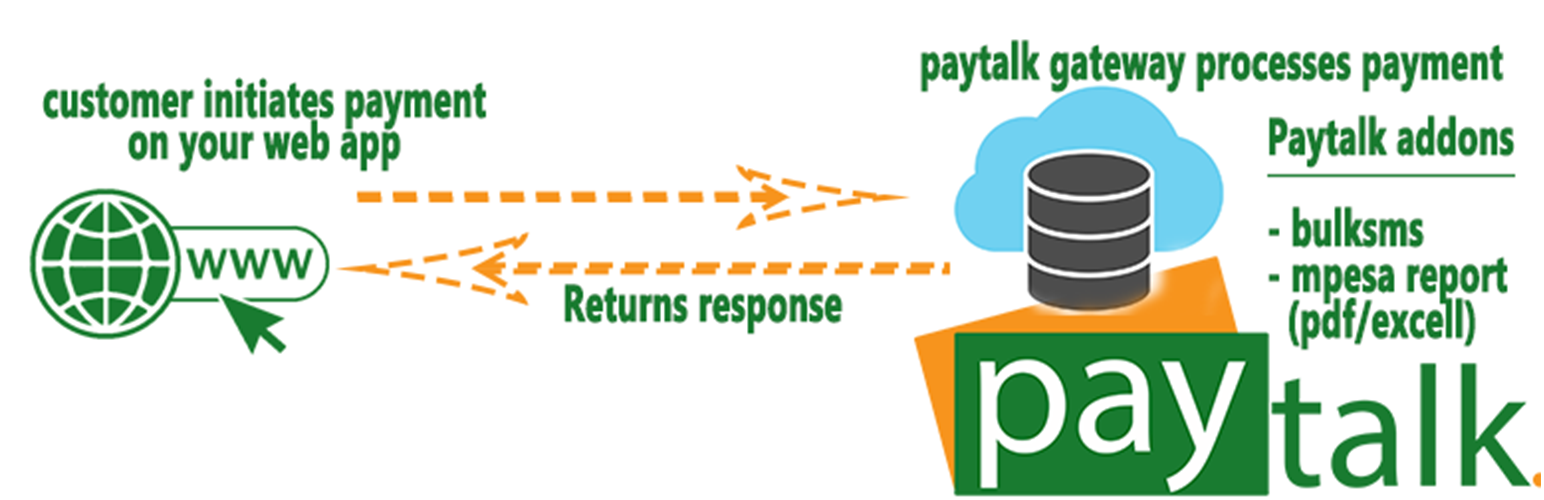
Paytalk Lipa Na Mpesa
Description
Paytalk.co.ke Gets your online business on a successful course.
Mpesa Integration can be very annoying sometimes, thats why we
made this plugin for you.
Features
Few features of this plugin:
1. No SSL required
2. Easy to install and configure
3. Option for bulksms service when client pays.
4. Safe way to process Paybill/Till number payments on WooCommerce using paytalk.co.ke gateway
5. This plugin use hosted solution provided by paytalk.co.ke and payment is processed on secured servers of Paytalk.co.ke
6. Offline payment Option. With this feature, you will need to confirm payments manually.
7. STK Push feature: buyers will only ned to input their M-pesa pin on check out, the rest is automated.
Installation
Click on the download link to get the plugin.
INSTALLATION
1. Method 1- Using FTP
Unzip the downloaded file and upload to your WordPress plugin directory(wp-contents/plugins/). Then, go to your WordPress admin backend, in the plugins section, you will see Paytalk Lipa Na Mpesa.
2. Upload via WordPress ‘add new’ plugin in your admin backend.
ACTIVATION
1. Go to WooCommerce => Settings
2. On the “Settings” page, select “Payment Gateways” tab.
3. Under “Payment Gateways” you will find all the available gateways, select “PayTalk.co.ke” option
4. On this page, you will find options to configure the plugin for use with WooCommerce
5. Enter the API details with the Paybill/Till number registered on your Paytalk developer account.
Screenshots

admin settings area

user checkout interface

paytalk.co.ke developer account
Faq
- Go to https://developer.paytalk.co.ke
- Login or create an account if you haven’t created one yet.
- After logging in, create a project then generate Keys
- Two types of keys will be generated by the system, i.e, Live Mode & Test Mode.
- Copy the right keys depending on your settings in the admin section(Live/Test Mode)
NB: Remember to enter the paybill/till number information in the ‘Check Status’ page on your developer account. Paytalk will use the information provided to set up your account.
- 2-3 working days(including Saturdays)
- In case of any delays in the account set up(be it on Paytalk side or Mpesa side), we always call/mail before the deadline elapses to notify you the reason for the delay. We advise that you keep checking your mail during your paytalk.co.ke account set up process.
Reviews
Still Unreliable
By 
Great Stride
By 
Perfect Plugin for Mpesa
By 
Great Plugin For Mpesa
By 