LoginWP (Formerly Peter's Login Redirect)

LoginWP (Formerly Peter's Login Redirect)
Description
LoginWP (formerly Peter’s Login Redirect) lets you define a set of redirect rules for specific users, users with specific roles, users with specific capabilities, and a blanket rule for all other users. Also, set a redirect URL for post-registration.
You can use the following placeholders in your URLs so that the system will build a dynamic URL upon each login: {{username}}, {{user_slug}}, {{website_url}}.
Upgrade to LoginWP PRO to redirect users to the current page they are logging in from or back to the previous (or referrer) page after login using {{current_page}} and {{previous_page}} placeholders. Learn more
You can add your own code logic before and between any of the plugin’s normal redirect checks if needed. See our documentation. Some examples include: redirecting the user based on their IP address and redirecting users to a special page on the first login.
Website | Documentation | Support
Pro Integrations
This is the lite version that works with the default WordPress login page and limited other user registration and login form plugins. Upgrade to Pro to avail the support for the following features and plugins.
- Redirect After First Login
- WooCommerce
- Gravity Forms
- WPForms
- LearnDash
- Uncanny Toolkit
- LifterLMS
- Tutor LMS
- ProfilePress
- MemberPress
- MemberMouse
- LearnPress
- Easy Digital Downloads
- Restrict Content Pro
- Ultimate Member
- WP User Manager
- WP User Frontend
- Paid Memberships Pro
- WishList Member
- Theme My Login
- User Registration (WPEverest)
- Elementor Login Form
- BuddyBoss Theme Login/Registration Form
- Divi Theme Login/Registration Form
Installation
Installing this plugin is just like any other WordPress plugin.
Navigate to your WordPress “Plugins” page, inside of your WordPress dashboard, and follow these instructions:
- In the search field enter LoginWP. Click “Search Plugins”, or hit Enter.
- Select LoginWP and click either “Details” or “Install Now”.
- Once installed, click “Activate”.
Screenshots
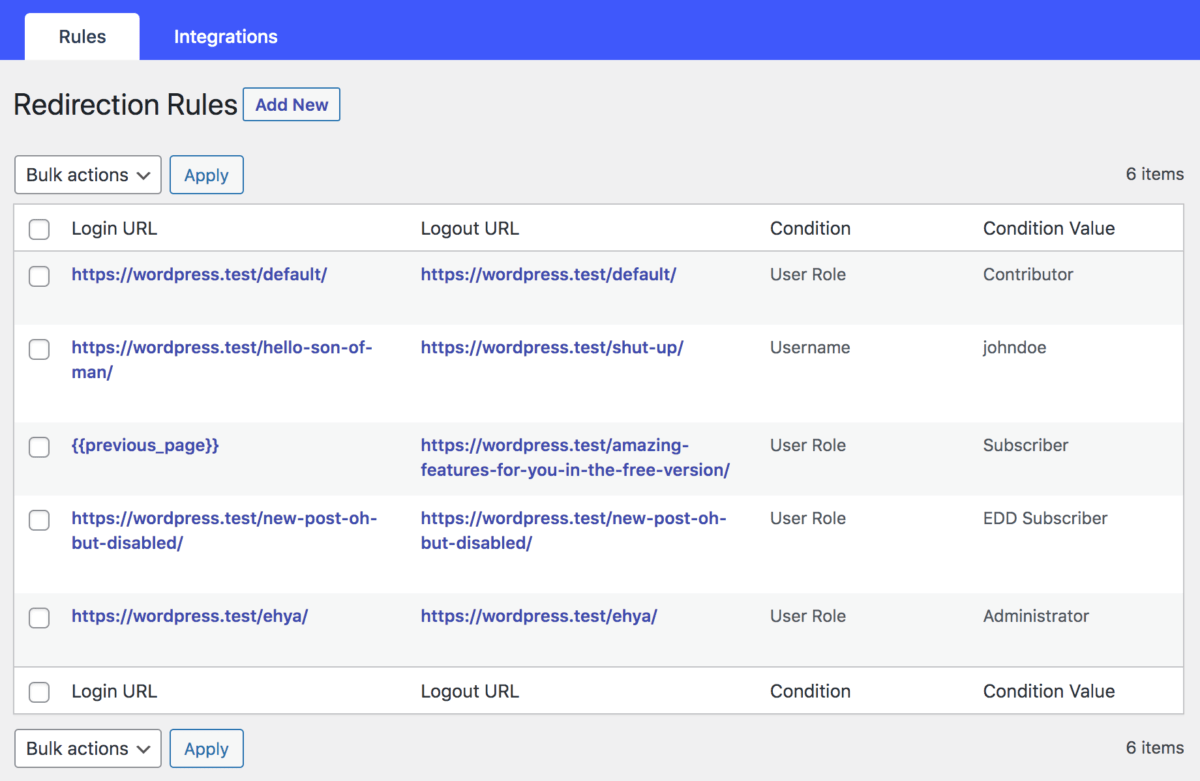
Redirection rules overview.
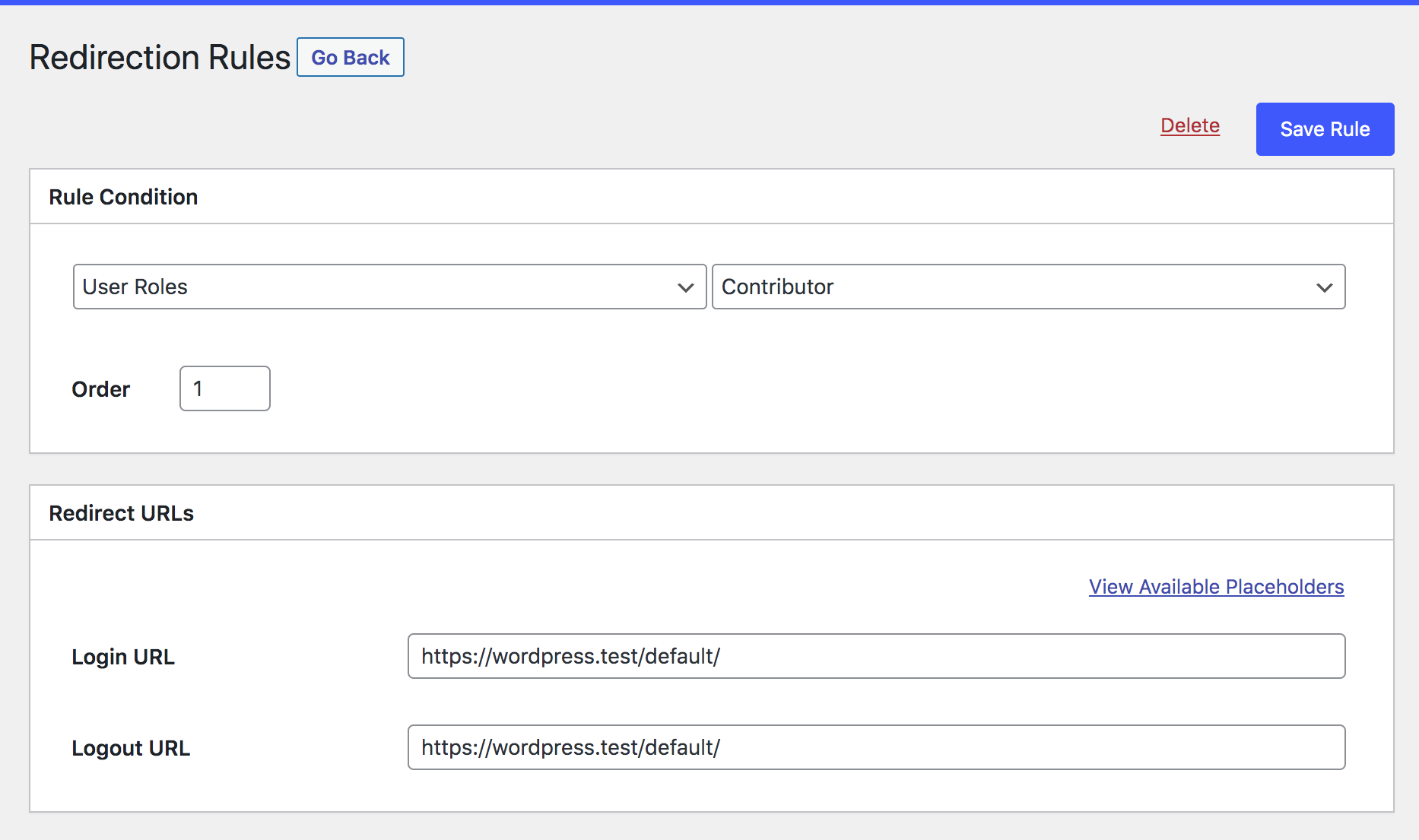
Adding a redirection rule.
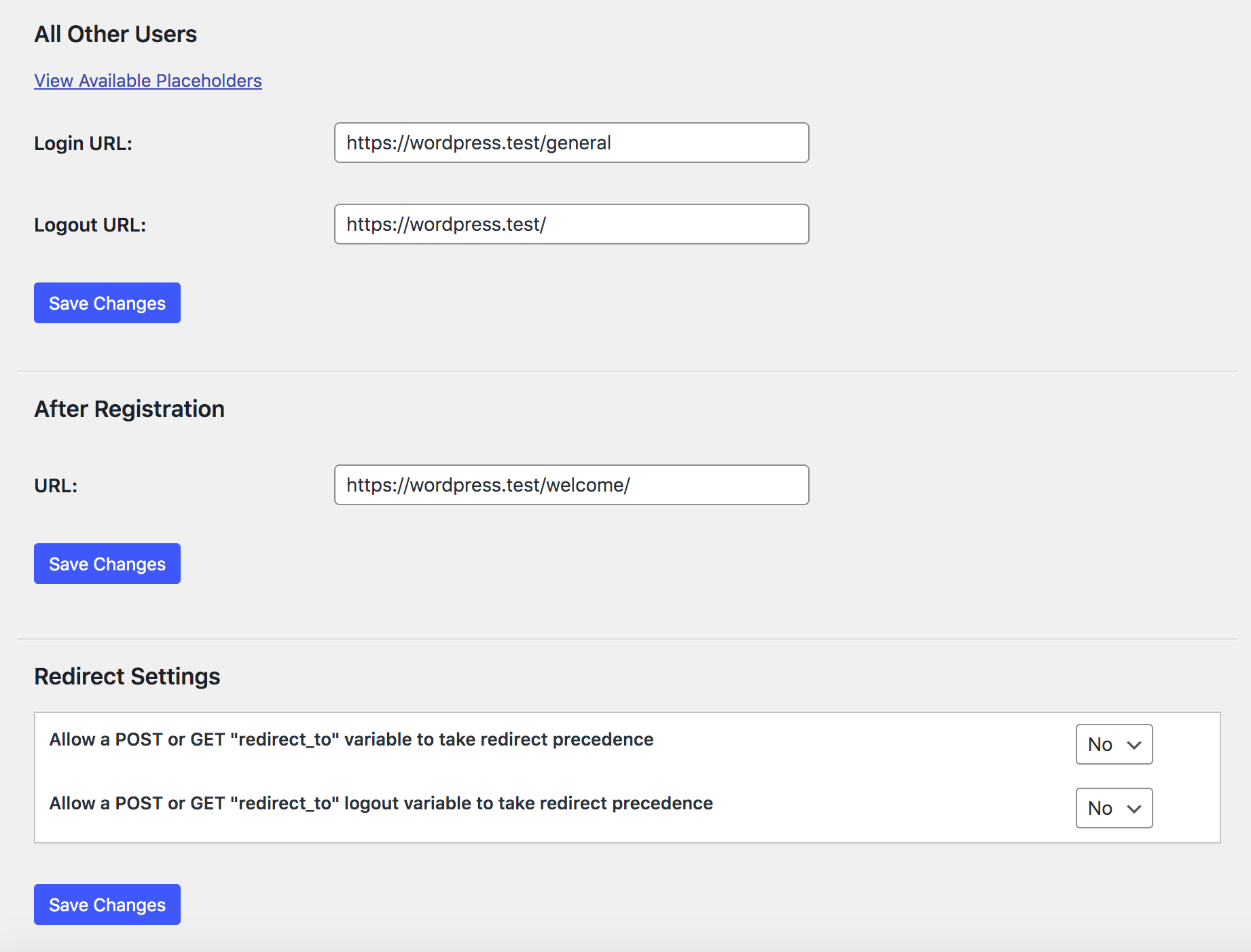
Other settings.
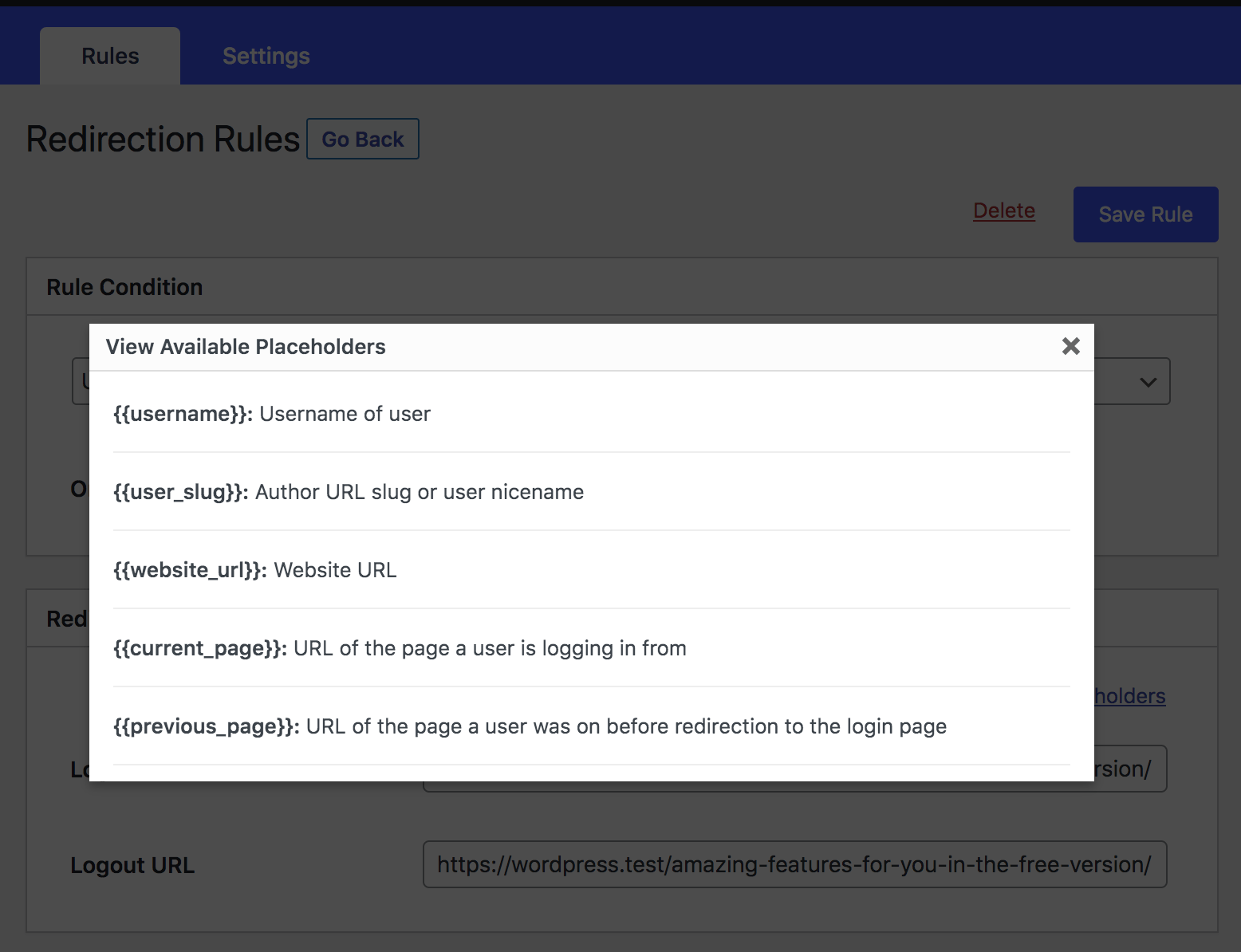
Redirect Placeholders.
Faq
Please visit the plugin page with any questions.
Login redirects not working? This plugin uses WordPress’s standard login_redirect hook. The usual cause of problems is that another plugin is using the hook first, or there is a custom login form that isn’t even running through the standard WordPress login functions.
Reviews
Working very good so far
By 
This plug-in solved my need for my website. So far it is working just fine and doing what I need it to do. Great job!
Very easy
By 
this was a very easy set up plugin they should all be like this
Login WP - Muito Bom
By 
Funcionou muito bem!
Nice n Smooth
By 
did the job! fancy login page!
Works great
By 
Thanks.
Super convenient
By 
Super convenient
Exactly what I was looking for!
By 
Extremely useful plugin! Immediately after installation, I knew it was exactly what I needed. Thanks for the great work.
Good work
By 
works perfectly
Does what it says on the box
By 
Nice plugin
Very helpful
By 
Works well. Thanks
Changelog
3.0.9.0
- Improved: Updated and tested for WordPress version 7.0
3.0.8.9
- Fixed: Database issues that were preventing users from creating redirection rules.
- Added: “Talk with AI Assistant” button on the plugin page.
3.0.8.8
- Fixed: Resolved the “s” error issue from the plugin.
3.0.8.7
- Fixed: LoginWP redirections were bypassing the DW Block User Account plugin, preventing the display of blocked status for users.
- Fixed: Fixed issue where incorrect WordPress login credentials were not displaying an error notice. Added “Failed login redirect” in the plugin settings.
3.0.8.6
- Fixed: Custom login page redirects to the default WordPress login page when incorrect credentials are entered.
3.0.8.5
- Fixed: Cookie issue
3.0.8.4
- Fixed: Advert dismissing issue
3.0.8.3
- Improved: Compatibility PHP 8.1
- Added: UserSync (Collaboration with FuseWP)
3.0.8.0
- Improved: Compatibility PHP 8
- Improved: Compatibility with WP 6.2
- Fixed: Assets URL
- Updated: Plugin’s Description
3.0.7.0
- Added LearnPress integration.
- PHP 8 improvements.
- Fixed Warning: Undefined array key “rul_first_login”
- Added filter to execute integrations conditions last.
See the changelog file for full changelog information.