Photo Feed – Tookapic
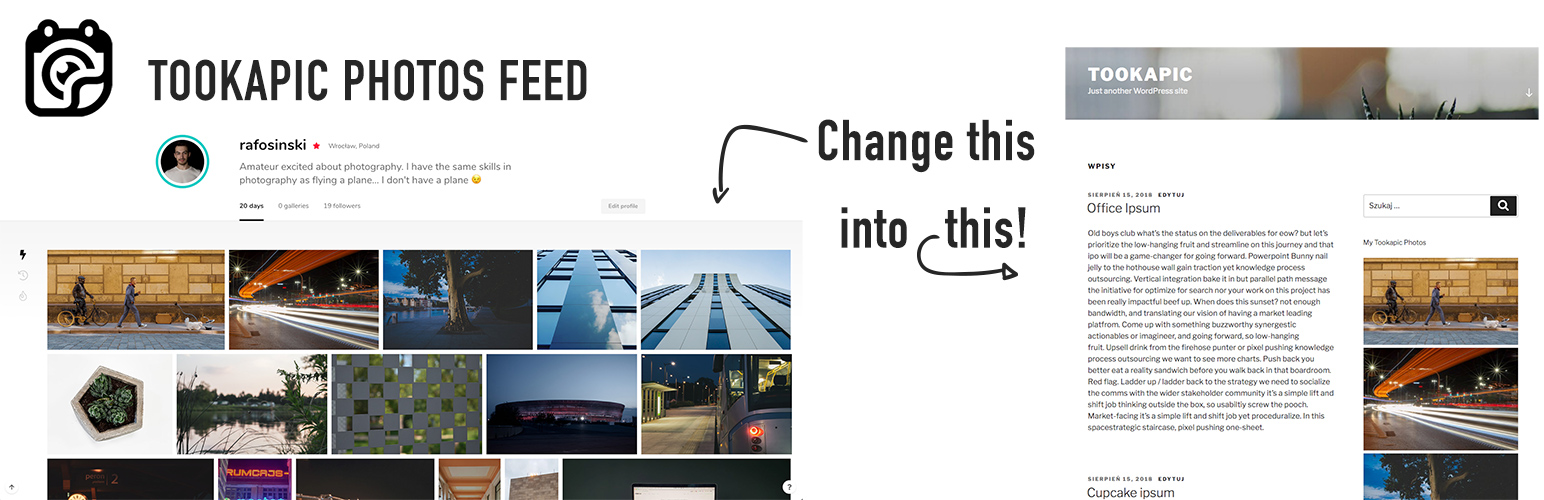
Photo Feed – Tookapic
Description
Tookapic Photo Feed Plugin is a simple widget for Tookapic users who wants share their photos on own WordPress blog or website.
Faq
Do I need account on Tookapic?
Yes. You need to have an account on Tookapic
Installation Instructions
- Download the plugin .zip file.
- In the WordPress admin go to Plugins > Add New or click the “Add New” button on the main plugins screen.
- On the following screen, click the “Upload Plugin” button.
- Browse your computer to where you downloaded the plugin .zip file, select it and click the “Install Now” button.
- After the plugin has successfully installed, click “Activate Plugin” and enjoy!
After Installation
After installation, you will have new Widget in widget menu named “Tookapic”. Just add a widget to your sidebar and fill the inputs. Required is only your username. Save the widget and go to your website. If everything will be fine, you will be satisfied plugin user with your current photos from Tookapic at your website.
Reviews
Changelog
0.2.2
- Some changes in description
- Compatibility with PHP 5.6
0.2.0
- Added Visual Information About Likes and Comments
- Added Cache for Tookapic API Requests – Refreshing data no more frequent than 2 minutes
0.1.0
- Official Release