Phpinfo

Phpinfo
Description
Prints out your webservers php settings as well as other information about your WordPress installation.
Important for posting at various WordPress support forums.
Installation
- Download, unzip and upload to your WordPress plugins directory
- activate the plugin within you WordPress Administration Backend
- Go to Options > Phpinfo
Screenshots
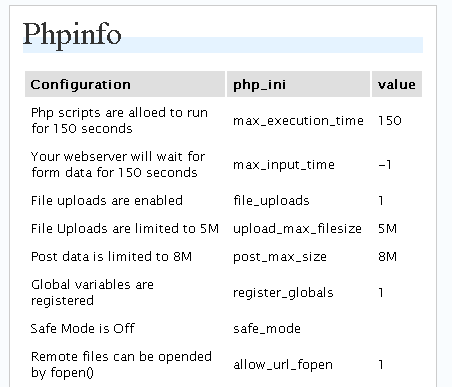
Table of php_ini settings

Info for posting at support forum
Reviews
Really helpfull
By 
Really helpful for get phpinfo value.