Pixel Share Gate

Pixel Share Gate
Description
Pixel Share Gate is a WordPress plugin that allows you to lock your content behind a share gate. Users must share the page on one of the selected social networks to view the content.
Free Version Features:
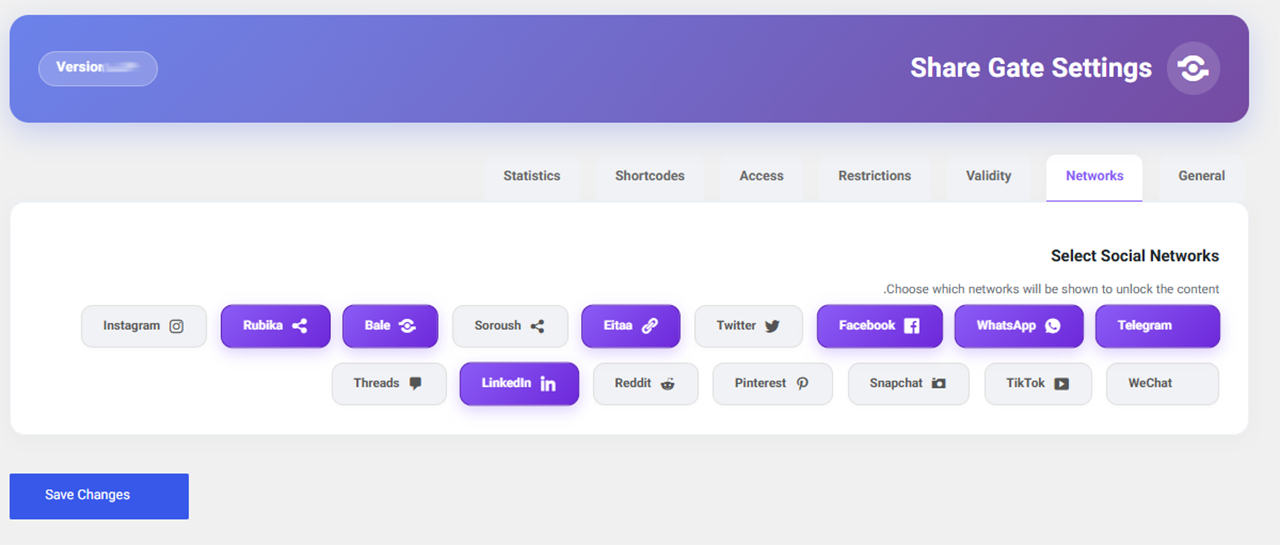
– Support for social networks: Telegram, WhatsApp, Rubika
– Auto-lock content based on post type
– Set access validity based on number of views
– Meta box to enable/disable lock per post
– Multiple shortcodes for advanced control
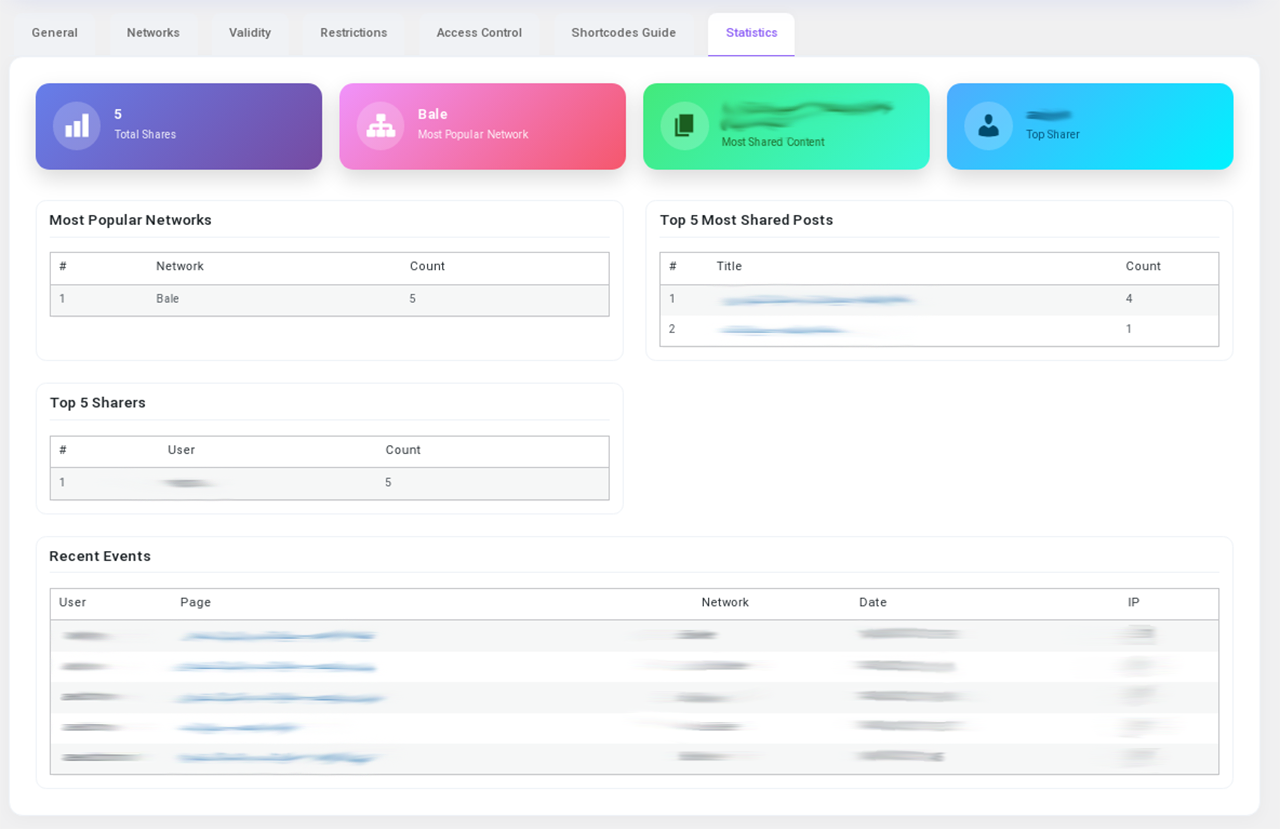
– Display share statistics in dashboard
Pro Version Features:
– All free features plus:
– Additional networks: Facebook, Twitter, Eitaa, Soroush, Bale
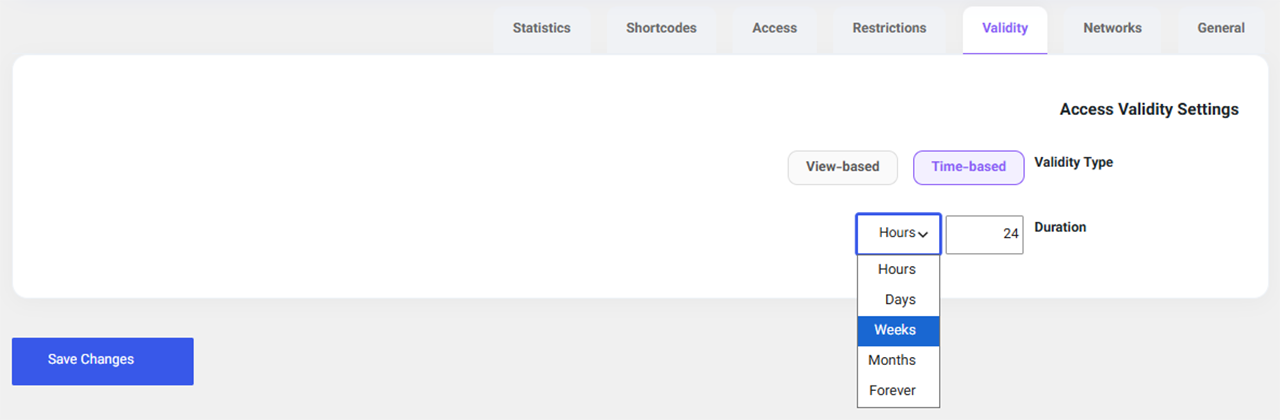
– Time-based access validity (hours, days, weeks, months, forever)
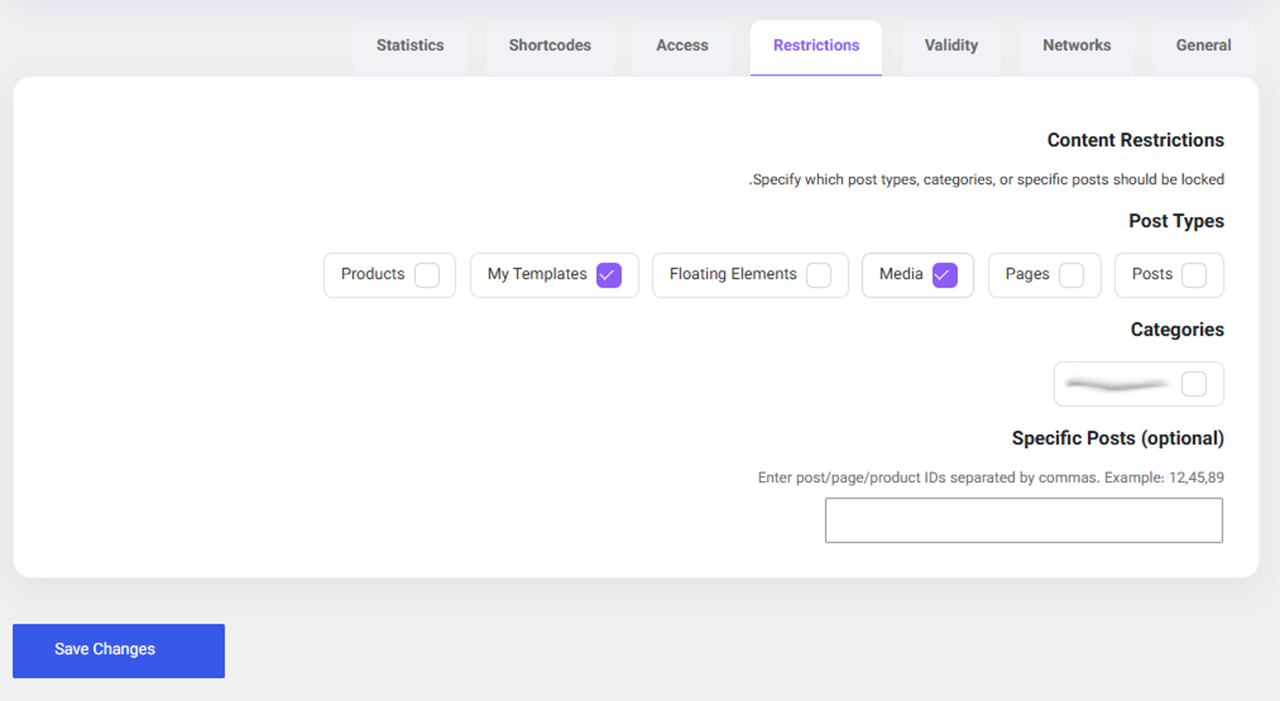
– Restrict by categories or specific post IDs
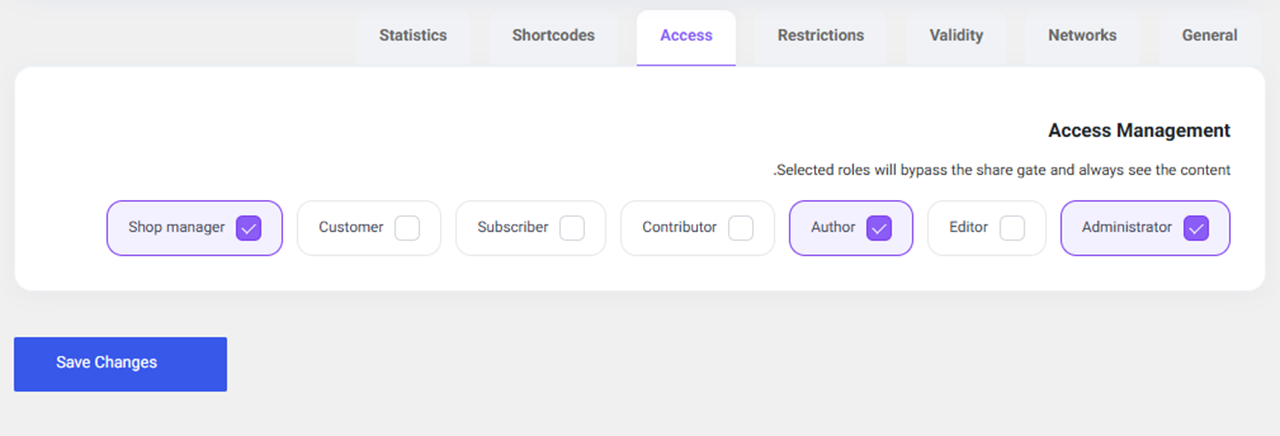
– Exempt specific user roles from the lock
Installation
- Upload the
pixel-share-gatefolder towp-content/plugins/. - Activate the plugin through the ‘Plugins’ menu in WordPress.
- Go to ‘Share Lock’ menu and configure settings.
- Use the
[pixel_share_gate]shortcode or enable auto-lock.
Screenshots
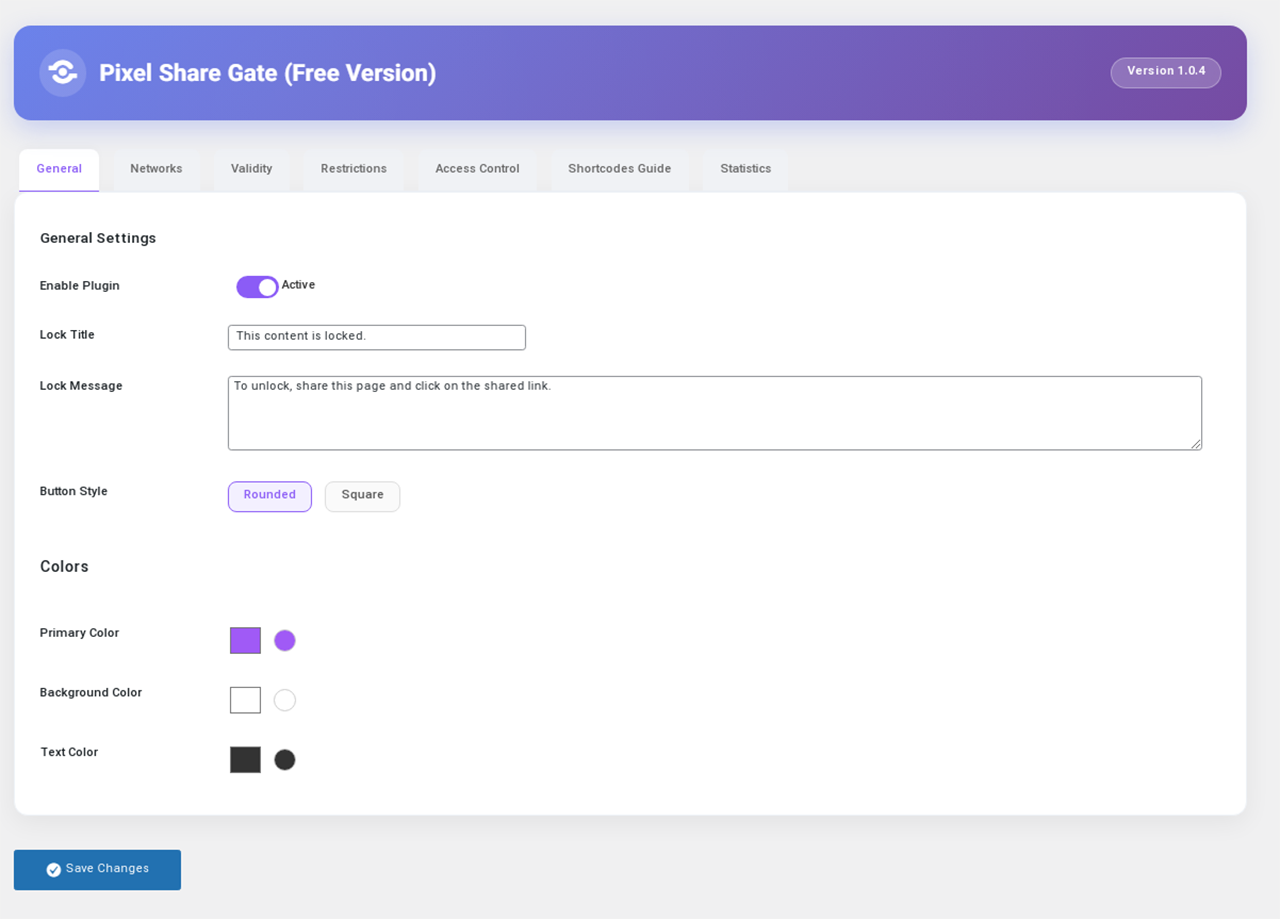
The main settings page of Share Lock.
Meta box to enable/disable lock on a post editing screen.
The locked content area with share buttons on the front end.
Share statistics dashboard widget.
Faq
In the post edit screen, in the “Pixel Share Gate” meta box, select “Disabled”.
No, after successful sharing, a cookie is stored and content will be displayed without requiring another share until the validity expires.
Telegram, WhatsApp, and Rubika. More networks are available in the Pro version.
Reviews
Changelog
1.0.4-free
- Free version release with limited features and upgrade prompts
1.0.0
- Initial release