Pixi Contact Form For Elementor
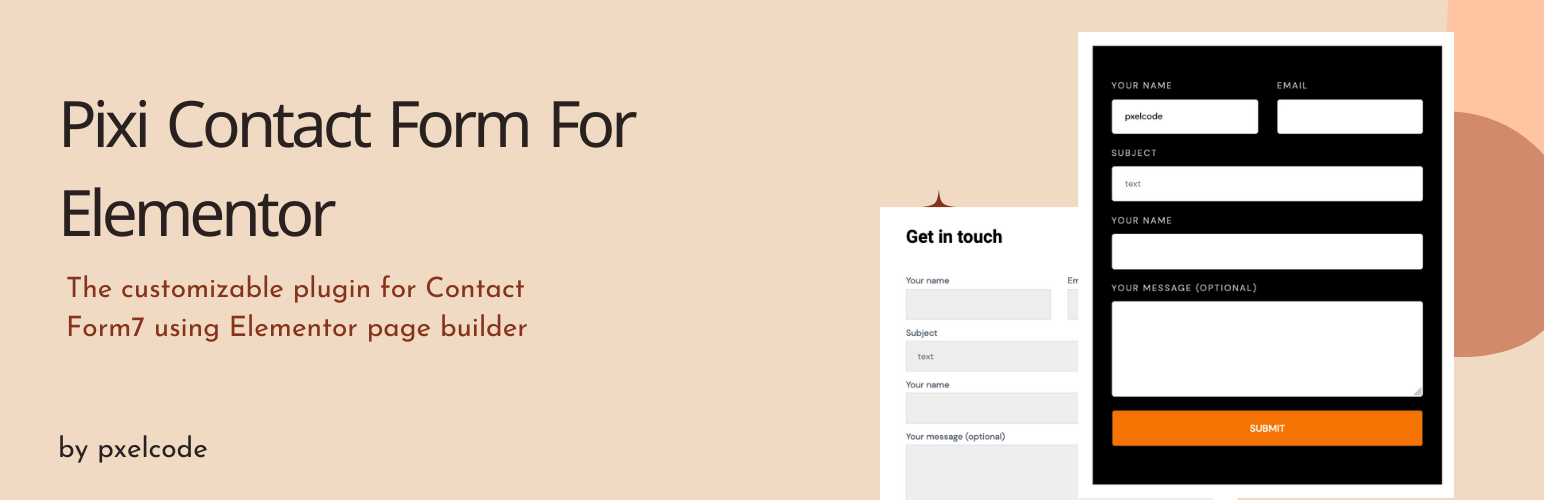
Pixi Contact Form For Elementor
Description
Enhance your Contact Form 7 and Fluent Form customization using Elementor Page Builder with Pixi Contact Form for Elementor. Add powers to your page builder using our easy-to-use elements that were designed to make your next WordPress page design easier and prettier than ever before.
Live Demo Peview: : Watch Demo Peview
Features:
- 🎨 Fully customizable form elements
- 📱 Fully responsive on all devices
- ✏️ Fully editable with controls
- 🔌 Contact Form 7 support
- 🔌 Fluent Form support
- ⚡ Drag and drop Elementor widget
- 🚀 Lightweight and fast
Completely Customizable
Each element comes with a bunch of options to customize your website in every possible way. You can achieve nearly any design with your imagination.
Installation
Modern Way:
- Go to WordPress Plugins
- Search for “Pixi Contact Form”
- Install in 1-click and activate
Old Way:
- Upload
pixi-contact-form-for-elementorto the/wp-content/plugins/directory - Activate the plugin through the Plugins menu in WordPress
Screenshots

Elementor widget panel with Pixi Contact Form widgets

Contact Form 7 styled with Pixi elements

Fluent Form styled with Pixi elements

Mobile responsive form view

Faq
Pixi Contact Form works with all themes that respect the coding standards set by the WordPress Codex. It is recommended to use Elementor’s Hello Theme for full flexibility.
From your WordPress dashboard Go to Plugins Click on Add New Search for “Pixi Contact Form” Press Install Click Activate.
Yes. Elementor page builder must be activated on your platform.
Yes, if you want to use Contact Form 7 widgets. It must be activated on your platform.
Yes, if you want to use Fluent Form widgets. It must be activated on your platform.
No. It is only compatible with Elementor.
No! Elementor provides all the widgets and features you need to build a professional website without any coding.
Reviews
Congratulation for the plugin
By 
Changelog
1.0.7
- Tested up to WordPress 6.8
- Performance improvements and bug fixes
1.0.1
- Added Fluent Form support
1.0
- Initial release