Plugin Modification Date
Plugin Modification Date
Description
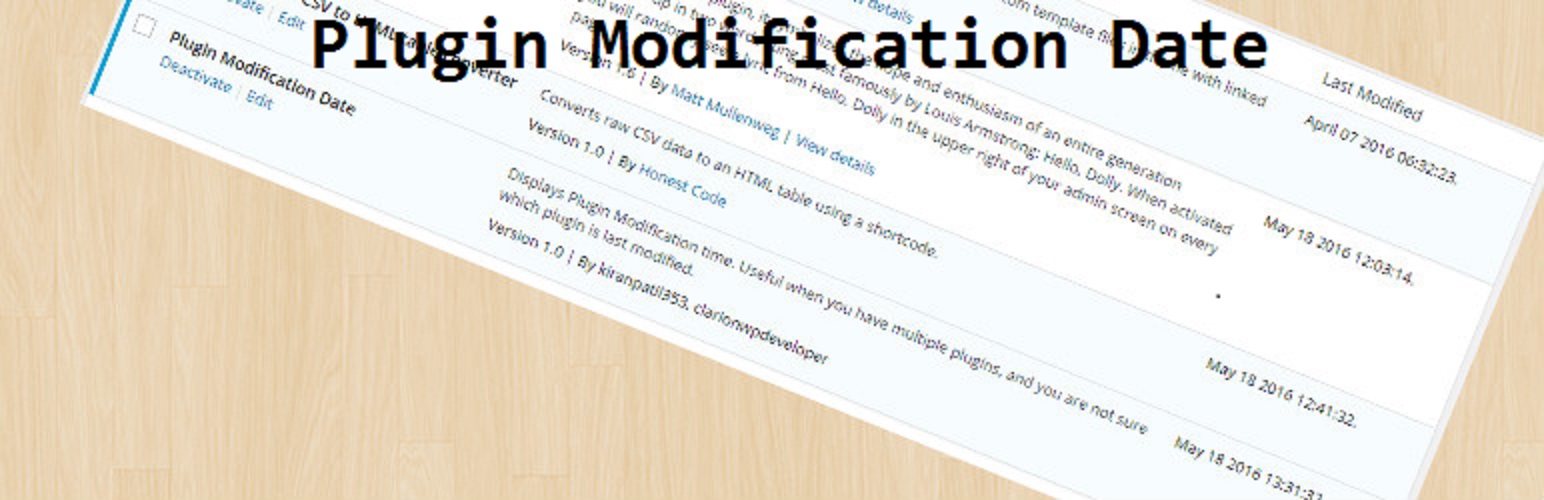
Displays Plugin Modification time. Useful when you have multiple plugins, and you are not sure which plugin is last modified.
Installation
This section describes how to install the plugin and get it working.
In WordPress:
Go to Plugins > Add New > search for :: plugin-modification-date ::
Press Install Now for the Show notice or message on admin area plugin
Press Activate Plugin
To install manually instead:
Upload the plugin-modification-date  directory to the /wp-content/plugins/ directory
Activate the plugin through the Plugins menu in WordPress
Screenshots

Admin display of plugin.
Reviews
Great Plugin
By 
Great plugin.
Changelog
1.0.1
Version Upgrade and tested compatibility with latest stable versions.
1.0.0
- Go to Admin