FancyPost – Post Blocks, Grids & Sliders for Block Editor and Elementor
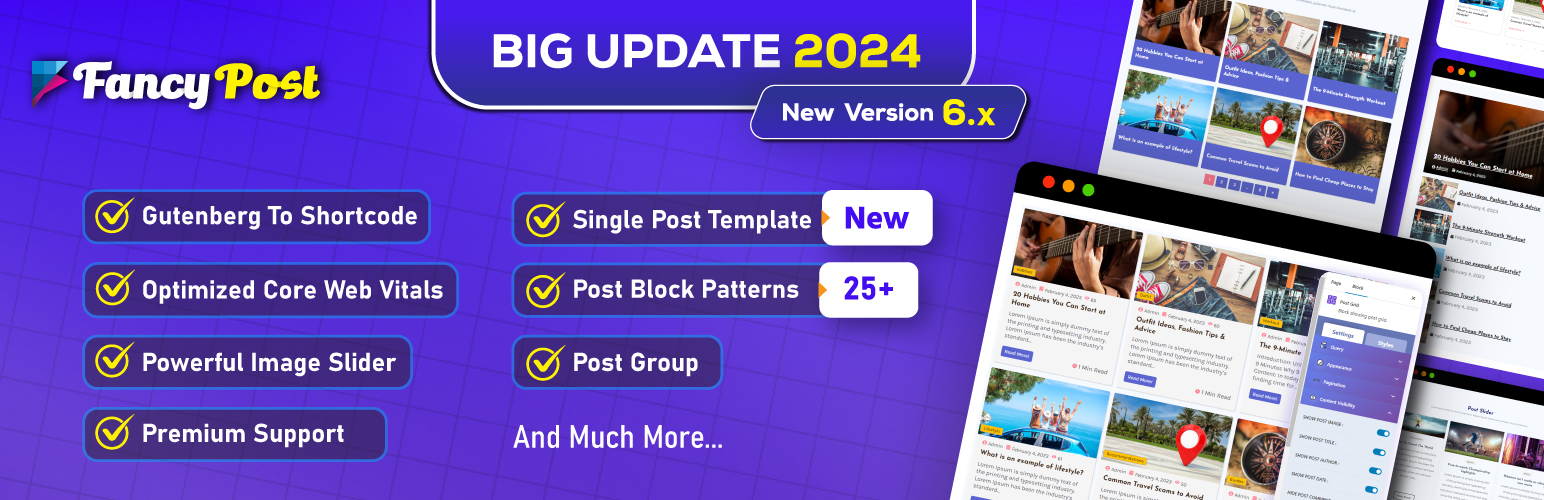
FancyPost – Post Blocks, Grids & Sliders for Block Editor and Elementor
Description
Source Code for Generated/Compressed Content
This plugin uses the following third-party libraries and generated/minified code:
- Gutenberg Blocks (build/index.js): Source code available at https://github.com/pluginic/post-block
- Font Awesome 5.15.5: https://github.com/FortAwesome/Font-Awesome (Font Awesome Free License)
- CodeMirror: https://github.com/codemirror/codemirror5 (MIT License)
- Leaflet 1.9.4: https://github.com/Leaflet/Leaflet (BSD-2-Clause License)
- WebFontLoader 1.6.28: https://github.com/typekit/webfontloader (Apache-2.0 License)
With FancyPost, you can build your own professional blog, magazine, recipe, travel, fashion, portfolio blog or whatever you want.
No coding skills are required! Works with any theme. Try FancyPost for free!
📰News Layout | 📝Blog Layout | 🍔Food Layout | 👗Fashion Layout ✈️Travel Layout 🙎Personal Layout 📖 Magazine Layout | 🌟PRO Features »
Watch The Official Video For Install, How To Add Post Block, Post Grid, Post Layout and Post Carousel
🔥Advanced Post Block Live Demo | 💎Premium Version (30% OFF) | 📚Documentation | 📊 Post Grid Example 💬 Support Ticket
The FancyPost Pro plugin has 10+ layout variations. We arrange the Post Block, Post Group, Post Trisec, Grid hover, Post slider and Post Carousel. You can easily create any layout with this plugin.
Advanced Post Grid & Block Editor Solution
FancyPost is a comprehensive Block Editor plugin for creating fully customizable grid layouts, post layouts, and advanced post grids. In addition to offering a post grid block, we also provide a wide range of smaller blocks such as Post Block, Post Group, Post Trisec, Grid Hover, Post Slider, Post Carousel, and many others, all with extensive flexibility.
WHAT YOU CAN BUILD WITH THIS PLUGIN:
✅ Personal Blog
✅ Magazine
✅ Blog Post Grid
✅ News Portal
✅ Food Blog
✅ Blog Post Listing
✅ Dynamic Post Slider
✅ Post Carousel
✅ Grid Display, Category Grid, Post Filter, Post Layout and much more
KEY FEATURES OF FANCYPOST BLOCKS
These post blocks come with a lot of key features:
- Fully responsive and mobile friendly
- Multiple layout variations
- Post grid with customizable columns
- Post slider with autoplay options
- Post carousel functionality
- Category filtering
- Custom post queries
- Thumbnail image support
- Excerpt control
- Read more button customization
- Typography controls
- Color customization
- Spacing controls
- Border options
- Compatible with Block Editor (Gutenberg)
- Compatible with Elementor
- Works with any WordPress theme
- SEO optimized
- Fast loading performance
- Regular updates
- Dedicated support
AVAILABLE BLOCKS (FREE VERSION):
- Post Block – Display posts in various layouts
- Post Grid – Create beautiful post grids
- Post List – Show posts in list format
- Featured Post – Highlight important posts
- Post Carousel – Scrollable post carousel
- Post Slider – Auto-rotating post slider
PRO VERSION FEATURES:
- 10+ Premium Layouts
- Post Trisec Block
- Grid Hover Effects
- Advanced Query Builder
- WooCommerce Product Blocks
- Custom Taxonomies Support
- Ajax Load More
- Infinite Scroll
- Advanced Filtering
- Custom Post Types
- Priority Support
- And much more!
COMPATIBLE WITH:
✅ Block Editor (Gutenberg)
✅ Elementor Page Builder
✅ Any WordPress Theme
✅ WooCommerce (Pro)
✅ Custom Post Types
✅ Popular SEO Plugins
✅ Translation Plugins
✅ Multisite
USE CASES:
News Websites:
Create engaging news layouts with featured posts, breaking news sections, and category-wise content display.
Magazine Sites:
Build magazine-style layouts with grid displays, featured articles, and editorial content sections.
Food Blogs:
Showcase recipes with beautiful image grids, featured dishes, and category-based recipe collections.
Travel Blogs:
Display travel stories with stunning photo grids, destination highlights, and travel guides.
Fashion Blogs:
Create stylish fashion content displays with image-heavy layouts, trend showcases, and style guides.
Personal Blogs:
Design clean personal blog layouts with chronological posts, featured content, and category archives.
Business Blogs:
Professional blog layouts for company news, industry insights, and thought leadership content.
PERFORMANCE OPTIMIZED:
- Lightweight code
- Minimal HTTP requests
- Lazy loading support
- Optimized assets
- Fast rendering
- Mobile optimized
- SEO friendly structure
EASY TO USE:
- Drag and drop interface
- Live preview
- Intuitive controls
- No coding required
- Beginner friendly
- Detailed documentation
- Video tutorials
- Active support forum
DEVELOPER FRIENDLY:
- Clean code structure
- Well documented
- Action hooks
- Filter hooks
- Template override support
- Custom CSS options
- Developer documentation
Multilingual Ready
FancyPost is translation ready and compatible with:
Page Builders
Works seamlessly with:
- Block Editor (Gutenberg)
- Elementor
- WPBakery
- Divi Builder
- Beaver Builder
- SiteOrigin
- Themify Builder
- And more!
Installation
Automatic Installation (Easiest Way)
- Log in to your WordPress dashboard
- Navigate to Plugins > Add New
- Search for “FancyPost”
- Click “Install Now”
- Click “Activate”
Manual Installation
Uploading in WordPress Dashboard
- Download
fancypost.zip - Navigate to Plugins > Add New
- Click “Upload Plugin”
- Select
fancypost.zipfrom your computer - Click “Install Now”
- Click “Activate Plugin”
Using FTP
- Download
fancypost.zip - Extract the folder
- Upload the
post-blockfolder to/wp-content/plugins/ - Activate the plugin through the Plugins menu
After Installation
- Go to Posts > Add New
- Click the “+” button to add a new block
- Search for “FancyPost” or “Post Block”
- Select the desired block
- Configure your settings
- Publish!
For Elementor:
1. Edit any page with Elementor
2. Search for “FancyPost” in the widget panel
3. Drag and drop the widget
4. Customize settings
5. Update!
Screenshots
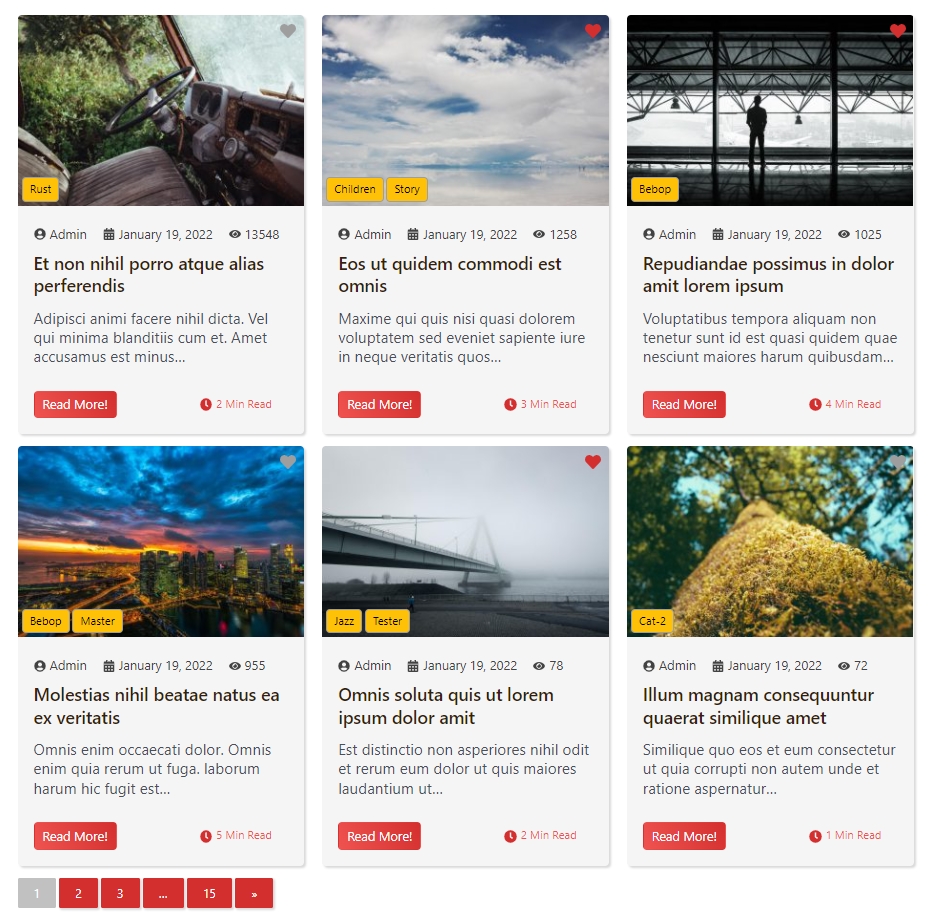
Post Grid Layout

Post Block Display
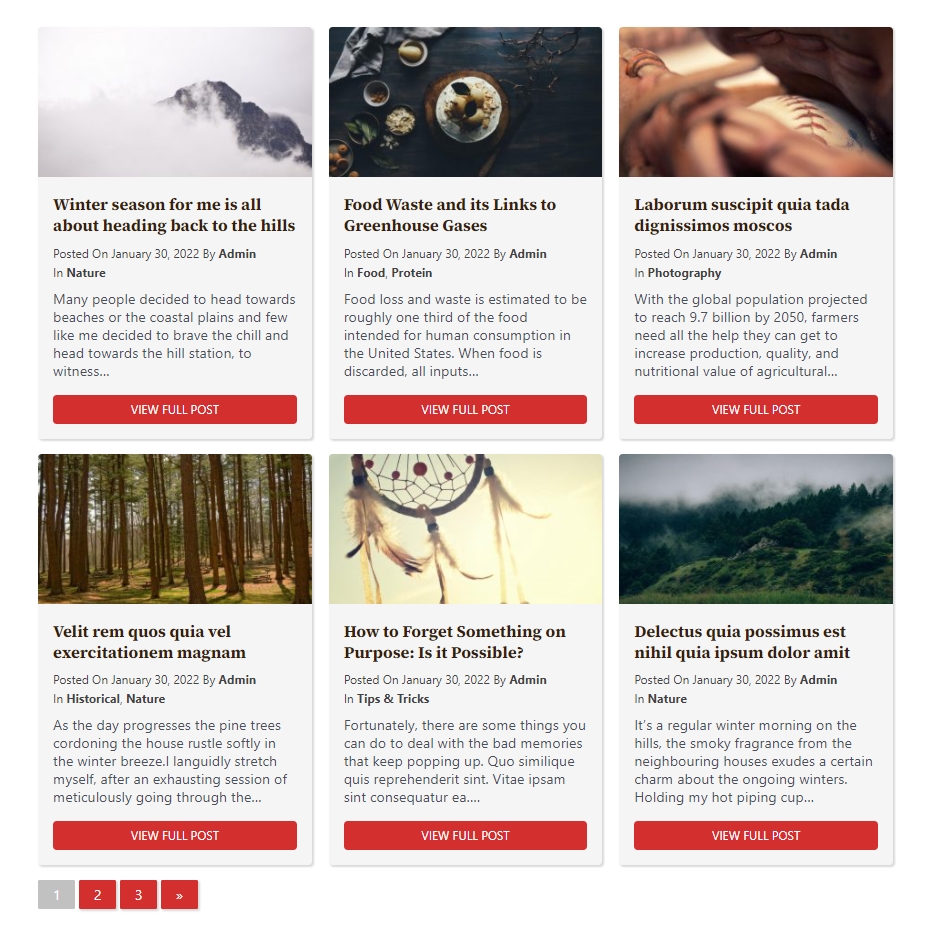
Post Carousel View
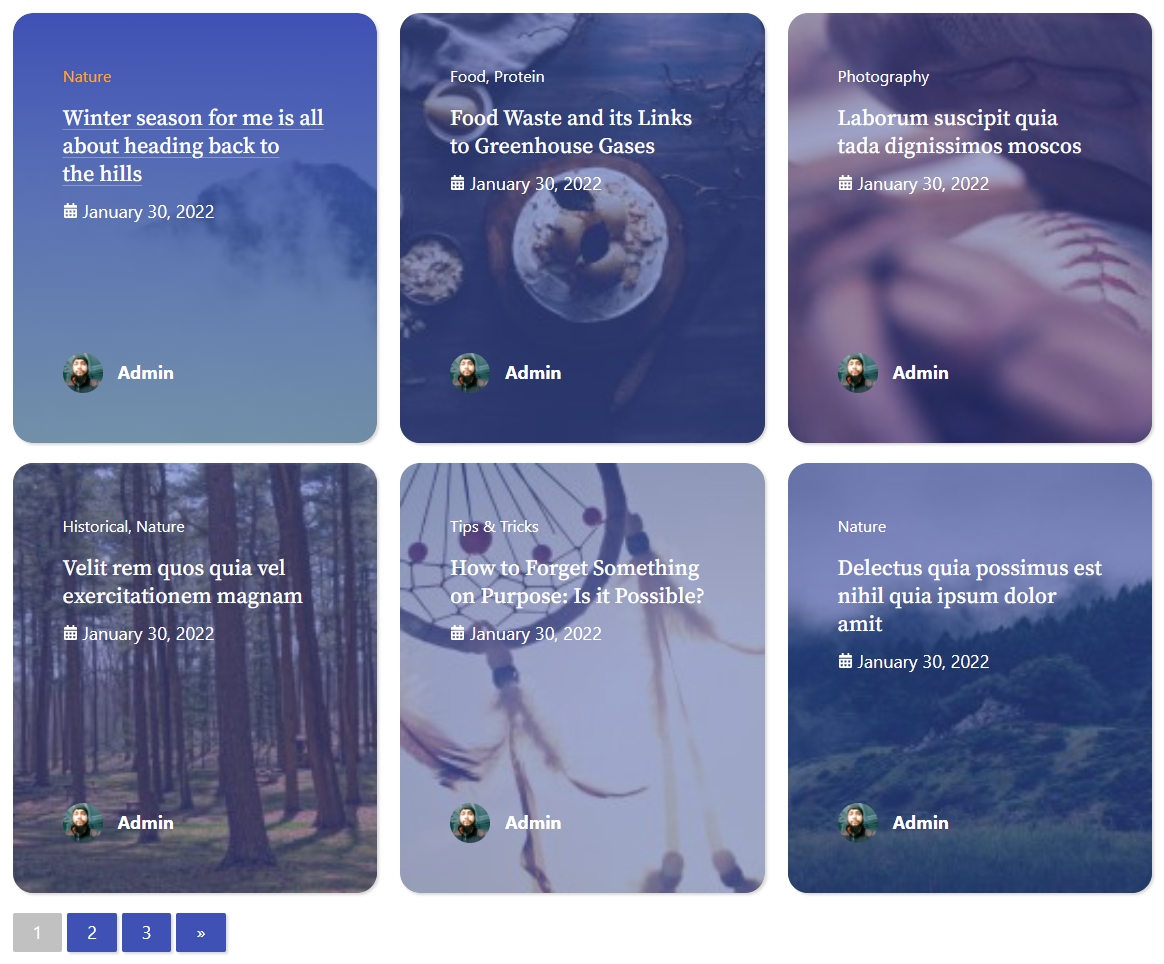
Post Slider Animation
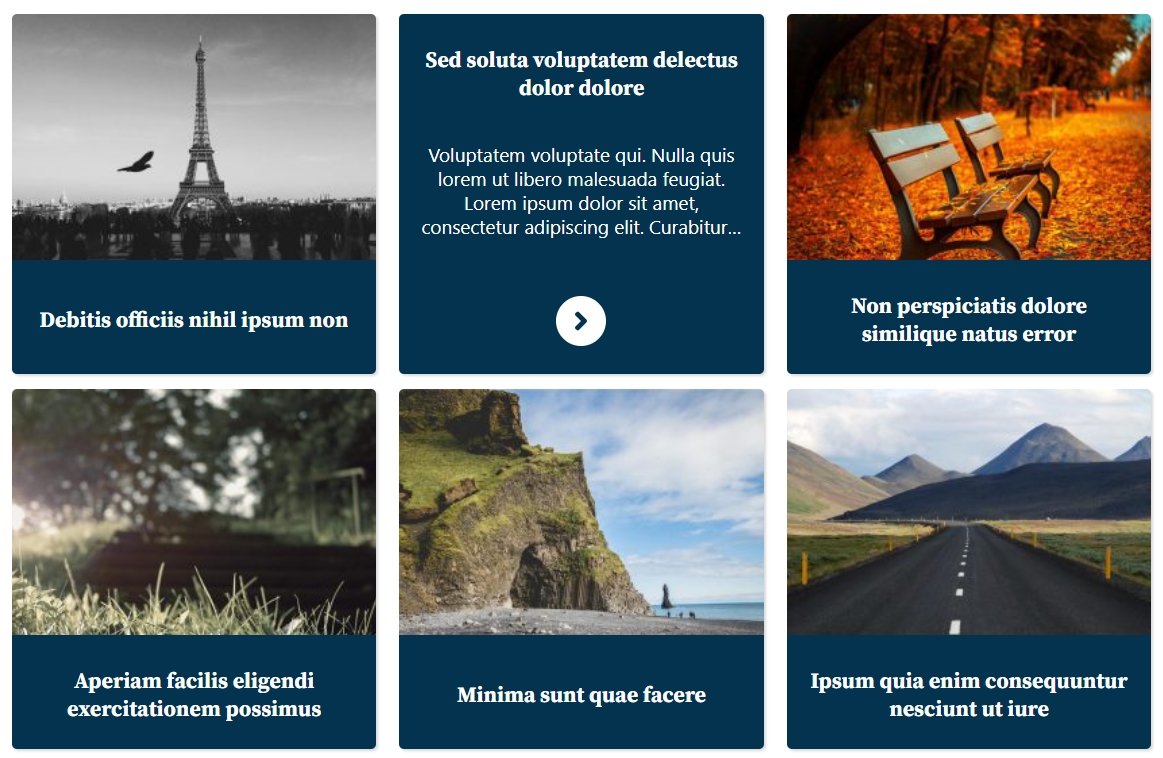
Block Editor Interface

Elementor Widget Panel

Customization Options

Mobile Responsive View


Faq
Yes! FancyPost offers a free version with essential features. A Pro version with advanced features is also available.
Yes! FancyPost is designed to work with any well-coded WordPress theme.
Yes! FancyPost includes Elementor widgets for easy integration.
Absolutely! FancyPost is fully compatible with the WordPress Block Editor (Gutenberg).
Yes! FancyPost provides extensive customization options including colors, typography, spacing, and more.
Yes! All layouts are fully responsive and mobile-friendly.
No! FancyPost is performance-optimized with clean code and minimal resource usage.
Yes! The Pro version includes WooCommerce product blocks.
You can get support through our Support Forum.
Yes! Check out our detailed Documentation.
Yes! FancyPost is translation-ready and compatible with popular translation plugins.
Visit our website to purchase the Pro version.
Reviews
I am very much impressed with this plugin
By 
One of the best plugins I have ever used. it has helped me create my home page with amazing designs.
My favorite plugin
By 
Brilliant plugin, awesome support!!
By 
Awesome Gutenberg Addon
By 
Not overwhelming, but useful.
By 
Instant news/mag site
By 
Changelog
6.0.6
- Add: Author avatar display in post grid
- Add: Sticky post “Featured” badge on thumbnail
- Add: Social share buttons (Facebook, X, LinkedIn) with toggle control
- Add: Comment count badge on thumbnail with color customization
- Add: Copy link button with clipboard support
- Improve: Post Grid 1 design enhancement with hover effects
- Fix: Consistent view count in editor preview
- Fix: Sticky posts now appear first in editor preview
- Fix: Product Slider Carousel WooCommerce compatibility
6.0.5
- Fix: Bug Fixed
- New feature added
6.0.4
- Security: Added proper output escaping throughout the plugin
- Security: Replaced json_encode with wp_json_encode
- Security: Replaced _e() with esc_html_e() for proper escaping
- Update: Localized all CDN resources (Font Awesome, CodeMirror, Leaflet, WebFontLoader)
- Update: Fixed all text domain issues for proper localization
- Update: Added direct file access protection to template files
- Update: Removed update checker manipulation code
- Update: Tested with WordPress 6.9
- Fix: Fixed file naming issues
6.0.2
- Update: Plugin name updated to comply with WordPress.org guidelines
- Update: Removed promotional language from readme
- Update: Tested with WordPress 6.7
- Fix: Minor bug fixes and improvements
6.0.1
- Fix: Compatibility improvements
- Update: Performance optimization
6.0.0
- Major: Complete rebuild
- Add: New block variations
- Update: Improved UI/UX
- Fix: Various bug fixes
5.9.0
- Add: New layout options
- Update: Enhanced customization
- Fix: Mobile responsiveness