Pracvio Practice Block
Pracvio Practice Block
Description
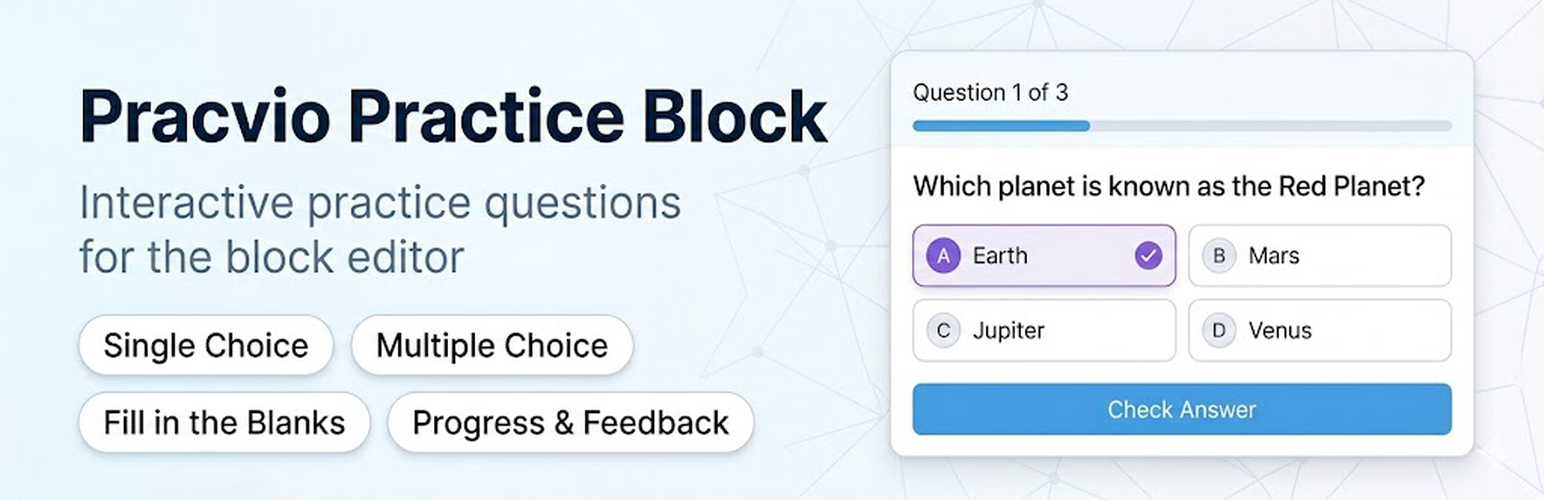
Pracvio Practice Block adds an interactive practice-question block to the WordPress block editor. It is designed for worksheets, learning pages, revision pages, and self-practice content.
Current question types:
- Single Choice Question
- Multiple Choice Question
- Fill in the Blanks
The block supports rich question content, answer options, optional explanations, frontend progress, answer checking, retry controls, and a completion score.
Important: this block checks answers in the visitor’s browser. It is intended for practice and learning content, not secure exams or protected assessments.
Installation
- Upload the plugin folder to
/wp-content/plugins/pracvio-practice-block/or install it from the WordPress Plugins screen. - Activate the plugin.
- Open the block editor and add the Pracvio Practice Block.
- Add questions and publish the page.
Screenshots

Add and manage practice questions in the block editor.

Frontend practice layout with progress, answer checking, and feedback.

Fill in the Blanks question with accepted answers and explanation.

Practice completion screen with score and retake option.


Faq
No. The current version is for frontend self-practice and does not store submissions.
No. Correct answers are available to the browser so the block should be used for practice, worksheets, and learning pages only.
Single Choice Question, Multiple Choice Question, and Fill in the Blanks.
Yes. Create a Single Choice Question with two options: True and False.
Reviews
Changelog
1.0.0
- Initial stable public release.
- Added Single Choice, Multiple Choice, and Fill in the Blanks question types.
- Added rich question content, answer explanations, frontend progress, answer checking, and completion score.
- Added editor validation for missing correct answers and incomplete blank-answer setup.
- Improved WordPress.org readiness and frontend navigation after answered questions.