Image Text Carousel for Elementor

Image Text Carousel for Elementor
Description
Image Text Carousel for Elementor is a lightweight and easy-to-use Elementor widget that allows you to create beautiful image and text sliders inside your WordPress website.
With this plugin, you can design fully customizable carousels that include images, titles, descriptions, buttons, and links — all directly from the Elementor editor.
Perfect for:
– Testimonials
– Featured services
– Team members
– Portfolio highlights
– Product showcases
– Hero sliders
The widget is fully responsive and works seamlessly with all Elementor-compatible themes.
Features
- Custom Image + Text carousel widget for Elementor
- Add unlimited carousel items
- Title, description, and button support
- Custom link option for each slide
- Fully responsive design
- Easy styling controls (colors, typography, spacing)
- Navigation arrows and dots control
- Autoplay option
- Lightweight and optimized code
- No coding required
How It Works
- Install and activate the plugin.
- Open any page with Elementor.
- Search for “Image Text Carousel”.
- Drag and drop the widget into your section.
- Add images, text, and customize styles as needed.
Installation
- Upload the plugin ZIP via Plugins Add New Upload Plugin
- Activate the plugin
- Open Elementor Editor Search “Image Text Carousel”
Or install manually:
- Upload the plugin folder to
/wp-content/plugins/ - Activate through the WordPress Plugins menu
- Use the widget inside Elementor editor
Screenshots
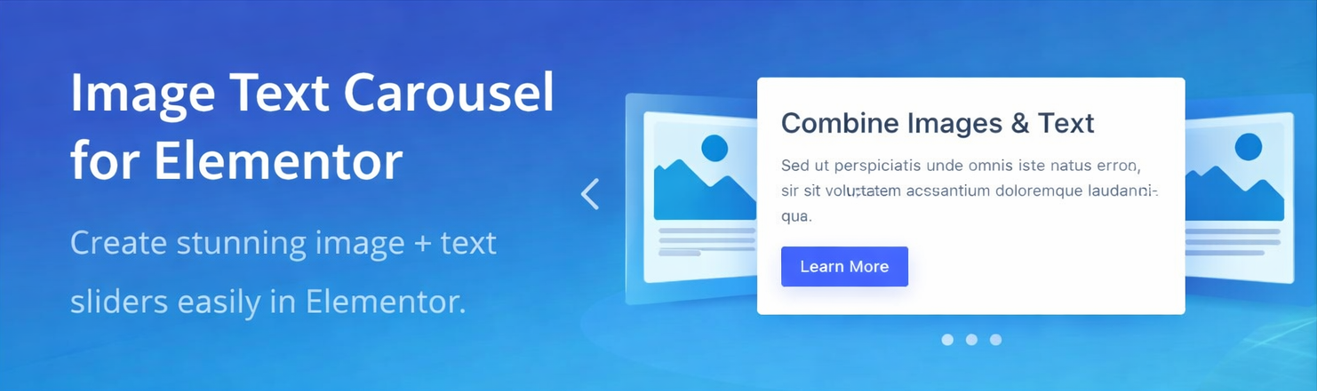
Carousel preview layout
Faq
Yes. Elementor must be installed and activated.
Yes, it works with the free version of Elementor.
Yes, it is fully responsive and works on mobile, tablet, and desktop devices.
Yes, styling options are available inside the Elementor widget controls.
No. The plugin is lightweight and optimized for performance.
Reviews
Changelog
1.0.0
- Initial release
- Image + Text Carousel widget added
- Basic styling and navigation controls