Precise Expressions Product Customiser
Precise Expressions Product Customiser
Description
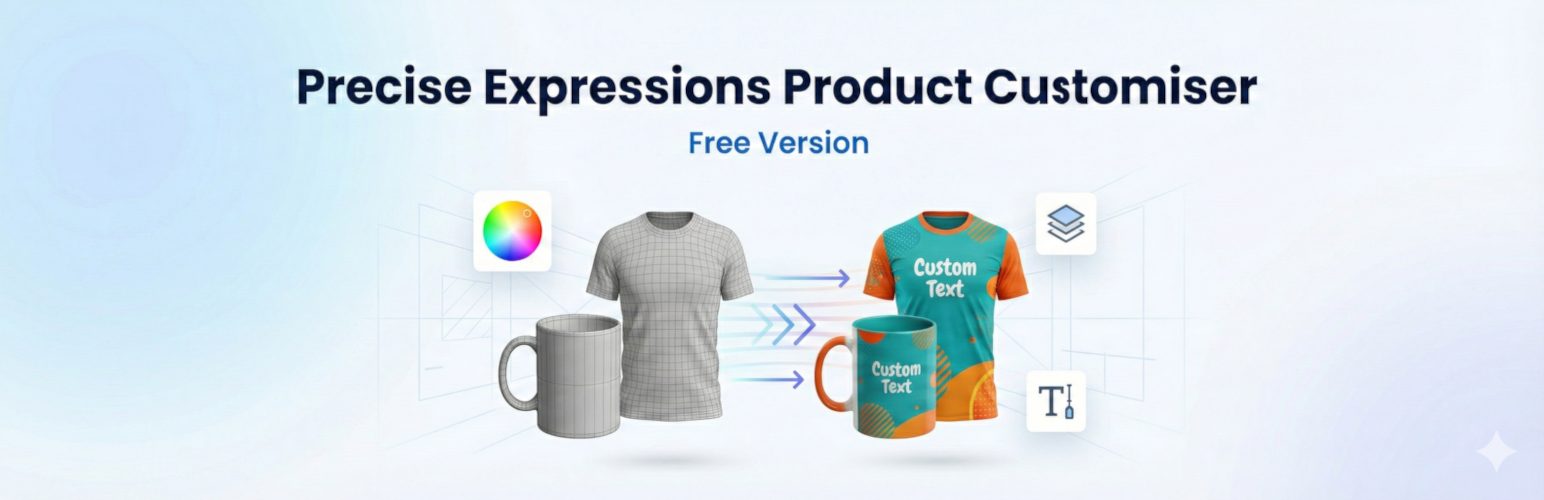
Precise Expressions Product Customizer adds an on-page customizer to WooCommerce products. Customers click “Personalize your product” to open a modal where they can upload images, add text, and adjust their design (move/rotate/resize) within your permitted area. The final preview is saved with the cart item and carried into the order for easy fulfilment.
Key Features:
* Modal customizer: Upload PNG/JPG and add text; move/rotate/resize with a live preview.
* Permitted area: Define the customization area per product with a draggable/resizable bounding box.
* Variable product aware: The customizer button only enables when a valid, in-stock option is selected.
* Cart + checkout preview: Customers see their customized preview through checkout.
* Order fulfilment friendly: Admin order view includes downloadable design links and a list of fonts used.
* Media Library friendly: Artwork is stored under uploads/precise-expressions-product-customizer (outside the Media Library) to reduce bloat.
Optional Google Fonts: Disabled by default, toggleable in settings.
🔥 Unlock Advanced Workflows with Precise Expressions Pro
Need more power? The Pro version is built for stores that require advanced customization limits and robust asset management.
- All-in-one Pro solution: advanced product customization plus built-in shipping calculator add-ons for USPS and for Australia Post.
No extra shipping plugin needed: Australia Post and USPS calculators are included, so merchants avoid buying separate shipping-calculation tools. - Multi-Zone Customizer: Six (6) zones your customer can customize (front/back/top/bottom/left/right).
- Image Previews: Your order page has image previews for each customized product your customer added to the cart
- Seamless Flow: Product images are carried through to the cart/checkout and finally to the Orders page
- Downloadable Assets: The images your customer uploaded can be downloaded your end with full resolution from the Orders page
- Font-Face Listing: The font-face used for text are listed on the orders page
- Direct cost savings: one Pro purchase covers personalization + shipping logic, reducing ongoing plugin expenses.
- Higher checkout confidence: customers see realistic shipping options at checkout, helping reduce cart abandonment.
- Flexible for real stores: works with shipping zones, per-zone settings, handling fees, and service options.
- Supports complex orders: optional package splitting for larger or multi-item carts.
- Merchant-friendly controls: global on/off settings, per-carrier controls, and easy rate management.
- Built for trust: reliable validation and background rate-check tools help keep shipping settings current.
Upgrade to Precise Expressions Product Customiser Pro today!
How it works:
1. Enable the customizer on any product via the “Product Customizer” tab in the product data panel.
2. (Optional) Upload a transparent mockup image (e.g., a phone case or t-shirt frame) to overlay on top of the customer’s design.
3. The customer designs their item, clicks “Done”, and adds to cart.
4. You receive the combined preview image and individual assets in the order details.
External Services
This plugin includes an optional feature to load fonts from Google Fonts to provide typography options in the customizer.
- Service: Google Fonts (https://fonts.google.com)
- Data Shared: When enabled, visitors’ browsers request font files from Google’s servers, which typically includes IP address and user agent.
- Control: This feature is disabled by default. It can be enabled in WooCommerce > Product Customizer > Settings.
Bundled Resources
This plugin bundles the following third-party library:
- Fabric.js
- Source: https://fabricjs.com/
- License: MIT (see
assets/vendor/fabric/LICENSE.txtincluded in the plugin)
Installation
- Upload the plugin files to the
/wp-content/plugins/precise-expressions-product-customizerdirectory, or install the plugin through the WordPress plugins screen directly. - Activate the plugin through the ‘Plugins’ screen in WordPress.
- Ensure WooCommerce is installed and active.
- Go to any Product > Edit > Product Customizer tab to enable the feature.
Screenshots

Frontend Editor: The customer experience for designing a product.

Product Settings: Configuring the customizer on a product.

Order View: Viewing the customized design in the admin area.

Store Front: Viewing store front integration

Single Product Page: The customer experience for launching the customizer from the single product page
Reviews
Changelog
1.0.26
- Fix: Save generated artwork only inside uploads/precise-expressions-product-customizer.
- Fix: Sanitize nonce input before verification in product settings.
- Tweak: Remove non-essential header/readme URLs that failed automated availability checks.
1.0.25
- Fix: Improved Block Theme compatibility (shop + product pages).
- Fix: Ensure customized preview image persists in cart and checkout.
- Update: Added draggable/resizable permitted-area bounding box.
- Update: Store generated artwork under uploads/precise-expressions-product-customizer (outside the Media Library) with retention setting.
1.0.24
- Fix: Orders screen UI cleanups and improved preview display.
- Update: Local Fabric.js support and optional Google Fonts toggle.
1.0.23
- Update: Added “Product Card Layout” CSS as an opt-in setting.
- Update: Added external service disclosure for Google Fonts.
- Fix: Improved error handling and dependency checks.
1.0.22
- Initial release.