Preloader Bundle
Preloader Bundle
Description
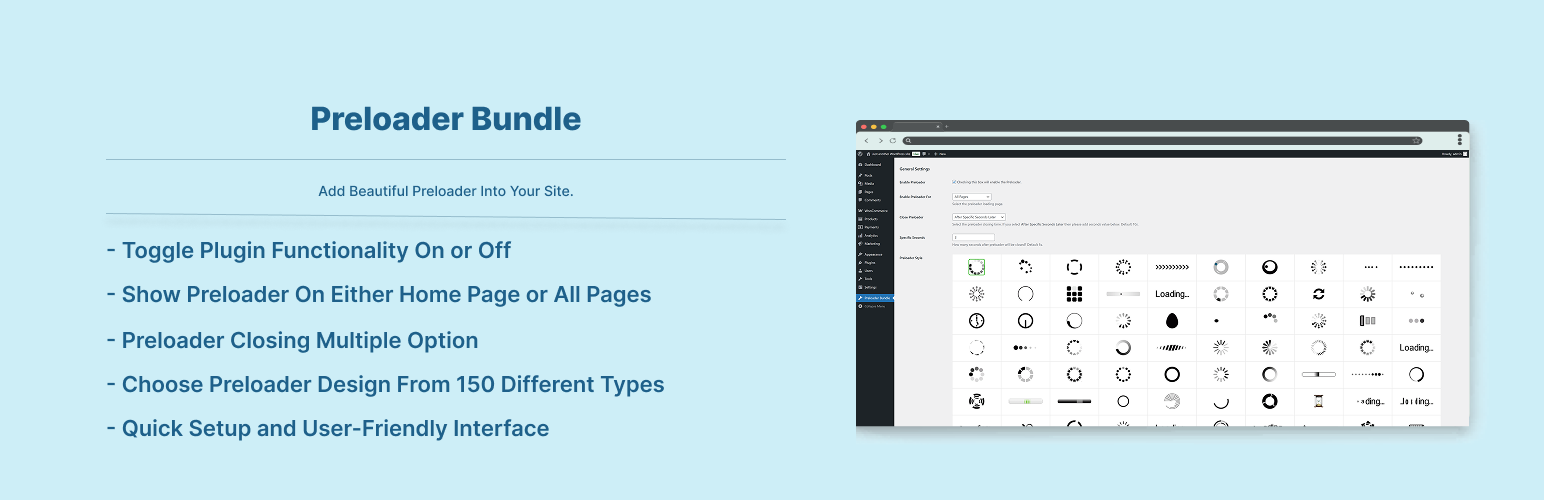
Add Preloader To Your Site With Just One Click! 150+ Preloader To Select From.
Features:
- Enable/Disable The Plugin Functionality
- Show Preloader On Either Home Page or All Pages
- Preloader Closing Multiple Option
- Choose Preloader Design From 150 Different Types
Installation
To add a WordPress Plugin using the built-in plugin installer:
Go to Plugins > Add New.
- Type in the name “Preloader Bundle” in Search Plugins box
- Find the “Preloader Bundle” Plugin to install.
- Click Install Now to begin the plugin installation.
- The resulting installation screen will list the installation as successful or note any problems during the install.
If successful, click Activate Plugin to activate it, or Return to Plugin Installer for further actions.
To add a WordPress Plugin from GitHub repo / plugin zip file :
1. Go to WordPress plugin page
2. Click Add New & Upload Plugin
3. Drag / Click upload the plugin zip file
4. The resulting installation screen will list the installation as successful or note any problems during the install.
If successful, click Activate Plugin to activate it, or Return to Plugin Installer for further actions.
Screenshots

settings

front preloader
Faq
Just after installing the plugin, go to settings page and set the plugin settings according to your needs. And then see the magic. See screenshots.
Reviews
Changelog
2.0.2
- Checked for latest wp version 6.9
2.0.1
- Fixed issue: typo giving fatal error
2.0.0
- Checked for latest wp version 6.8
1.0.2
- Compatibility check for wp 6.6
1.0.1
- Compatibility check for wp 6.3
1.0.0
- Initial release.