Prime Testimonial Carousel
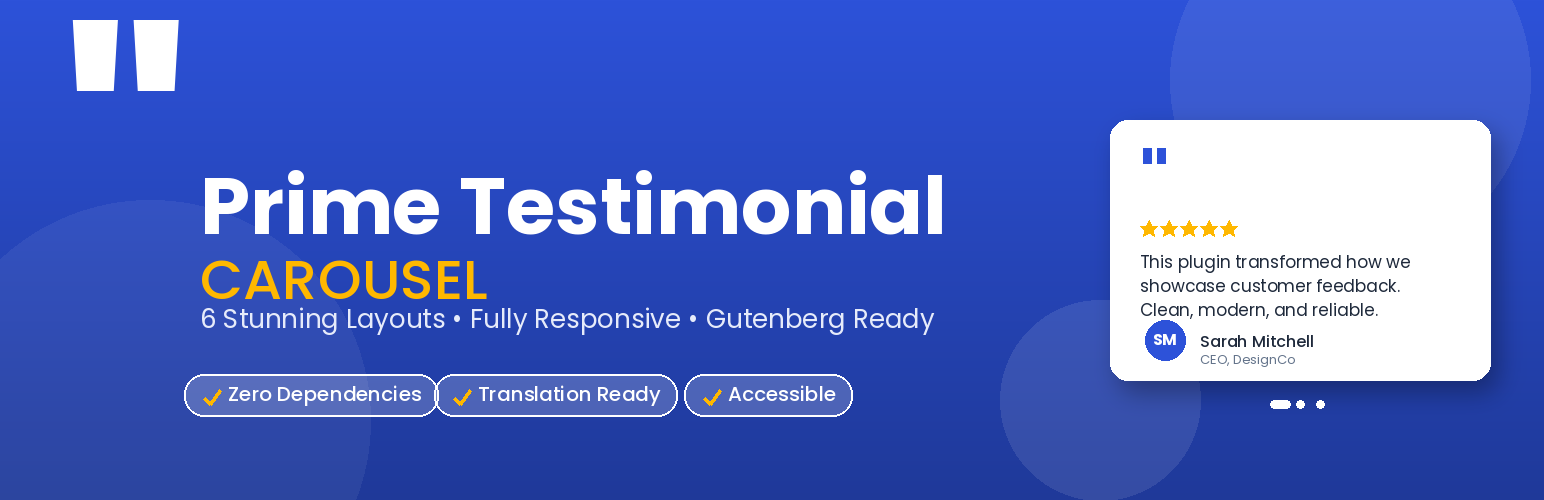
Prime Testimonial Carousel
Description
Prime Testimonial Carousel is a lightweight, powerful plugin for displaying customer testimonials on your WordPress site. Choose from 10 professionally designed layouts and customize every aspect to match your brand.
Key Features
- 10 Beautiful Layouts – Classic, Card, Modern, Minimal, Masonry, Grid, Bubble, Spotlight, Bordered, Polaroid
- Fully Responsive – Looks perfect on desktop, tablet, and mobile
- Gutenberg Block – Native block editor support
- Shortcode Support – Use anywhere with
[prime_testimonial_carousel] - Touch & Swipe – Natural swipe gestures on mobile
- Keyboard Accessible – Full arrow-key navigation
- Star Ratings – Optional 1-5 star rating display
- Author Photos – Featured image support for each testimonial
- Grouping – Organize testimonials into categories
- Zero Dependencies – No jQuery, no third-party libraries on the frontend
- Customizable Colors – Match your site’s branding
- Autoplay Control – Configurable timing with pause-on-hover
- Translation Ready – Full i18n support
- RTL Support – Works with right-to-left languages
- Lightweight – Minimal CSS and JS footprint
Layout Options
- Classic – Clean bordered cards with subtle shadows
- Card – Elevated cards with colored top accent
- Modern – Gradient background with prominent styling
- Minimal – Simple left-border design with italic text
- Masonry – Pinterest-style variable-height grid
- Grid – Equal-height CSS grid layout
- Bubble – Speech bubble style with tail pointer (NEW in 1.1)
- Spotlight – Dark theme with radial glow (NEW in 1.1)
- Bordered – Bold offset border with hover lift (NEW in 1.1)
- Polaroid – Photo-first vintage frame layout (NEW in 1.1)
Accessibility
- WAI-ARIA labels on all controls
- Keyboard navigation (arrow keys)
- Focus pause on autoplay
- Respects
prefers-reduced-motion - Semantic HTML structure
Installation
- Upload the plugin files to
/wp-content/plugins/prime-testimonial-carousel/, or install through the WordPress plugins screen directly. - Activate the plugin through the ‘Plugins’ screen in WordPress.
- Go to Testimonials -> Add New to create your first testimonial.
- Fill in the author name, title, company, rating, and content.
- Set a featured image for the author photo.
- Use the shortcode
[prime_testimonial_carousel]in any post or page, or insert the Testimonial Carousel block.
Screenshots

Classic layout on desktop

Card layout with ratings

Modern layout with gradient

Minimal layout

Masonry layout

Responsive design across all devices

Admin settings page
Faq
Use the shortcode [prime_testimonial_carousel] in any post, page, or widget. Alternatively, insert the Testimonial Carousel block in the Gutenberg editor.
Yes. Create a group under Testimonials -> Groups, assign testimonials to it, and use [prime_testimonial_carousel group="your-group-slug"].
Absolutely. The plugin automatically adjusts the number of visible columns based on screen size and supports native touch swipe gestures.
Yes. Since the plugin uses a standard shortcode, it works with Elementor, Beaver Builder, Divi, WPBakery, and any other page builder that supports shortcodes.
Yes, go to Testimonials -> Settings to configure primary color, text color, background color, and border radius.
Yes. The plugin is fully translation ready with a .pot file included in the /languages directory.
Reviews
Changelog
1.1.0
- Added 4 new layouts: Bubble, Spotlight, Bordered, Polaroid
- Updated Gutenberg block to include new layout options
- Updated shortcode documentation page
- No breaking changes – all existing shortcodes continue to work
1.0.0
- Initial release
- 6 layout options
- Gutenberg block support
- Shortcode with full parameter support
- Responsive design for all devices
- Touch/swipe support
- Keyboard accessibility
- Translation ready