Product Categories Grid for WooCommerce

Product Categories Grid for WooCommerce
Description
A Gutenberg block that showcases your WooCommerce categories in a responsive grid layout. Click any category to instantly view its products in a sleek popup—no page reload needed!
GitHub Repo
https://github.com/BhargavBhandari90/product-categories-grid-block
Installation
- Upload the plugin files to the
/wp-content/plugins/woo-categories-grid-blockdirectory, or install the plugin through the WordPress plugins screen directly. - Activate the plugin through the ‘Plugins’ screen in WordPress
- Add/Edit post and search for “Categories Grid for WooCommerce” block
Screenshots
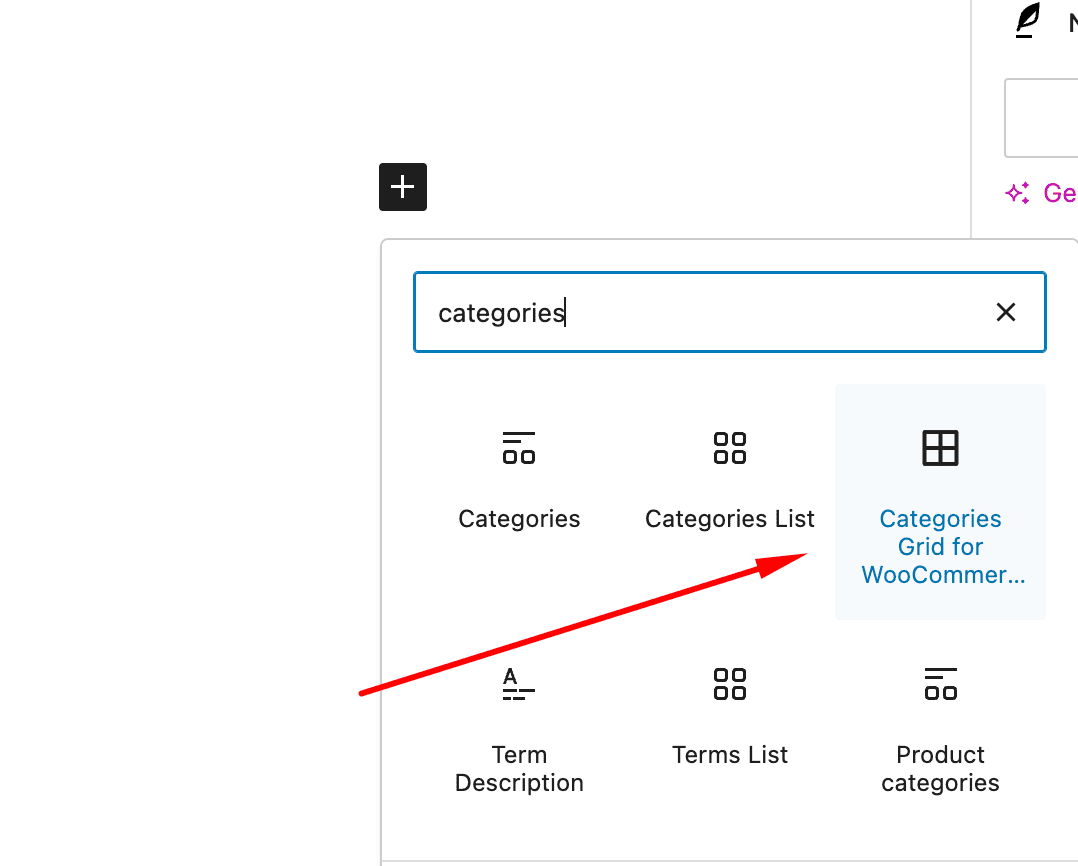
Search "Categories Grid for WooCommerce" Block
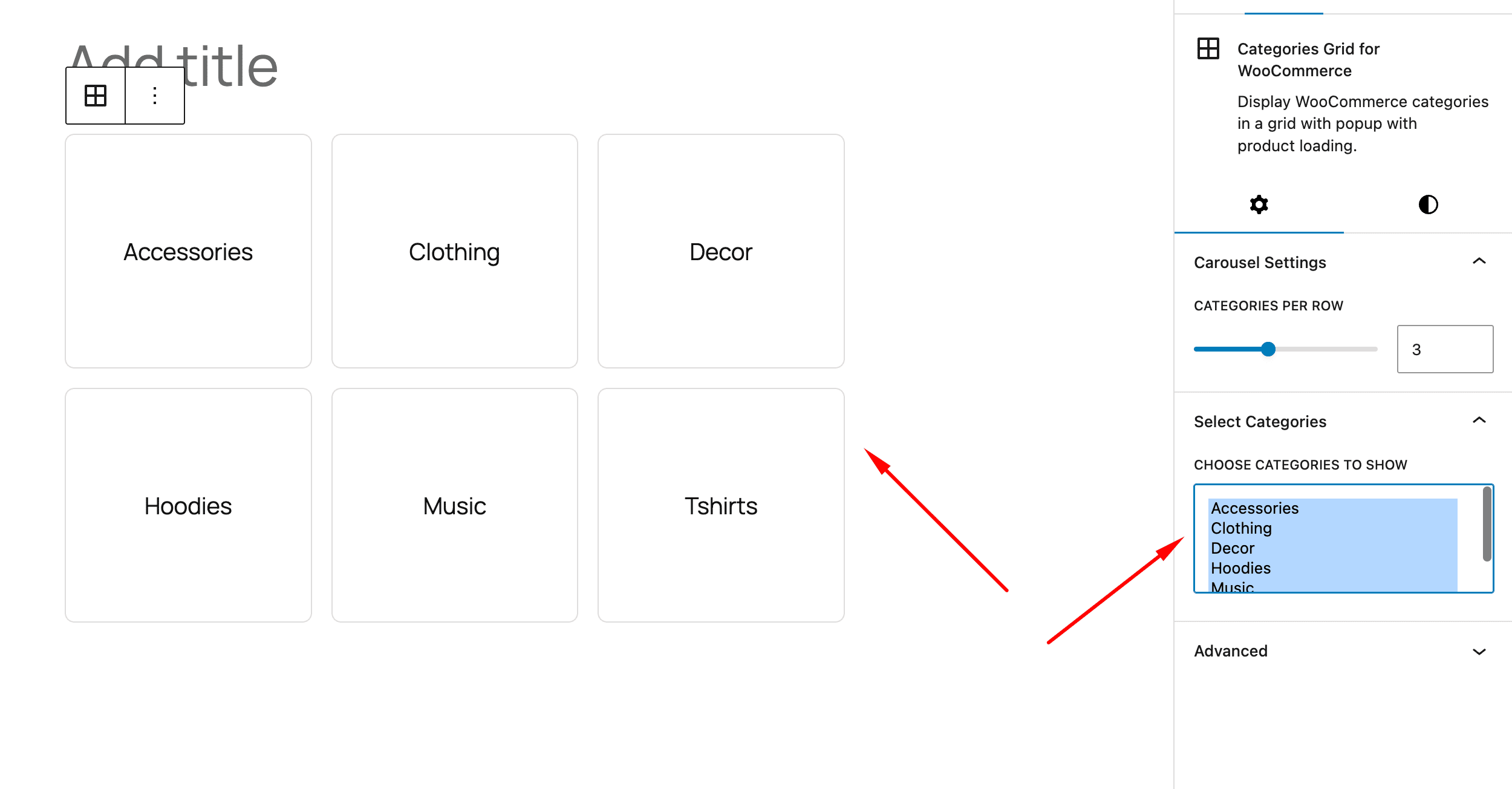
Add "Categories Grid for WooCommerce" Block
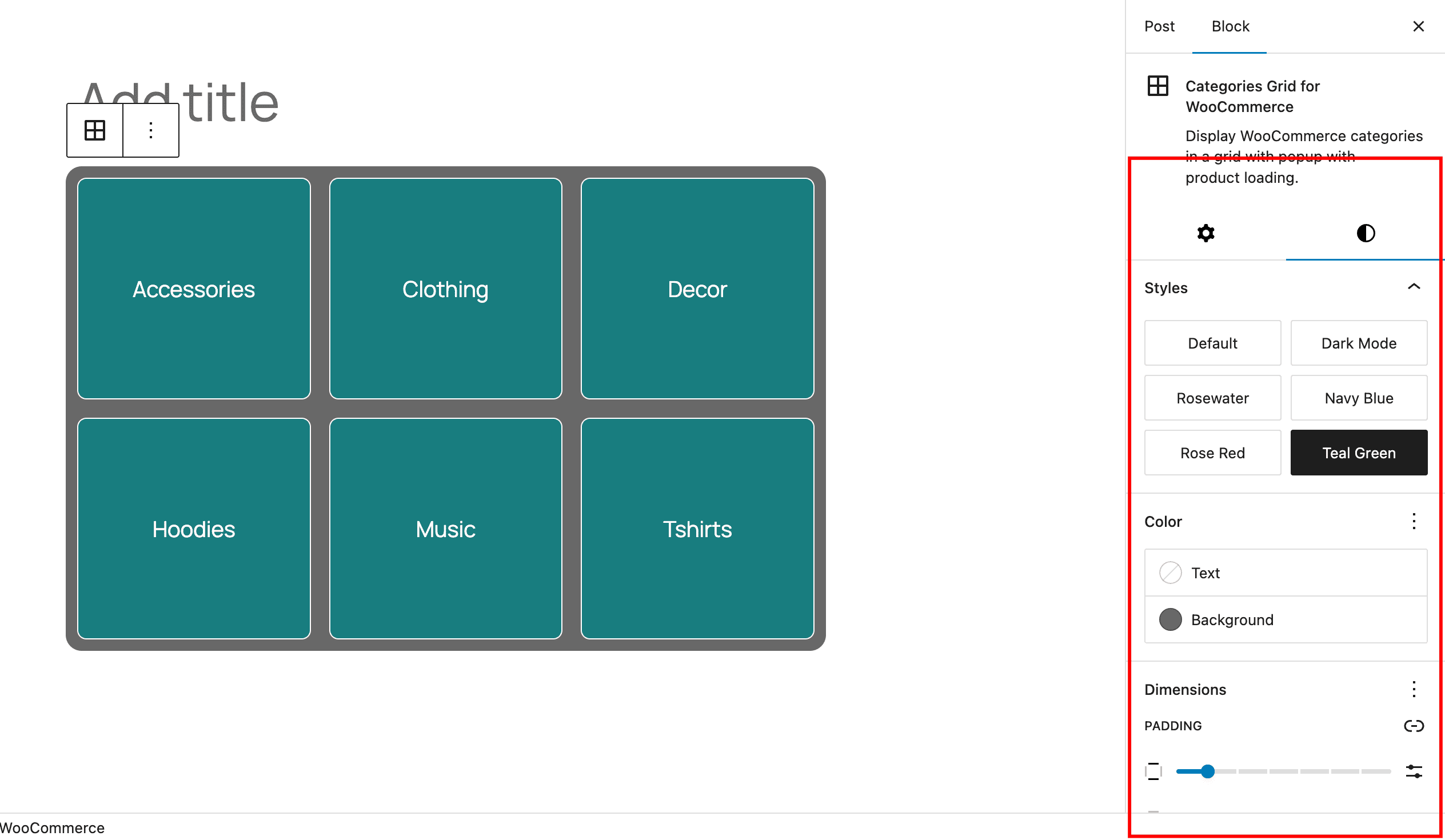
Settings for the block
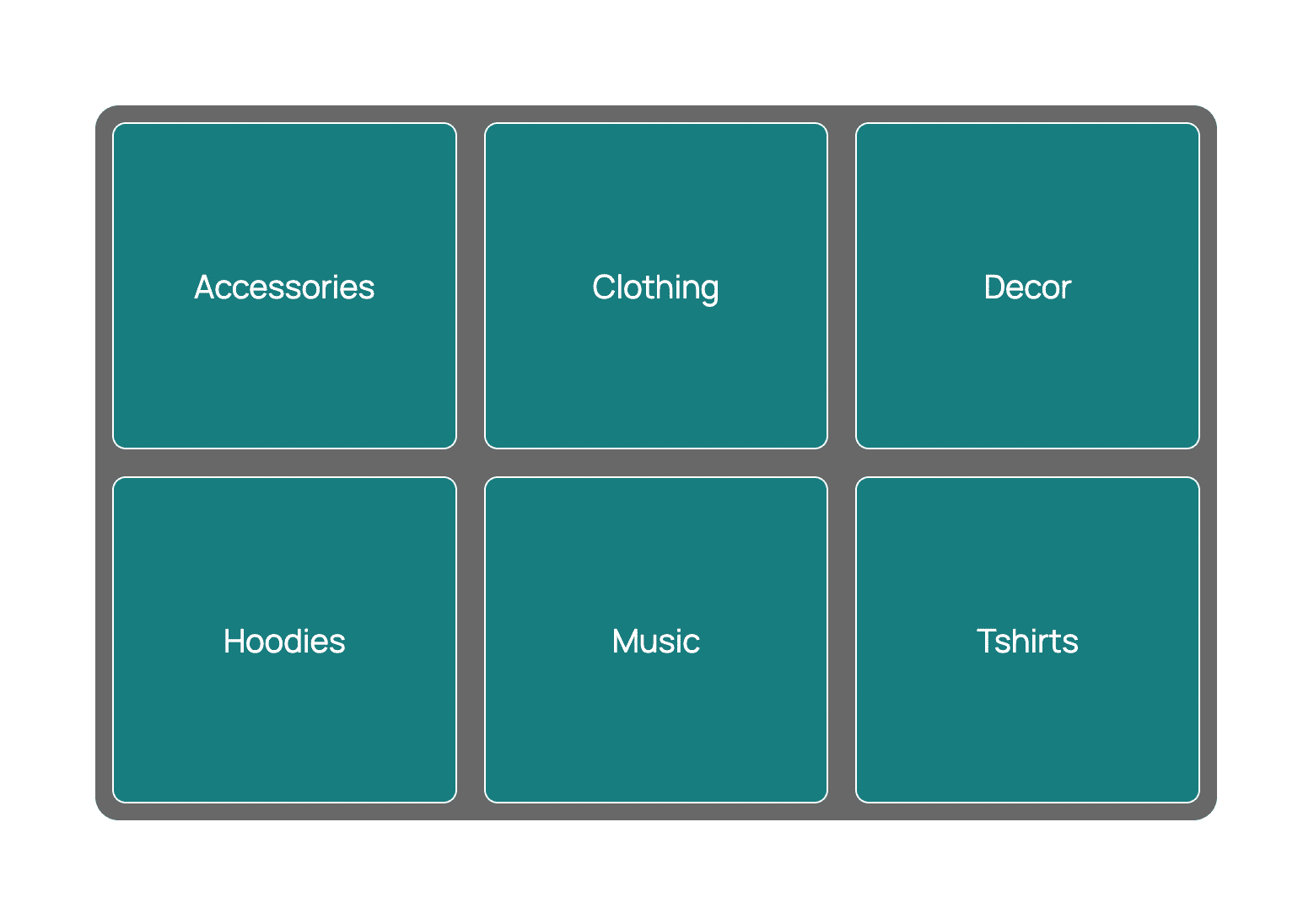
How it looks on frontend
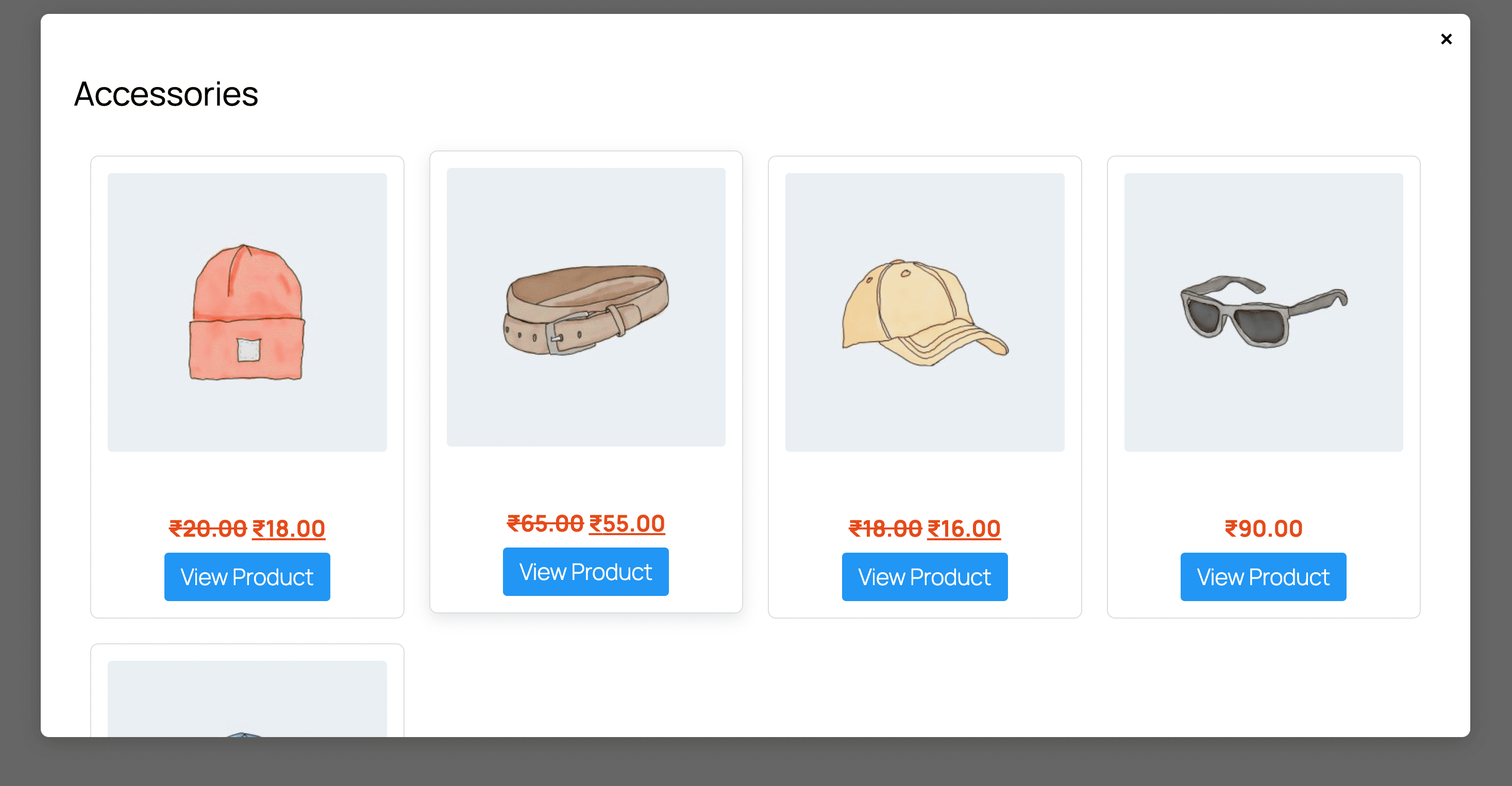
Popup for products from the category
Reviews
Changelog
1.0.0
- Initial Release.