Product QR Code for WooCommerce

Product QR Code for WooCommerce
Description
Product QR Code for WooCommerce adds a QR code box to the product edit screen. Download the code as an image and put it on price tags, shelves, packaging, catalogs or flyers. A customer scans it and lands on the product page.
The code doesn’t hold the product address itself. It holds a short link to your site, like example.com/qr/123, which sends the visitor on to the product. So if you rename a product or change its address later, the codes you already printed keep working.
Features
- A QR code in the sidebar of every product screen.
- Download it as a large PNG image with a white margin, sharp enough for print.
- A short link for each product that always leads to its current page.
- Products that aren’t published yet lead to your home page until they are.
- No settings, no account and no external services.
Privacy
The plugin doesn’t collect any data or contact any external service. The QR codes are drawn in your browser.
Credits
QR codes are drawn with jquery.qrcode by Jerome Etienne, based on QRCode for JavaScript by Kazuhiko Arase, both under the MIT license. QR Code is a registered trademark of DENSO WAVE INCORPORATED.
Installation
- Make sure WooCommerce is active.
- Install the plugin from Plugins > Add New, or upload the plugin folder to
/wp-content/plugins/. - Activate it.
- Open any product. The QR code box is in the sidebar of the product screen.
Screenshots
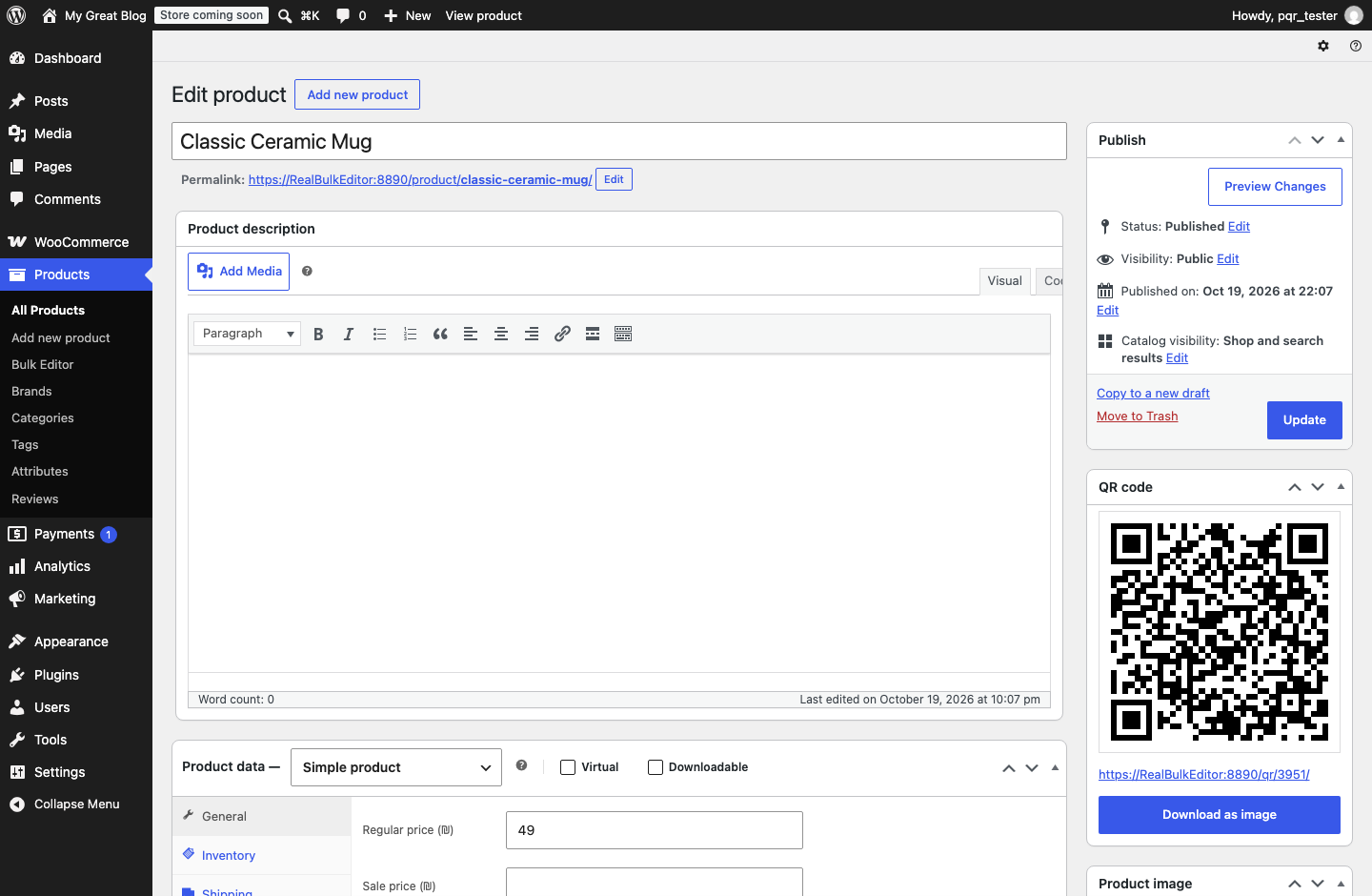
The QR code box on the product screen.
Faq
Go to Settings > Permalinks and click Save Changes once. This refreshes the address rules of your site.
Yes. With plain permalinks the short link looks like example.com/?product_qr=123.
Its code leads to your home page.
Not yet. The code is black on white, the color scanners read most reliably.
Reviews
Changelog
1.0.0
- First release.