Product Spotlight Badge – WooCommerce Product Highlights Instantly
Product Spotlight Badge – WooCommerce Product Highlights Instantly
Description
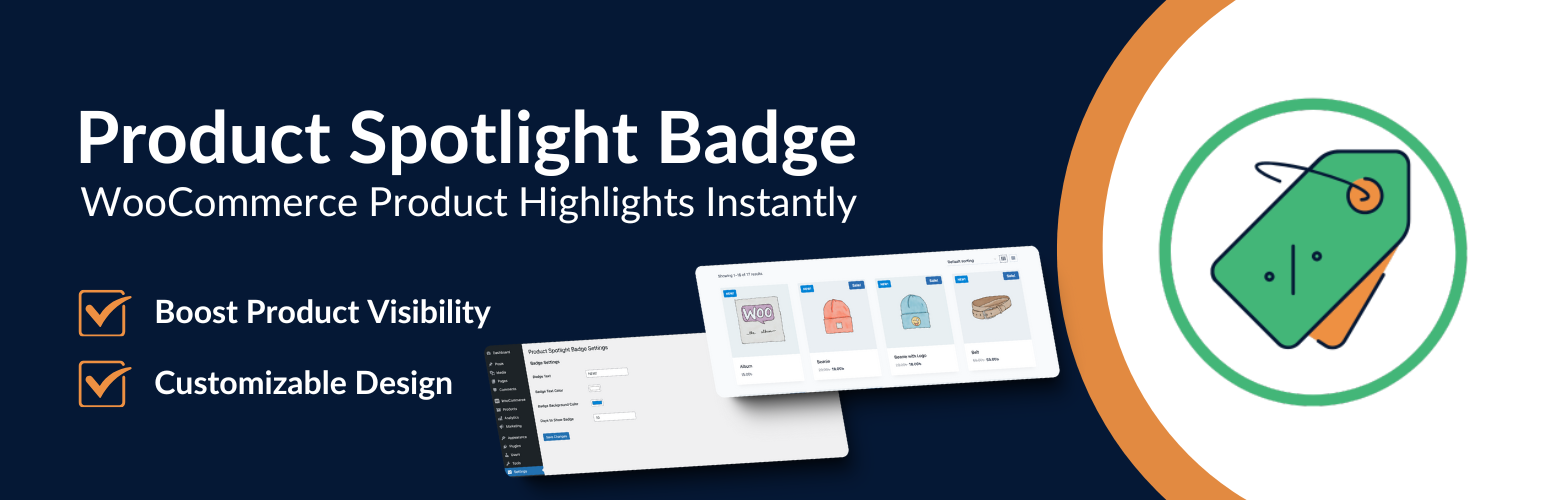
Product Spotlight Badge is designed to boost the visibility of newly added products in your WooCommerce store. This plugin allows you to add a customizable “NEW!” badge on products, helping them stand out and attract customers’ attention. Customize the badge with different text, text color, and background color, and specify the period for which the badge should appear.
- Enhance the visibility of new products with a customizable “NEW!” badge.
- Easily configure badge settings from the WordPress dashboard.
- Seamlessly integrates with WooCommerce-compatible themes.
Check out our other Plugins
- Smart Password Protect – Secure your WordPress site with password protection and IP whitelisting.
- Random Quote – Display a random quote on your site to inspire visitors.
- Redirect After Logout – Redirect users to a custom page after logging out for enhanced user experience.
License
This plugin is licensed under the GPLv2 or later.
Installation
Plugin Installation Method:
- Go to the WordPress dashboard.
- Navigate to Plugins > Add New.
- Search for “Product Spotlight Badge”.
- Click on the Install button.
- Activate the plugin after installation.
Installation via Zip File:
- Download the Product Spotlight Badge plugin zip file.
- Go to Plugins > Add New > Upload Plugin.
- Upload
product-spotlight-badge.zipand install it. - Activate the plugin.
Plugin Configuration:
- Navigate to Settings > Product Spotlight Badge in your WordPress dashboard.
- Customize the badge text, colors, and display duration according to your preference.
Screenshots

Admin Settings Page: Configuration options for customizing the badge.

Shop Loop Display: Badge displayed on a product in the WooCommerce shop loop.

Single Product Page Display: Badge displayed on a single product page.

Admin Settings and Shop Page: Overview of the admin settings page and how the badge appears on the shop page.
Faq
You can customize the badge text, text color, background color, and duration from the Product Spotlight Badge settings page in the WordPress admin area.
This plugin is designed to work with WooCommerce-compatible themes. If the badge does not display correctly, it might be due to theme-specific CSS conflicts.
Currently, the badge is meant for newly added products. Future updates may provide more options for customization.
You can set the number of days the badge should be displayed for new products via the plugin settings.
The Product Spotlight Badge plugin is lightweight and optimized to ensure it does not affect your site’s performance.
Yes, you can configure the plugin to show the badge both in the shop loop and on individual product pages.
Reviews
Changelog
1.0.1
- Added translation support.
1.0.0
- Initial release of the Product Spotlight Badge plugin.