Product Rearrange for WooCommerce
Product Rearrange for WooCommerce
Description
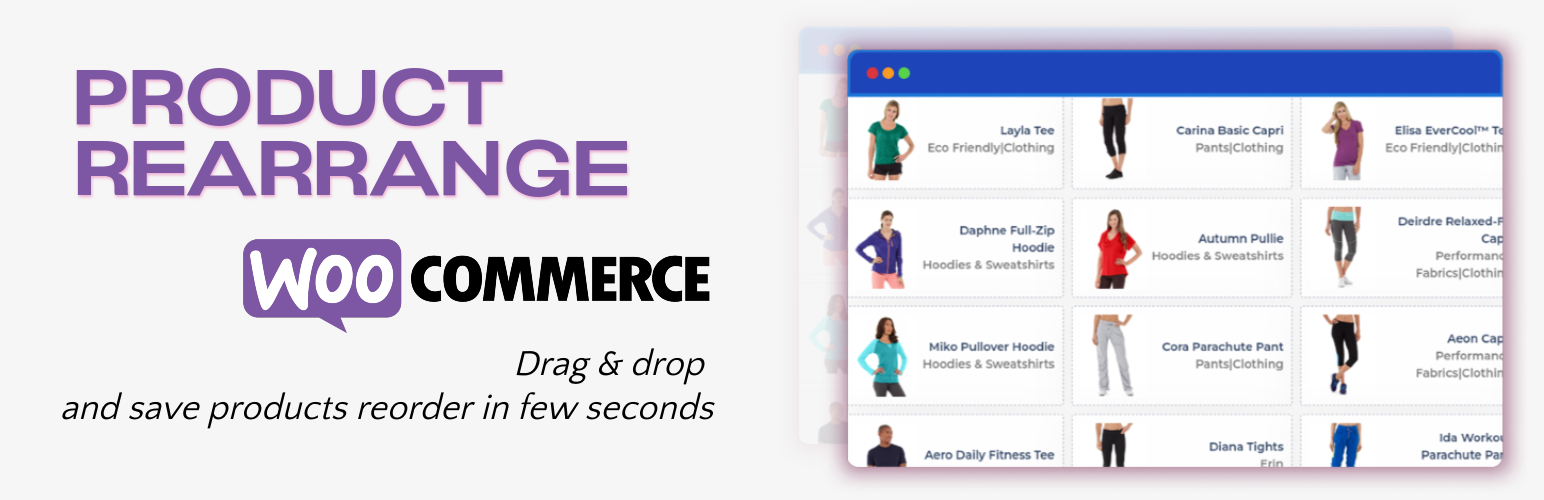
Product Rearrange for WooCommerce allows you to reorder the WooCommerce products in the admin end using the elegant drag and drop order in the most robust way. This plugin will save the order as mush as possible. Product Rearrange for WooCommerce plugin used the drag and drop UI in most elegant manner so that it will be easy for the enduser to sort the WooCommerce products.
This plugin used the REST API to sort the products. This plugin allows you to select the WooCommerce Product Category and sort the products based upon selected category.
Installation
This section describes how to install the plugin and get it working.
e.g.
- Upload
products-rearrange-woocommercefolder to the/wp-content/plugins/directory. - Make sure woocommerce is installed or activated before activating this plugin.
- Activate the plugin named “Product Rearrange for WooCommerce” through the ‘Plugins’ menu in WordPress.
- Navigate to WordPress Admin end “Product Reorder => API Settings” in the admin end.
- Create API with the description, assign User and make sure you select Read/Write on permissions on Woocommerce => Settings => Advanced => REST API.
- Copy the Consumer key and Consumer Secret and paste the both keys on the respective fields in the “Product Rearrange Settings
” page. - Make sure WordPress permalinks must be set to something that is easily human readable at: Settings => Permalinks.
- Hurrah! You have configured the plugin and Navigate to “Product Reorder” and drag and drop the products.
Screenshots
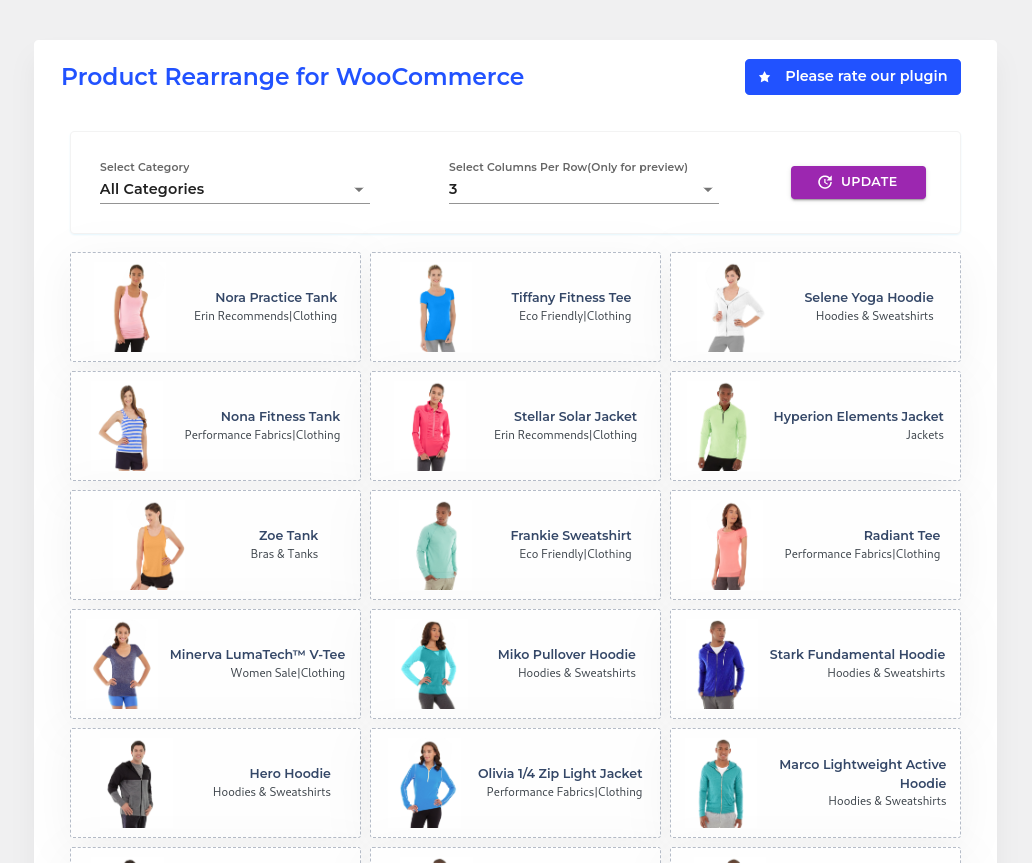
Screenshot for the drag and drop UI in the admin end.

Working DEMO of the plugin and rearranging the products.

Working DEMO of Selecting the WooCommerce Product Category and rearranging the products.
Faq
Yes. You can able to sort the products based upon the specific category.
Product Rearrange for WooCommerce plugin saves the products order in few seconds.
No. You should Configure the WooCommerce REST API as mentioned in the “Product Rearrange Settings” page.
Reviews
Very helpful, very good plugin
By 
Very helpful, very good plugin
Can you revamp your code a little bit to support Multisite?
By 
Hi team, can you change your code a bit in your root file to support Multisite?
From:
if ( ! in_array( 'woocommerce/woocommerce.php', apply_filters( 'active_plugins', get_option( 'active_plugins' ) ) ) ) { //phpcs:ignore
add_action( 'admin_notices', 'wcpr_admin_notice' );
}
To:
if ( ! is_plugin_active( 'woocommerce/woocommerce.php') ) { //phpcs:ignore
add_action( 'admin_notices', 'wcpr_admin_notice' );
}
Best Woo Commerce Category Order plugin
By 
Please keep updating this plugin it is the best by far as it shows the images and works super fast.
Best WooCommerce Re-Order plugin!!
By 
I purchased this plug in a little while ago, and had an issue with a conflict somewhere. I sent "product re-arrange" a message, and the next morning they were on top of it, fixing my issue. I am so happy with this plugin, and their top notch fast service.
They have released new versions, and everything keeps just getting BETTER!!
So fast to respond, and fix my problem
So fast to use
Love the drag and drop part the best.
This plugin is the best! You will wonder why it took so long to get it.
-Bronwen
Easy Peasy Reorder
By 
Works like a charm.
Its saved 400 Products re order so quick
By 
I recommend this plugin for saving large number of product sort orders in few seconds. It saves my day!
Changelog
1.2.2
- Tested for WordPress 6.5.3.
- Tested for Woocommerce 8.9.1.
1.2.1
- Tested for WordPress 6.3.1.
- Tested for Woocommerce 8.0.3.
- Displayed the Out of stock Products in the admin end.
- Added the Checkbox to display only InStock Woocommerce products.
- Reorder the Instock Products.
- Included custom ordering options within WooCommerce product sorting.
1.2
- Tested for WordPress 6.3.
1.1.2
- Fixed issues by Listing Only Published Products.
1.1.1
- Fixed issues while drag and drop
1.1.0
- Grouped the Parent Category for the Select FormControl
- Optimized the Woocommerce Product reorder
- Fixed the issues while selecting Woocommerce Product Category
1.0.1
- Added the Plugin URI
1.0.0
- Initial Release of the Plugin