Proof Factor – Social Proof Notifications
Proof Factor – Social Proof Notifications
Description
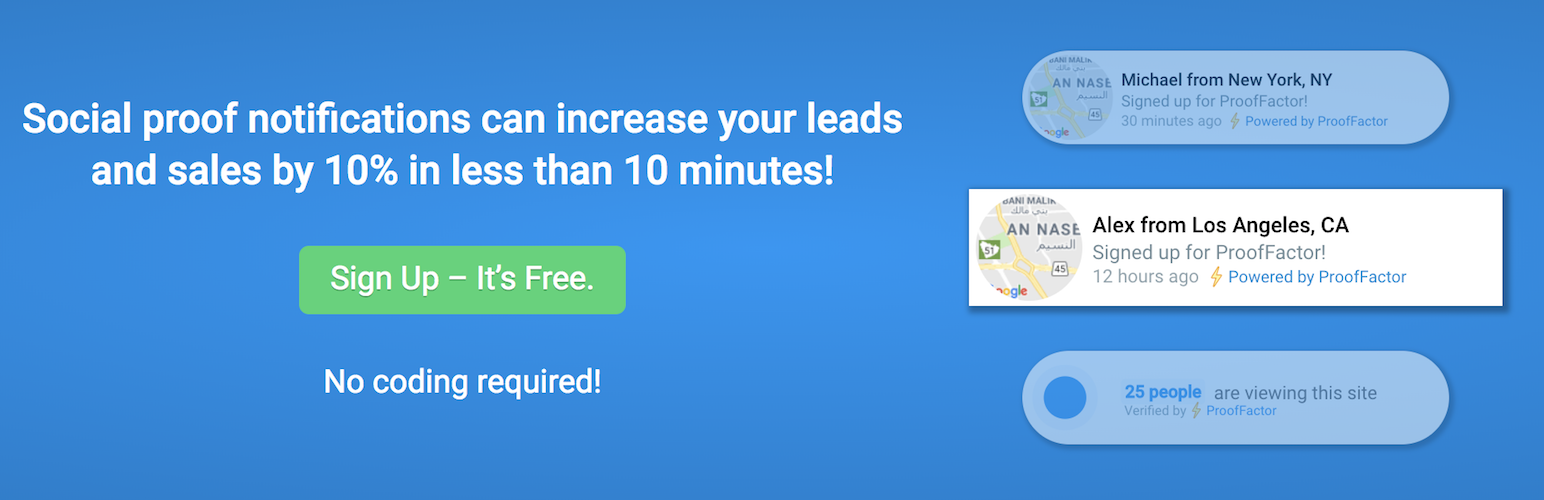
Proof Factor displays recent user sign ups!
Who trusts an empty restaurant?
Same goes for your online business.
Proof Factor turns your website into a busy and interesting place that compels buyer action.
Using Proof Factor can increase your leads and sales by 10% in less than 10 minutes!. Here’s why:
- Highly customizable: Site owners can position Proof Factor in any corner (bottom left, bottom right, top left, top right) – whatever works best for your site!
- FAST. Proof Factor is lightweight and built to scale, so it won’t slow down your site (which can hurt your Google rankings)
- Works on mobile! Choose how your notifications are displayed on mobile, or turn them off for mobile devices
- Hide Proof Factor from specific pages
- New site? No worries – you can loop notifications!
- Customize the message, style, position and timing to suit your branding.
Installation
Proof Factor installation is simple, and requires no programming or special skills.
The Proof Factor plugin requires a Proof Factor account to function. You can create one at https://app.prooffactor.com/register
How To Install:
Install and Activate the Plugin
- Install the plugin through the WordPress plugins screen directly.
- Activate the plugin through the ‘Plugins’ screen in WordPress.
- At this point, if you do not already have a Proof Factor account one will be created for you with your WordPress admin email as the username!
- Once the plugin is active you should receive a welcome email as well as a password reset email. Make sure to follow the instructions in the password reset email to access your Proof Factor dashboard.
Configure the plugin
- Navigate to the Plugins -> Installed Plugins page
- Scroll down until you find Proof Factor and then click Settings
- If the Account Id and User Id are already filled in that is because a new account has been created for you using the WordPress admin email as explained above.
- If the Account Id and User Id are blank this is because we could not automatically create a new account for you, or you already have an account. You will need to update these details with the information found at the bottom of https://app.prooffactor.com/settings
- Once you have entered your Proof Factor Account Credentials click Update Proof Factor Credentials
Notes:
-
The Proof Factor plugin calls Proof Factor backend servers in order to create a new user account for you using your WordPress admin email address.
-
The Proof Factor plugin will load remote JavaScript/CSS/HTML code from the Proof Factor backend URL in order to show notifications of recent purchases on your frontend store and to always deliver the latest version of the Proof Factor plugin.
Screenshots

Configuration options for recent activity notifications.

Example of Proof Factor campaign customization options.

Example of Proof Factor display customization options.

The default settings page for new plugin installs.
Faq
-
How much does the ProofFactor service cost?
ProofFactor is free for sites with less than 1,000 unique visits. For additional pricing please visit https://prooffactor.com/#pricing
Reviews
Stands out from the rest
By 
Excellent Customer Support and Nice plugin
By 
Support Team GJ
By 
Excellent plugin
By 
Great little Plug in and helpful team
By 
ES EXCEPCIONAL ESTE PLUGIN
By 
Does this perfectly...
By 
Very smart and customizable plugin
By 
Awesome tool, awesome support!
By 
Best social proof plugin
By 