Publitio Offloading

Publitio Offloading
Description
Media & Document Cloud Storage and Delivery
Publitio Offloading – Media Asset Management, Cloud Storage and Delivery
Publitio Offloading plugin seamlessly integrates your WordPress media library with Publitio (https://publit.io/),
a secure, scalable cloud-based media asset management and delivery platform.
Effortlessly offload and serve your images, videos, audios, documents,
and archives from Publitio’s fast global CDN, improving site speed and reducing your server load.
Key Features:
- Offload WordPress media, documents, and archive files to Publitio cloud storage (https://publit.io/)
- Replace and serve all media URLs automatically from Publitio’s secure CDN
- Flexible options to keep local copies or serve fully remote files
- URL-based on-the-fly media transformations: resizing, cropping, watermarking, transcoding, and more
- Protect content with domain restrictions
- Easy setup with comprehensive documentation and tutorials
Why Use Publitio Offloading?
Boost your website performance and SEO by delivering media and documents faster worldwide.
Reduce hosting costs and scale effortlessly with Publitio’s pay-as-you-go pricing model, robust security, and global infrastructure.
Start offloading your WordPress media, documents, and archives today with Publitio (https://publit.io/)—trusted by 70,000+ users!
Learn More & Support:
- Setup guide: https://publit.io/community/blog/wordpress-offloading-with-publitio
- API & documentation: https://publit.io/docs
- Contact support: mailto:support@publit.io, use the support web widget on our site, or write on our Community Board: https://dashboard.publit.io/app/dashboards/community
- Plugin source (GitHub): https://github.com/ob1y2k/publitio_wordpress_offloading
Installation
- Go to Plugins > Add New in WordPress and search for “Publitio Offloading”.
- Click Install Now and then Activate the plugin.
- Create a free Publitio account and get your API Key and Secret from your Publitio dashboard.
- In WordPress, go to Settings > Publitio offloading, enter your API credentials, save, and enjoy automated offloading and delivery of your media files via Publitio’s CDN.
Screenshots
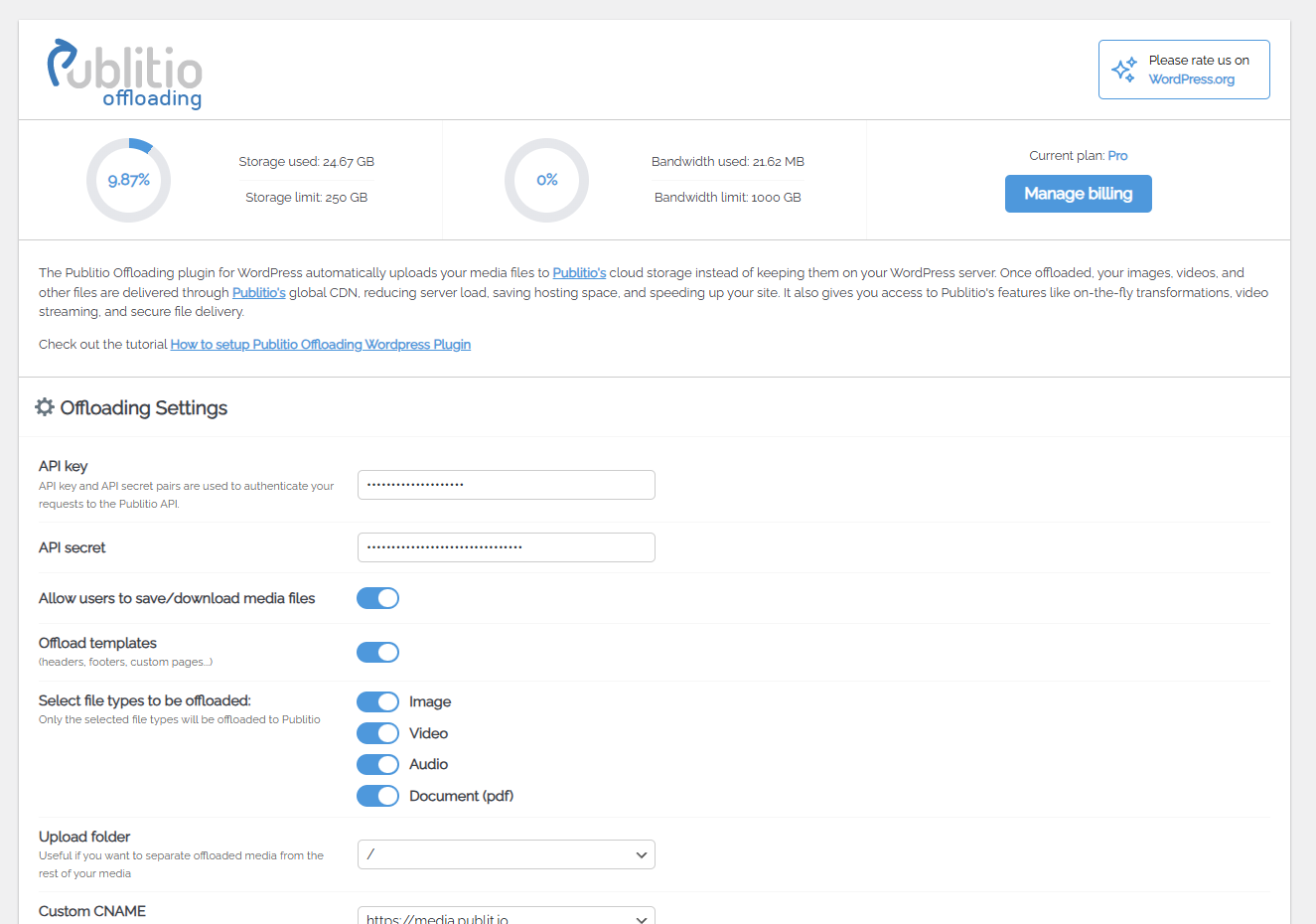
Publitio Offloading Settings page
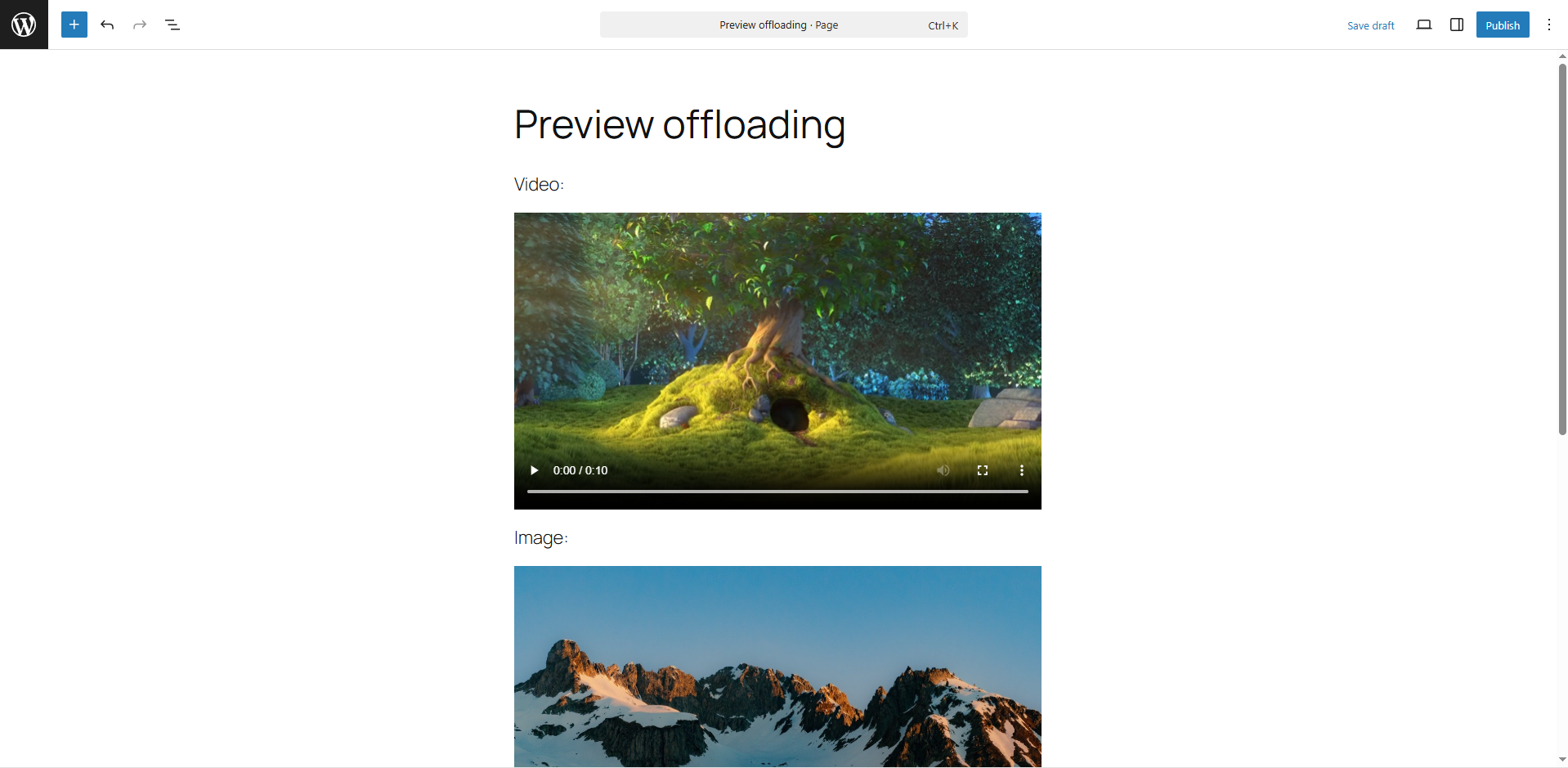
Adding media with your editor
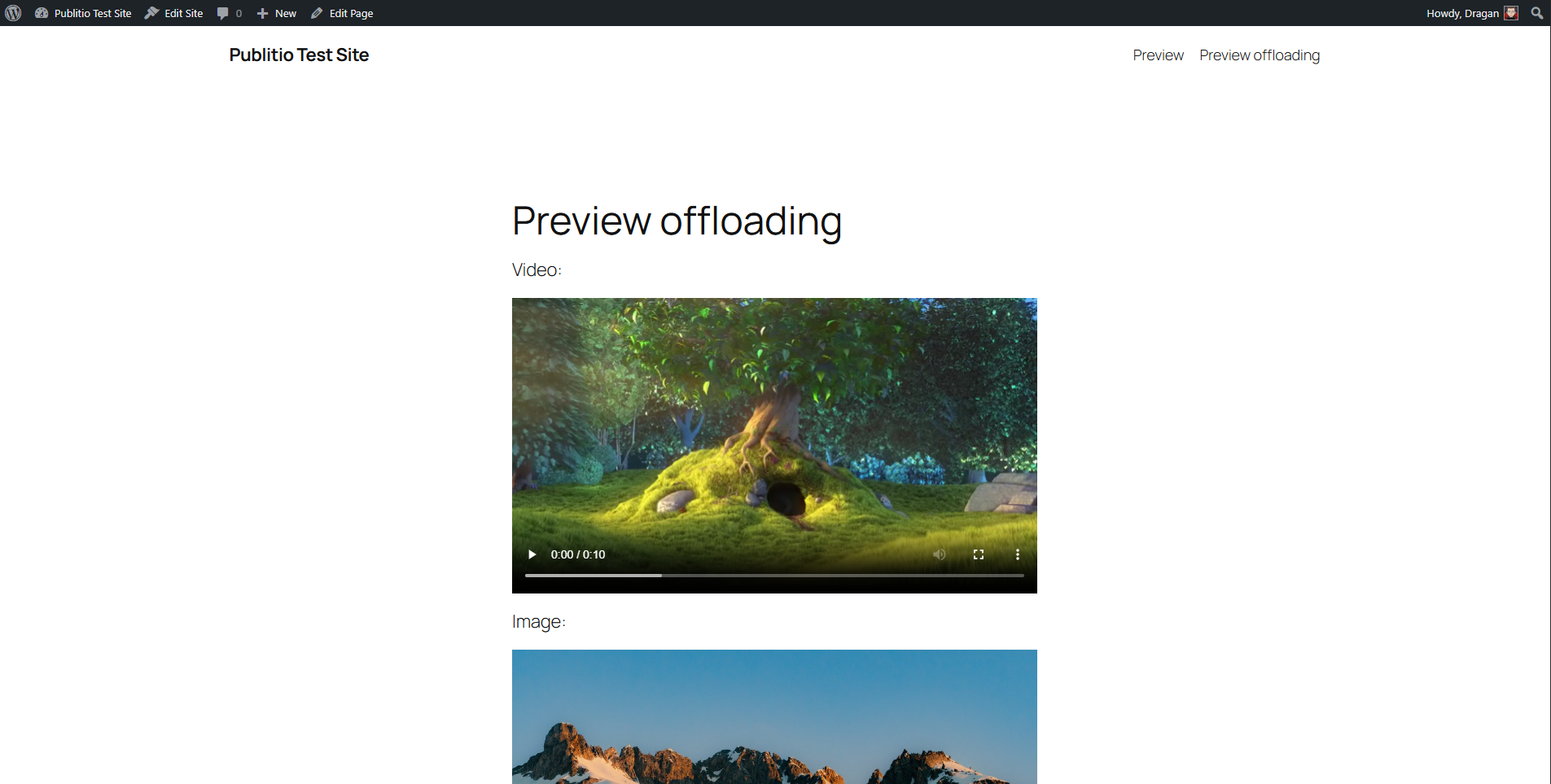
Offloaded media on your page (Video & Image)
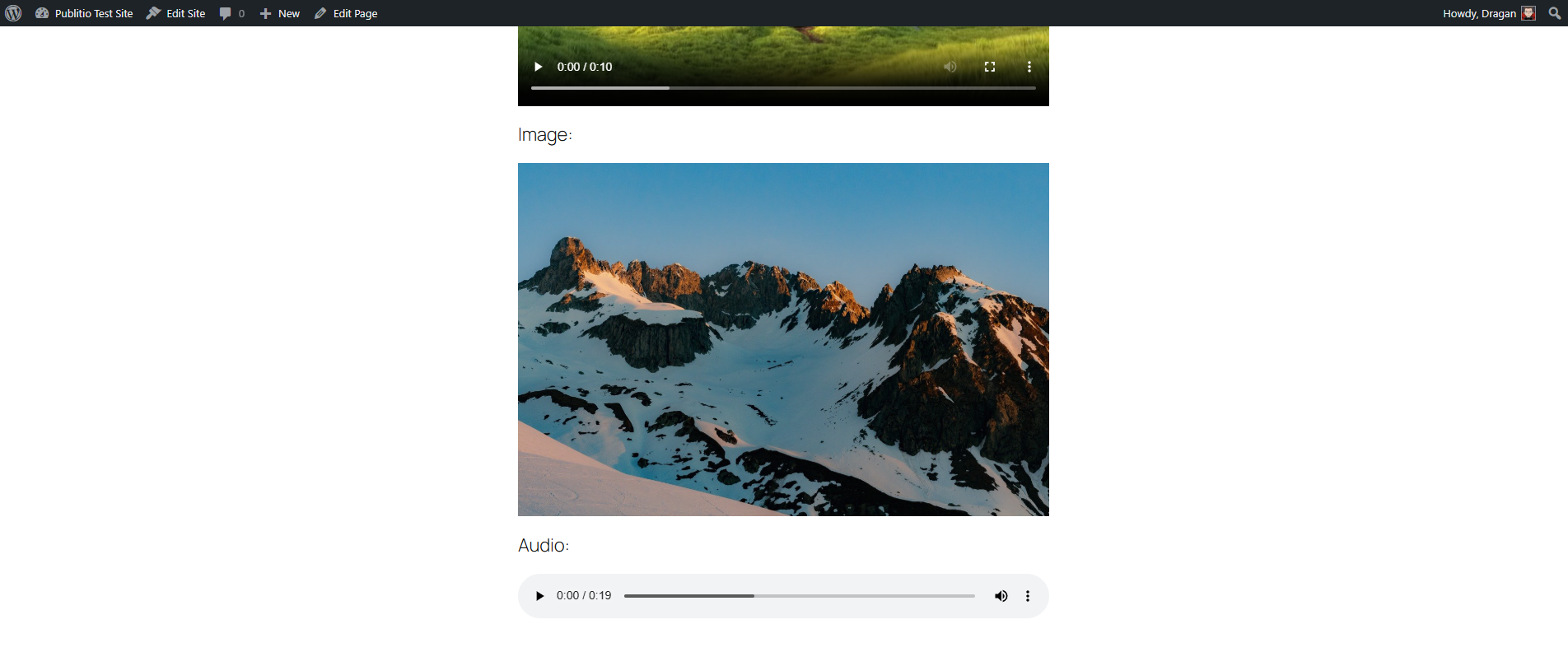
Offloaded media on your page (Image & Audio)
Faq
Yes, it is free to use. You just need a Publitio account, which is also free to create.
It offloads your WordPress media library—including images, videos, audios, documents, and archives—to Publitio’s cloud storage and replaces local media URLs with Publitio URLs for faster delivery.
Yes, you can choose to keep media files locally and have a copy uploaded to Publitio, or serve all media directly from Publitio’s cloud.
Install and activate the plugin, enter your Publitio API Key and Secret in plugin settings, then configure your offloading preferences.
Yes, by serving media from Publitio’s global CDN, your website speed improves, and server storage load is reduced.
Yes, the plugin supports bulk offloading of your existing media library to Publitio.
Publitio provides domain-level protection and HLS encryption for files to prevent unauthorized access.
Send an email to support@publit.io, use the sites support webwidget or contact us on our community board for assistance.
Reviews
Efficient MAM and CDN Deployment Without the Overhead
By 
While it's not without a few quirks, this platform makes it surprisingly easy for someone with moderate tech skills like me to set up and manage both a MAM and CDN for my media assets. It's reliable, budget-friendly, and absolutely worth every penny.
Great and cost-effective solution
By 
Great and cost-effective solution for WordPress media offloading.
There are very few solutions of this type dedicated to WordPress, and those that are either very expensive or incomplete.
So far, I have not found a better solution of this type (in particular, I mean the total cost of it).
Works like a charm
By 
Installation and setting up an account on publit.io was a breeze. 5GB on the free plan lets me store up to 200K compressed images.
Best Plugin for Offloading Media
By 
Great plugin
By 
Excellent product.
By 
Very good
By 
Faster Loading
By 
If you have a website, you need this
By 
Faster websites - I like it
By 
Changelog
1.0
- Initial version of Publitio Offloading WordPress plugin.
1.0.1
- Danger Zone notice added
1.0.2
- Sync Now fix
1.0.3
- Sync Now batch support & minor fixes
1.0.4
- uploadFile relative path fix
1.0.5
- offset sizes bug fix
1.0.6
- small fixes
1.0.7
- rounding of width and height fix, srcset calculation/formating fix
1.0.8
- Sync Now batch 1-by-1 file fix
1.0.9
- Sync Now by type fix
1.1.0
- Support for divi videos
1.1.1
- WP 5.6 check OK
1.1.2
- Thrive Architect plugin CSS class conflict & WP 5.7.2 check OK
1.1.3
- WP 5.8 check OK
1.1.4
- WP 5.9 check OK && Custom post types support
1.1.5
- Small commit
1.1.6
- Small commit
1.1.7
- WP 6.0 check OK && Small commit
1.1.8
- WP 6.1 check OK && Small commit
1.1.9
- WP 6.2 check OK && Small commit
1.2.0
- Small commit
1.2.1
- V2 sub-accounts support
1.2.2
- WP 6.4 check OK
1.2.3
- WP 6.8 check OK && security fixes
1.2.4
- UI and Security Improvements
1.2.5
- Small commit
1.2.6
- UI and Security Improvements
1.2.7
- Small commit
1.2.8
- Quality of life fixes
1.2.9
- Bugfixes
1.3.0
- Bugfixes
- Security fixes
- Optimization
- WP 6.9 check OK
1.4.0
- Replaced bundled Guzzle/Composer dependencies with a lightweight built-in HTTP client (fixes fatal error on PHP 8.1+ when another plugin bundles psr/http-message v2)
- API requests now use HTTPS