PufferGo
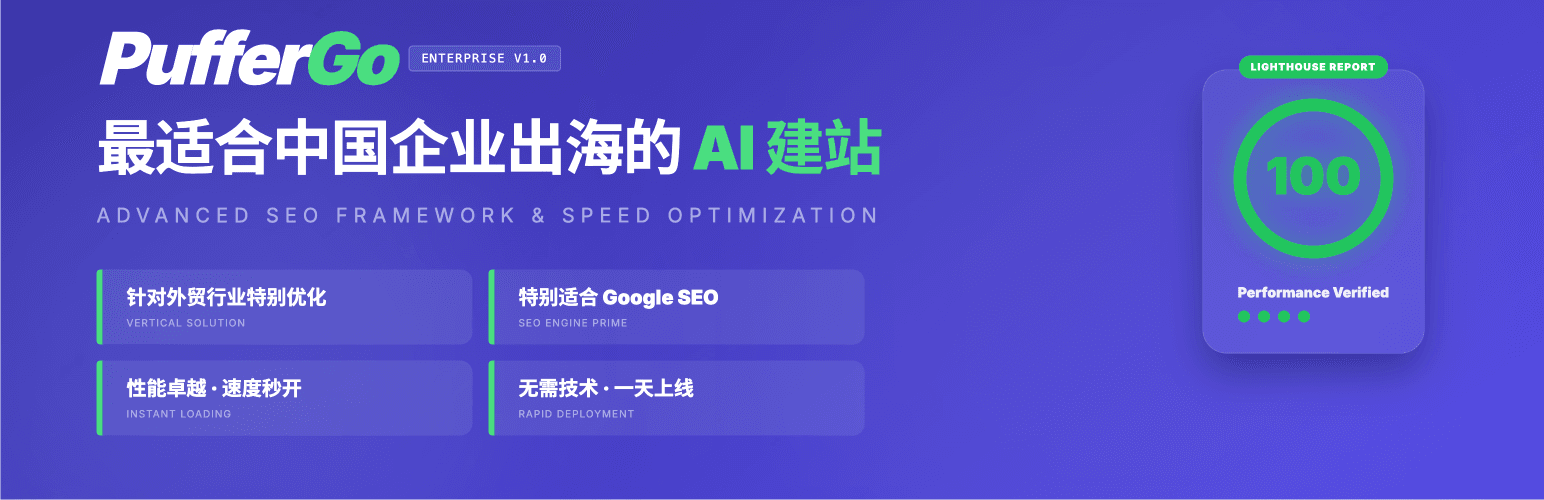
PufferGo
Description
PufferGo is an AI website builder crafted by a team of senior engineers from top-tier tech companies. Powered by world-leading large language models, it helps you rapidly generate beautiful websites optimized for Google SEO—empowering businesses to easily build their online presence for global markets.
Why Choose PufferGo?
- 🌏 Optimized for Export & B2B – Purpose-built for international trade and B2B business scenarios.
- 🔍 Google SEO Friendly – Semantic code structure that search engines love.
- ⚡ Zero Coding Required – No technical background needed. Launch your site in as little as one day.
- 📱 Fully Responsive – Perfect display on mobile, tablet, and desktop.
- 🚀 Blazing Fast Performance – Clean, minimal code for instant page loads.
- 🤖 Top-Tier AI Models – Integrated with world-leading large language models.
Core Features
- AI Requirements Analysis – Input your business info, and AI organizes your website requirements automatically.
- Smart Sitemap Generation – Auto-generates site structures following Silo architecture best practices.
- Intelligent Block Planning – Plans optimal page layouts based on each page’s goals.
- One-Click Website Generation – AI generates complete pages instantly.
- Flexible Editing Options – Supports manual editing, AI-assisted editing, or importing HTML from other AI tools.
- Theme Compatible – Works seamlessly with your WordPress theme styles.
Documentation & Support
- 📖 Documentation: puffergo.com/docs
- 💬 Chinese Support: We provide comprehensive Chinese support to help Chinese businesses go global.
- 📧 Email / 邮箱: tech@puffergo.com
- 💬 WeChat / 微信: farfaraheader
External Services
This plugin utilizes PufferGo AI services (api.puffergo.com) to provide artificial intelligence features:
- Content Generation: Sends prompts to generate text and layouts.
- Template Sync: Fetches the latest design patterns from our cloud library.
Terms of Service | Privacy Policy
This plugin supports optional third-party analytics services that are disabled by default and require manual activation:
Google Tag Manager
- Service: Google Tag Manager
- Status: Disabled by default, requires manual activation in plugin settings
- Purpose: Used to analyze website traffic and user behavior patterns.
- Data Transmission: May transmit user IP addresses and browser fingerprint information to Google’s servers.
- Privacy & Terms: For detailed privacy and security information, please refer to Google Privacy Policy and Google Terms of Service
Baidu Analytics (百度统计)
- Service: Baidu Analytics (百度统计)
- Status: Disabled by default, requires manual activation in plugin settings
- Purpose: Used to analyze website traffic and user behavior patterns for Chinese markets.
- Data Transmission: May transmit user IP addresses and browser fingerprint information to Baidu’s servers.
- Privacy & Terms: For detailed privacy and security information, please refer to Baidu Privacy Policy and Baidu Terms of Service
Installation
- Search for PufferGo in WordPress Admin Plugins Add New, or manually upload the plugin to
/wp-content/plugins/puffergo. - Activate PufferGo in the Plugins page.
- Go to the PufferGo settings page to connect your account and start building.
Screenshots

Dashboard - Clean account management panel and main feature entry points.

Requirements Analysis - Enter all the information you can think of, AI will analyze and organize your needs.

Sitemap - Smart generation of Silo architecture-compliant sitemaps.

Block Planning - Plans the most optimal page structure based on page goals.

One-Click Generation - AI generates your dream web pages with one click.

Visual Editor - Supports manual editing and AI editing, making everything work exactly as you want.
Faq
Yes, we offer a free tier that’s enough to create a complete website. More advanced features are available with paid plans.
Not at all. We’ve eliminated all technical barriers, and top-tier AI models from both China and the US are here to assist you. If you run into any issues, feel free to contact us—we’re happy to help. Of course, if you do have technical skills, you’ll find it even smoother to use, but the difference isn’t huge.
We generate Tailwind HTML code that’s extremely clean and loads incredibly fast. Unlike traditional website builders (like Elementor), there’s no bloated, redundant code.
Only your account-related data is stored on our cloud servers. All other data remains on your own server.
Reviews
Changelog
0.9.31
- Optimized core AI workflow with single batch request and polling pattern for improved stability and user experience.
- Moved admin menu position to top of sidebar (below Dashboard) for easier access.
- Improved form submission handling to ensure reliable data delivery.
- Enhanced thank-you page generation mechanism for better stability.
- 优化核心 AI 流程,改用单次批量请求与轮询结果模式,提升稳定性与用户体验。
- 调整后台菜单位置至侧栏顶部(仪表盘下方),更易访问。
- 优化表单提交处理逻辑,确保信息稳定送达。
- 优化感谢页生成机制,提高稳定性。
- Streamlined the account authorization flow so users can authorize with one click from anywhere in the product.
- 优化账号授权链路,方便用户从任何地方一键授权。
- Improved site info and brand persona inputs with templates and examples for multiple scenarios so users can follow along easily.
- 优化站点信息/品牌画像的输入,提供多种场景的模板和案例,用户依葫芦画瓢即可。
- Added error reporting to make troubleshooting easier.
- 上报错误信息,方便排查。
- Optimized long-running AI requests with cloud-side caching and front-end polling to reduce timeouts when the server is geographically distant.
- 优化 AI 长请求策略:采用云端缓存与前端轮询,避免因服务器距离过远导致超时。
0.9.2
- When the account is not connected, improved guidance to connect first before starting AI site building.
- Site profile: logo is selected from the Media Library (attachment ID with synced URL); updated size guidance (200–400 px width, upload 2× for retina displays).
- Unified header/footer logo rendering via puffergo_the_logo() and wp_get_attachment_image (srcset-friendly); fixed plugin load order so site profile helpers load before header/footer context.
- Refined logo-related admin strings and translations.
- 账号未连接时优化引导:更清晰提示先连接账号再开始 AI 建站。
- 站点信息:Logo 从媒体库选择(附件 ID + 同步 URL);更新尺寸建议(宽度 200–400 px,建议上传 2 倍图以适配视网膜屏)。
- 统一页眉/页脚 Logo 输出(puffergo_the_logo() + wp_get_attachment_image,利于 srcset);修正插件加载顺序,确保站点信息相关函数先于 header/footer context 加载。
- 优化 Logo 相关后台文案与翻译。
0.9.1
- Improved image SEO: AI generates contextual titles, alt text, and filenames optimized for Google SEO.
- When image search returns no results, placeholder images can be discovered via contextual keyword search.
- Fixed style conflicts caused by PufferGo template scope issues.
- Refined user flows and overall experience.
- 优化图片 SEO:根据上下文由 AI 生成有利于 Google 的图片 title、alt、filename 等信息。
- 图片搜索无结果时,占位图可通过上下文关键词继续搜索。
- 修复 PufferGo 模板作用域导致的样式错乱问题。
- 优化用户操作路径与整体体验。
0.9.0
- One-click plugin installation tailored to user scenarios.
- Improved interaction across the site generation flow.
- Multi-level guided onboarding for users.
- 根据用户场景,提供一键安装插件的能力。
- 优化网站生成链路的交互。
- 实现多层级引导用户。
0.8.9
- Optimized the Header and Footer templates. You can configure footer contact info, social media details, and menus from the admin dashboard.
- 优化 header 和 footer 模板:可在管理后台设置 footer 联系方式、社媒信息和菜单等。
- The design system can be restored to the theme default styles, and users with edit permissions can switch between styles.
- 设计系统支持恢复到主题默认样式&有编辑权限皆可切换。
- Site/page generation now supports multiple languages.
- 站点/页面生成支持多语言。
- Improved third-party AI-generated HTML import UX by moving it into a dedicated tab, increasing visibility and priority.
- 第三方 AI 生成的 html 导入功能提到 tab 里,提高权重和用户体验。
- During generation,
styleModeis locked; during import, imports are locked to the Custom Creative mode. - 生成时的 styleMode 锁定&导入锁定为自定义创意模式。
0.8.8
- Header: submenu support & theme-aligned styling.
- Footer: contact info support & theme-aligned styling.
- Overall plugin performance improvements.
- header 支持子菜单与样式跟随主题。
- footer 支持联系方式与样式跟随主题。
- 整体插件性能优化。
0.8.7
- Added documentation entry.
- Added feedback channel.
- 添加了文档入口。
- 添加了反馈渠道。
0.8.6
- AI Site Builder now sends generated keywords, title, and description directly to Rank Math SEO.
- Rank Math SEO keyword length increased to 6 (was 5 max).
- PufferGo Header Footer supports simple layout adjustments.
- AI建站生成的 keywords、title、description 直接写入 Rank Math SEO。
- Rank Math SEO 关键词长度设置为 6 个(原最多 5 个)。
- PufferGo Header Footer 支持调整简单布局。
0.8.5
- Refined the AI site-building flow to prioritize SEO, applying keyword strategy across the full journey so that every generated page is optimized for Google SEO from day one.
- WordPress theme styles can now be controlled via PufferGo AI design tokens, enabling a fully consistent visual style across your entire site.
- 对建站流程进行了改造,以 SEO 优先,全链路进行 SEO 关键词布局,确保页面生成即 Google SEO 最优。
- WordPress 主题样式现在也可通过 PufferGo AI 的 design tokens 设置,实现全站样式与品牌风格的统一。
0.8.2
- Third-party AI-generated HTML can be imported, supporting both inline and external CSS and JavaScript, and can import HTML containing canvas.
- 第三方AI生成的HTML可导入,可接受内联外联CSS和JavaScript,可导入包含canvas的HTML
0.8.1
- Update the cloud CDN alpine.js to a local file
0.8.0
- 🎉 Initial public beta release.
- Integrated AI Website Builder Engine.
- Added support for Tailwind CSS generation.
- Launched PufferGo AI connectivity.