QR Code

QR Code
Description
How to use shortcode in your post or page?
[qrcode]
or
[qrcode url=”http://my-site.com” margin=”10″ size=”100″ before=”QR Code” after=”QR Code”]
CSS:
.qrcode { float: right; }
Installation
- Extract the plugin folder from the downloaded ZIP file.
- Upload qrcode to your /wp-content/plugins/ directory.
- Activate the plugin from the “Plugins” page in your Dashboard.
- Activate the widget or using shortcode
Screenshots

screenshot-1.png
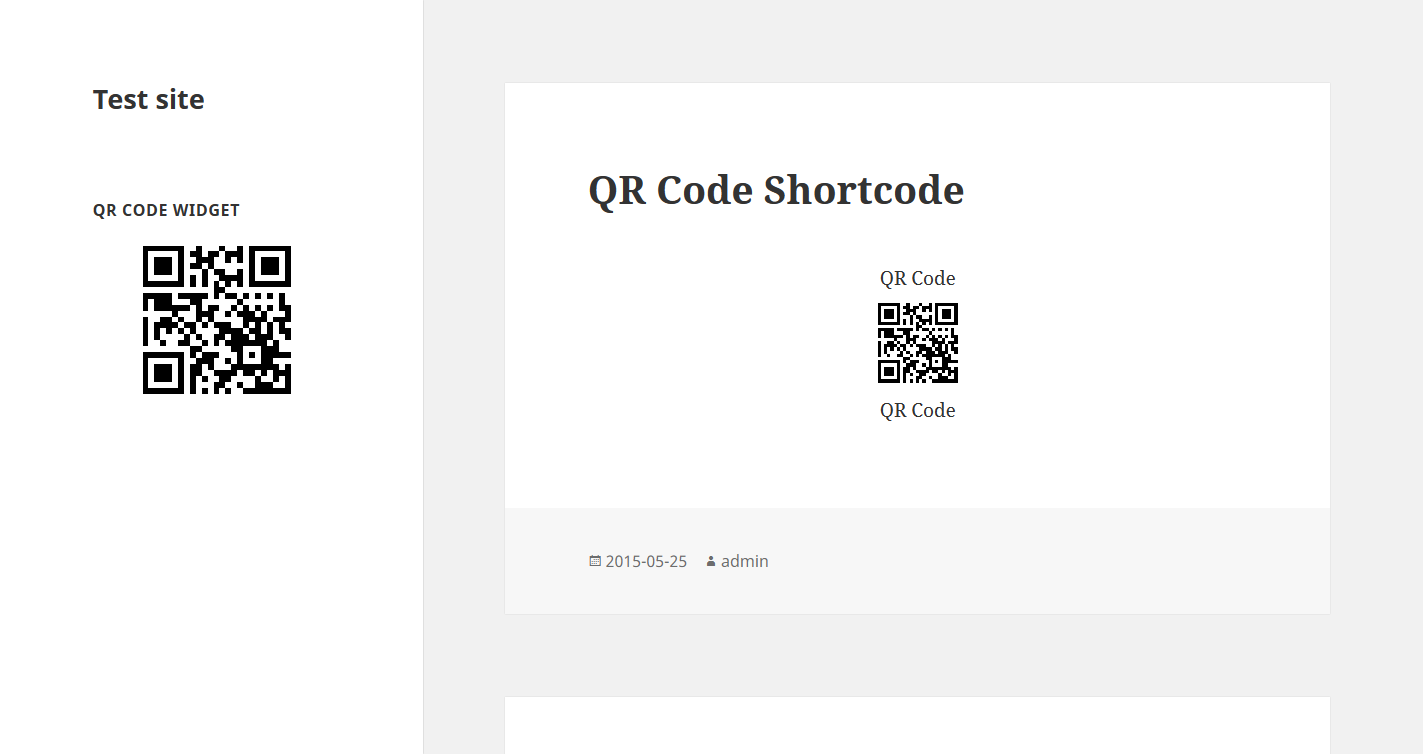
screenshot-2.png
Faq
None
Reviews
Changelog
Nome