Rankioz SEO

Rankioz SEO
Description
Rankioz SEO provides a single purpose: an admin-only screen for generating and managing an API key that Rankioz uses to authenticate requests to your WordPress site.
Key Features
- API Key Management: Generate, regenerate, copy, or revoke your Rankioz API key
- Access Controlled: Only users with
manage_optionscan view/manage the key - REST Authentication: Rankioz requests authenticate via the
X-Rankioz-API-Keyheader - Security First: Nonces, capability checks, sanitization, and output escaping
Support
For support, please visit https://rankioz.com or contact us through our website.
Privacy Policy
This plugin does not collect, store, or transmit any personal data. It stores an API key (managed by administrators) used only to authenticate requests from Rankioz.
Installation
- Upload the plugin files to the
/wp-content/plugins/rankioz-seodirectory, or install the plugin through the WordPress plugins screen directly. - Activate the plugin through the ‘Plugins’ screen in WordPress.
- Navigate to
Rankioz SEOin the WordPress admin sidebar. - Generate an API key and copy it into your Rankioz workspace settings.
Screenshots

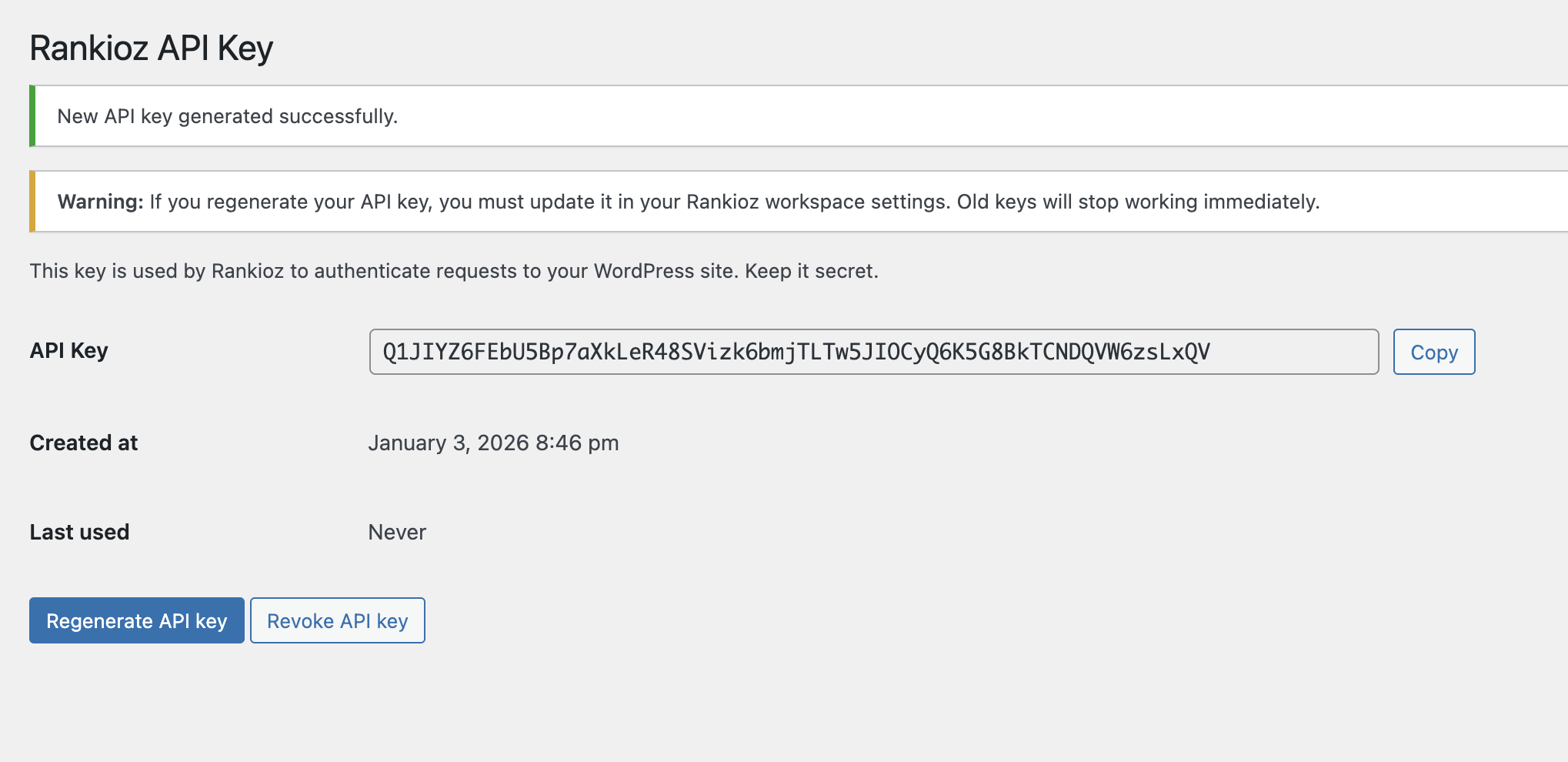
Rankioz API Key settings screen


Faq
Go to Rankioz SEO in the wp-admin sidebar.
The old key will stop working immediately. Update the key in your Rankioz workspace settings after regenerating.
Reviews
Changelog
1.0.1
- Bugfixes and improvements
1.0.0
- Initial release
- API key management screen
- REST API endpoints for backend integration (ping, publish, unpublish, page optimizer apply)