Recent Products Block

Recent Products Block
Description
Recent Products Block for WooCommerce is a Gutenberg block plugin that allows you to showcase recently added WooCommerce products anywhere in your website using the block editor.
The plugin integrates seamlessly with the WordPress Gutenberg editor and provides flexible customization options to create attractive product showcases for your customers.
Key Features
- Shortcode support.
- Product query options.
- Filter products by category, stock status, and more.
- Responsive column settings for desktop, tablet, and mobile.
- Custom column and row gap controls.
- Show or hide product elements such as image, title, rating, price, and add to cart button.
How to use
- Install and activate WooCommerce.
- Install and activate the Recent Products Block plugin.
- Open the Gutenberg editor.
- Add the “WooCommerce Recent Products” block from the Widgets category.
- Customize the block settings from the right sidebar.
- Publish and enjoy.
Feedback
Did you like this plugin? Do you have a feature request?
Please share your feedback with us:
support@bplugins.com
Development Source
Source Repository:
https://github.com/bPlugins/recent-products-block-wp
This plugin includes generated build assets in the build directory.
The original source code used to generate those assets is publicly available in the repository above.
Build Instructions:
- npm install
- npm run build
External third-party library
This plugin connects to the following external third-party library from the admin dashboard:
bpl-tools
- Source / GitHub: https://github.com/bPlugins/bpl-tools
- License: GPL-2.0-or-later – https://www.gnu.org/licenses/gpl-2.0.html
- Purpose: Shared utility library providing admin dashboard components and common Gutenberg editor controls.
- External Services: The library may connect to bPlugins, WordPress.org, and Freemius services for product data and checkout functionality. See full details: https://github.com/bPlugins/bpl-tools#external-requests–why-they-are-made
Installation
From Gutenberg Editor
- Go to the WordPress Block Editor.
- Search for “WooCommerce Recent Products”.
- Click on the block to add it.
Download & Upload
- Download the plugin ZIP file.
- Go to Plugins > Add New in your WordPress admin dashboard.
- Click “Upload Plugin”.
- Upload the
recent-products-block.zipfile. - Click “Install Now”.
- Activate the plugin.
Manual Installation
- Download and extract the plugin files.
- Upload the plugin folder to the
/wp-content/plugins/directory. - Activate the plugin through the Plugins menu in WordPress.
Screenshots
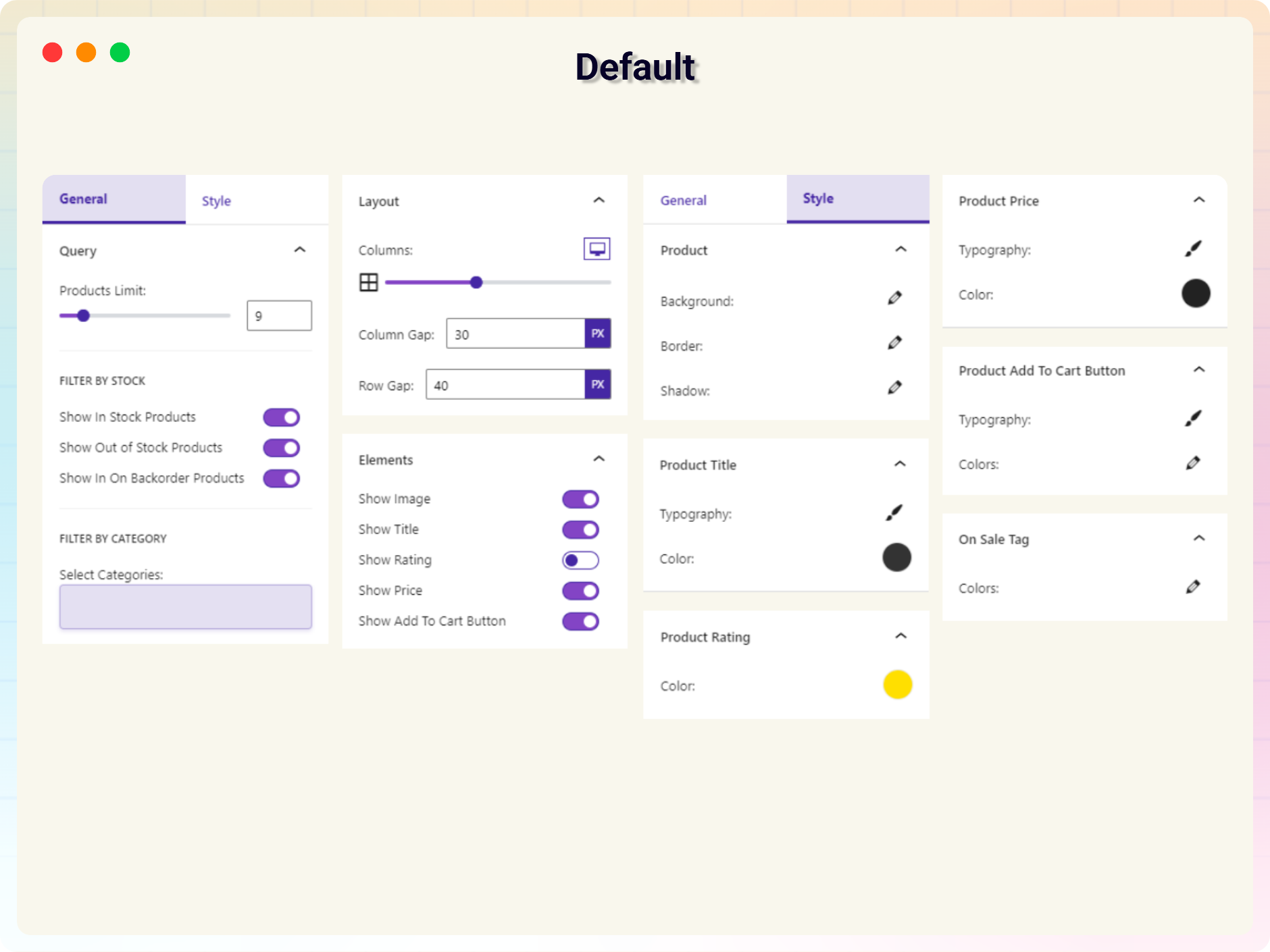
Block Settings Panel
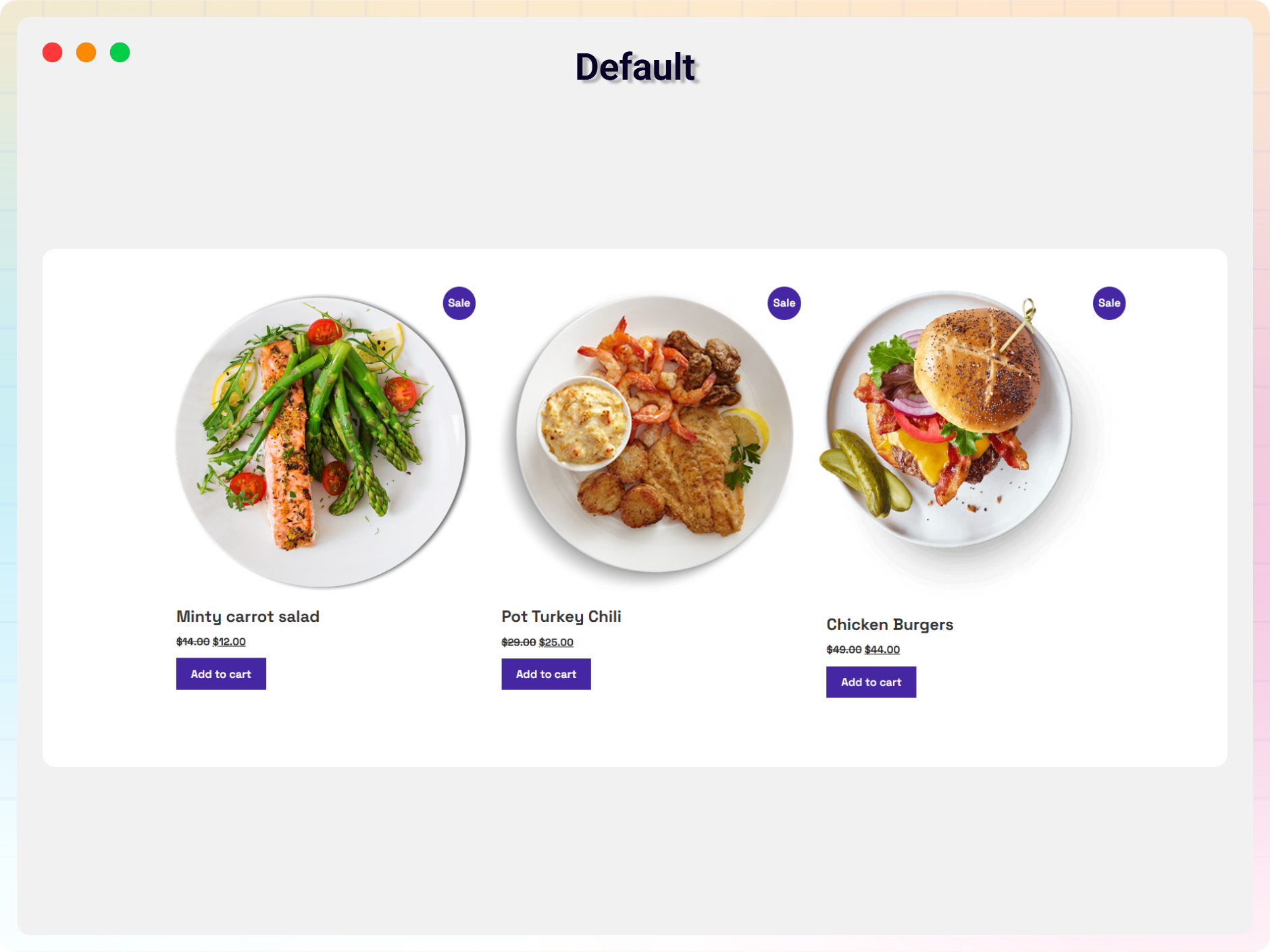
Default Layout
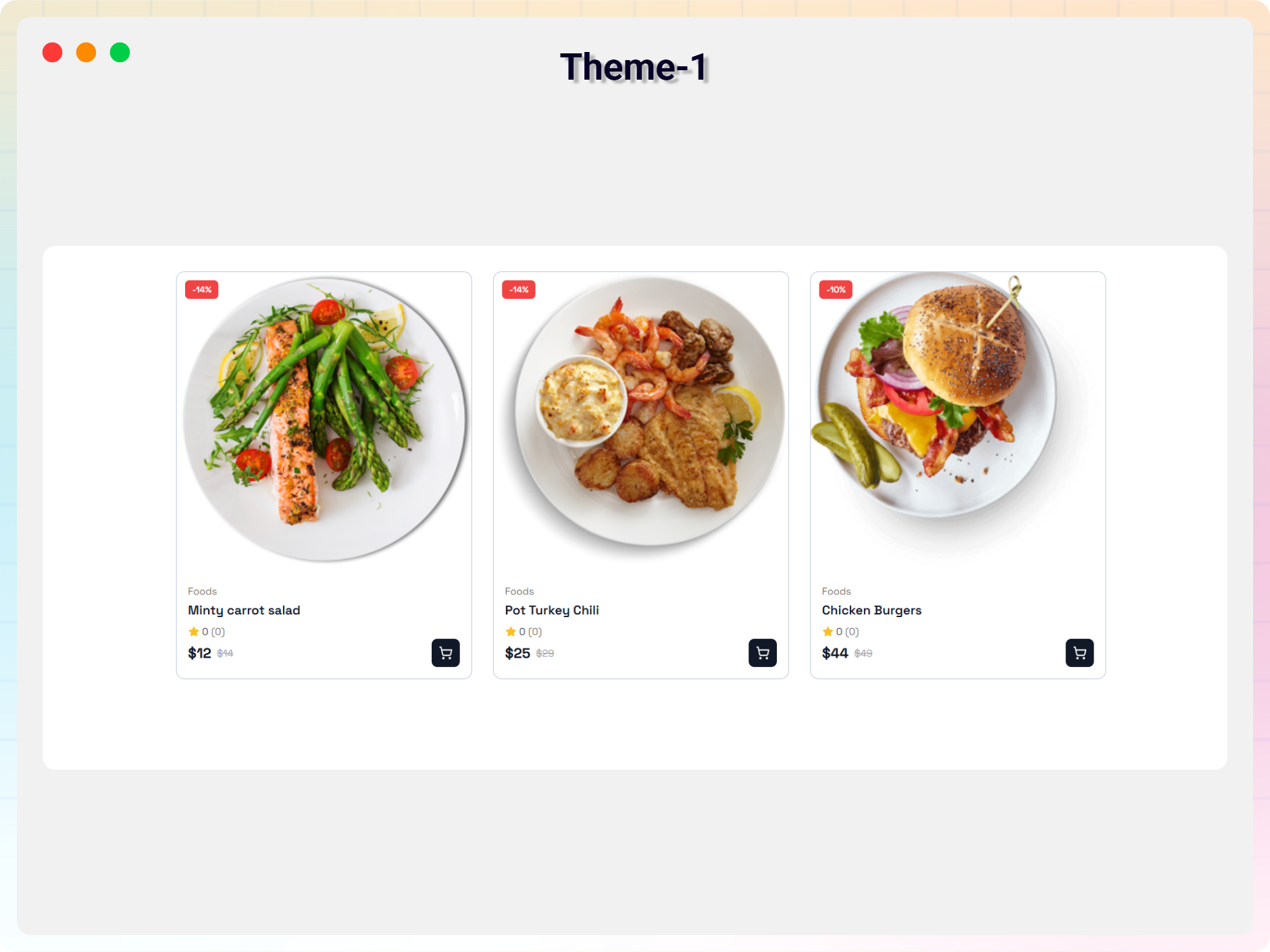
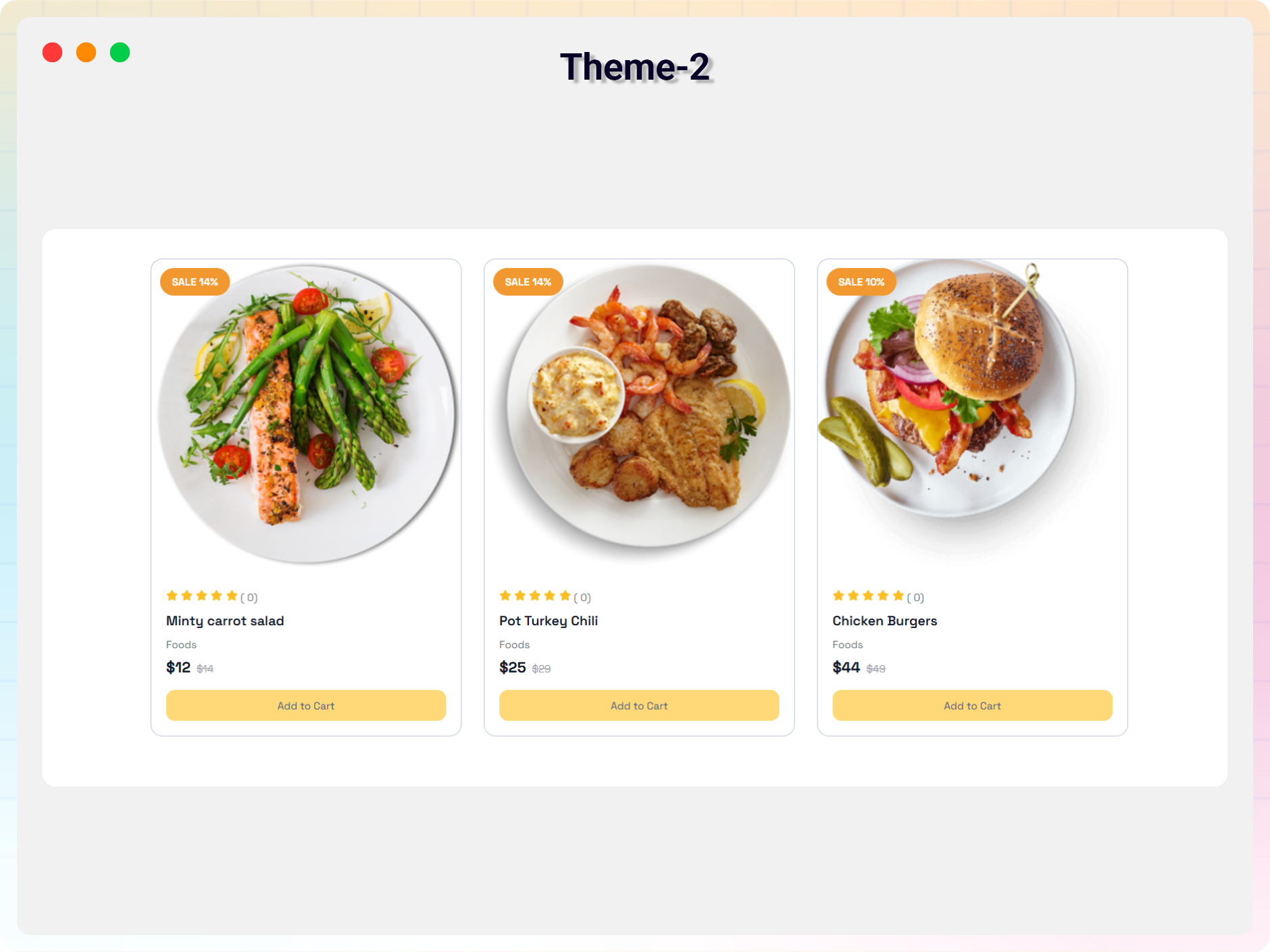
Faq
Yes, the plugin is completely free to use.
Yes, it works with all standard WordPress themes.
Yes, all block settings can be customized from the Gutenberg editor sidebar.
Yes, you can use the block unlimited times on your website.
You can get support here:
https://wordpress.org/support/plugin/recent-products-block/
Reviews
Better than WooCommerce's Recent Products Block
By 
WooCommerce's block adds a background of white behind its text, or (if you choose not to have text,) a strip of blank white below the image, disrupting any background other than #FFF.
This block does not do that. It is straightforward to use and, so far, effective.
This was a fine effort and resulted in a solid, basic, product which does exactly what it claims to do.
EDIT: Images are not responsive. I get a 99 score on Pagespeed desktop, but a 75 on PageSpeed mobile, with the culprit being the images created by the plugin. Not sure how this can be resolved, but it's only an issue if you're working hard to have high scores on PageSpeed with both desktop and mobile.
First contact and I am fully pleased!
By 
Absolutely impressed with this plugin! Not only is it incredibly user-friendly, but the code quality is top-notch. Integrating it seamlessly into the stylesheet of any theme was a breeze. Highly recommend for anyone looking for a hassle-free solution which provides excellent usability.
It was a waste of time.
By 
I installed it to attach badges to new products, but I was unable to use it at all. The documentation was also very unhelpful and instructions on how to use it were unclear. It was a waste of time.
Changelog
2.0.4
8 July 2026
* Added latest dashboard .
2.0.3
-20 May 2026
- Fixed plugin guideline compliance issues.
- Improved readme structure and formatting.
- Minor improvements and fixes.
1.0.0
- Initial release.