Recover Text Widgets

Recover Text Widgets
Description
This plugin helps you to restore/recover text widgets that lost accidentally during website migration or any change
to text widget in the database.
Installation
This section describes how to install the plugin and get it working.
- Upload ‘recover-text-widgets’ folder to the
/wp-content/plugins/directory or Upload zip file from wp-admin. - Activate the plugin through the ‘Plugins’ menu in WordPress
Screenshots
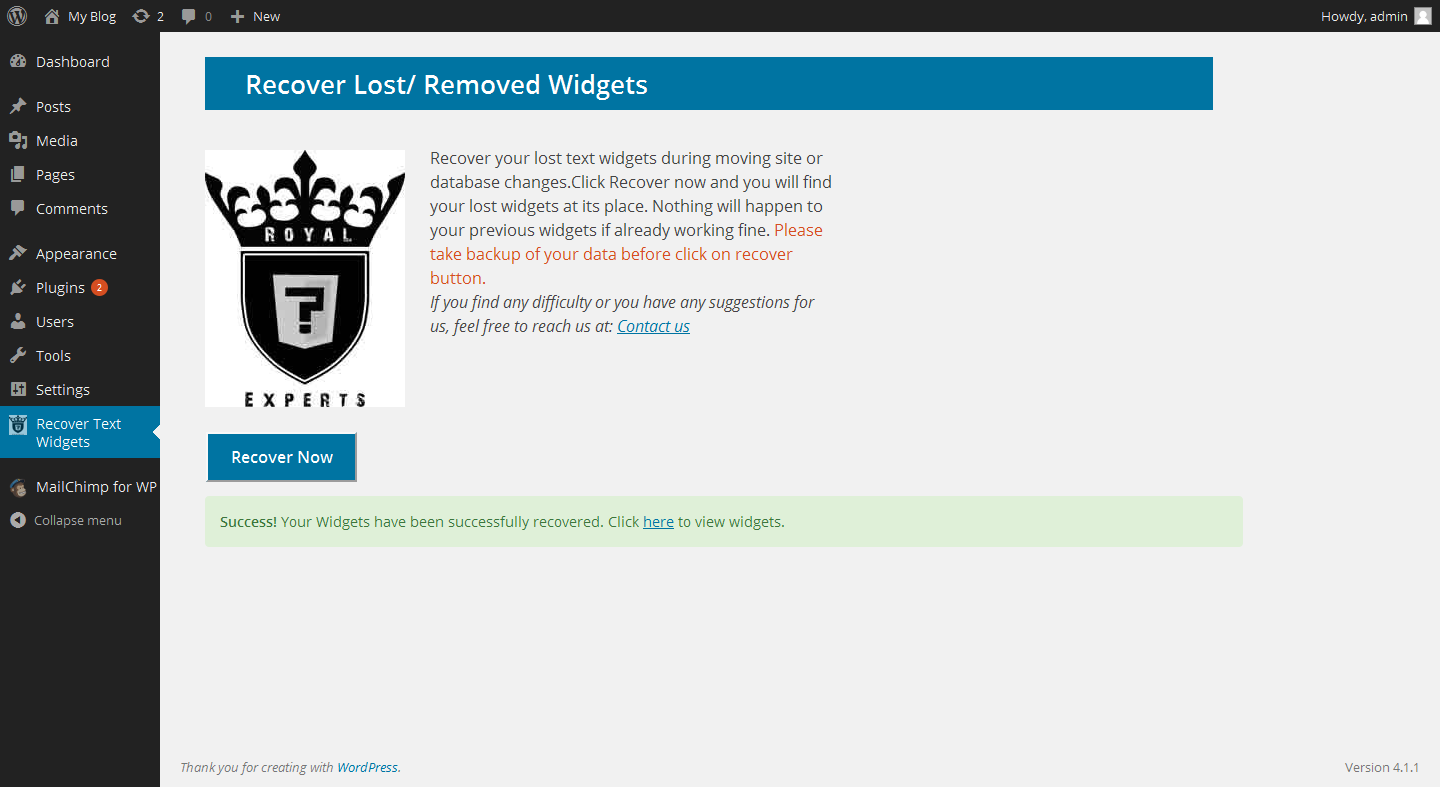
Click on recover not button to recover widgets.
Reviews
Didn't work for me
By 
Great idea but can't solve my problem