Redirection

Redirection
Description
Redirection is the most popular redirect manager for WordPress. With it you can easily manage 301 redirections, keep track of 404 errors, and generally tidy up any loose ends your site may have. This can help reduce errors and improve your site ranking.
Redirection is designed to be used on sites with a few redirects to sites with thousands of redirects.
It has been a WordPress plugin for over 10 years and has been recommended countless times. And it’s free!
Full documentation can be found at https://redirection.me
Redirection is compatible with PHP from 7.4 to 8.4.
Redirect manager
Create and manage redirects quickly and easily without needing Apache or Nginx knowledge. If your WordPress supports permalinks then you can use Redirection to redirect any URL.
There is full support for regular expressions so you can create redirect patterns to match any number of URLs. You can match query parameters and even pass them through to the target URL.
The plugin can also be configured to monitor when post or page permalinks are changed and automatically create a redirect to the new URL.
Conditional redirects
In addition to straightforward URL matching you can redirect based on other conditions:
- Login status – redirect only if the user is logged in or logged out
- WordPress capability – redirect if the user is able to perform a certain capability
- Browser – redirect if the user is using a certain browser
- Referrer – redirect if the user visited the link from another page
- Cookies – redirect if a particular cookie is set
- HTTP headers – redirect based on a HTTP header
- Custom filter – redirect based on your own WordPress filter
- IP address – redirect if the client IP address matches
- Server – redirect another domain if also hosted on this server
- Page type – redirect if the current page is a 404
Full logging
A configurable logging option allows to view all redirects occurring on your site, including information about the visitor, the browser used, and the referrer. A ‘hit’ count is maintained for each redirect so you can see if a URL is being used.
Logs can be exported for external viewing, and can be searched and filtered for more detailed investigation.
Display geographic information about an IP address, as well as a full user agent information, to try and understand who the visitor is.
You are able to disable or reduce IP collection to meet the legal requirements of your geographic region, and can change the amount of information captured from the bare minimum to HTTP headers.
You can also log any redirect happening on your site, including those performed outside of Redirection.
Add HTTP headers
HTTP headers can be added to redirects or your entire site that help reduce the impact of redirects or help increase security. You can also add your own custom headers.
Track 404 errors
Redirection will keep track of all 404 errors that occur on your site, allowing you to track down and fix problems.
Errors can be grouped to show where you should focus your attention, and can be redirected in bulk.
Query parameter handling
You can match query parameters exactly, ignore them, and even pass them through to your target.
Migrate Permalinks
Changed your permalink structure? You can migrate old permalinks simply by entering the old permalink structure. Multiple migrations are supported.
Apache & Nginx support
By default Redirection will manage all redirects using WordPress. However you can configure it so redirects are automatically saved to a .htaccess file and handled by Apache itself.
If you use Nginx then you can export redirects to an Nginx rewrite rules file.
Fine-grained permissions
Fine-grained permissions are available so you can customise the plugin for different users. This makes it particularly suitable for client sites where you may want to prevent certain actions, and remove functionality.
Import & Export
The plugin has a fully-featured import and export system and you can:
- Import and export to Apache .htaccess
- Export to Nginx rewrite rules
- Copy redirects between sites using JSON
- Import and export to CSV for viewing in a spreadsheet
- Use WP CLI to automate import and export
You can also import from the following plugins:
- Simple 301 Redirects
- SEO Redirection
- Safe Redirect Manager
- Rank Math
- WordPress old slug redirects
- Quick Post/Pages redirects
Search Regex compatible
Redirection is compatible with Search Regex, allowing you to bulk update your redirects.
Wait, it’s free?
Yes, it’s really free. There’s no premium version and no need to pay money to get access to features. This is a dedicated redirect management plugin.
Support
Please submit bugs, patches, and feature requests to:
https://github.com/johngodley/redirection
Please submit translations to:
https://translate.wordpress.org/projects/wp-plugins/redirection
Installation
The plugin is simple to install:
- Download
redirection.zip - Unzip
- Upload
redirectiondirectory to your/wp-content/pluginsdirectory - Go to the plugin management page and enable the plugin
- Configure the options from the
Tools/Redirectionpage
You can find full details of installing a plugin on the plugin installation page.
Full documentation can be found on the Redirection site.
Screenshots

Redirection management interface
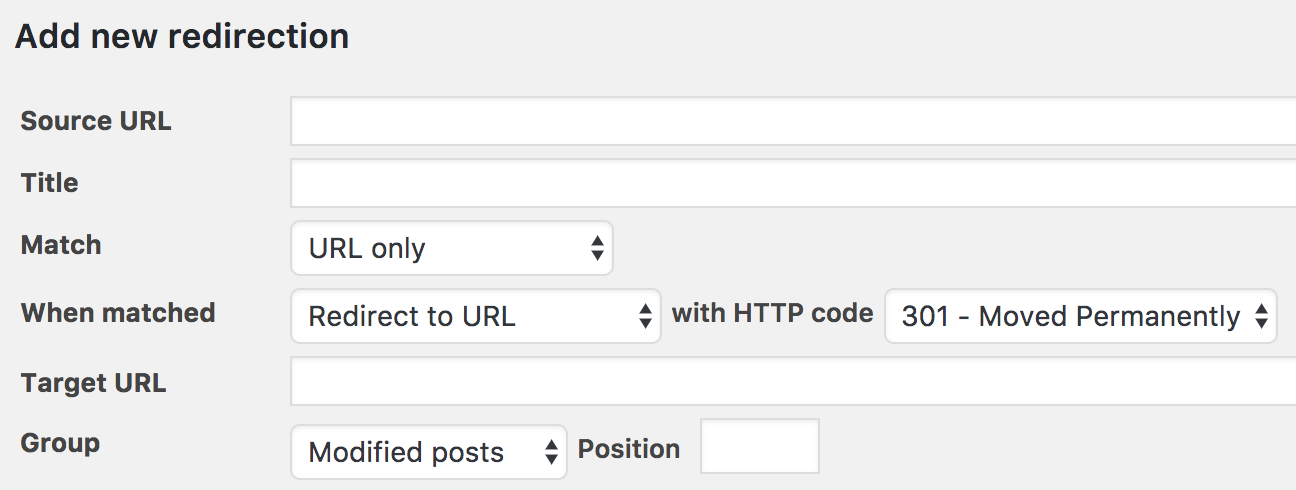
Adding a redirection
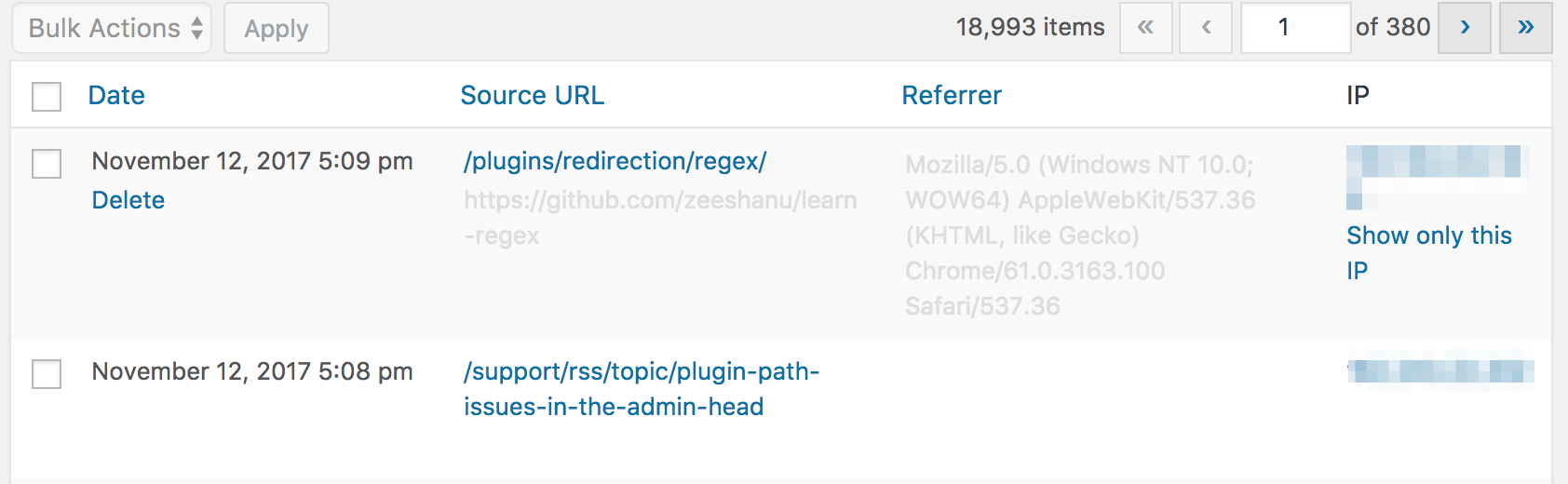
Redirect logs
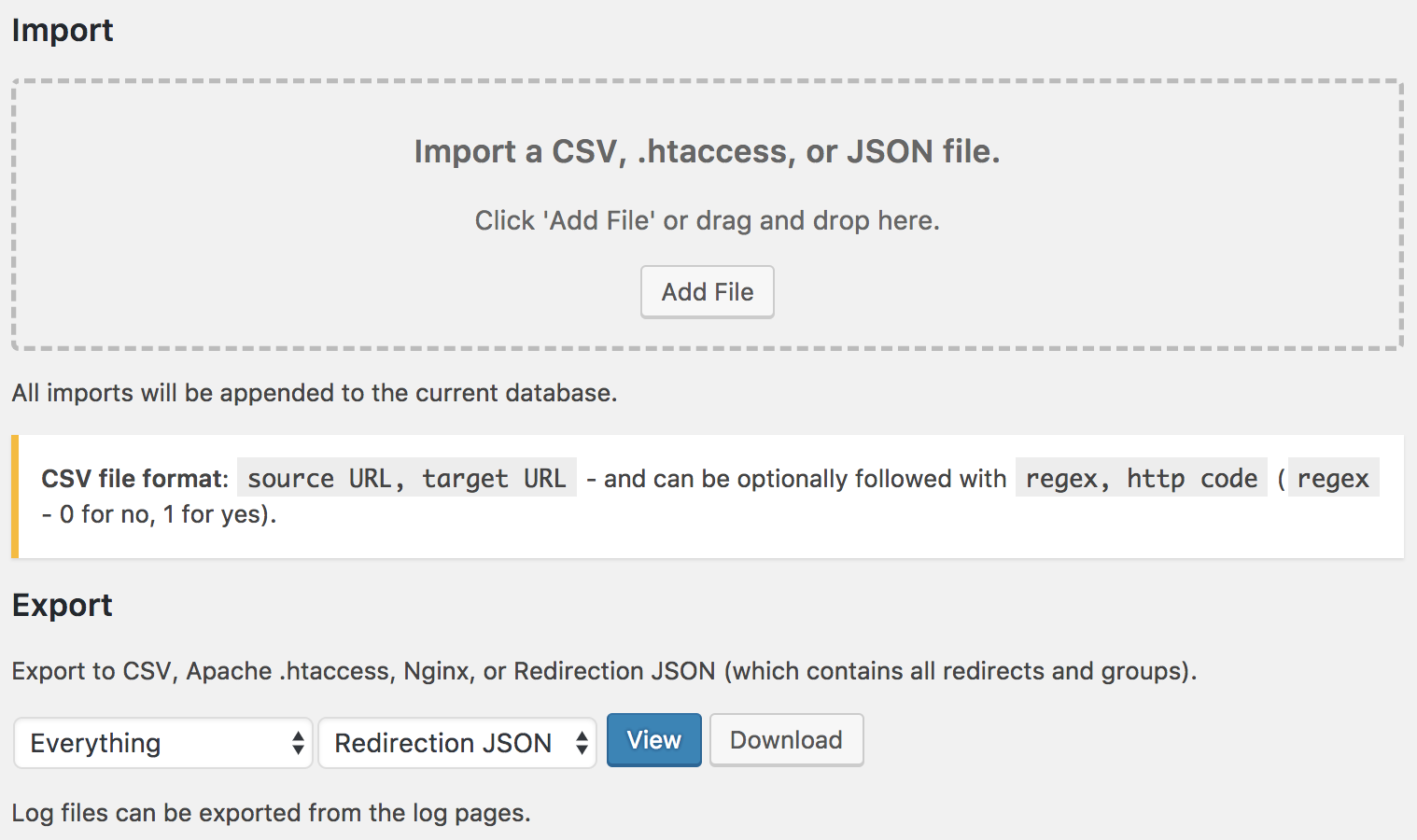
Import/Export

Options
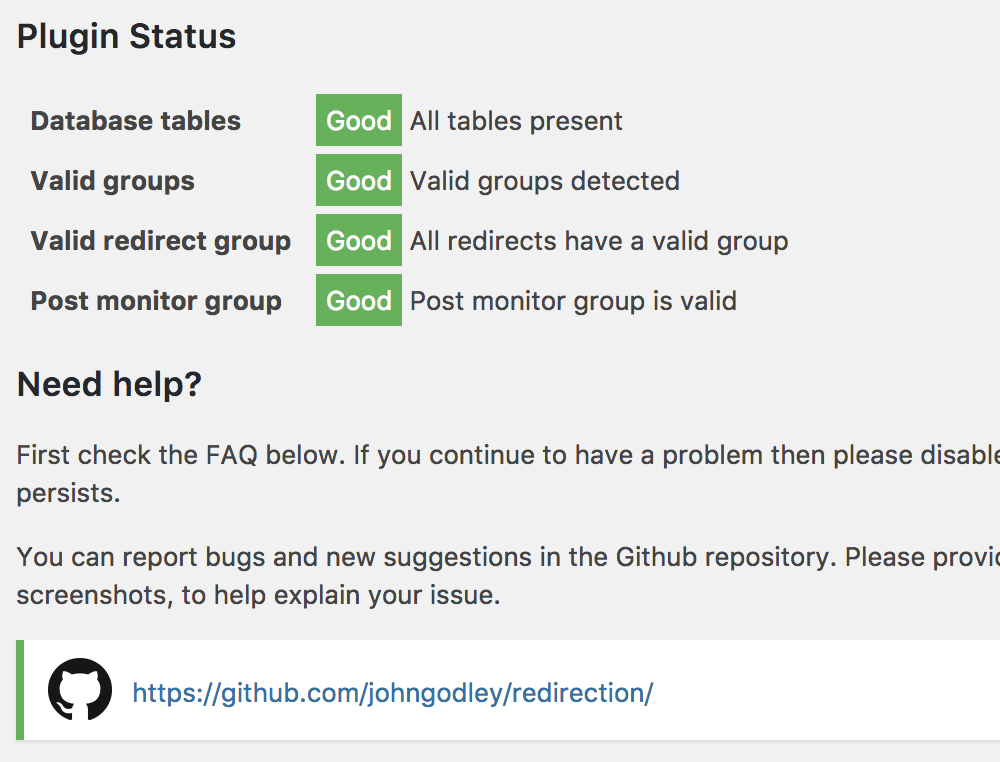
Support
Faq
Ease of use. Redirections are automatically created when a post URL changes, and it is a lot easier to manually add redirections than to hack around a .htaccess. You also get the added benefit of being able to keep track of 404 errors.
The plugin works in a similar manner to how WordPress handles permalinks and should not result in any noticeable slowdown to your site.
Reviews
Fabulous Plugin
By 
This plugin is fabulous. It is so easy to use... all the hard work is done for you. Just 2 fields to fill in (with copy-and-paste) - paste the incoming link into one field and where you want to send it into another field. I was thrilled when I realized you can sort your Redirections into separate groups - that saves a lot of time searching when you are looking for something. Super easy to back up all of the data you entered.
And one of the best things for anybody like me who doesn't know anything how writing code or how the internet does what it does... this is an amazingly popular plugin (more than 2 million installations!) so there are people on the support forum already asking the questions I have. I was wondering to redirect somebody who comes to the home page. One person asked if "/" is all you use, and the answer was "Yes, / is the home page."
No need to think about it, just use this plugin. And donate to it... I'm going to go do that now.
Ed
Good
By 
Good, works well. Does what it is supposed to do.
Very Helpful Plugin
By 
Redirection makes managing redirects simple. It helps fix broken links and keeps the site running smoothly.
Essential plugin for all my sites
By 
Reliable, fast and flexible. Love this plugin for managing internal redirects, campaigns, UTMs, outbound referral links, etc. Part of my core plugins for any WP site.
Easy to use and reliable
By 
I've been using it for years, and has always done its job without causing any issues. I recommend it.
Great plugin! Have used it on at least a dozen websites.
By 
Whenever I go live with a new website that has different URLs to the old version of the website, I use Redirection to make sure the old links still go somewhere, and that SEO for those pages keeps on working. It's well built and reliable. Whatever you do, avoid the other plugin that's ripped off the name of this one.
Works well for me, thank you!
By 
I needed to add redirections for some changed blog post URLs and the plugin is really helpful for that.
Easy to use
By 
Simple, easy to use plugin for redirects.
Works Well
By 
Does what it says on the tin
Very good
By 
Works very good, simple and advanced enough. Collects stats
Changelog
A x.1 version increase introduces new or updated features and can be considered to contain ‘breaking’ changes. A x.x.1 increase is purely a bug fix and introduces no new features, and can be considered as containing no breaking changes.
5.7.5 – 1st March 2026
- Fix delete all regression from 5.7.4
5.7.4 – 28th February 2026
- Fix display setting not saving
- Fix ‘view data’ on logs
- Fix missing filters on select all
5.7.3 – 21st February 2026
- Fix log target having double domain
- Fix from/notfrom data not being used when editing
- Cleaned up behaviour around pagination and checkboxes
- Improved some styles
5.7.2 – 17th February 2026
- Fix select-all bulk action
- Improve setup page handling of problems
- Improve 404 page handling of incomplete data
5.7.1 – 16th February 2026
- Fix bulk delete on log and 404 page
- Restore filter by IP button
- Remove referrer from standard log display
5.7 – 15th February 2026
- Bump minimum PHP to 7.4
- Add multi-select support with shift-click in tables
- Add WP-CLI verbose flag for settings command to display setting names
- Improve log deletion performance with adaptive batch sizing for large backlogs
- Add permissions policy header
- Improve trash monitoring
5.6.1 – 17th January 2026
- Fix issue with spaces in Apache .htaccess
- Add some checks for sites with opcache to help with renamed files
- Fix inverted caching of unmatched URLs
5.6.0 – 1st January 2026
- Streamlined bundle size
- Update for WP 6.9
- Bump minimum PHP to 7.2
5.5.2 – 16th February 2025
- Fix saving of x-frame-options
- Fix CPT loading
- Fix last access date changing on update
- Remove newsletter option
5.5.1 – 24th November 2024
- Fix problem with category pages and permalink migration
- Don’t report invalid JSON import as successful
- Exclude CPTs without URLs for monitoring
- Update for WP 6.7
5.5.0 – 10th August 2024
- Multiple ‘URL and WP page type’ redirects will now work
- Translations now use WP core
5.4.2 – 27th January 2024
- Remove Geo IP option (it may return)
- Fix crash in agent info
- Add new max-age header
- Remove deprecated ini_set call
- Don’t double encode URLs when checking
5.4.1 – 5th January 2024
- Fix problem with some international URLs not appearing in the 404 log
5.4 – 1st January 2024
- Don’t encode negative lookaheads
- Remove port from server name
- Importing into a disabled group now creates disabled items
- Add option to pick IP header
- Fix save of x-content-type-options: sniff
- Fix save of multiple spaces
5.3.10 – 2nd April 2023
- Fix associated redirect setting not saving properly
5.3.9 – 25th January 2023
- Fix incorrect sanitization applied to target URLs
5.3.8 – 22nd January 2023
- Fix app rendering twice causing problems with upgrades
- Fix CSV header being detected as an error
5.3.7 – 8th January 2023
- Fix problem with locales in certain directories
- Fix incorrect import of empty CSV lines
- Don’t encode regex for Nginx
5.3.6 – 12th November 2022
- Fix for sites with a version of +OK
- Another fix for CZ locale
5.3.5 – 6th November 2022
- Fix crash on options page for Czech language
5.3.4 – 14th September 2022
- Fix query parameter name with a + not matching
5.3.3 – 7th September 2022
- Fix default HTTP header not being set when first used
- Fix incorrect column heading in CSV
- Fix passing of mixed case parameters
5.3.2 – 6th August 2022
- Fix missing props error
- Fix missing value for .htaccess location display
5.3.1 – 29th July 2022
- Fix crash caused by bad translations in locale files
- Fix query match not working when it contained mixed case
- Fix missing flag in .htaccess export
5.3.0 – 21st July 2022
- Improve installation process
- Improve permalink migration so it works with more permalinks
- Prevent ordering columns by HTTP code
- Better encode URLs in Nginx export
- Allow escaped characters to work in the redirect checker
- Reduce CSV import time
5.2.3 – 6th February 2022
- Fix error when grouping by URL, adding redirect, and then adding another redirect
- Add a warning for unescaped ? regex
5.2.2 – 22nd January 2022
- Further improve URL checker response to clarify responsibility
- Fix WordPress and pagetype match preventing the logging of 404s
- Fix title field being inactive
- Fix CSV export having duplicate column
5.2.1 – 16th January 2022
- Include path with inline URL checker
5.2 – 15th January 2022
- Improve URL checker and show more details
- Retain query parameter case when passing to target URL
- Remove unnecessary database stage option check
- PHP 8.1 compatibility
5.1.3 – 24th July 2021
- Fix geo IP on log pages showing an API redirected error
- Fix crash when changing match type in edit dialog
5.1.2 – 17th July 2021
- Fix random redirect not working
- Fix [userid] shortcode returning 1
5.1.1 – 11th April 2021
- Revert the permalink migration improvement from 5.1 as it’s causing problems on some sites
5.1 – 10th April 2021
- Add importer for PrettyLinks
- Fix crash converting a ‘do nothing’ to ‘redirect to URL’
- Improve warning messages
- Improve permalink migration when is_404 is not set
- Fix ‘delete log entries’ returning blank data
- Fix missing .htaccess location
- Fix hits & date not imported with JSON format
5.0.1 – 26th Jan 2021
- Fix incorrect warning when creating a regular expression with captured data
- Fix JS error when upgrading a database with a broken REST API
- Increase regular expression redirect limit
- PHP8 support
5.0 – 16th Jan 2021
- Add caching support
- Add support for migrated permalink structures
- Add dynamic URL variables
- Add fully automatic database upgrade option
- Add a new version release information prompt
- Improve performance when many redirects have the same path
- Move bulk all action to a separate button after selecting all
- Fix error in display with restricted capabilities
- Avoid problems with 7G Firewall
- Improve handling of invalid encoded characters