Rentivo Widgets
Rentivo Widgets
Description
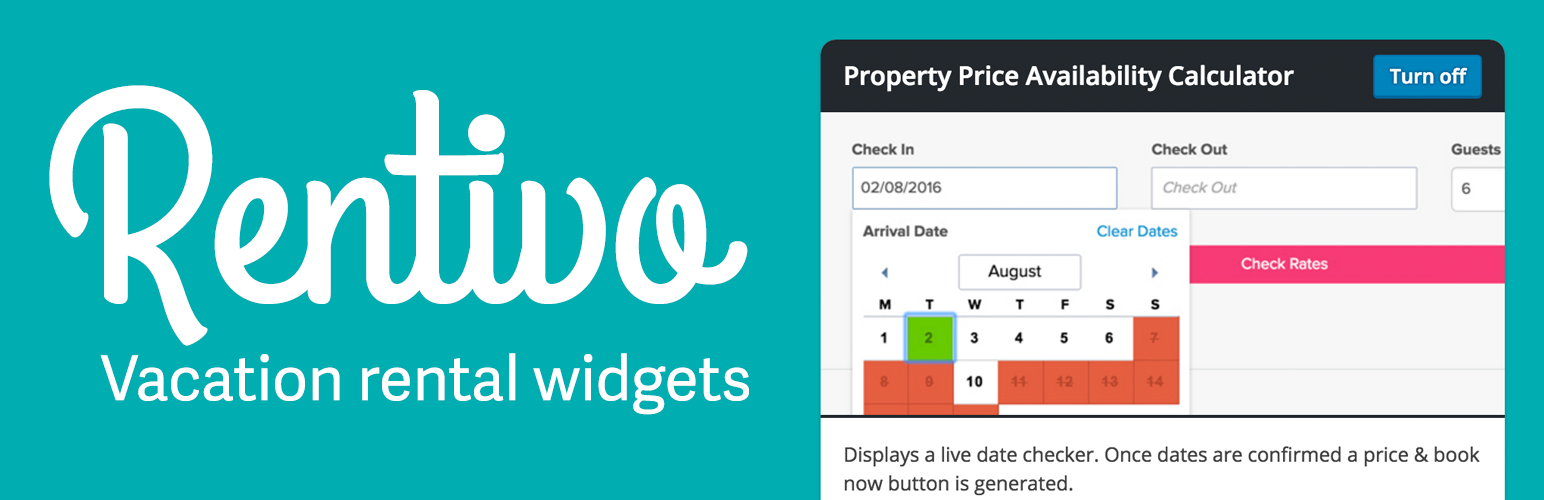
Include Rentivo widgets on your website, including real time availability and book now functionality.
Installation
- Upload the plugin files to the
/wp-content/plugins/rentivo-widgetsdirectory, or install the plugin through the WordPress plugins screen directly. - Activate the plugin through the ‘Plugins’ screen in WordPress
- Use the Rentivo Widgets menu item in the left sidebar to configure the plugin
- Click settings on the Rentivo widget you’d like to configure and follow onscreen instructions
Screenshots

Rentivo Widgets admin interface screenshot-1.png
Faq
Reviews
Great for adding live availability and instant booking
By 
Great for adding live availability and instant booking to your wordpress website for existing Rentivo customers
No updates - current version breaks sites
By 
Testing a few different plugins that integrate vacation rental booking systems with SaaS booking systems (for a client).
I realize that Rentivo allow their customers to create sites from templates on their platform - but I think you were on to something here by creating a WorPress plugin for your widgets.
Yes, I can still iFrame your widgets on my client site - but a good and often updated WordPress plugin would get used in my opinion. Hope you get this changed - I wanted to recommend Rentivo to my client. I'll likely recommend a competitor.
The current version, over 4 months old, does not work. Therefore I can't give it higher than a 1 and it really deserves only half a star.
Changelog
0.1
- Rentivo Widgets version 0.1 is launched. Added live availability and booking button functionality.