Rentware Widgets for Elementor
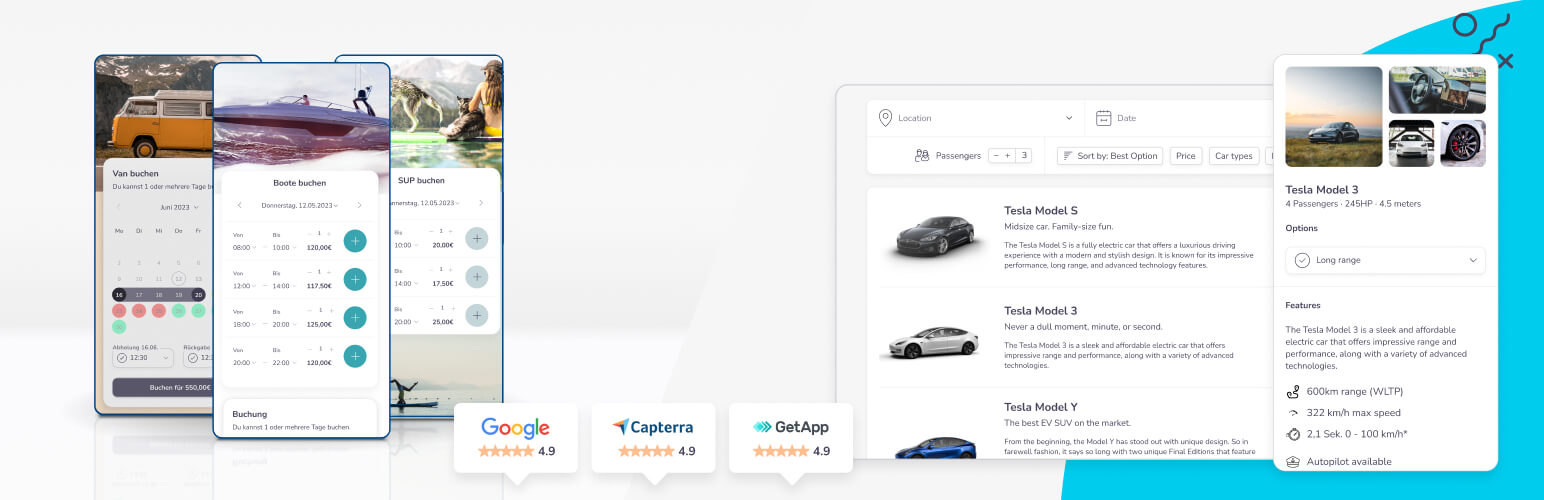
Rentware Widgets for Elementor
Description
Rentware Widgets for Elementor adds a dedicated Rentware widget to the Elementor editor, letting you embed rental checkout and availability calendar widgets directly on any page — no coding required.
What is Rentware?
Rentware is a rental management SaaS platform that helps businesses manage inventory, bookings, and customer relationships. It provides embeddable widgets for checkout and availability calendars that integrate directly into any website.
Features:
- Drag-and-drop Rentware widget in the Elementor panel
- Supports Checkout Widget and Availability Calendar
- Global access token setting shared with the Rentware Shortcodes plugin
- Per-widget token override for multi-account setups
- Compatible with Elementor 4.0 and the new Atomic editor
Installation
- Make sure Elementor is installed and activated.
- Upload the
rentware-widgets-for-elementorfolder to/wp-content/plugins/, or install it via the WordPress plugin screen. - Activate the plugin through the Plugins menu in WordPress.
- Go to Settings > Rentware and enter your Rentware API access token.
- Open any page in Elementor, search for “Rentware” in the widget panel, and drag the widget onto your page.
Screenshots

The Rentware widget in the Elementor panel.

Widget settings — Article ID, Widget Type, and optional token override.
Faq
Yes. You need an active Rentware subscription. Sign up for a free trial at rentware.com.
In your Rentware account dashboard. Once copied, paste it into Settings > Rentware > Access Token in WordPress.
Yes. The plugin uses the current elementor/widgets/register hook and is fully compatible with Elementor 4.0 and the Atomic editor.
Reviews
Changelog
1.1.0
- Updated to use
elementor/widgets/registerhook (replaces deprecatedelementor/widgets/widgets_registered). - Updated to use
Widgets_Manager::register()(replaces deprecatedregister_widget_type()). - Removed all Elementor Scheme usage (removed in Elementor 3.26).
- Raised minimum PHP version to 8.0.
- Bumped “Tested up to” to WordPress 6.8 and Elementor 4.0.
1.0.4
- Previous release.