Responsive Image Switcher
Responsive Image Switcher
Description
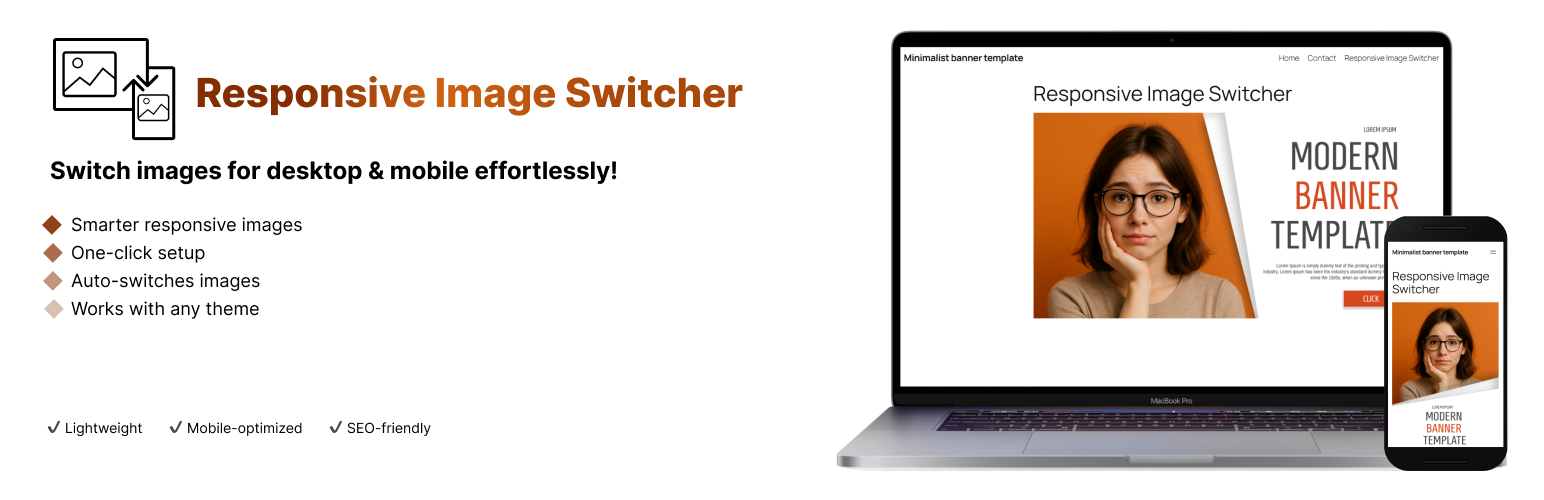
Responsive Image Switcher is a lightweight Gutenberg block that simplifies responsive image management in WordPress. Add the block, upload a desktop image (for screens ≥768px) and a mobile-optimized image (for screens <767px), and the plugin generates clean HTML5 <picture> markup. The browser automatically loads the appropriate image based on screen width, ensuring fast load times and an optimal user experience.
Key Features:
– Device-Specific Images: Show different images on desktop (≥768px) and mobile (<767px)
– Lightweight Solution: Uses standard HTML5 <picture> tags without extra JavaScript
– Better Performance: Optimized for Core Web Vitals by reducing unnecessary image loading
– SEO Friendly: Improves mobile user experience and page speed
– Simple Interface: Easy-to-use block controls in the Gutenberg editor
Why Choose Responsive Image Switcher?
With over 60% of web traffic coming from mobile devices, delivering the right image for each screen size is critical. This plugin eliminates the need for complex CSS media queries or CDN setups, making responsive images accessible to everyone.
Installation
- Upload the plugin ZIP via WordPress Admin (Plugins Add New Upload)
- Activate the plugin
- Find the “Responsive Image Switcher” block in Gutenberg editor
Screenshots

The block interface in Gutenberg editor showing desktop and mobile image upload options

Example of responsive images working on desktop and mobile devices
Faq
Yes! The plugin works with:
Any modern WordPress theme (block-based or classic)
Most page builders (if they support Gutenberg blocks)
WordPress 6.5+ and PHP 8.0+
Yes, it works with any theme that supports the Gutenberg editor.
Yes, for best performance we recommend optimizing your images with tools like TinyPNG or ShortPixel before uploading.
Reviews
Worked Well To Improve My Page Speed On Search Console
By 
Happy to provide a review for this plugin, we need to support new plugin devs. Worker really well for my needs, easy to use and solves a common problem rleated to page speed on mobile.
Changelog
1.0.2
- Improved compatibility with WordPress 6.8
- Fixed minor styling issues in the editor
1.0.1
- Added better error handling for image uploads
- Improved accessibility of the block controls
1.0.0
- Initial release