Responsive Slider Gallery – Responsive Image Photo Slider

Responsive Slider Gallery – Responsive Image Photo Slider
Description
A Simple Responsive Photo Slider For WordPress
Responsive Slider Gallery is an easy tool to build a stunning image slideshow. It makes managing your photo assets fast and simple. Your visitors get a beautiful experience on mobile phones, tablets, and desktop computers.
Setting up an image photo slider takes less than two minutes. You just pick your photos from the WordPress media library. Then drag them into any order you like and click publish. Use a shortcode to place the slider anywhere.
Features Of This Image Slider
- Create a responsive photo slider that fits any screen size.
- Arrange your image slide order with smooth drag and drop.
- Batch upload multiple photo files directly from your media library.
- Place your slideshow anywhere using a flexible shortcode.
- Add a photo slider widget into your sidebar or footer area.
- Set custom width and height to fit your website design.
Free Version Demo: Responsive Slider Gallery
Premium Version Demo: Responsive Slider Gallery Premium Demo
Where To Buy: Buy Responsive Slider Gallery Premium
What You Can Do With This Plugin:
- Create an image slider that looks good on all devices
- Arrange slide order by dragging and dropping
- Upload multiple photos at once using batch upload
- Place your slideshow anywhere using shortcodes
- Display sliders in sidebar and footer widget areas
- Set custom width and height for your slideshow
- Choose different navigation arrow styles
- Run multiple sliders on the same page
This slider gallery works across all major browsers including Chrome, Firefox, Safari, and Edge. It integrates directly with the WordPress block editor and classic editor.
Live Demos
- Slider With Sidebar
- Full Screen Slider
- Custom Width & Height
- Navigation Styles
- Transition Effects
- Text On Slides
Why Choose This Photo Gallery Slideshow?
This image slider works seamlessly on Chrome, Firefox, Safari, and Microsoft Edge browsers. It is fully compatible with the modern WordPress block editor. It is lightweight and loads your images very quickly.
Free Version Features
- Responsive image slider layout.
- Simple drag and drop image sorting.
- Batch media library photo upload.
- Standard shortcode support for posts.
- Widget photo slider for sidebar.
- Custom photo slideshow width settings.
Premium Version Features
The premium upgrade gives you powerful extra options for your photo slider:
- 3 Different navigation arrow design styles.
- Multiple slide animation transitions like fade and zoom.
- Advanced text overlay options for image descriptions.
- Full screen display toggle for heavy visual impacts.
- Dedicated priority email support queue access.
Installation
- Upload plugin files to your WordPress site via the plugins dashboard.
- Activate “Responsive Slider Gallery” through the menu.
- Click “Add New Gallery” in the sidebar menu.
- Select your photos and configure your image slider settings.
- Save your draft and copy the resulting shortcode.
- Paste shortcode into any page to render the image slider.
Screenshots

Photo Slider Preview Display
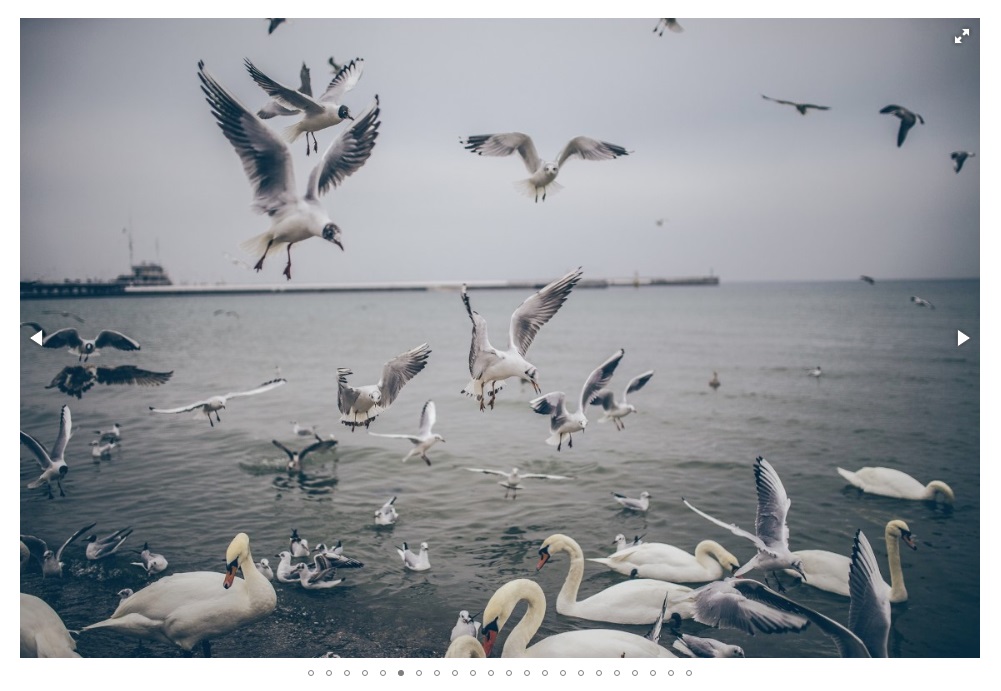
Image Slide Collection View

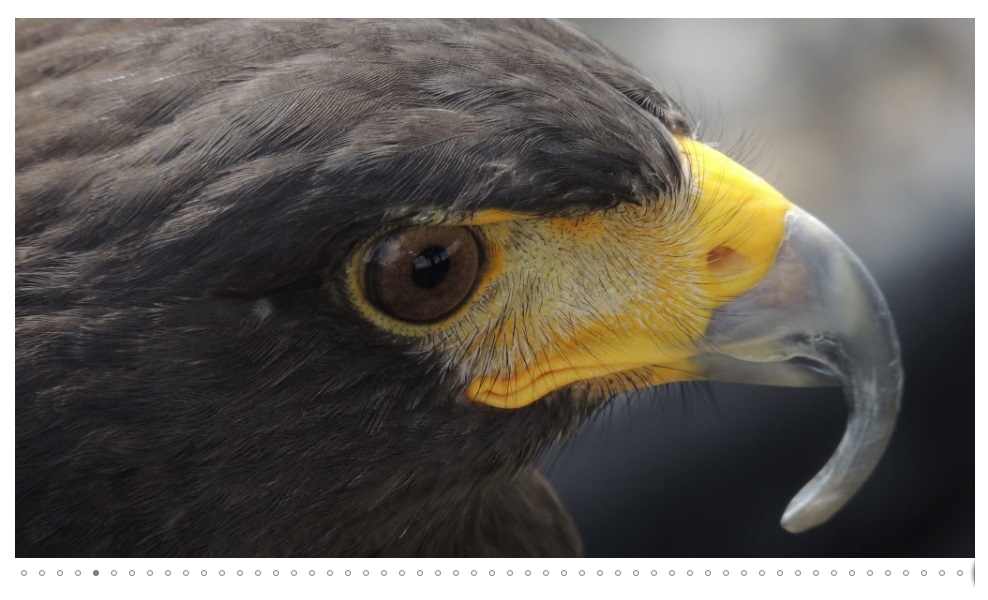
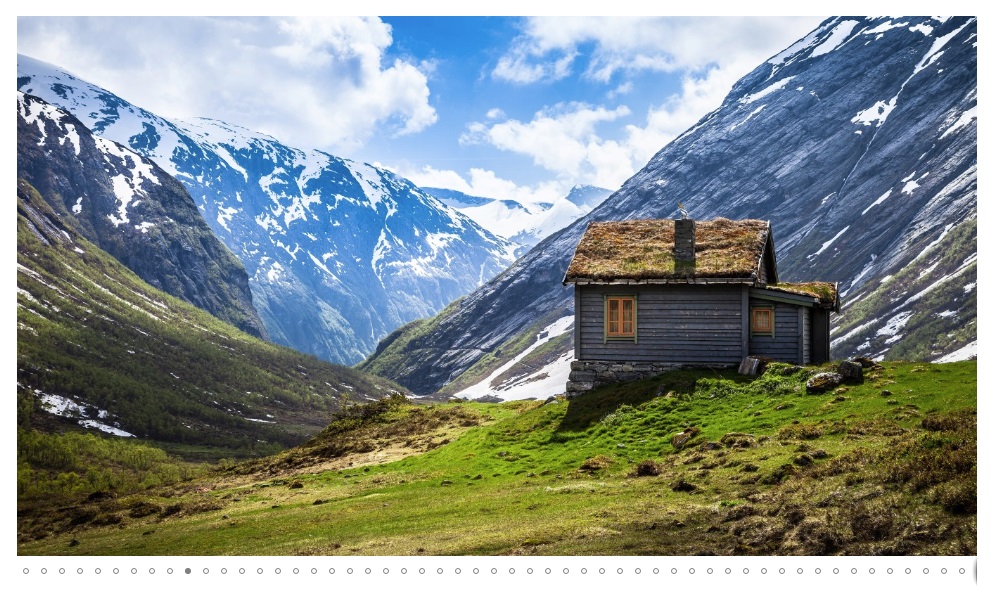
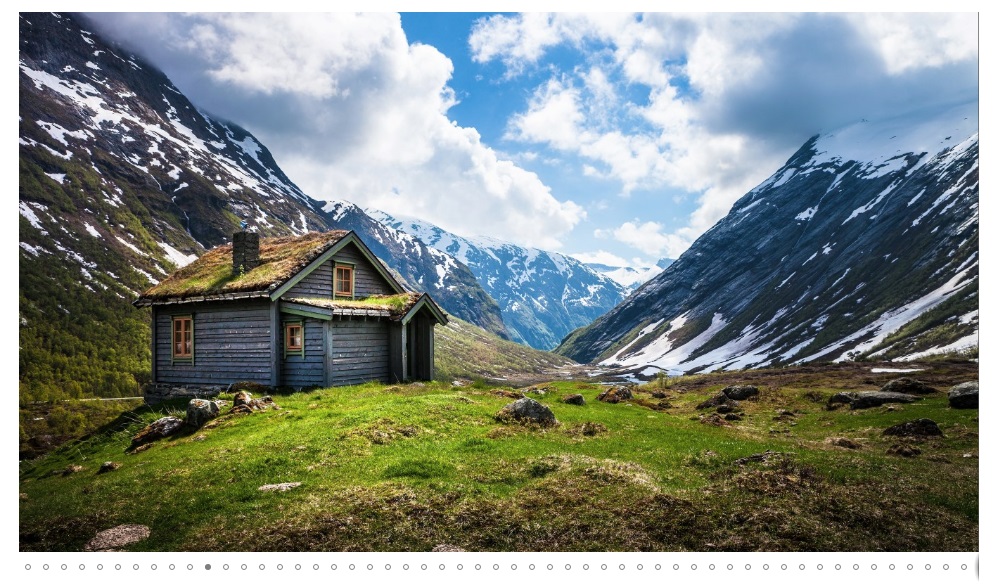
Responsive Slider Settings Panel





Faq
Click “Add New Slider” in your dashboard and upload your photo library items. Arrange them in the grid, save your draft, and copy the shortcode.
Yes, absolutely. Just copy the generated shortcode and paste it into a standard text widget. The image slider automatically adapts to the widget width.
Yes. The plugin is coded with responsive flex layouts. Your image photo slider will look beautiful on any mobile screen size.
You can upload any common photo type. The slider supports standard JPG, PNG, GIF, and modern WebP image files perfectly.
Yes. You can use the Elementor shortcode block to drop your photo slideshow into any design layer. It works great with Divi too.
Reviews
a fair one
By 
simple, clean and easy, with enough customization attributes for most situations, support is responsive but rely on user to investigate obvious problems, also interface better be much more compact (i looked for a new gallery plugin since the one i used for years suddenly got a update issue with wordpress but fixed now, therefore would go back to it but i'm glad to have another one for some new page designs)
Best slider gallery I know
By 
Great plugin, easy to install and has all features a slider gallery needs. I needed some help to implement it in my wordpress installation. I got immediate help and they fixed my wrong width parameters. Great job.
I like the click gallery functionality
By 
I needed some galleries that change images every time you click them, quickly rotating through an assortment of images. This did the trick.
Perfect in its simplicity
By 
Simple product, great service
By 
Misleading demo and cover image of that plugin
By 
Great, Simple and RESPONSIVE!
By 
A very good gallery slider plugin with many options for pleasant viewing.
By 
Best slider
By 
Amazing slider
By 
Changelog
1.5.4
- Date July 27,2026
- Premium version link fixed.
1.5.4
- Date May 13,2026
- Performance Infrastructure: Converted database operations to high-speed native arrays with built-in safety fallback logic for 100% backward compatibility.
- Dashboard Intelligence: Integrated an expansive dynamic Documentation Suite and direct support access engine into submenus.
- Resource Precision: Rewrote the asset router to deliver CSS and JS assets exclusively when the plugin dashboard is live.
- Security Fortification: Deployed rigid authorization gates and purged redundant legacy widgets/textdomain handlers for streamlined load speeds.
1.5.3
- Major UI Modernization: Updated the admin dashboard to a cleaner indigo theme.
- New Tab System: Switch settings quickly without waiting for page reloads.
- Performance: Removed redundant code for a faster loading interface.
1.5.1
- UI design updates and layout improvements.
- Added beautiful gradient sections to the hero header.
- Full compatibility testing for WordPress version 6.9.
1.5.0
- Verified framework functions correctly on latest updates.