RESTful JSON API

RESTful JSON API
Description
RESTful JSON API provides simple JSON endpoints for WordPress content and user-facing app workflows. It is designed for mobile apps, external tools, and lightweight integrations that need predictable JSON responses from WordPress.
Built-in features include:
- Core endpoints for pages, search, indexes, menus, and API metadata.
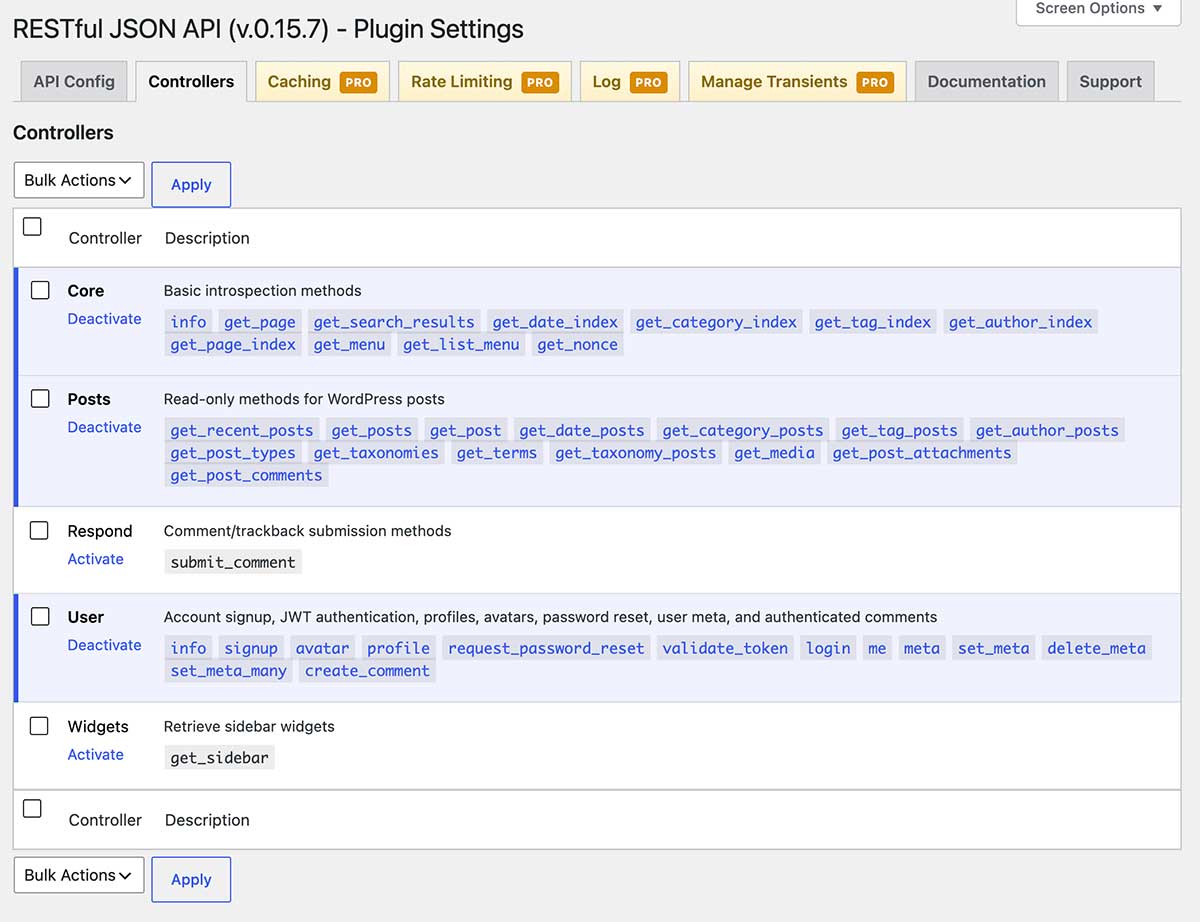
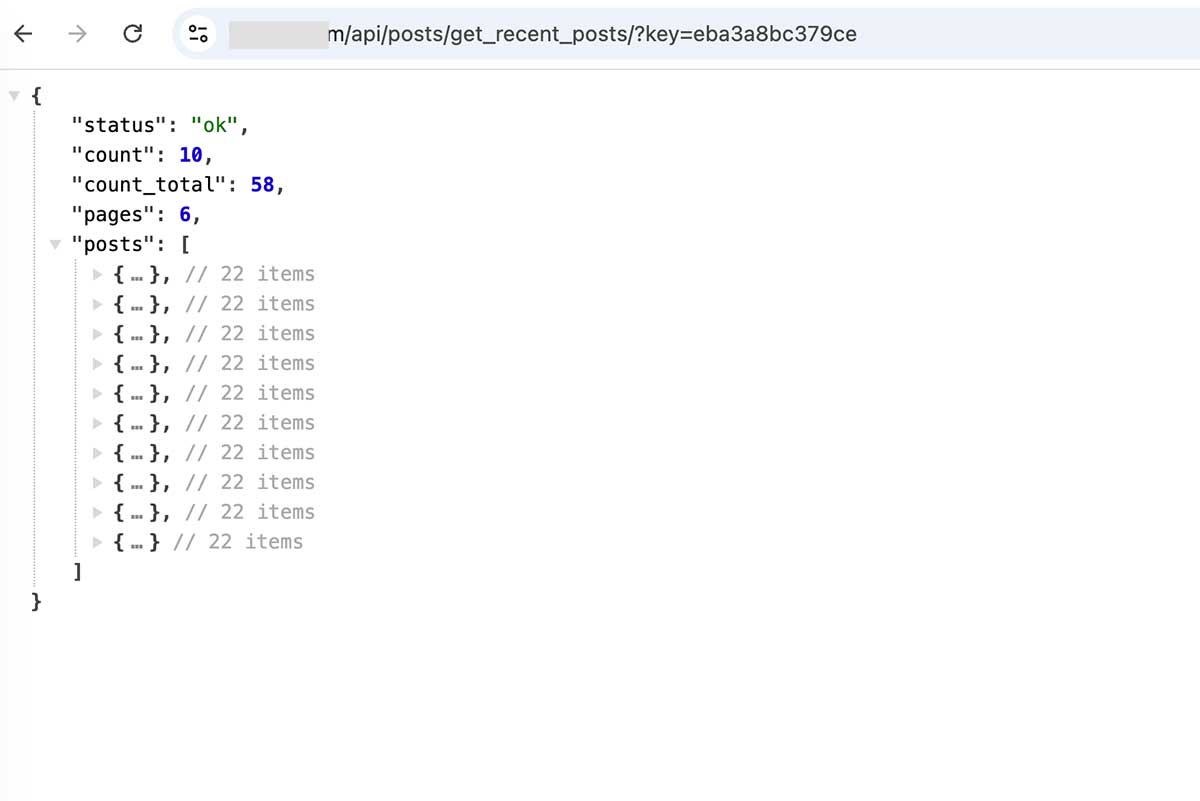
- Posts controller endpoints for read-only post lists, single posts, CPT discovery, custom taxonomies, taxonomy terms/posts, media, attachments, comments, date archives, category archives, tag archives, and author archives.
- Comment submission endpoints.
- Widget/sidebar retrieval endpoints.
- User signup, login, token validation, current-user profile, avatars, password reset requests, user meta, and authenticated comments.
- Plugin-issued JWT bearer tokens for protected endpoints.
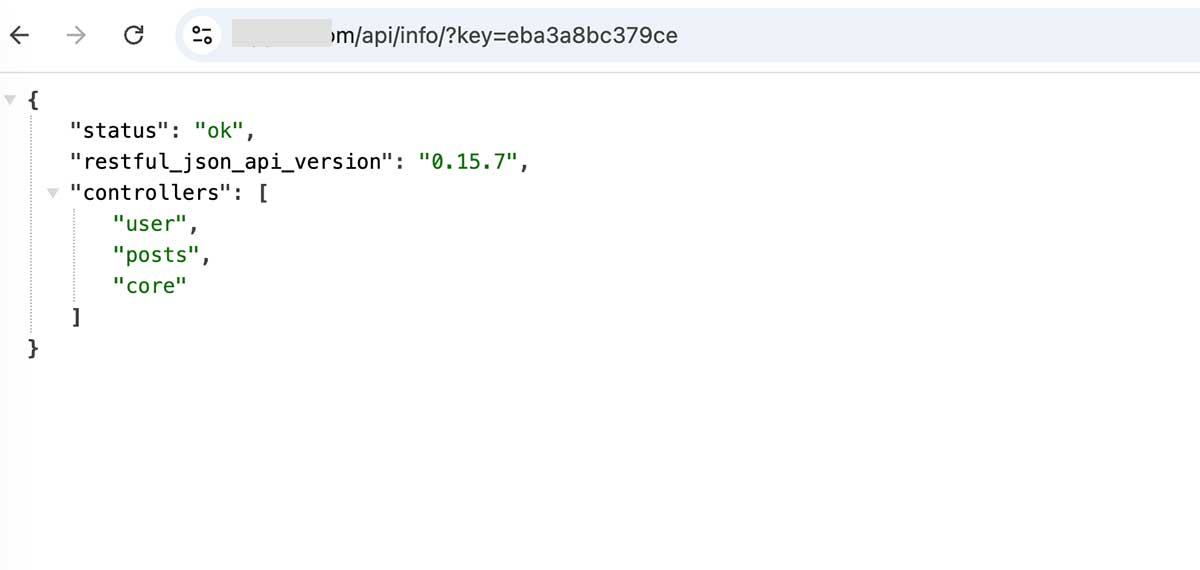
- Optional shared API-key protection.
- CORS allowed-origin settings.
- HTTPS enforcement for password and bearer-token requests, enabled by default.
Full endpoint documentation with sample code is available in Settings > RESTful JSON API > Documentation. The same long-form documentation is also included in readme.md inside the plugin package.
Installation
- Upload the
restful-json-apifolder to/wp-content/plugins/. - Activate the plugin from the WordPress Plugins screen.
- Open Settings > RESTful JSON API.
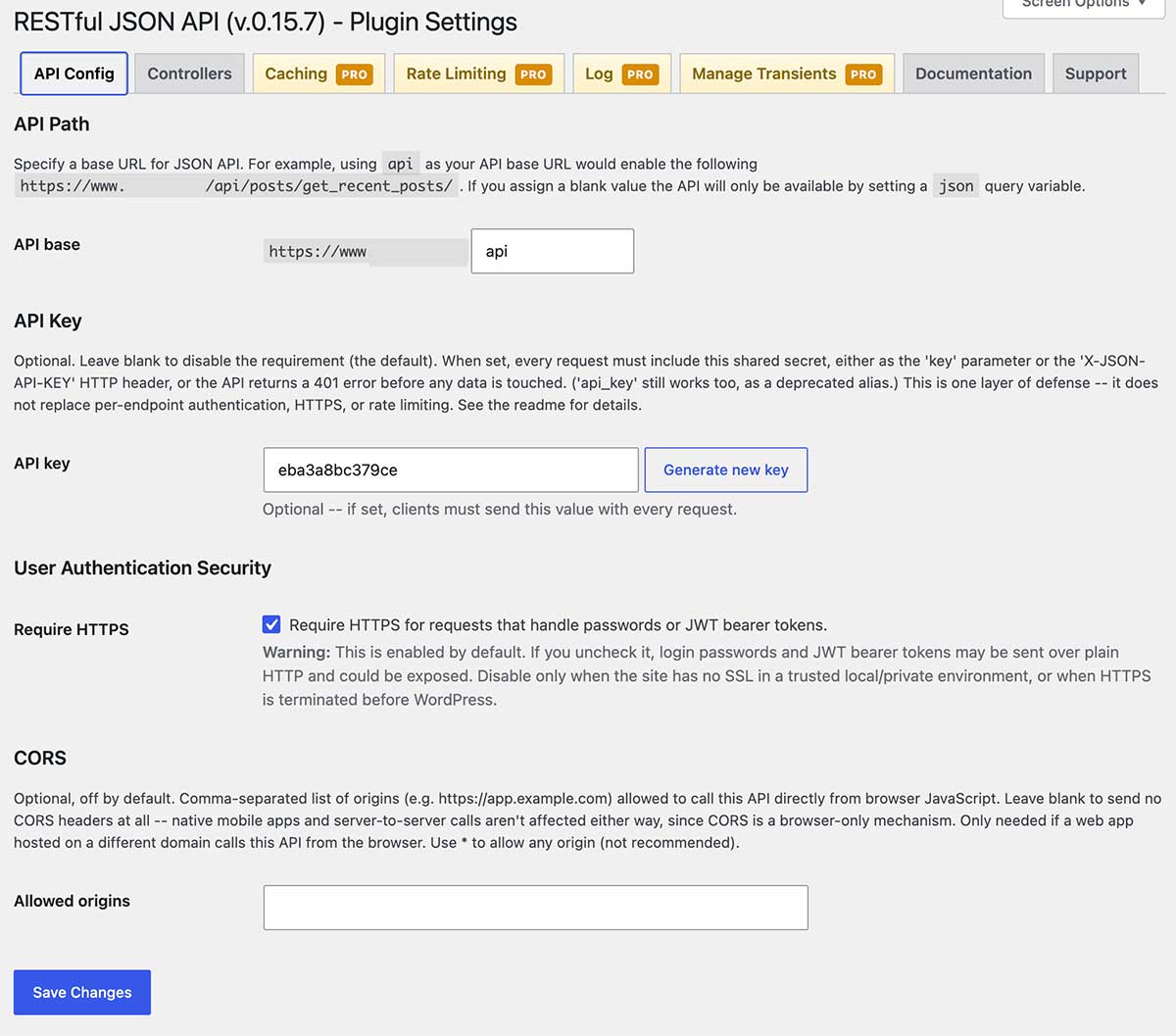
- Configure the API base path, optional API key, CORS origins, HTTPS requirement, and enabled controllers.
Screenshots
Faq
Clients call the User controller login endpoint with a username and password over HTTPS. The response includes a plugin-issued JWT. Protected endpoints require Authorization: Bearer ACCESS_TOKEN.
No. This plugin uses JWT authentication, so users do not need to manually create Application Passwords.
HTTPS is required by default for password and bearer-token requests. Site owners can disable this in Settings > RESTful JSON API for local or non-SSL environments, but production sites should keep it enabled.
No. Cookie-based authentication endpoints were removed. Use JWT bearer tokens instead.
Open Settings > RESTful JSON API > Documentation for login, token validation, post create/update/delete, user meta, comment, and controller examples. The same documentation is also included in readme.md.
Reviews
Changelog
0.15.8 (2026-09-08):
- Tested and confirmed compatible with WordPress 7.1.
- Confirmed the secure Parorrey donation link.
0.15.7 (2026-07-15):
- Initial release.