Reviewbird

Reviewbird
Description
Reviewbird upgrades your WooCommerce Product Reviews, increasing your social proof and growing your sales. Requires a Reviewbird account. Create an account to get started.
🌟Key Features:
- Automated Review Collection – Automatically request reviews from customers after purchase
- Spam Protection – AI-powered spam detection blocks fake, inappropriate, and low-quality reviews
- Complaint Catching – Intercept negative feedback before it goes public, giving you a chance to resolve issues
- Beautiful Display – Display your reviews with a beautiful, customizable widget that matches your store design
- Multimedia Reviews – Customers can submit reviews with photos and videos so customers can really see what your products look like.
- Star Ratings – Seamlessly integrates with WooCommerce so your ratings show up on product pages and catalog pages
- SEO Rich Snippets – Automatically adds JSON-LD structured data for rich Google search results
- Showcases – Show-off your best reviews in a variety of formats including sliders, tickers, a review wall, etc.
- Discount Incentives – Offers discounts to customers that leave a review – or incentivize them to add a photo or video.
- Import/Export Reviews – Easily import and export reviews, with all of your data.
- Google Merchant Feed – Sync your reviews to Google shopping search results.
- Translated and Localized – Translate your reviews to your user’s language, automatically.
** 🔭 SEO Optimized **
Reviews from your customers are one of the best sources of SEO content you can get. When customers write excellent reviews, they use the same language other potential buyers are searching for – those long-tail keywords that drive qualified traffic to your store.
- Fresh, Unique Content: Customer reviews naturally include diverse keywords and phrases.
- Photos and Videos: Collect customer photos and videos to enhance your reviews
- Rich Search Results: Display product ratings and review counts in Google results.
** 🛠️Made for Developers by Developers **
We include the shortcodes, filters, and action hooks you need to deeply integrate Reviewbird into your store.
Shortcodes
[reviewbird_widget]— Displays the full review widget. Optionalproduct_idattribute (defaults to the current product).[reviewbird_showcase id="123"]— Displays a review showcase. Theidattribute is required (get it from your Reviewbird dashboard).[reviewbird_stars]— Displays the star rating and review count. Optionalproduct_idattribute (defaults to the current product).
External Services
This plugin connects to the Reviewbird API to enable review collection, management, and display features. Reviewbird connects to WooCommerce using OAuth and pulls information securely via the REST API. Reviewbird extends the native REST API to add additional endpoints required for full functionality.
Service Name: Reviewbird API
Service Provider: Reviewbird
Website: https://reviewbird.com
Terms of Service: https://reviewbird.com/terms-and-conditions/
Privacy Policy: https://reviewbird.com/privacy-policy/
Cookie Policy: https://reviewbird.com/cookie-policy/
Purpose:
– Verify your Reviewbird account
– Allow Reviewbird to collect order data to trigger review request emails
– Retrieve review widgets and showcases for your website
– Allow Reviewbird to collect product information for review display and product groups
– Manage review submissions and responses
Data Transmitted:
– Account Verification: Connection status
– Order Data: Order ID, customer email, customer name, line items, order date, status, locale
– Product Data: Product ID, name, SKU, slug, GTIN, brand, price, attributes (for variations), image URL, permalink, stock status
– Customer Data: Email address, name, review content and media
When Data is Sent:
– During OAuth connection from Reviewbird to WooCommerce
– During initial product sync after connection
– During scheduled order sync
– When you manually sync products
– When the review widget or showcases are loaded onto your website pages
By using this plugin, you agree to the Reviewbird Terms and Conditions and Privacy Policy.
Requirements:
- WooCommerce 5.0 or higher
- PHP 7.4 or higher
- A Reviewbird account (sign up at reviewbird.com)
Source Code
The built JavaScript and CSS files in assets/build/ are compiled from source files in assets/src/ using the WordPress Scripts (@wordpress/scripts) build tool.
The full source code is available at: https://github.com/Objectivco/reviewbird-plugin
To build from source:
- Clone the repository
- Run
npm install - Run
npm run build
For development: npm run dev
Installation
Automatic Installation:
- Log in to your WordPress admin dashboard
- Navigate to Plugins > Add New
- Search for “reviewbird”
- Click Install Now and then Activate
Manual Installation:
- Download the plugin ZIP file
- Log in to your WordPress admin dashboard
- Navigate to Plugins > Add New > Upload Plugin
- Choose the ZIP file and click Install Now
- Click Activate Plugin
Configuration:
Connection to your store is initiated through Reviewbird. Once you have the plugin activated, go to https://app.reviewbird.com/dashboard and click on “Connect”.
After you have connected your store to Reviewbird, this is how you configure the plugin settings:
- Go to Reviewbird in your admin menu
- Click the toggle to enable the Reviewbird display widget
- You can also enable the Google Schema JSON-LD output.
- Settings are saved automatically.
Screenshots
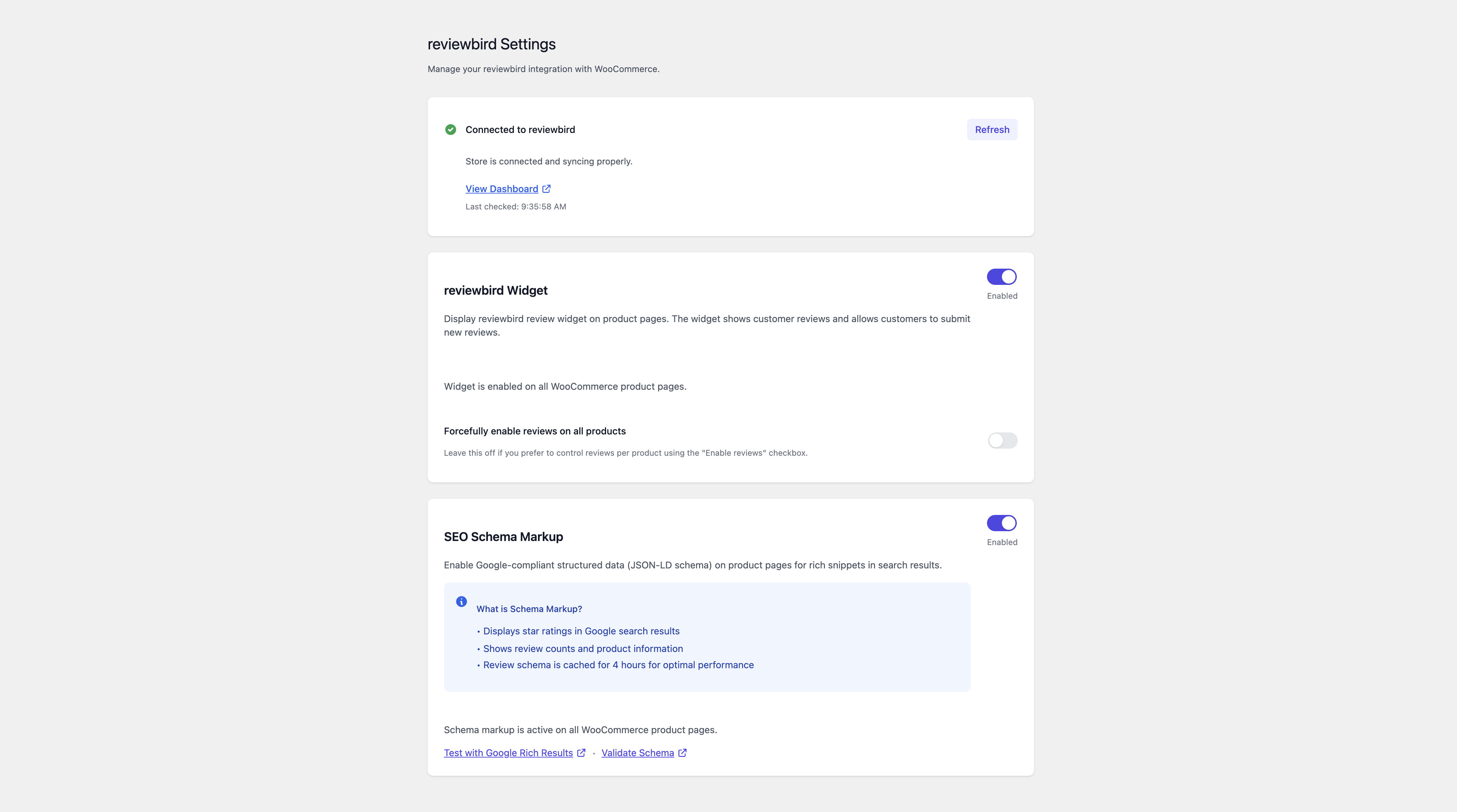
Reviewbird settings page

Review widget on product page

Review collection widget step 1

Review collection widget step 2

Review collection widget step 3
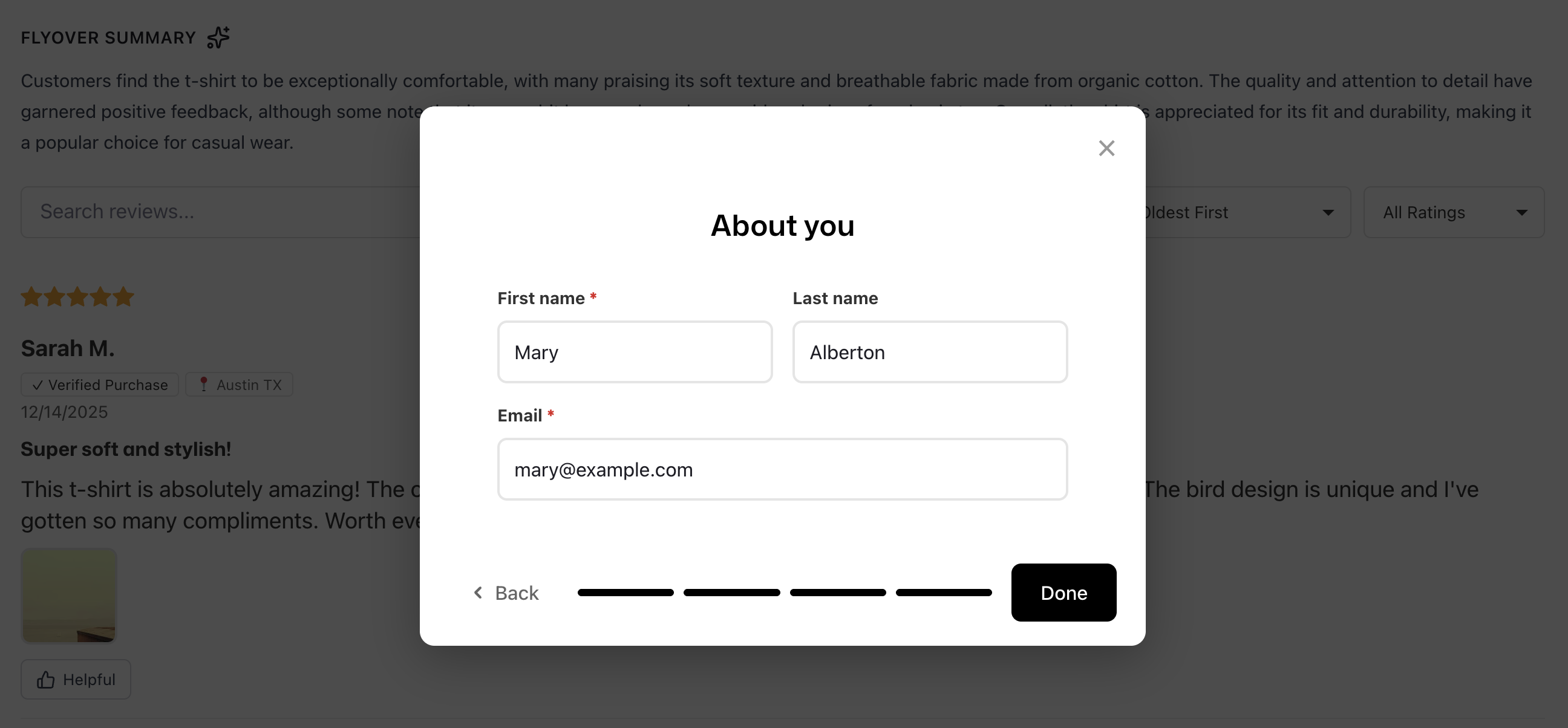
Review collection widget step 4
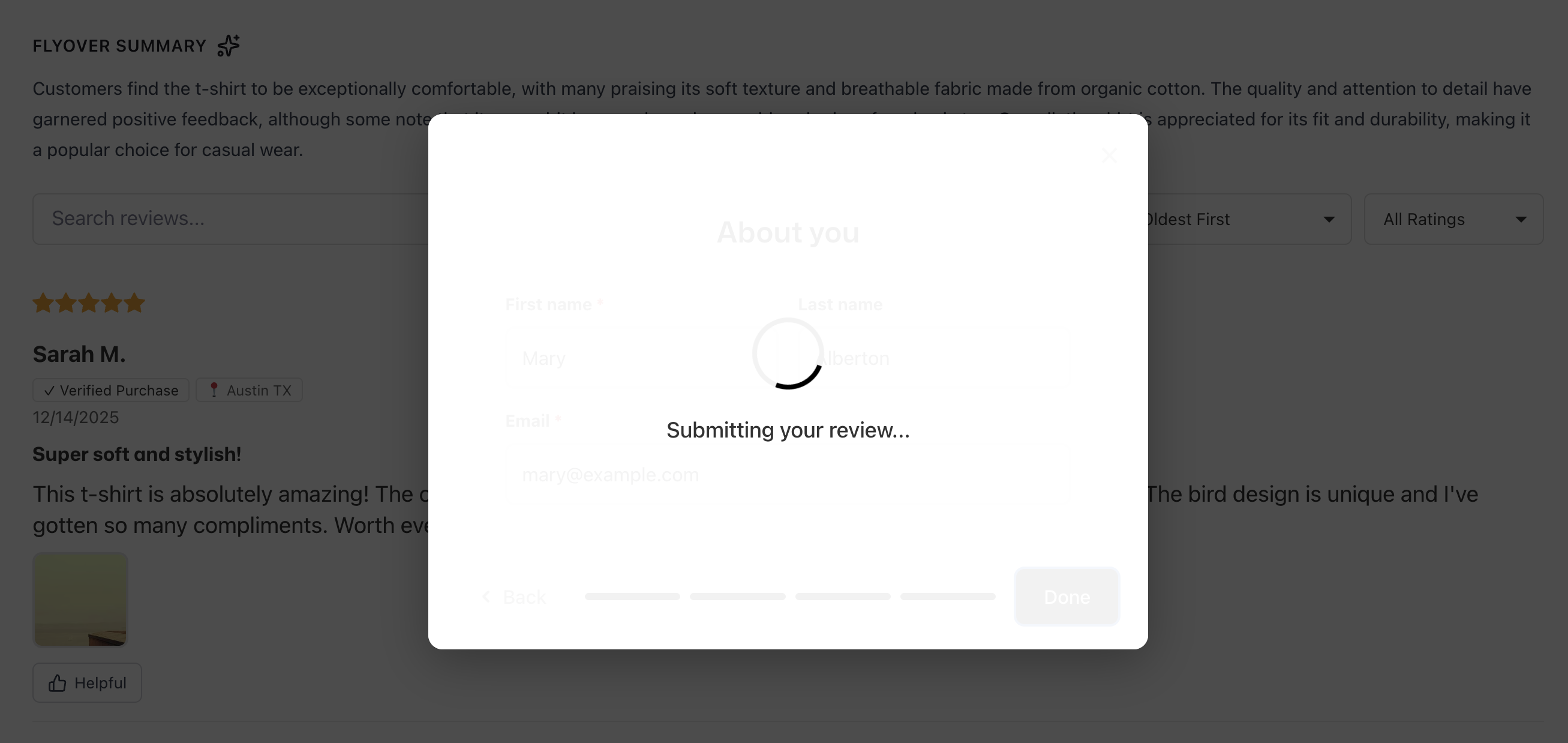
Review collection widget submission step

Review collection widget submitted
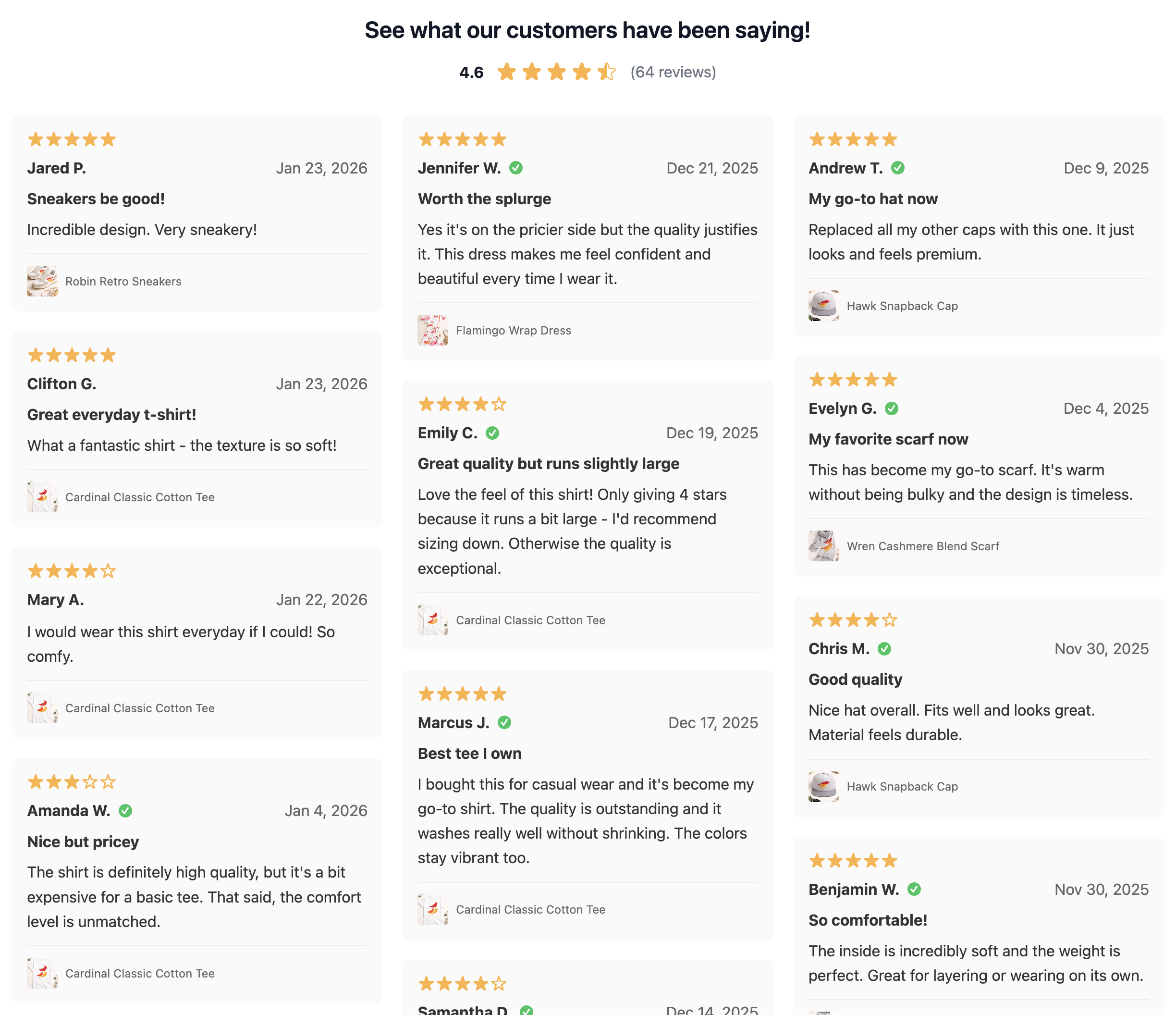
Review Wall showcase
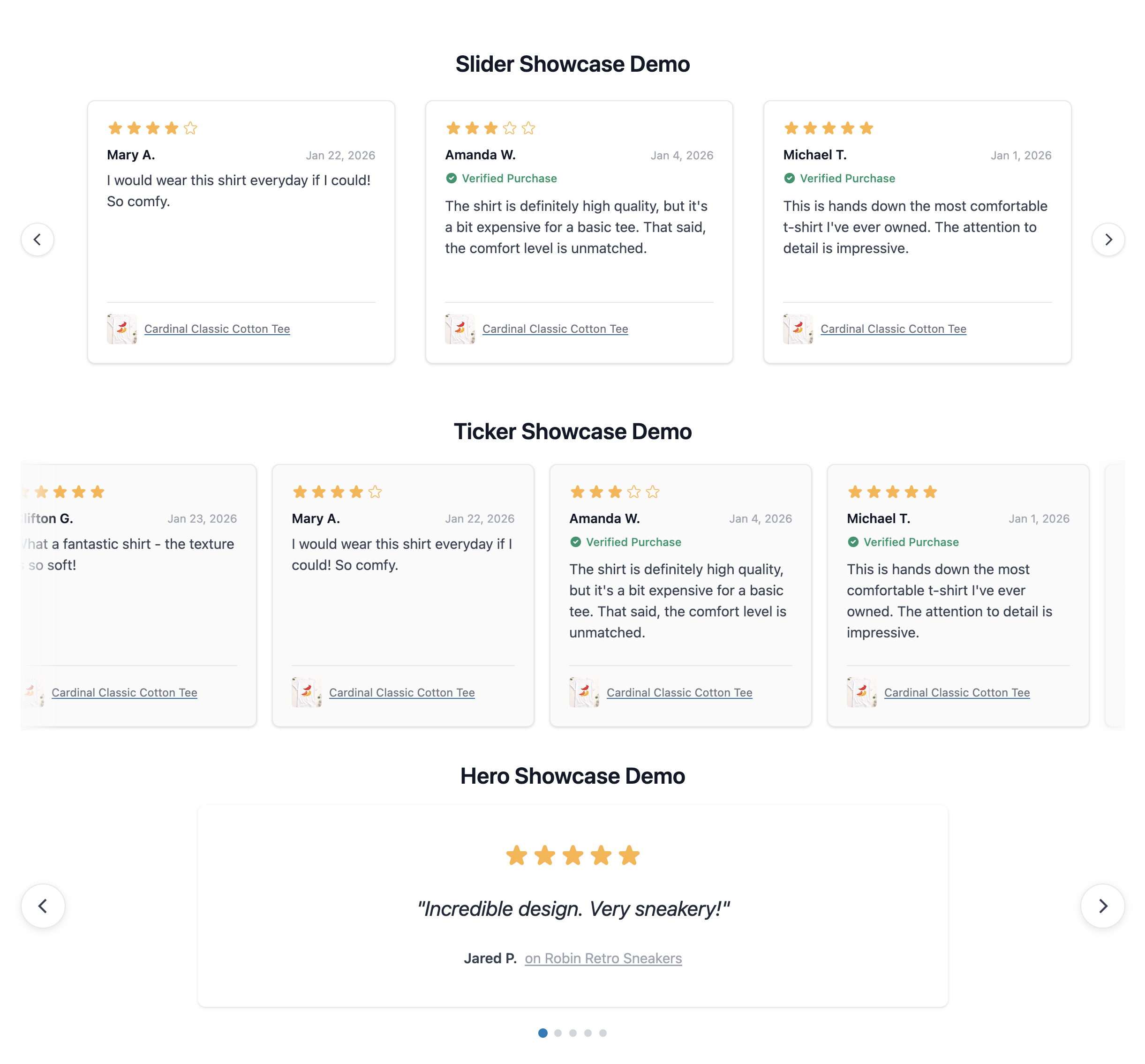
Other showcase styles
Faq
Yes, you need a Reviewbird account to use this plugin. You can sign up at reviewbird.com.
Yes, this plugin requires WooCommerce 5.0 or higher to function.
Once connected, enable the widget in Reviewbird in your admin menu. Reviews will automatically appear on your product pages.
Yes, you can customize colors and styling through your Reviewbird dashboard.
Reviews
Great Option for WooCommerce Reviews
By 
Connecting to the app is straightforward - it took me about 8 minutes to get set up. Reviewbird is a clean and effective WooCommerce review/rating solution with helpful features like automated email reminders, AI moderation for text, images, and video, and built-in JSON-LD schema support. The onboarding flow is smooth, and the product itself looks great.
Great review plugin
By 
Solid review solution for WooCommerce. Just what I was looking for. Clif is on top of things with support. Fixed an issue I had super quickly.
This plugin is awesome!
By 
I searched for months for a good reviews plugin for WooCommerce and was so happy I found this one. ReviewBird is awesome. It has all the most important features to make a review system very effective, while still being very simple and easy to integrate. I'm super impressed by this and would recommend it to anyone looking for a good reviews platform for Woocommerce. The developers are also very responsive.
Changelog
1.0.15
- Fix – Fix excessive health status checks with store ID is not set.
1.0.14
- Fix – Add support for ReviewX imports.
- Fix – Unschedule actions on deactivate.
1.0.13
- Fix – Fix URLs to include organization slug
1.0.12
- Compatibility updates for WordPress.org submission